
Industrial Touch Display Risk Guide
10 Industrial Touch Display Problems and Engineering Fixes
Industrial touch display problems usually appear after installation: false touches in rain, poor readability in sunlight, EMI noise, cracked glass, cable failures, dim backlights or repeated service calls. Most of these failures can be reduced before production if the touch display is reviewed as a system instead of a loose LCD, touch panel and enclosure.
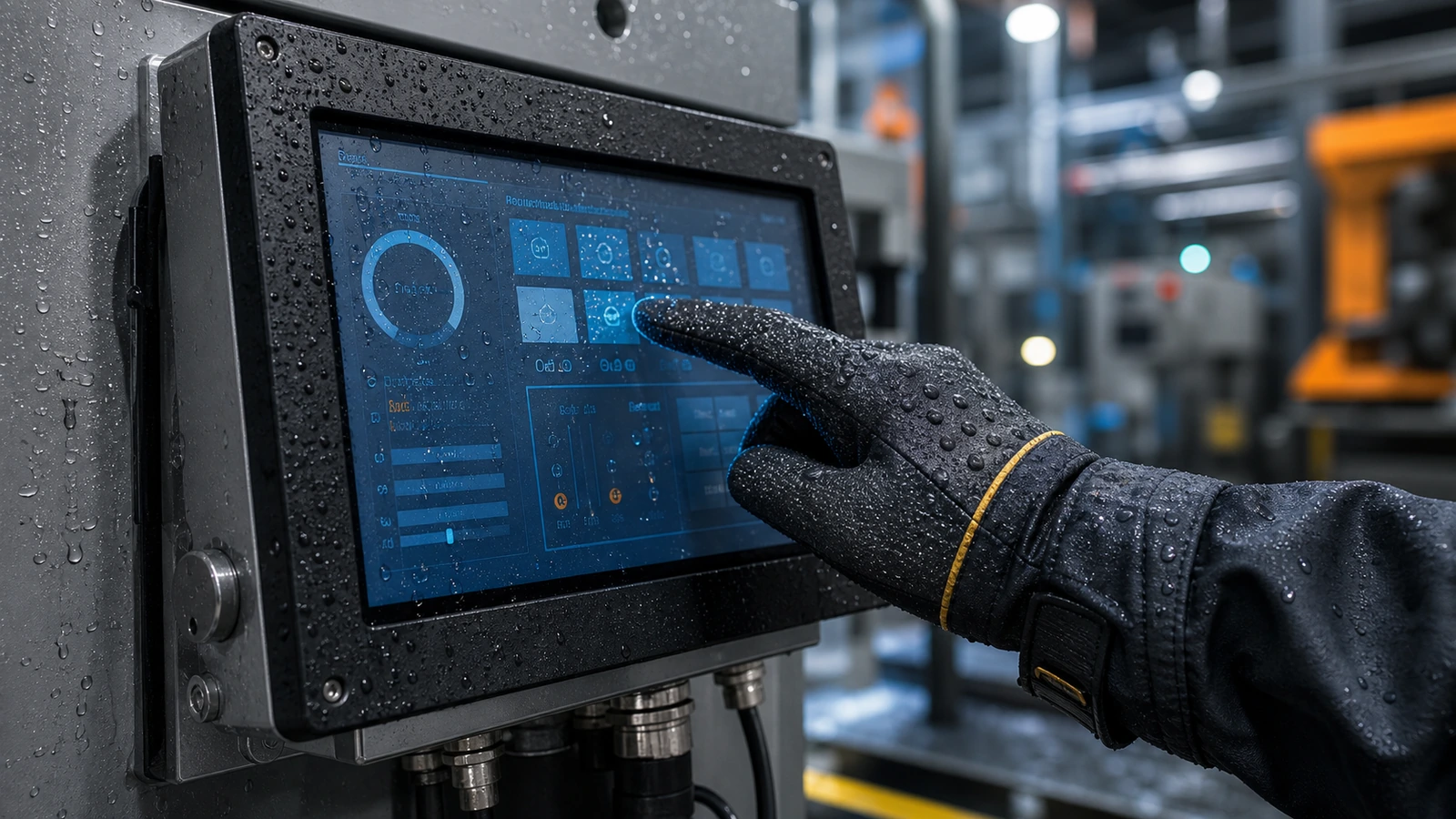
At-a-Glance Risk Table
| Problem | Typical Cause | Engineering Fix | Acceptance Check |
|---|---|---|---|
| Water false touch | Untuned PCAP controller, poor grounding or water pooling. | Wet touch tuning, gasket review and drainage path. | Run real UI with water film and droplets. |
| Sunlight unreadable screen | Low brightness, high reflection or air gap. | Higher brightness, optical bonding, AG/AR glass and thermal review. | Outdoor readability test at installation angle. |
| EMI or ESD touch jumps | Long cables, noisy power, weak shielding or poor grounding. | Grounding plan, shielded cable, controller placement and filter review. | Test with final host and nearby motors or readers active. |
| Cover glass cracks | Thin glass, unsupported edge or public impact. | Tempered glass, edge support and IK target review. | Mechanical inspection and impact risk assessment. |
| Condensation or fogging | Temperature swings, air gap or enclosure humidity. | Optical bonding, sealing plan and controlled ventilation. | Humidity and thermal cycle check. |
| Backlight fades early | High heat, high brightness, poor thermal design. | Brightness derating, heat path and lifecycle review. | Burn-in and temperature measurement. |
| Glove touch fails | Glass too thick or controller sensitivity not matched. | PCAP sensor and firmware tuned for target glove. | Test with actual glove and UI button size. |
| Chemical damage | Cleaner attacks coating, gasket or printed border. | Material compatibility review. | Wipe test using real cleaning chemical. |
| Mounting distortion | Uneven screw force or gasket compression. | Controlled mounting torque and frame design. | Check display uniformity after installation. |
| Slow field repair | No service clearance or custom cable lock-in. | Design connector access and replacement path early. | Timed service removal test. |
How to Prevent These Problems Before Production
Start With the Real Environment
List temperature, humidity, sunlight, rain, vibration, dust, cleaning process, operators, gloves and duty cycle. The environment determines the display stack more than a model name does.
Review Touch, Glass and Enclosure Together
PCAP performance is affected by cover glass thickness, printed border, air gap, LCD noise, grounding, cable route and enclosure material. Do not approve the touch panel before the cabinet drawing is stable.
Make Validation Concrete
A simple pass/fail test is more useful than a vague “industrial grade” claim. Define what must happen under water film, glove input, high ambient light, power cycle, vibration or cleaning exposure.
Problem-to-Product Direction
| Main Problem | Best Product Direction | Related Guide |
|---|---|---|
| Outdoor glare, rain and public use | Sunlight readable IP65 touch monitor. | IP65 waterproof touch screen design |
| Custom glass, gloves or wet touch | Custom PCAP touch panel and controller tuning. | PCAP controller troubleshooting |
| Cabinet integration and mounting | Panel mount or open frame touch monitor. | Panel mount vs open frame guide |
| Reflection, condensation or optical clarity | Optically bonded display stack with AG/AR/AF review. | Optical bonding guide |
RFQ Checklist for Risk Reduction
- Final or draft mechanical drawing with cutout, visible area and mounting depth.
- Installation environment, temperature, humidity, sunlight and cleaning exposure.
- Touch requirements: glove type, wet touch, cover glass thickness and interface.
- Display requirements: size, resolution, brightness, viewing angle and input.
- Validation requirement: IP, vibration, EMC, chemical, burn-in or lifecycle expectation.
Root-Cause Triage by Symptom Timing
When a touch display fails matters almost as much as how it fails. A problem visible during incoming inspection points to a different cause than a problem that appears only after the display is mounted in a metal cabinet or exposed to rain.
| When the Problem Appears | Likely Cause Area | Next Action |
|---|---|---|
| Before installation | Shipping damage, LCD defect, controller or cable issue. | Compare with a known-good cable and host before approving replacement. |
| After cabinet mounting | Gasket pressure, grounding, metal frame, cable strain or EMI. | Retest outside the cabinet and then reinstall step by step. |
| After outdoor exposure | Water path, condensation, heat, UV, glare or wet touch setting. | Review sealing, drainage, bonding and brightness thermal behavior. |
| After months of use | Backlight aging, cable fatigue, cleaning chemical or enclosure stress. | Check usage hours, service history and material compatibility. |
Engineering Review Template
Use a structured review before approving a display for production. The goal is to catch mismatches between the display sample and the real equipment environment.
| Review Question | Why It Matters | Evidence Needed |
|---|---|---|
| Is the display tested with the final host? | Driver, power and cable behavior can change with the system. | Host model, OS, cable length and power cycle record. |
| Is the touch tested in the final enclosure? | Grounding and bezel pressure can change PCAP performance. | Installed test result and photos of cable routing. |
| Is the optical stack matched to the environment? | Sunlight, reflection and condensation can make a working LCD unreadable. | Brightness target, glass treatment and outdoor readability result. |
| Is there a service replacement path? | A display that is hard to remove increases downtime. | Replacement steps, tool access and spare cable plan. |
FAQ
Why do industrial touch displays fail after installation?
Many failures come from enclosure, grounding, cable, environment or validation gaps rather than from the LCD itself. The display should be reviewed with the real cabinet and host system.
How can wet touch problems be reduced?
Use a PCAP controller tuned for wet operation, improve grounding, avoid water pooling, review gasket compression and test with the real UI under water film.
When is optical bonding worth using?
Optical bonding is worth considering when sunlight readability, condensation resistance, lower reflection or stronger optical stability is important.

