
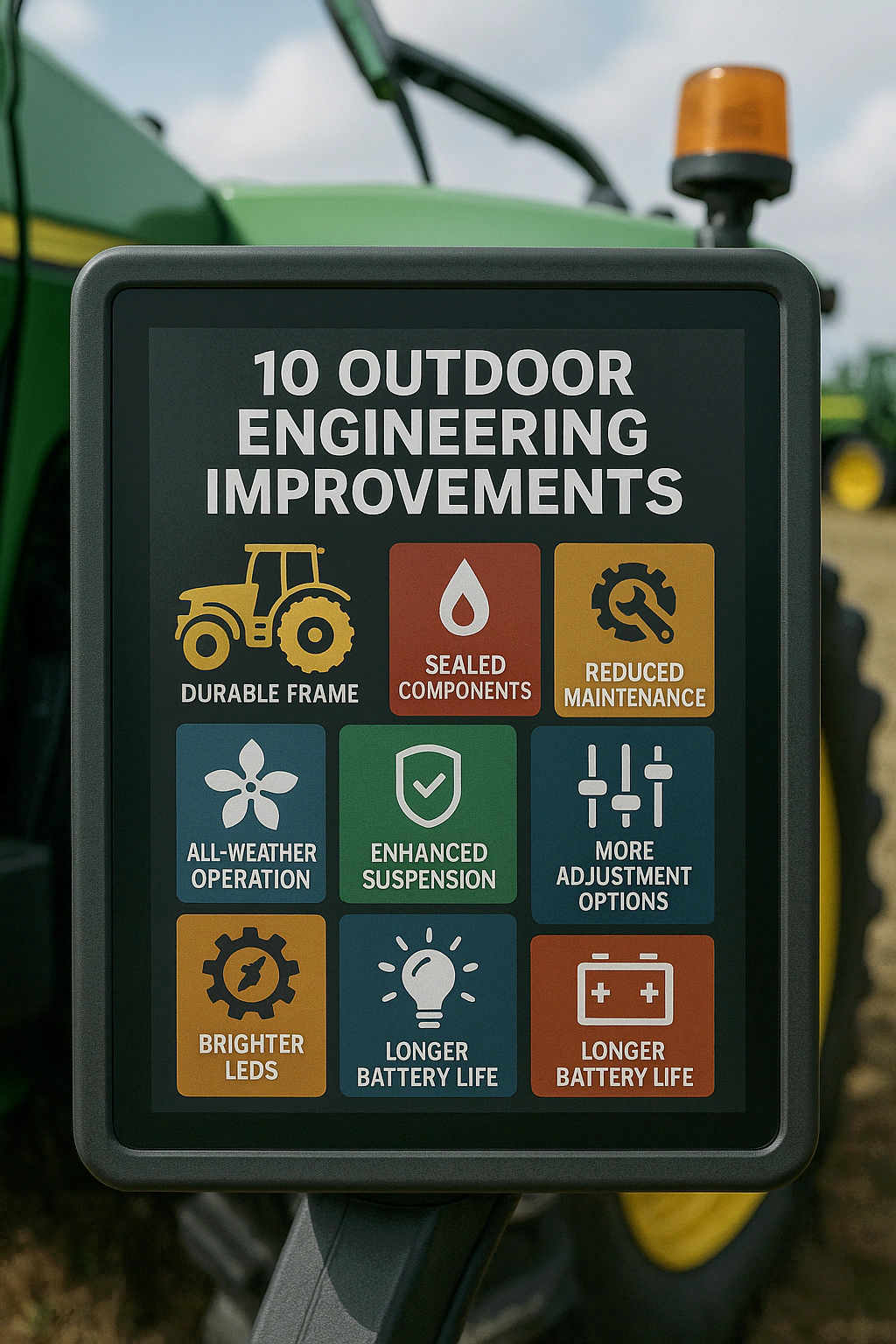
Agricultural Equipment Touch Screen HMI Design: 10 Outdoor Engineering Improvements
Outdoor agricultural equipment is evolving quickly. Tractors, sprayers, seeders, and irrigation systems now use smart control units and touch screen HMIs. As a result, operators can monitor data and adjust settings directly in the field. However, farm machines must survive mud, dust, rain, chemicals, and strong sunlight. Therefore, a touch screen HMI must be far tougher than a consumer tablet.
Top failure driver
Ingress + power noise + mechanical stress
Most missed step
Re-test after enclosure mounting
Fast win
High-brightness + AG/AR + bonding
- IP67-level dust and water protection
- Stable remote data and communication
- Simple interaction flow for farmers
- Resistance to fertilizers, pesticides, and cleaning chemicals
- Multiple control modes for different tasks
- Built-in self-diagnosis and clear fault messages
- Remote operation, fleet management, and analytics
- Compliance with agricultural safety standards
- Multi-language and icon-based UI for rural users
- High weather resistance and long service life
- FAQ
Why outdoor farm HMIs fail in the field
In agricultural deployments, HMI failures rarely come from one single cause. Instead, failures usually stack up: water ingress, dust abrasion, UV exposure, chemicals, vibration, and power noise. In addition, operators work in bright sun and often wear gloves. Therefore, the best HMI design is the one that remains readable, stable, and serviceable after many seasons.
Pain point
Dust, mud, rain, and high-pressure cleaning can push water and particles into weak seals. When that happens, failures appear during planting or harvest.
Engineering improvement
- Target IP67 or above for the front assembly, not only IP65.
- Use sealed bezels, compression gaskets, and waterproof connectors.
- Plan cable routing to avoid water pooling and capillary ingress.
See: waterproof touch screens.
Result
The touch screen keeps working during washdown and muddy field operation. Consequently, electronics stay protected and uptime improves.
Reference standard: IEC 60529 / IP code overview.
Pain point
Fields are often remote. If data links fail, location, job records, alarms, and traceability become incomplete.
Engineering improvement
- Integrate 4G/LTE, Wi-Fi, or long-range modules at the system level.
- Place antennas with metal cabins and shielding in mind.
- Use buffered logs so data can sync after reconnection.
Industry context: FAO resources on digital agriculture.
Result
Operators gain visibility across large fields. In addition, farms collect cleaner datasets for billing, optimization, and compliance.
Pain point
Bright sun, gloves, vibration, and time pressure make complex menus risky. Small buttons cause mis-taps and slow work.
Engineering improvement
- Use large, high-contrast buttons and consistent layouts.
- Keep critical workflows to few steps (start job, adjust rate, confirm).
- Tune PCAP for glove and wet conditions when required.
Result
Operators finish tasks faster and with fewer errors. Moreover, training time drops, which helps seasonal staffing.
Pain point
Fertilizers, pesticides, diesel, and cleaning fluids can soften plastics, damage coatings, or discolor weak materials over time.
Engineering improvement
- Use chemically strengthened glass and durable surface coatings.
- Select oil/chemical-resistant gaskets and sealants.
- Validate with wipe and soak tests based on real fluids.
Related reading: waterproof & rugged touch guidance.
Result
The HMI stays clear and mechanically stable for years. Consequently, unexpected field failures become less likely.
Pain point
Some tasks need precise adjustment. Others need fast, tactile actions. Touch-only controls can be hard with thick gloves or heavy vibration.
Engineering improvement
- Combine PCAP HMI with physical knobs, joysticks, or dedicated switches.
- Reserve hard keys for safety-critical actions and emergency workflows.
- Ensure touch tuning remains stable under vibration.
Result
Operators choose the best control mode per task. As a result, comfort improves and mis-operation declines.
Pain point
When sensors or valves fail, waiting for a technician can stop the job for a full day. If fault screens are vague, troubleshooting becomes slow.
Engineering improvement
- Add self-checks for sensors, comm lines, and key actuators.
- Show clear fault codes with suggested checks and simple next actions.
- Store logs locally, then upload when connectivity returns.
Result
Operators fix common issues themselves. Therefore, downtime drops and seasonal schedules stay on track.
Pain point
Large farms run multiple machines across different fields. Without fleet data, it is hard to optimize labor, fuel, and application rates.
Engineering improvement
- Export job data and sensor readings to a central platform.
- Track location, operating mode, runtime, and alarms consistently.
- Use simple dashboards to identify waste and bottlenecks.
Industry context: FAO summaries on precision farming.
Result
Managers gain clearer visibility across operations. Over time, routes and rates improve, which supports profit and sustainability.
Pain point
Agricultural machines mix heavy motion, chemicals, and people. Safety assessments can be slow if the control system is not built for compliance.
Engineering improvement
- Align early with functional safety requirements (for example, ISO 25119).
- Design hardware, EMC layout, and software workflows to support safety goals.
- Document validation methods and traceability from the start.
Reference: ISO information resources (ISO 25119).
Result
Approvals become smoother. In addition, the machine earns trust from operators and buyers, which helps competitiveness.
Pain point
Farm crews may use different languages. In addition, some users prefer visual guidance over technical text.
Engineering improvement
- Provide multi-language support and consistent icon libraries.
- Allow language selection at startup or in a fast settings menu.
- Reserve UI space for longer translations to avoid clipped labels.
Related overview: touch screen solutions by application.
Result
Operators learn faster and adjust settings more confidently. Therefore, errors decrease and productivity improves.
Pain point
Outdoor machines face UV, condensation, fogging, and constant vibration. Low-cost displays may fade or fail after a few seasons.
Engineering improvement
- Choose wide-temperature, high-brightness LCDs where needed.
- Use AG/AR treatments and bonding to reduce glare and internal fog risk.
- Select corrosion-resistant metals and UV-stable plastics for brackets and bezels.
Result
The HMI stays bright, readable, and mechanically stable across seasons. As a result, replacement intervals extend and TCO drops.
Conclusion: Build a reliable touch screen HMI for smart farming
Smart farming depends on electronics that survive harsh outdoor conditions and still deliver clear, actionable information. A well-designed agricultural equipment touch screen HMI combines sealing, chemical resistance, simple workflows, flexible controls, diagnostics, remote data, safety alignment, multi-language UI, and long-life outdoor readability.
When you address these ten pain points early, you reduce field failures and improve operator confidence. In addition, you shorten service cycles and improve long-term ROI for the end customer.
Quick mapping: pain point → design action
| Pain point | Design action | Typical benefit |
|---|---|---|
| Washdown, mud, dust ingress | IP67 sealing + gasket strategy + connector choice | Higher uptime in peak season |
| Sunlight + glare | High brightness + AG/AR + bonding | Readable UI outdoors |
| Gloves + wet touch | PCAP tuning + UI button sizing | Fewer mis-taps |
| EMI noise + random touch | Grounding + routing + stable power design | Less ghost touch |
| Hard-to-diagnose field faults | Self-test + clear messages + logs | Faster repair |
| Long outdoor lifecycle | UV-stable materials + corrosion resistance | Lower total cost |
Share your
screen size, mounting method, IP target,
glove/wet touch, temperature range, and certifications.
Then our team can recommend a PCAP touch screen, display option, and housing strategy to reduce field failures.
Contact us here: https://evergloryltd.com/contact-us/FAQ
Is IP65 enough for agricultural equipment?
It depends on washdown and exposure. For heavy mud, spray, and occasional immersion during cleaning, IP67-style sealing strategies are often safer.
How do I improve readability in direct sunlight?
Use a high-brightness LCD when needed, then reduce reflections with anti-glare/anti-reflection treatments and the right bonding approach.
Can PCAP touch work with gloves and water film?
Yes. However, you should test the exact glove types and wet scenarios. In addition, tune the controller and design UI buttons for real field use.
What causes ghost touch in farm machines?
Ghost touch often comes from power noise, grounding problems, or cable routing near high-current sources. Therefore, integration details matter as much as the panel itself.
Do I need physical buttons if I already have touch?
Often, yes. Touch is flexible, but hard keys and an emergency stop improve safety and usability on rough terrain, especially with thick gloves.
What should I send to get a configuration recommendation?
Send screen size, mounting drawings, IP target, glove/wet requirements, temperature range, EMI sources, and certification needs. Then we can propose a suitable stack-up and validation plan.

