
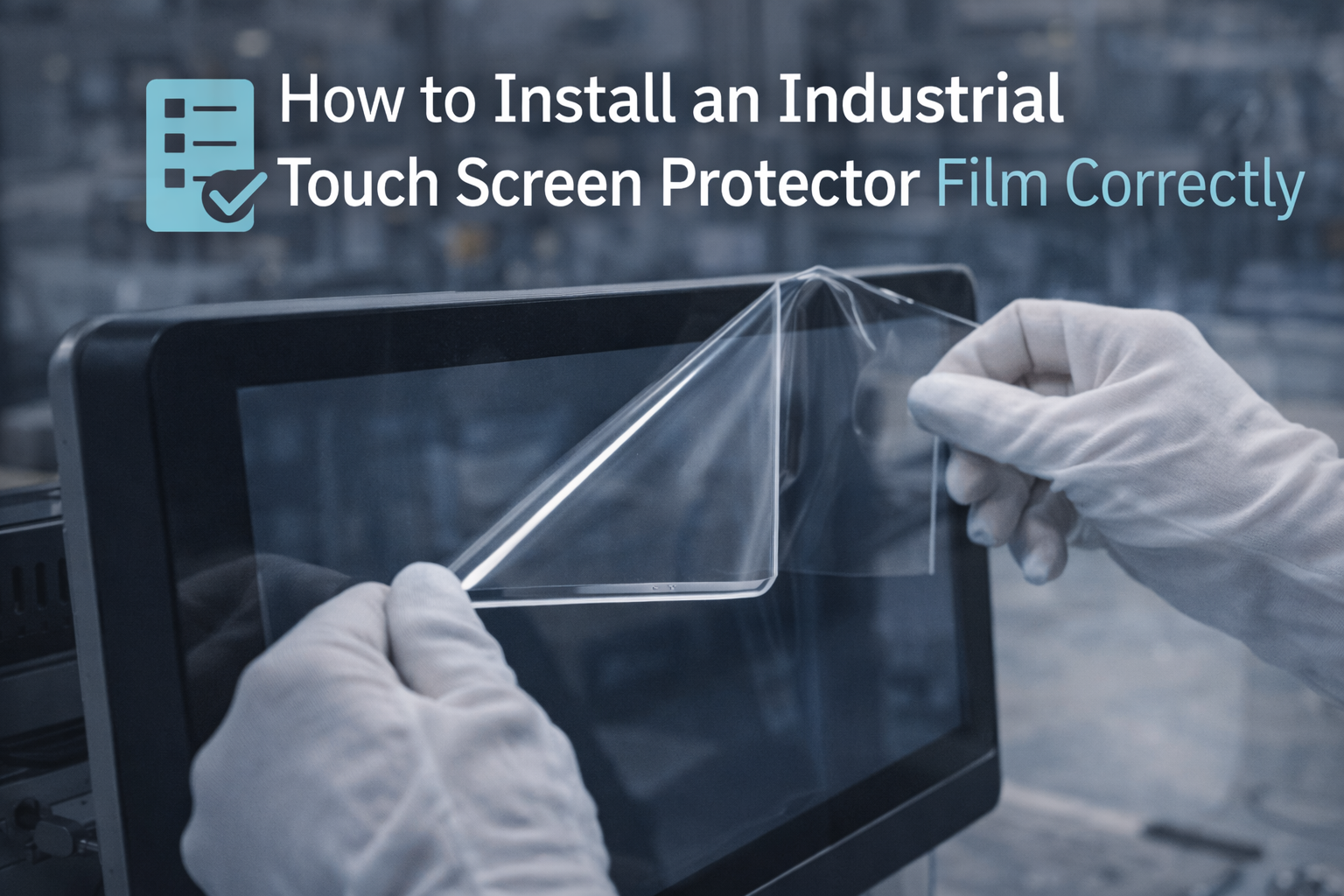
How to Install an Industrial Touch Screen Protector Film Correctly
Protector film can reduce scratches, improve cleanability, and extend service life—especially for kiosks, HMIs, and outdoor equipment.
However, poor touch screen protector film installation often creates bubbles, edge lift, haze, or even PCAP touch issues. This guide shows a repeatable process that lowers rework and after-sales risk.
Dry vs Wet Method
Edge Lift Prevention
PCAP Touch Troubleshooting
Choose the right protector film (industrial criteria)
In industrial deployments, “any phone film” is not good enough. Select film based on the environment, cleaning chemicals, and whether the screen is PCAP.
The wrong film can increase haze, reduce contrast, or change touch behavior.
PET is typically clearer and more scratch-resistant. TPU can self-heal minor scratches but may show more orange-peel texture depending on grade.
AG reduces glare; AF improves cleanability and fingerprint resistance; AR improves clarity but must match your cover lens design.
For industrial stability, prefer optically clear adhesive designed for touch displays. Low-grade adhesives often cause edge lift or bubble growth after heat cycles.
If your site uses alcohol, sanitizer, oil mist, or detergent wash, confirm chemical compatibility to avoid hazing and peeling.
If your deployment is harsh (water / dust / oil), verify the full touch stack, not only the film:
Capacitive Touch Screen (PCAP) for Harsh Environments.
Tools and workspace setup (dust control)
Most “bubbles” are actually dust. The workspace matters more than your hand skill.
- Microfiber cloth (lint-free)
- Isopropyl alcohol wipes (electronics grade)
- Dust removal tape / roller
- Squeegee with soft edge
- Alignment stickers / hinge tape
- Turn off fans / airflow near the screen
- Wipe the bench and wait 2–3 minutes for dust to settle
- Wear nitrile gloves if possible (reduces fingerprints)
- Use bright side-light to detect dust before bonding
Step-by-step installation (dry method)
The dry method is the default for industrial screens because it avoids trapped liquid and reduces edge adhesion risk.
- Pre-clean: wipe with alcohol, then dry with a lint-free cloth.
- Dust check: use side-light; remove particles with dust tape.
- Create a hinge: align the film, then tape one edge to create a “hinge” so the film returns to the exact position.
- Peel slowly: peel backing film 2–3 cm and start bonding from one edge.
- Squeegee in lines: push air out using straight strokes, overlapping each pass.
- Control the edge: apply gentle pressure along edges to prevent lift.
- Final inspection: check corners and bezel-adjacent areas under side-light.
If you validate touch hardware before deployment, you reduce field surprises:
Touchscreen Test Checklist.
When to use the wet method (and when not to)
Wet installation can help for large films or when you need more time for alignment. However, it is not always suitable for industrial touch systems.
| Use wet method when | Avoid wet method when |
|---|---|
| Film is large and alignment tolerance is tight | Screen edges are close to bezels and you cannot dry the perimeter fully |
| Installer is trained and has controlled environment | Deployment involves frequent heat cycles (edge lift risk increases if liquid remains) |
| Adhesive is explicitly rated for wet install | PCAP tuning is sensitive and you must avoid any residue between layers |
For high-stability projects, we often recommend controlled dry installation and an acceptance checklist.
If you need guidance for your exact glass + touch stack, contact us:
Request engineering support.
Fixes for common problems (bubbles, dust, edge lift)
Cause: trapped air from fast bonding. Fix: lift slightly back to the bubble edge (if adhesive allows), then squeegee slowly. Avoid overstretching film.
Cause: dust. Fix: you must remove the film, clean, and reapply. Squeegee cannot remove dust.
Cause: contamination at the edge, insufficient edge pressure, incompatible adhesive, or heat cycling. Fix: clean perimeter and re-press; if repeat, change film grade/adhesive.
Cause: optical mismatch or low-grade film. Fix: select optical-grade film designed for touch displays and confirm coating compatibility.
If PCAP touch becomes unstable after installation
A protector film can change dielectric properties and surface friction. If you see missed touches, ghost touches, or edge accuracy issues after film installation,
use this sequence to isolate the cause.
- A/B test: run the same UI without film and with film. Confirm whether the issue is repeatable.
- Check edge behavior: many issues appear near bezels first.
- Verify water behavior: some films increase false touches under moisture.
- Confirm controller profile: some stacks require glove/wet tuning adjustments after film is added.
- Run a checklist: log pass/fail and margin, not “feels OK”.
For stability validation, use our QA references:
Touchscreen Tester (Industrial QA Guide).
FAQ
Will protector film reduce PCAP touch sensitivity?
It can. Film thickness, adhesive type, and surface treatment may change touch signal levels. For harsh environments or thick stacks, confirm stability with a validation checklist and adjust controller tuning if required.
Can I install film on an outdoor touch screen?
Yes, but choose an optical-grade film with correct coatings and strong perimeter adhesion. Outdoor heat cycles and moisture increase edge lift risk, so installation quality and film grade matter more.
How do I prevent dust during installation?
Control airflow, clean the bench, use side-light for inspection, and remove particles with dust tape before bonding. Most visible “bubbles” are dust contamination.
Is wet installation recommended for industrial screens?
Only when the adhesive is rated for wet install and the perimeter can be fully dried. Otherwise, dry installation is safer for long-term edge adhesion and stability.
Do you provide film selection or pre-install services?
Yes. We can recommend film grade based on your environment and touch stack, and support a repeatable installation + acceptance process to reduce field issues.
Need help selecting a film that will not cause after-sales issues?
Share your screen size, touch type (PCAP/resistive), environment (water/dust/oil), and cleaning chemicals. We will recommend a film grade and an installation checklist.

