.png)
Are Industrial Touchscreens Waterproof? A Practical Guide to IP Ratings
Learn how waterproof protection works, what IP65, IP67, and IP69K really mean, and how to choose the right industrial touchscreen for outdoor kiosks, food equipment, EV chargers, and factory control systems.
Not all industrial touchscreens offer the same level of water protection. Some are designed with front-side sealing only, while others are built for much harsher environments involving spray, rain, washdown, or frequent cleaning.
For OEMs, integrators, and equipment manufacturers, understanding IP ratings and structural design is essential when choosing a waterproof industrial touch screen, touch monitor, or display module.
Understand what each level really means
Protection alone is not the whole story
Choose by environment, not by label only
Contents
- The Short Answer
- What Waterproof Means for Industrial Touchscreens
- IP65 vs IP67 vs IP69K Explained
- Why Waterproof Touchscreens Are Not All the Same
- Choosing the Right Waterproof Touchscreen by Application
- What Makes a Touchscreen More Waterproof
- Common Buying Mistakes
- How EverGlory Supports Waterproof Projects
- Frequently Asked Questions
- Related Resources
The Short Answer
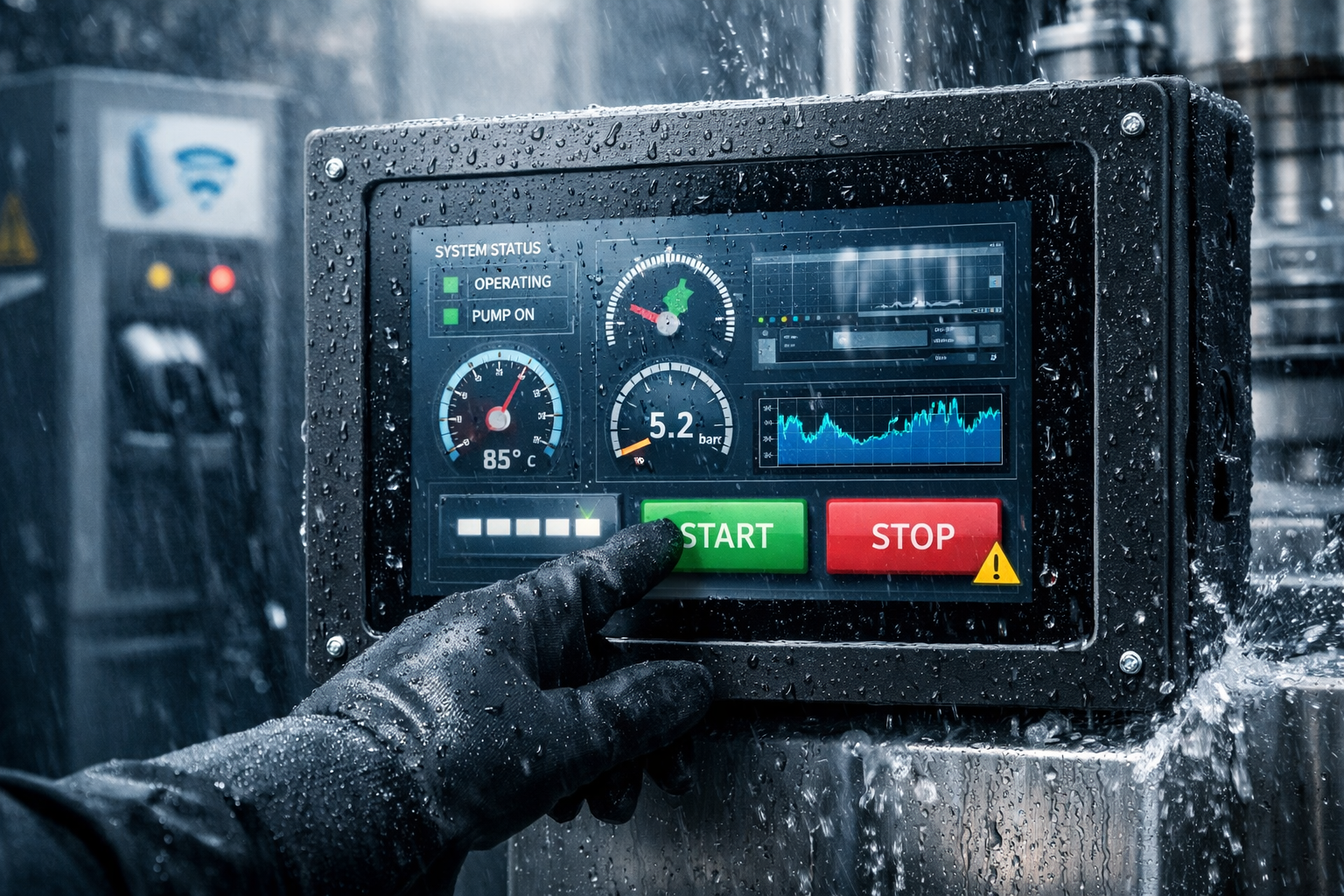
Yes, some industrial touchscreens are waterproof, but not all of them. Waterproof performance depends on front sealing, housing design, connector protection, installation method, and the target IP rating. A touchscreen that performs well in a dusty factory may still be unsuitable for outdoor rain exposure or high-pressure washdown environments.
Key point: “Waterproof” is not a universal claim. The right waterproof touchscreen depends on the real operating environment, cleaning method, mounting structure, and touch behavior required in the field.
What Waterproof Means for Industrial Touchscreens
In industrial applications, water protection is not just about whether the glass can resist splashes. It also depends on how the entire monitor or touch assembly is designed and integrated into the equipment. Buyers should look at where protection applies and how the final system will be used.
Front Waterproof Does Not Always Mean Full-System Waterproof
Some products only protect the front panel, while the rear side, connectors, and cabinet still require separate protection.
Splash Resistance Is Not the Same as Washdown Protection
Rain, splashes, water jets, and high-pressure cleaning are different conditions and require different structural solutions.
Outdoor Exposure and Hygienic Cleaning Are Different Use Cases
A touchscreen suitable for outdoor kiosks may still not be ideal for food processing or hygienic washdown equipment.
Water Resistance and Wet-Touch Performance Are Not Identical
A sealed screen may still need touch controller tuning to work reliably with water droplets or gloved operation.
IP65 vs IP67 vs IP69K Explained
IP ratings help define how well a product resists dust and water. For industrial touchscreens, the right IP rating should match the actual operating and cleaning environment instead of simply choosing the highest number available.
IP65
Typically suitable for protection against dust and water jets. Often used in industrial control panels, indoor HMI equipment, and front-sealed installations where splash or spray resistance is needed.
IP67
Provides stronger water protection, including temporary immersion resistance under defined conditions. This can be more suitable for harsher wet environments than basic front splash protection.
IP69K
Designed for high-pressure, high-temperature washdown conditions. This level is often relevant to hygienic processing, food equipment, and cleaning-intensive environments.
Why Waterproof Touchscreens Are Not All the Same
Two products may both be described as waterproof, yet behave very differently in real industrial use. Buyers should go beyond marketing claims and evaluate sealing scope, housing design, connector protection, and touch behavior under actual operating conditions.
Front-Only Sealing vs Sealed Housing Design
Some applications only need a front-sealed touch surface, while others require broader enclosure-level protection.
Panel Protection vs Full Monitor Protection
The actual protection level depends on the complete monitor structure, installation method, and final equipment assembly.
Connector Sealing Matters
Even if the front side is protected, exposed ports and cable routing can become weak points in wet environments.
Wet Touch Is a Separate Technical Requirement
A screen can be sealed against water yet still perform poorly if touch behavior is not tuned for wet conditions.
Surface Treatment Influences Field Performance
Anti-glare, anti-reflection, and optical bonding can affect visibility, durability, and usability in real installations.
Application Context Changes the Right Answer
The correct waterproof solution for an EV charger is not necessarily the correct solution for food machinery or factory HMI.
Choosing the Right Waterproof Touchscreen by Application
Water exposure varies greatly by industry. The right waterproof industrial touchscreen depends on how the display is mounted, how the equipment is cleaned, and how operators are expected to use it.
Outdoor Kiosks and EV Chargers
These applications may require rain resistance, sunlight readability, glove touch, optical bonding, and stable touch performance in changing weather.
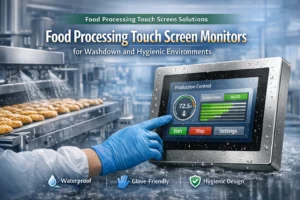
Food Processing Equipment
Washdown environments often demand higher sealing levels, easy-clean surfaces, hygienic design, and support for wet or gloved operation.
Industrial HMI and Factory Control Panels
Many industrial control systems need front-side protection against dust, splashes, and routine cleaning without requiring full outdoor-grade sealing.
Self-Service Terminals
Public-use systems often need a balance of weather resistance, usability, durability, and clean integration into equipment housing.
What Makes a Touchscreen More Waterproof
The real waterproof capability of an industrial touchscreen depends on engineering details. Water resistance is created through a combination of materials, structure, sealing, interfaces, and installation.
Cover Glass and Edge Sealing
The quality of bonding and edge treatment affects how effectively water is kept away from sensitive internal components.
Gasket and Front Frame Structure
Mechanical sealing design helps create reliable front protection in embedded or panel-mounted installations.
Housing Design
Water resistance depends not only on the display itself but also on how it works with the equipment enclosure.
Connector Protection
Cables, I/O ports, and routing paths can become failure points if connector sealing is overlooked.
Optical Bonding and Surface Finishing
These features can improve readability, reduce reflection, and support more stable real-world performance.
Touch Controller Tuning
Waterproof structure alone is not enough. Reliable wet-touch and glove-touch performance often depends on controller optimization.
Common Waterproof Touchscreen Buying Mistakes
Many buyers focus only on the word “waterproof” or the IP number. In practice, long-term performance also depends on use case, cleaning process, mounting structure, and touch usability.
Assuming All Industrial Monitors Are Waterproof
Industrial-grade does not automatically mean the product is suitable for all wet or outdoor environments.
Confusing Front Protection with Full Protection
Front-sealed structures and fully protected devices are not the same thing in actual deployment.
Ignoring Cleaning Pressure and Chemicals
Water type, pressure, cleaning chemicals, and temperature all influence the correct solution choice.
Overlooking Wet Touch and Glove Touch Behavior
Touch usability under real operating conditions matters as much as sealing performance.
Choosing Only by Price
A lower upfront cost can create greater long-term risk if the structure is not matched to the environment.
Ignoring Installation Structure
Even a well-designed touchscreen can underperform if the final enclosure is not properly engineered.
How EverGlory Supports Waterproof Touchscreen Projects
EverGlory supports industrial touchscreen projects that require water resistance, stable touch performance, and OEM-friendly integration. Depending on the application, we help customers evaluate the right combination of monitor structure, touch technology, display integration, and sealing design.
Front Waterproof Design Options
Support for application-based sealing structures depending on installation and environment.
Wet Touch and Glove Touch Tuning
Touch performance can be optimized for outdoor, industrial, or washdown-oriented conditions.
OEM Integration Support
Available across touch monitors, touch panels, and display modules for custom industrial projects.
Frequently Asked Questions
Are all industrial touchscreens waterproof?
No. Some are designed for sealed industrial use, while others only offer limited protection or require additional enclosure support.
What is the difference between IP65 and IP67 touchscreens?
IP67 generally offers a higher level of water protection than IP65, but the right choice depends on how the equipment is used and cleaned.
When is IP69K necessary?
IP69K is typically considered for equipment exposed to high-pressure, high-temperature washdown, especially in hygienic processing environments.
Can waterproof touchscreens still work with wet fingers?
They can, but wet-touch performance depends on touch controller tuning and system design, not just sealing level.
Are waterproof touchscreens suitable for EV chargers?
Yes, in many cases they are. Outdoor charging equipment often requires water resistance, sunlight readability, and glove-friendly touch performance.
Can EverGlory customize waterproof industrial touch solutions?
Yes. EverGlory can support customized monitor, panel, and display module solutions for waterproof industrial applications.
Need a Waterproof Touch Screen for Industrial or Outdoor Equipment?
Share your application, required IP level, installation method, and operating environment. We can help you evaluate the right waterproof touchscreen solution for kiosks, EV chargers, food equipment, and industrial control systems.