.png)
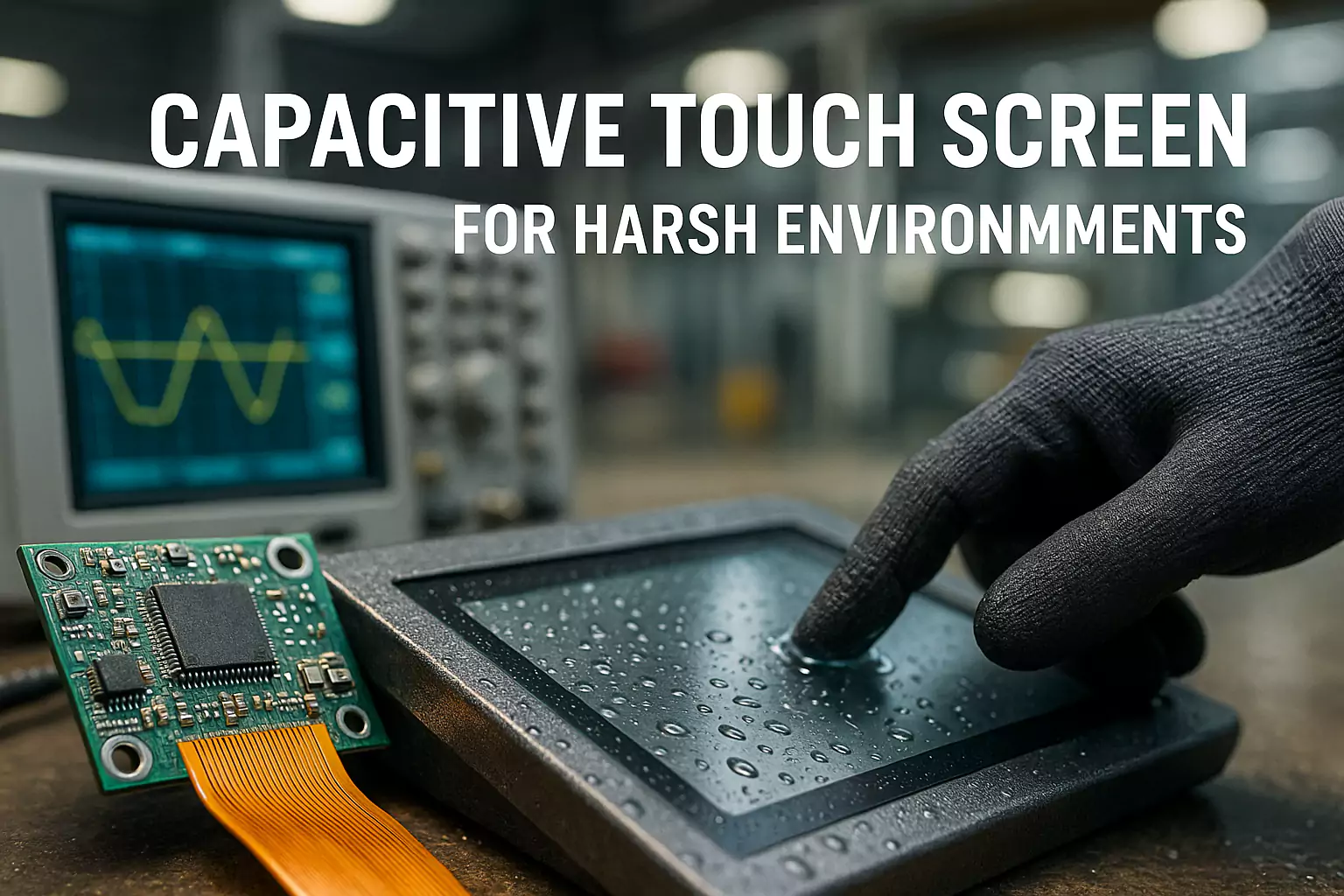
Capacitive Touch Screen (PCAP) for Harsh Environments
Focus keyphrase: capacitive touch screen · Updated: 2025-11-07
This article explains capacitive touch screen for real projects. If you build kiosks, transportation signage, marine consoles, or factory HMI, you face sunlight, water, dust, vibration, and strict timelines. We translate field pain points into practical choices that help you ship faster with fewer surprises. The goal is simple: make your capacitive touch screen easy to specify, test, and maintain while staying within budget.
Selection Basics
Size, resolution, aspect ratio, and viewing angle affect readability and enclosure design. Outdoor projects often need 1000–1500 nits to fight glare. Use a tight spec table to lock decisions early.
Choose brightness by environment, not by habit. A semi-outdoor location can look acceptable at 800 nits with AR coating, while a south-facing station may demand 1500 nits plus optical bonding.
Touch Technology
PCAP dominates for modern UX, but resistive still works for very noisy or gloved environments with limited gestures.
For PCAP, favor controllers with glove and water modes, and allow tuning windows during proto. Document latency and palm rejection with video proof.
| If you are still choosing between resistive and capacitive technologies, our industrial touch screen buyer’s guide compares PCAP with other options for real industrial use cases. |
Durability & Protection
IP65 protects against dust and water jets. IK rating correlates with cover glass thickness and frame design.
Balance vandal resistance with weight; specify glass thickness, coating, and bezel overlap to avoid chipping.
Optical Bonding
Bonding removes the air gap, reducing internal reflections and parallax. It also stiffens the stack, improving shock resistance.
OCA is clean and repeatable; LOCA can fill uneven surfaces. Consider rework and repair paths before mass production.
Interfaces & EMC
Plan HDMI/DP lengths, grounding, shielding, and tie-down points early. Long runs and mixed power domains can create noise paths that hurt touch performance.
Document acceptable cable models and maximum lengths in the datasheet to prevent field failures.
For noisy environments with fast UI updates, combine this PCAP checklist with the touch latency (INP) guide to keep both responsiveness and EMC under control.
Thermal & Power
High luminance generates heat. Use heat spreaders and ventilation, or step downWhen you’re ready to turn your PCAP specification into a buildable design, [contact us for a custom PCAP touch screen proposal] including glass, controller, and cable layout. brightness gracefully when safe limits are reached.
In cold starts, panel response slows; in heat, backlight and adhesives age faster. Validate across the operating range.
Mounting & Enclosure
Pick panel/chassis/open-frame based on service access and sealing. Gasket selection matters for IP and compression set life.
Use anti-loosening hardware and verify spacing for cable bends and glands.
Testing & Certification
IP, IK, and EMC should be tested on the integrated assembly, not parts in isolation.
Keep a checklist with photos, serials, and results to shorten audits and customer onboarding.
Applications
For kiosks, prioritize readability and vandal resistance. For transportation, add vibration tests. For marine, corrosion and salt fog may apply.
Map each application to a short spec template to avoid rework.
Pricing & Lead Time
Separate sample build (with tuning) from mass production. Communicate MOQ, payment terms, and warranty clearly.
Share an early production schedule including bonding, burn-in, and QA gates for predictable launches.
Quick Spec Checklist
| Item | Recommended Range | Notes |
|---|---|---|
| Brightness | 1000–1500 nits (outdoor) | Pair with AR/AG; consider bonding |
| IP Rating | IP65 (front) | Seal design and cable glands |
| Touch | PCAP (glove/wet modes) | Controller tuning window |
| Glass | 3–6 mm | IK rating target by use case |
| Operating Temp | -20~70°C | Thermal design and burn-in |