.png)
Capacitive vs resistive touch screen

You want a touch screen that matches what you need. If you like high sensitivity and want to use light taps or swipes, a capacitive touch screen is best for you. If you are in tough places, resistive screens are stronger and cost less. Feature Capacitive Touch Screens Resistive Touch Screens Sensitivity Needs only light taps […]
How to make touch screen computer

You can make touch screen computers in a few easy ways. Use devices like AirBar for fast results. Try touch overlays that go on your screen to make touch screen functionality. You can also use an external touch screen monitor, which gives you good performance. Some software can pretend to be touch, but hardware works […]
How to get touch screen
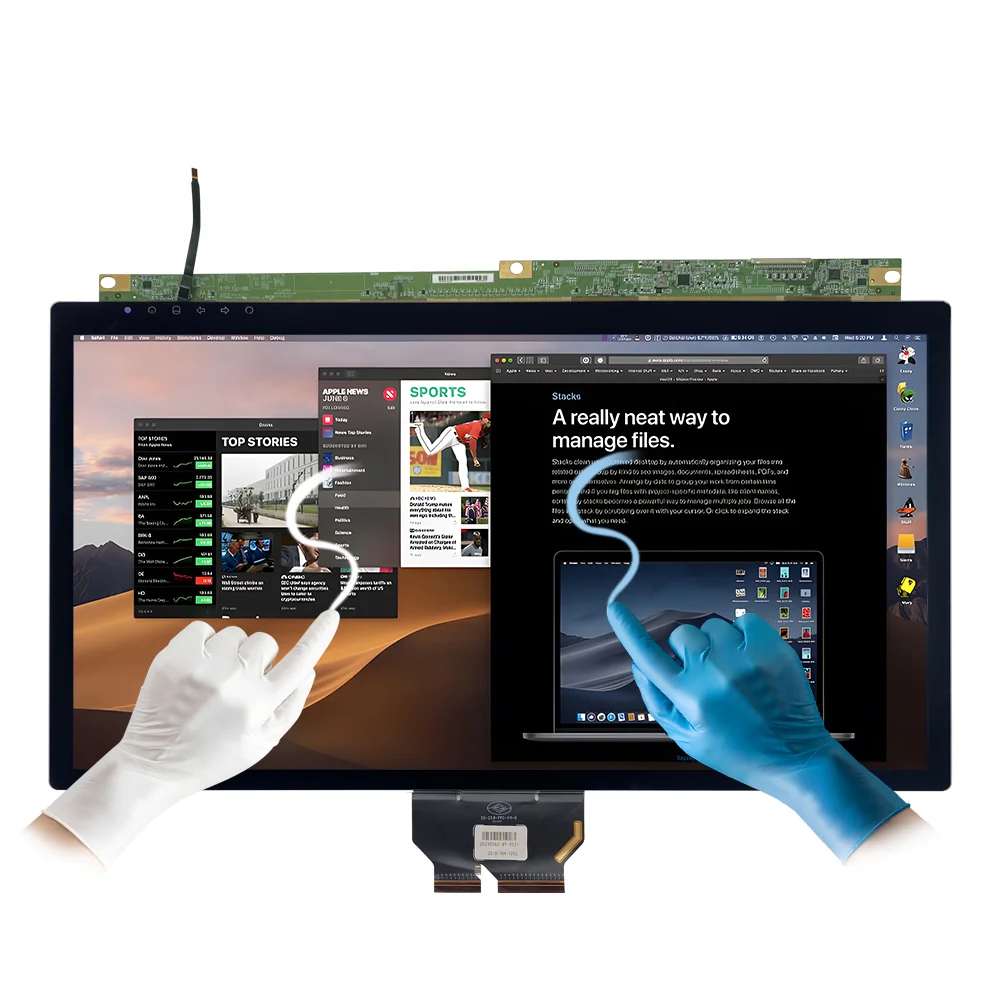
You have a few main ways to get a touch screen. You can buy a new device, upgrade your current one, add accessories, or sometimes just enable settings. Before you start, make sure your device supports touch. Many touch screens use capacitive sensors, resistive layers, or even infrared beams. If you want a smooth experience, […]
How to disable touch screen

You can turn off the touch screen on your Windows laptop fast by opening Device Manager. Then, open Human Interface Devices and turn off the HID-compliant touchscreen. This way keeps your device safe. You can turn the feature back on anytime. You do not need special skills to do these steps. If you use Android, […]
How to Install an Industrial Touch Display in a Factory Setting
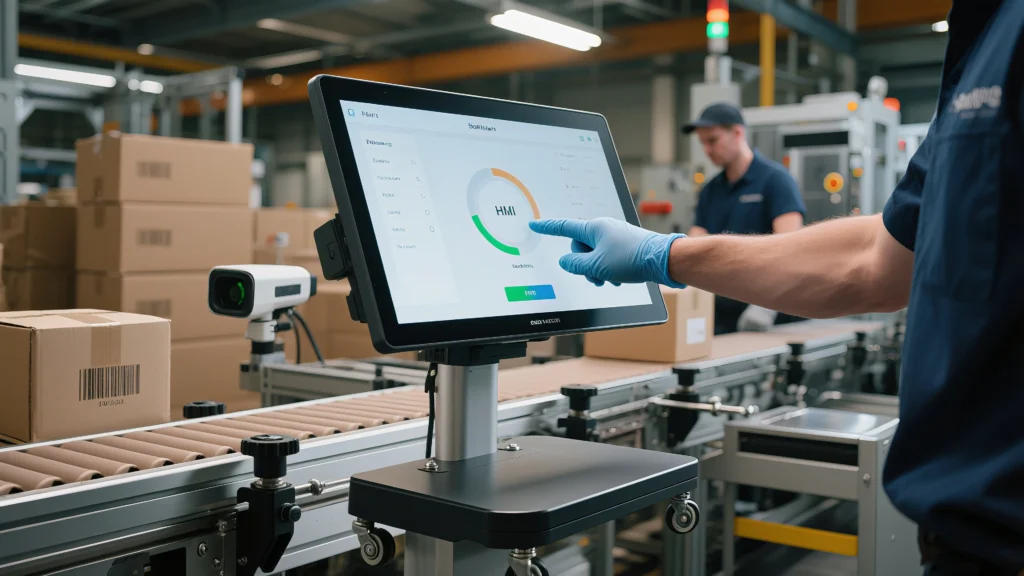
A good installation of an industrial touch display helps your factory work well. Safety is very important, so you should follow all rules to keep workers and machines safe. You must make sure the display works with your systems to stop problems later. Good planning and careful work help the display run well. Tip: Always […]
Unlocking the Magic of Capacitive Touchscreens: Why Your Fingertips Are the Key

Capacitive Touch • Fingertip Physics • Multi-Touch Every day, we tap, swipe, and pinch our screens without thinking about what happens underneath the glass. However, capacitive touchscreens are not “magic.” Instead, they use a conductive layer and sensors to detect how your finger changes an electrical field. As a result, your device can measure the […]
How to Choose a Rugged Industrial Touch Screen Monitor for Harsh Environments
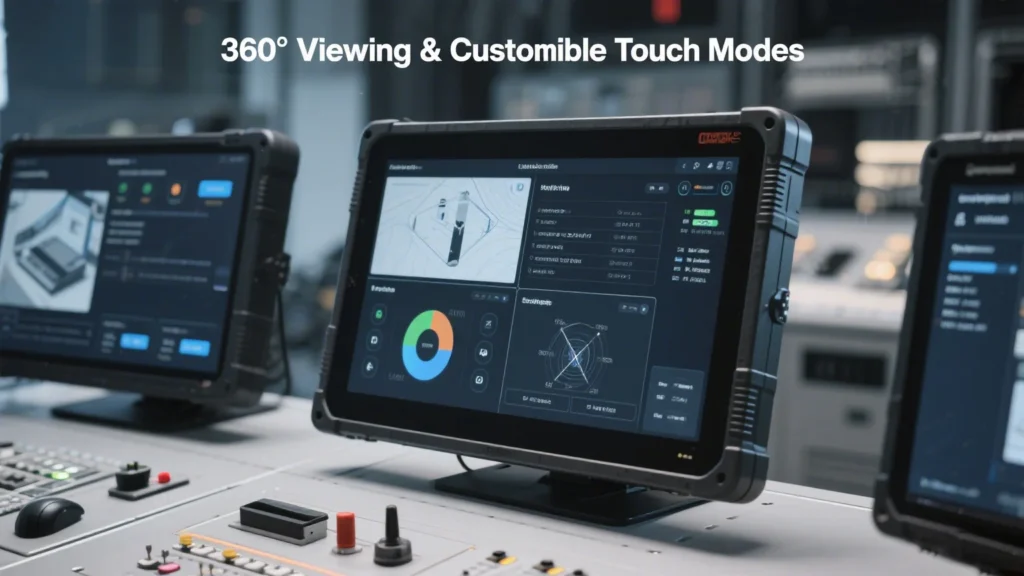
When you pick an industrial touch screen monitor for harsh places, you should look for strength and the ability to handle tough situations. Monitors used in factories, mining, or outside need to deal with dust, water, very hot or cold temperatures, and strong shaking. Important things to think about are: You must always choose a monitor […]
How to choose which dual monitor displays the screen saver in Windows
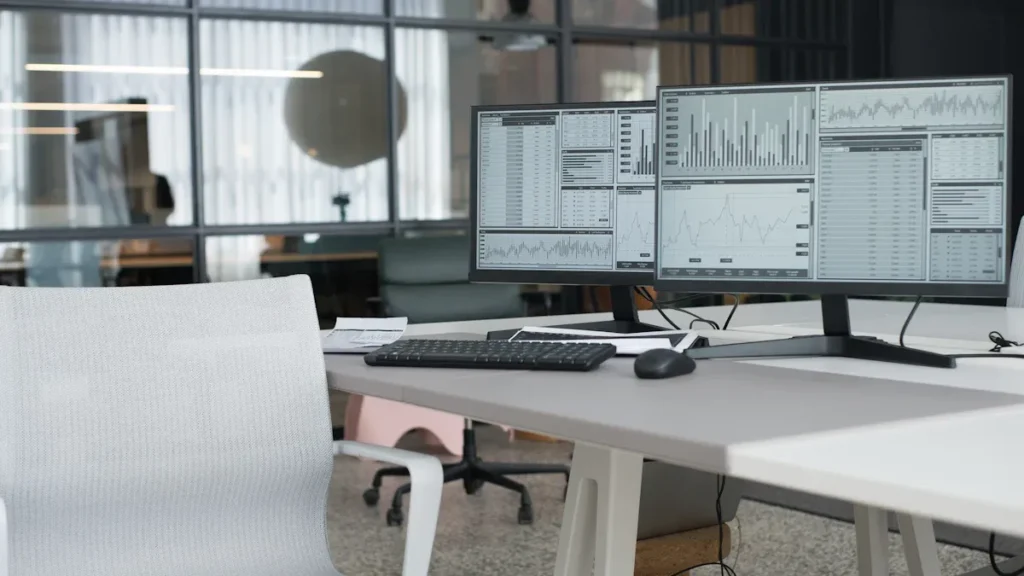
When you set up a dual monitor display in Windows, you might notice that the screen saver only appears on your main screen. Windows does not let you pick which monitor shows the screen saver. This default setting can feel limiting if you want more control. If you want advanced features, some third-party tools can […]
How to rotate monitor screen
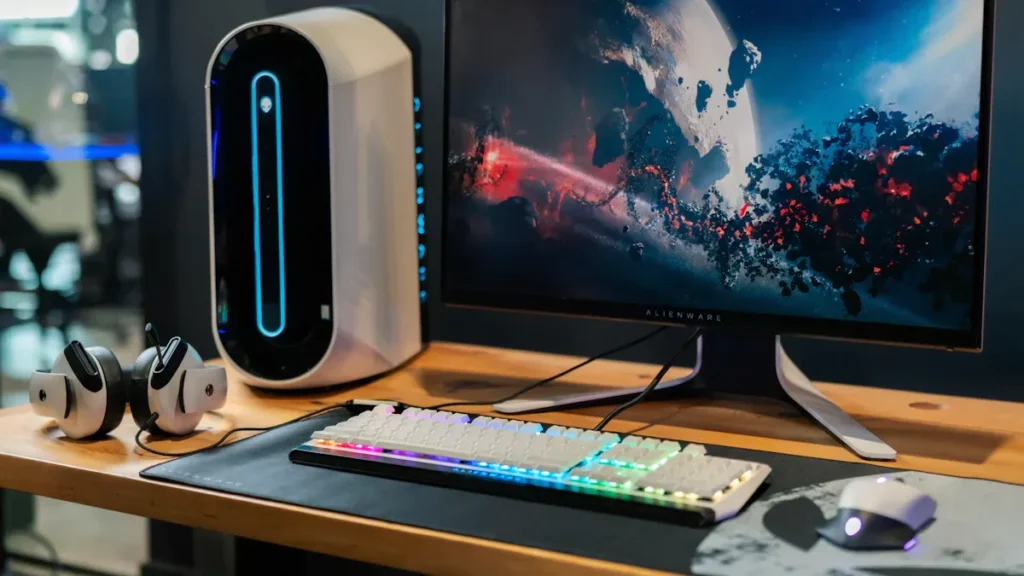
Ever seen your screen flip sideways or upside down by accident? You can quickly rotate monitor screens using keyboard shortcuts. Sometimes, you might want to switch to portrait mode for reading or coding. If you need to adjust your setup, you might also need to turn the monitor itself. Key Takeaways Windows: Rotate Monitor Keyboard […]
How to lower monitor brightness
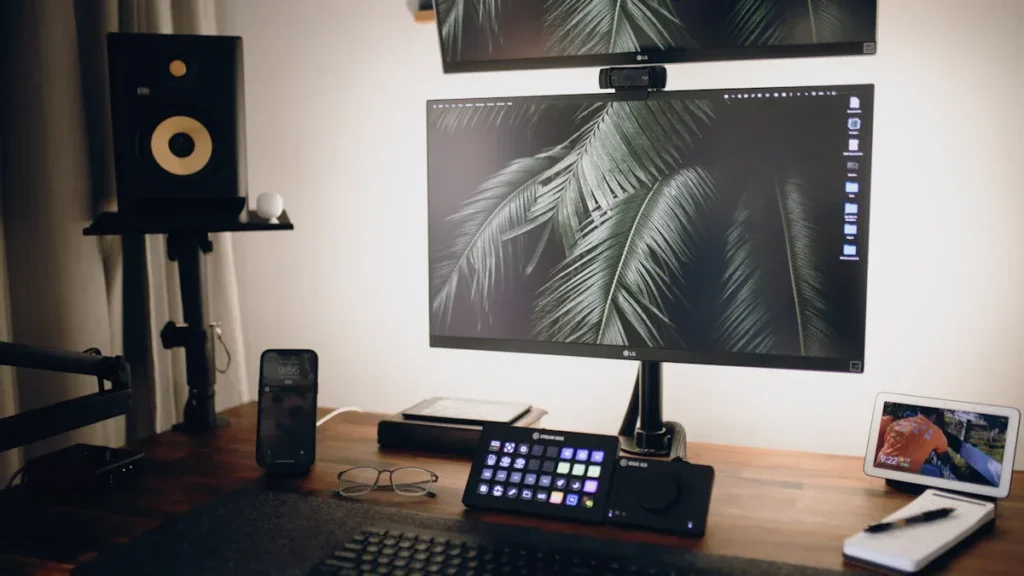
The quickest way to lower monitor brightness is by pressing the physical buttons on your screen. Many people feel eye strain from bright displays—over 44% of students experience it. You can see from the table below that high brightness makes things worse. Try simple steps first to keep your eyes comfortable. Screen Brightness Level Percentage […]