.png)
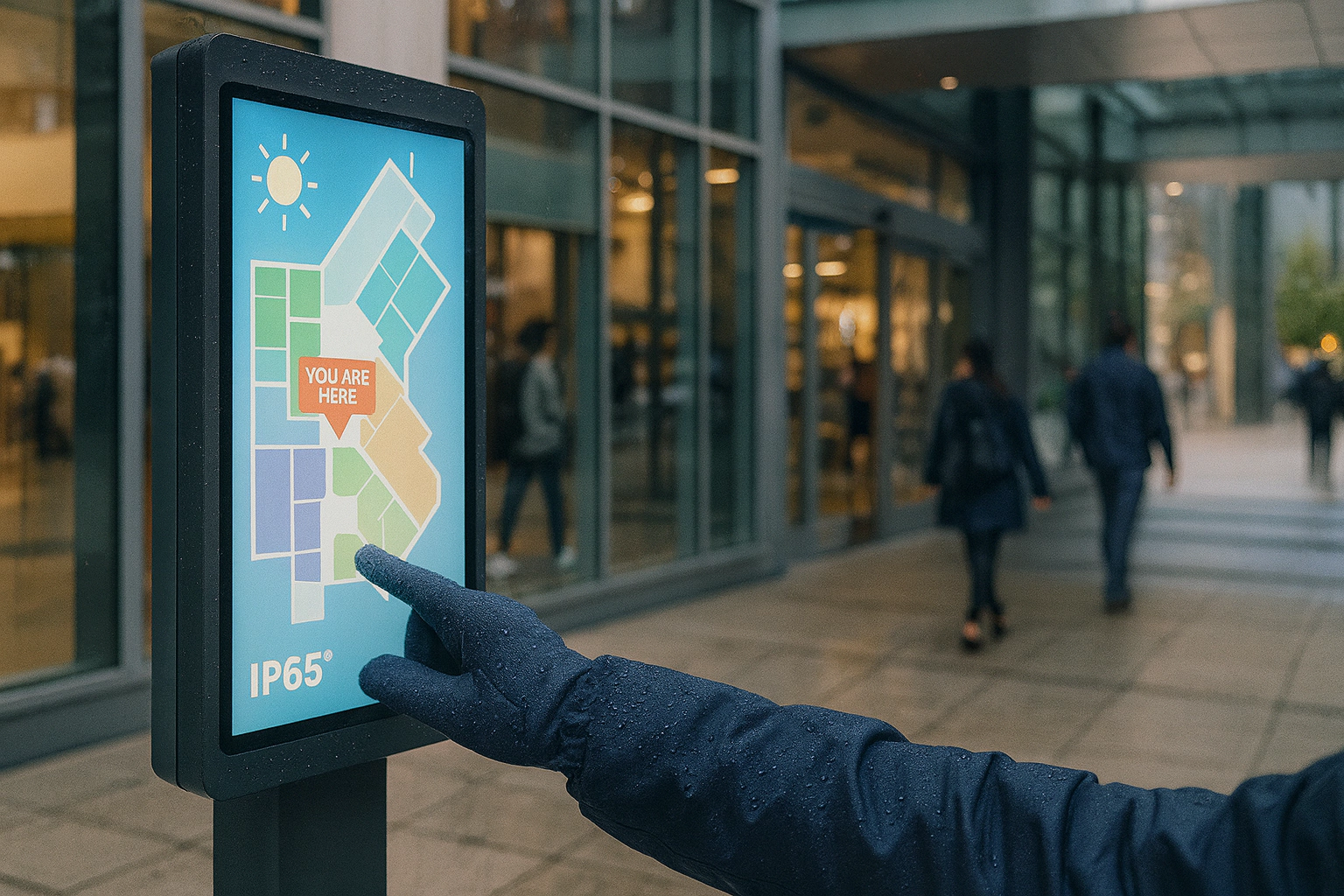
gital signage, mall wayfinding, self-ordering kiosks in F&B, and transport information boards.
Summary. Commercial displays now face strict demands: high brightness, wide viewing angles, 24/7 stability, low power, low maintenance, and strong interaction. This page turns field pain points into a buildable hardware stack with clear targets. It also lists device selection tips, thermal and protection design, touch routes, and a validation checklist. Finally, it quantifies before/after results so engineering teams can use it during project kickoff and review.
Need a quick overview first? Visit the Industrial Touch Screen Guide. For custom builds, see OEM/ODM Services.
1) Typical Pain Points and Engineering Constraints
- Brightness ≥ 500–1500 nits. Outdoor and semi-outdoor scenes require resistance to ambient light. Low nits cause poor readability and wasted media spend.
- Wide viewing angle ≥ 178°. Many viewers and mixed angles; IPS or ADS beats TN for color stability.
- Heat and efficiency. High brightness plus long runtime creates heat, which reduces life and can cause dimming or image retention.
- 7×24 stability. Power, backlight, touch, and main board need derated parts and support redundancy.
- Indoor ↔ outdoor switch. Sun, dust, rain, and cleaners require proper IP protection and materials.
- Size variety. From 10.1″ to 100″+. Reusable modules and mechanical standards are essential.
- Image clarity. Glare, reflections, haze, and bonding bubbles all hurt quality.
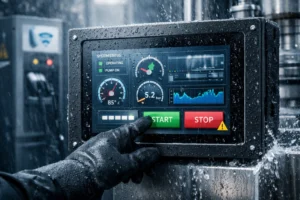
- Noise / false touch. Water mist, gloves, ESD, and EMI should not break input.
- Interaction quality. Multi-touch, quick response, low friction, and scratch resistance are expected.
- Value & lead time. Standardization and modular design control cost and speed.
Parts and accessories can be sourced from the Accessories Hub. Supplier options live in the Suppliers Hub.
2) Solution Overview (Targeted Upgrades)
2.1 Display & Bonding
- High-brightness LCD: 700–1500 nits with efficient BT/WLED backlight. Use DC dimming or PWM > 20 kHz to avoid banding.
- OCA optical bonding (recommended outdoors): removes air-gap reflections, increases contrast, and blocks dust/fog. Target bubble defect rate < 0.3%.
- Surface treatments: AG haze 8–12% to control glare; AR to cut total reflection to ≤ 1.5–2.0%; AF for easy cleaning and lower friction.
- Panel type: IPS/ADS for ≥ 178° viewing and consistent color.
Details appear in the Optical Bonding overview.
2.2 Touch Technology Routes
- IR frame + LCD: cost-friendly, scales to 100″, supports 40-point touch and glove/wet use.
- Metal-Mesh PCAP: high accuracy and smooth gestures; works with water/gloves using palm rejection; ideal for premium wayfinding and outdoor cabinets.
- TDDI control: integrates touch and display drivers to lower power and improve noise immunity.
See controller notes in the controller section.
2.3 Mechanics & Protection
- Sealing: fully sealed front, cover, and connector paths. Target IP65 front and IP54 whole unit.
- Materials & durability: 7H tempered glass; resistance to UV, alcohol, and cleaners; pass salt-spray, damp heat, and thermal shock.
- Thermal: heat pipes or vapor chambers + extruded heatsinks and pads; separate hot zones; optimized airflow.
2.4 Power & Energy
- System power: full-on goal 3.5–6.0 W per 10.1″ equivalent (scale with size).
- PSU: 90–264 VAC with PFC, TVS, fuse, surge, and UVP.
- Energy saving: ALS auto dimming, timer/wake, screen saver, and local dimming where applicable.
2.5 Interaction & Software
- Multi-touch: 10–40 points with ≥ 120 Hz report rate for smooth, responsive gestures.
- False-touch control: rain/mist suppression, three glove modes, palm rejection, and temp/humidity drift tracking.
- Human comfort: AF low friction; touch targets ≥ 9 mm; optional haptic or acoustic feedback.
3) Module Selection Guidance
3.1 IR vs. Metal-Mesh PCAP
| Item | Infrared Touch Frame |
|---|---|
| Accuracy / Response | Medium / Medium |
| Multi-touch | 10–40 points |
| Water & Gloves | Native support |
| Optical impact | No extra reflections |
| Size scaling | Easy to 32–100″+ |
| Cleaning & upkeep | Frame needs cleaning |
| EMC immunity | Medium |
| Typical use | Self-order, large wayfinding |
| Item | Metal-Mesh PCAP |
|---|---|
| Accuracy / Response | High / High |
| Multi-touch | 10–40 points |
| Water & Gloves | Firmware + tuning |
| Optical impact | Needs proper glass/mesh design |
| Size scaling | Common at 10–65″ |
| Cleaning & upkeep | Glass surface is easy to wipe |
| EMC immunity | High (with shielding/ground) |
| Typical use | Premium wayfinding, interactive media, outdoor cabinets |
Strategy: choose IR for cost and very large sizes; choose Metal-Mesh PCAP when precision and image quality in one glass stack matters.
3.2 Bonding Method
| Item | Air-gap | OCA Optical Bonding |
|---|---|---|
| Reflections / Contrast | High reflections, lower contrast | Low reflections, higher contrast |
| Dust / Fog | Prone to dust/condensation | Blocks dust and moisture |
| Mechanical strength | Lower | Higher |
| Cost / Yield | Lower / easier | Slightly higher / needs yield control |
| Image quality | Average | Significant improvement (outdoor recommended) |
4) Target Parameters & Validation Plan
4.1 Design Targets
- Brightness: indoor ≥ 700 nits; semi-outdoor/outdoor 1000–1500 nits
- Viewing angle: ≥ 178°
- Total reflection: ≤ 1.5–2.0% (AR + OCA)
- Uniformity: ≥ 80%
- Touch latency: < 35 ms; report ≥ 120 Hz
- Protection: front IP65; weather-resistant structure
- Cleaning resistance: ≥ 10,000 alcohol/cleaner wipe cycles; no haze or coating loss
- EMC/ESD: contact ±8 kV, air ±15 kV; no resets or false touches
4.2 Validation Checklist (excerpt)
- Optical: nits, contrast, reflection, uniformity meet targets
- Touch: latex/nitrile gloves; drops/mist; palm rejection; jitter < 1%
- Reliability: −20 ~ 60 °C; damp heat; thermal shock; no fogging/debond
- Ingress: rain/splash/dust; IP65 front
- ESD/EMC: IEC 61000-4-2/-4-3; no resets or hangs
- Cleaners: IPA/alcohol/cleaner cycles; no visual or functional loss
- Structure: drop/vibration per kiosk type; no looseness; functions normal
5) Reference Architecture & Mass-Production Notes
- Thermal: keep PSU/backlight drivers away from dense ICs; short thermal paths; place temp probes on hot parts.
- EMC: touch shielding (ITO shield/metal frame), single-point ground, shielded cables, common-mode chokes.
- Assembly yield: cleanroom class 1,000–10,000 for OCA; AQL limits for bubbles/foreign matter.
- Modularity: standard interfaces for display module + touch module + main board; minimize rework when size changes.
- Serviceability: front service or slide-out; keyed connectors; swappable critical parts.
Compare stacks in the Industrial Display Guide and pick parts in the Accessories Hub.
6) Before/After Impact (Quantified)
- Readability: 400–600 nits with strong reflections → 1000 nits + OCA + AR, ≤ 2% total reflection; outdoor content remains clear.
- Viewing angle: 150–170° → ≥ 178° IPS; groups see consistent colors.
- Touch: lag and wet-hand errors → 120 Hz reports with water/glove modes and palm rejection.
- Stability: summer dimming/blackouts → optimized thermal stack for 24/7 uptime.
- Protection: poor dust/water resistance → IP65 front.
- Maintenance: dust in gaps and hard cleaning → optical bonding + AF coating; less service time.
- Energy: high power at high nits → TDDI + backlight strategy save 10–20%.
7) Selection & Rollout Checklist
- Scene & brightness: indoor / semi-outdoor / outdoor → 700 / 1000 / 1500 nits; enable ALS.
- Touch route: ≥ 32″ favors IR; for precision and image quality choose Metal-Mesh PCAP.
- Bonding strategy: outdoor or premium image → OCA + AR/AF.
- Protection: at least IP65 front; define cleaner type and cycles.
- Efficiency & thermal: backlight efficacy, thermal paths, fanless policy, ambient limit.
- EMC/ESD: shielding, ground, cable design; ≥ 3 dB margin after pre-scan.
- Mass production: cleanroom class, OCA AQL, jigs/fixtures, critical dimensions and torque.
- Validation matrix: optical, touch, reliability, ingress, cleaner, EMC, structure.
Next Steps
Need an engineering sample or a full spec? Share size, target nits, mount style, interfaces, and environment. We will return drawings and a firm quote.
- Request OEM/ODM build for your kiosk or signage project.
- Browse the Accessories Hub for cables, brackets, and controllers.
- Review display options in the Industrial Display Guide.