.png)
This page turns real retail pain points into buildable solutions for kiosks, POS, price checkers, and digital signage.
It links to our core resources:
PCAP touch solutions,
waterproof touch screens,
industrial touch screens,
and
touch screen HMI applications.
Summary
Retail needs quick response, low power, and clear content under mixed lighting. Devices must survive long hours, constant touch, and frequent cleaning. The tactics below improve speed, visibility, and lifetime while keeping total cost in control.
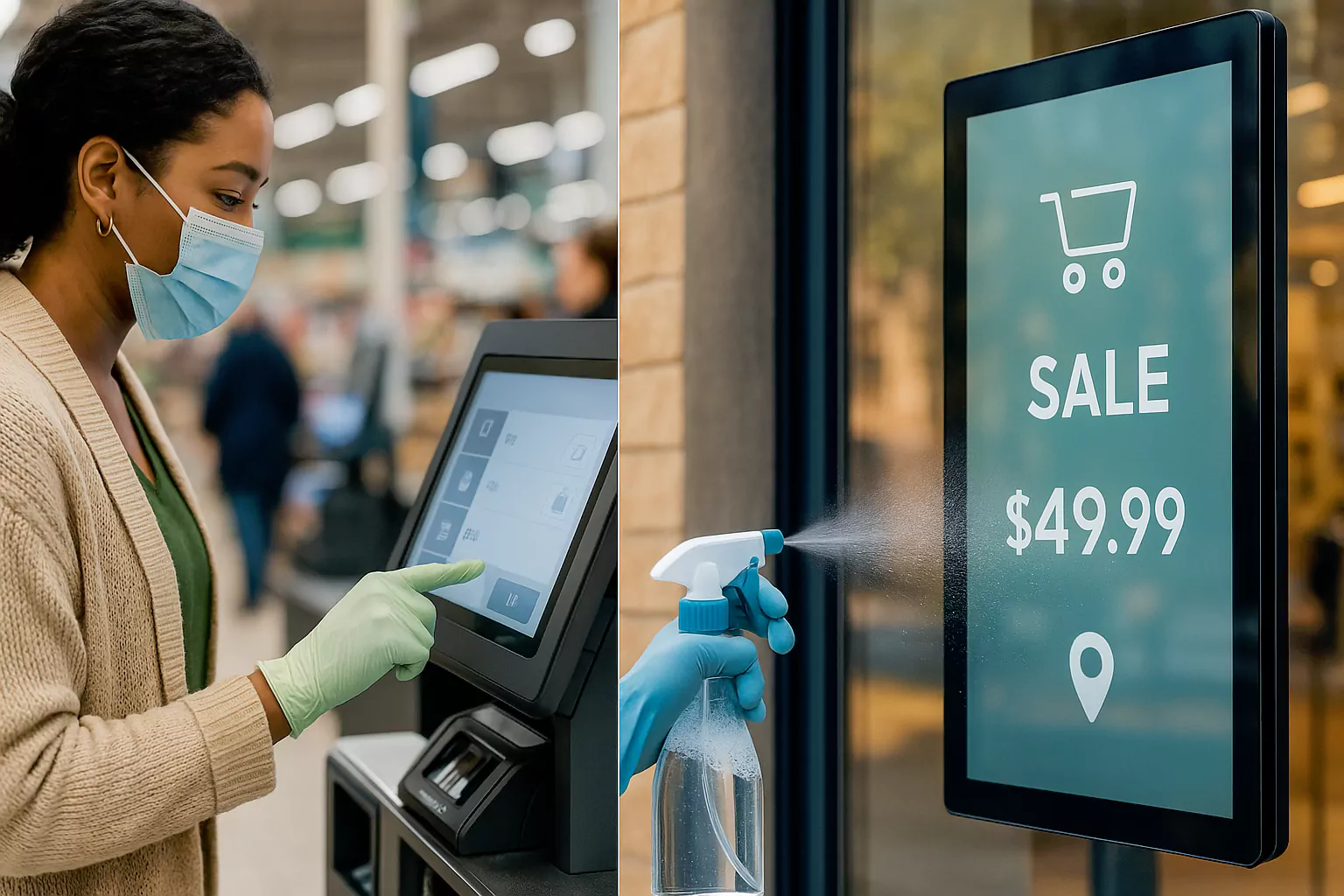
Typical Scenarios
- Self-checkout and POS terminals.
- Self-service kiosks for ordering and ticketing.
- Digital signage and shelf displays near strong indoor light.
- Portable staff devices for inventory and price audit.
Pain Points
- Slow response extends transaction time and reduces throughput.
- High power raises operating cost and thermal risk.
- Thin, modern look is required in tight counters.
- Lighting changes across the day cause glare and low contrast.
- Heavy information density hurts readability.
- Daily contact needs scratch resistance and easy cleaning.
- 24/7 operation requires stable electronics and power design.
- Fast install and service call for light weight and modular parts.
- Safety and basic certifications are required for public sites.
- Cost must balance with performance for chain roll-outs.
Fixes and Solutions
UX & Optics
- PCAP touch with low latency firmware; gesture and palm-reject on crowded screens.
- Optical bonding with low haze; AG/AR surface to cut reflections under store lighting.
- Adaptive brightness: 500–1200 cd/m² range for indoor to window-facing spots.
- Clear typography grid and icon size for fast read at 50–70 cm distance.
Power & Performance
- Auto-dimming and scheduler for night mode to reduce power draw.
- Efficient backlight driver and standby strategy for signage.
- Thermal spreader + smart fanless layout to keep surface cool.
Reliability & Hygiene
- Cover glass 7H–9H with AF coating; alcohol-wipe compatible.
- Front sealing for drip and splash zones; see IP65 waterproof touch screens.
- Button-free bezels to avoid dirt traps; easy cable access for service.
Deployment & Cost
- Lightweight frames for wall, pole, or counter mounts.
- Modular I/O and common panel sizes to reuse brackets across models.
- Pre-tested bundles: panel + controller + cable to shorten rollout.
Measurable Results
- Checkout speed improves; average transaction time drops.
- Energy cost falls with auto-dimming and efficient drivers.
- Readability rises as glare is reduced and contrast increases.
- Touch accuracy and stability hold during long shifts.
- Maintenance time is shorter thanks to light weight and modular parts.
- User safety improves with sealed fronts and easy cleaning.
- Total cost is balanced for large deployments.
Sample Spec Targets
| Block | Target |
|---|---|
| Luminance | 500–1200 cd/m² (site-dependent); auto-brightness with ALS |
| Reflectance | ≤1.5% with bonding + AR |
| Touch | PCAP; palm and water-drop rejection; latency <20 ms |
| Cover | 7H–9H glass; AF coating; thickness 0.7–1.1 mm |
| Protection | Front IP54–IP65 per site; alcohol wipe cycles >1000 |
| Power | Scheduler + dimming; standby <1.0 W |
| Reliability | 24/7 operation; touch >107 actuations |
See also our
industrial touch screens
and finished
industrial touch screen monitor
options for rapid deployment.
FAQ
How bright should a retail screen be?
For indoor counters, 500–800 cd/m² works well. For window-facing spots, use 1000–1200 cd/m² plus bonding and AR.
How do we keep power low during long hours?
Use auto-dimming, scheduled night mode, and efficient backlight drivers. Keep standby under 1 W.
What helps cleaning and longevity?
9H glass with AF coating, alcohol-wipe validation, and sealed fronts in splash zones.