.png)
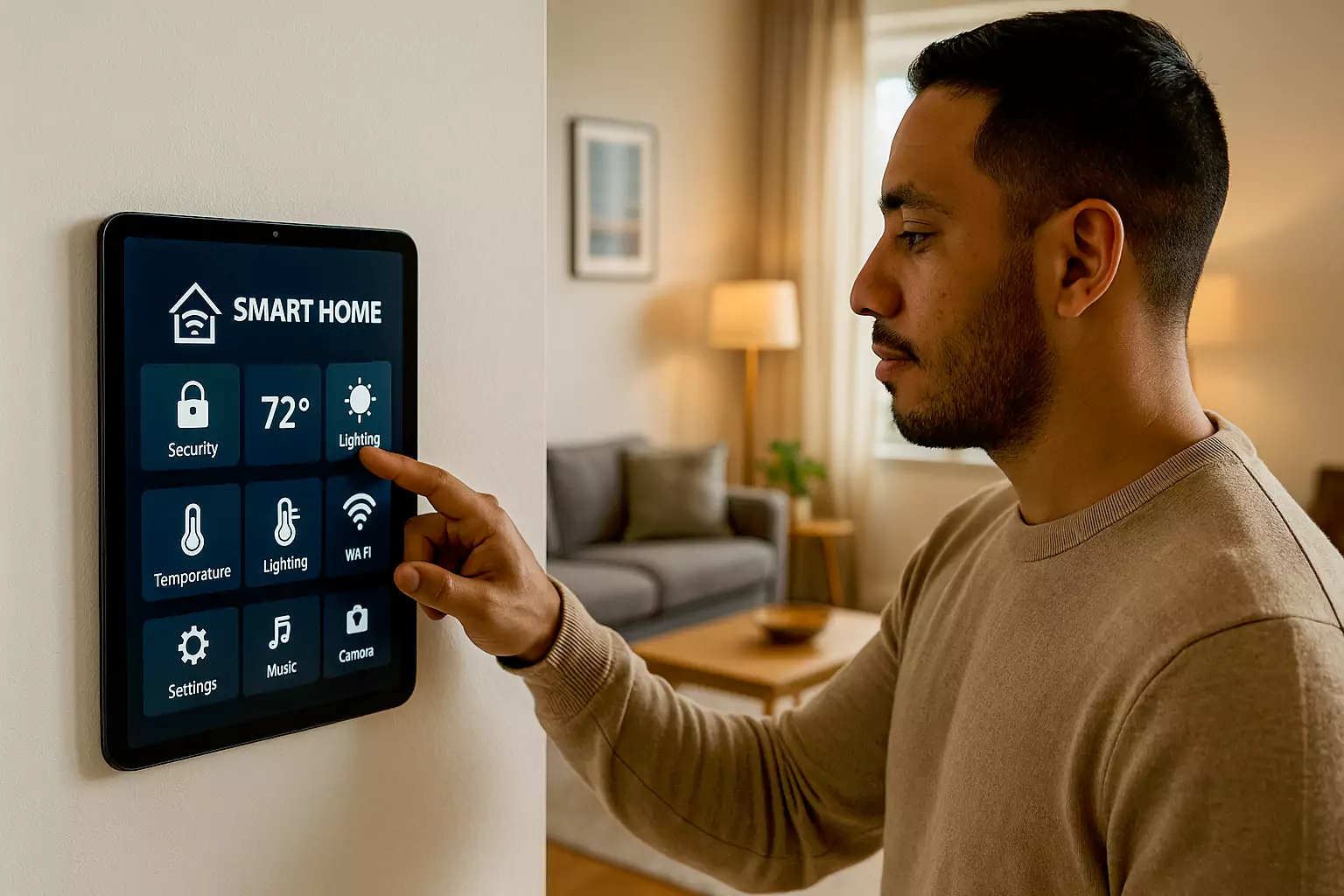
Smart homes grow fast with IoT, AI, and 5G. However, users want natural control and stable links. Therefore, this page turns field pain points into simple, buildable steps. As a result, brands can launch devices that feel smooth, efficient, and safe.
1) Background: Fast Growth and New Challenges
With multimodal control and whole-home scenes, expectations rise. Consequently, we must improve interaction, power use, optics, and safety to keep the experience simple.
2) Key Pain Points in Smart Homes
In practice, teams report the issues below:
- Single interaction mode; users want voice, touch, and gesture.
- Thin designs trade off heat and long-term stability.
- Unstable links cause delays and dropouts after weeks of use.
- Many devices cannot join one app due to protocol gaps.
- Glare on glossy screens hurts readability near windows.
- Legacy models are hard to upgrade and keep current.
- Poor thermal and dust design shortens product life.
- High power draw raises bills and hurts eco goals.
- UI does not match reading habits; icons and fonts are small.
- Screens pick up fingerprints and oil; cleaning is hard.
3) Improvement Measures and Technical Solutions
3.1 Multimodal Interaction
First, combine voice, gesture, and touch in one hub screen. Then, add multi-language ASR and on-device intent learning. As a result, users switch modes freely and the system responds faster.
For touch quality, see PCAP touch solutions.
3.2 High-Performance, Low-Power Chips
Select a low-power MCU or application processor with dynamic frequency scaling. In addition, pair it with a high-accuracy PCAP controller to reduce false touches and lift handwriting quality.
3.3 Connectivity Stability
Use link-health monitors and failover paths. For example, add Wi-Fi + Zigbee dual stack and roaming re-connect logic. Consequently, long-term uptime improves and delays fall.
3.4 Multi-Protocol Interoperability
Support Wi-Fi, Bluetooth, and Zigbee in one gateway. Moreover, provide a simple binding flow and a shared device model so third-party brands can join one app.
3.5 Anti-Glare and Anti-Reflection Optics
Apply optical bonding with low haze and add AG/AR finishes. Therefore, the screen stays readable in bright rooms.
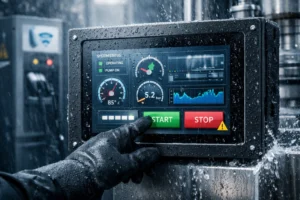
For splash areas like kitchens and balconies, review waterproof touch screens (IP65).
3.6 Modular Upgrade Path
Design the hub with pluggable wireless or storage modules. As a result, old models can upgrade without full replacement. This lowers e-waste and keeps users loyal.
3.7 Smart Thermal and Dust Control
Run thermal simulation. Then guide airflow with hidden vents and dust traps. In addition, use a fanless spreader for silent rooms.
3.8 Power-Saving Algorithms
Adopt AI-based power profiles. For instance, dim the backlight at night, cache scenes on device, and enter deep sleep on idle. Consequently, standby power drops and battery life extends.
3.9 High-Resolution Display and Human-Centered UI
Use a soft-matte HD panel with larger icons, higher contrast, and clear spacing. Hence, content stays readable from across the room.
3.10 Anti-Smudge, Easy-Clean Materials
Choose AF and oleophobic coatings. Therefore, fingerprints wipe off quickly and the display looks new for longer.
4) Expected Results and Value
- Better interaction: users pick voice, touch, or gesture as they like.
- Higher stability: fewer drops and faster reconnects.
- Clearer visuals: AG/AR plus bonding improve contrast near windows.
- Lower energy cost: smart power profiles cut standby draw.
- Richer ecosystem: more brands connect through one app.
- Longer life: dust and thermal design protect key parts.
5) Outlook: Toward a Unified Smart Home Ecosystem
Next, smart homes will move from single devices to full-home scenes. AI will personalize routines. A unified control center will merge platforms. In addition, low-carbon design will matter more. Finally, privacy and data safety will remain a core promise.
See fundamentals in industrial touch screens and deployment ideas in touch screen HMI applications.
6) FAQs
How does multimodal interaction help?
It lets users switch between voice, gesture, and touch. Therefore, the system feels natural and fast.
Why do low-power chips matter?
They reduce energy use while keeping performance stable. As a result, devices run cooler and last longer.
How do we keep links stable across many rooms?
Use multi-protocol gateways, roaming logic, and link-health checks. Consequently, dropouts fall and scenes run smoothly.
How do anti-glare panels work?
A nano-matte finish and AR layer reduce reflections. In addition, bonding removes the air gap to lift contrast.
What is the user benefit of modular design?
Modules allow quick upgrades and repairs. Therefore, long-term cost is lower and downtime is short.
Where is smart home going next?
It is moving toward whole-home orchestration with AI and edge computing. Meanwhile, energy saving and privacy controls will stay in focus.
7) Conclusion
Smart homes stand at a key point of change. By improving interaction, power, safety, and optics, brands can deliver systems that feel smart, thrifty, and well connected. In short, better design brings a better life.
Related reading: PCAP touch solutions · waterproof touch screens (IP65) · industrial touch screens · touch screen HMI applications