.png)
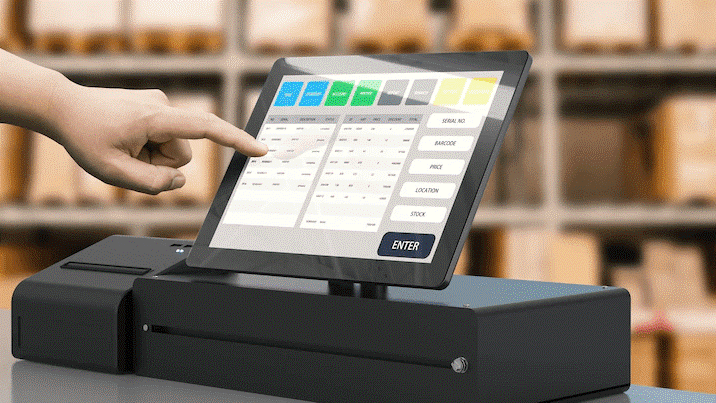
A capacitive touch screen lets you use a device by sensing your finger’s electricity. You see how fast your phone reacts when you tap or swipe. Most new phones and tablets use this because it is very sensitive, looks clear, and lets you use more than one finger at once.
- You can control things exactly and move around easily.
- The screen stays bright, even outside.
- The strong design helps stop scratches and damage.
There are more than 16 billion capacitive touch screens used around the world, so you use this technology every day.
Key Takeaways
- Capacitive touch screens sense the electricity in your finger. You do not need to press hard for them to work. They respond quickly and accurately.
- These screens let you use more than one finger at a time. You can pinch or zoom with your fingers. This makes using the screen easier and more fun.
- Capacitive touch screens are strong and do not scratch easily. This is good for devices you use every day, like smartphones and tablets.
- They show bright and clear pictures. The colors look bold and the images are sharp. This makes watching things on the screen better.
- These screens are very sensitive and respond fast. They might not work if you wear regular gloves. Humidity or very hot or cold weather can also affect them.
How Capacitive Touch Screens Work
Sensing Touch
When you touch a capacitive touch screen, your finger works like a conductor. The screen can sense your touch because your body has electricity. You do not have to press hard for it to work. The screen can detect your finger or a special stylus since both carry electricity. Here is how the sensing happens:
- The screen has a layer with a material that lets electricity flow, like Indium Tin Oxide (ITO).
- When you touch the screen, you make an electrical link.
- Your finger changes the field on the screen’s surface.
- Sensors inside the screen notice this change and send signals to the device.
You can use more than one finger at once, and the screen will sense each touch by itself.
Capacitance Change
The science behind a capacitive touch screen uses something called capacitance. Capacitance tells how much electric charge can be stored. When you touch the screen, your finger makes the capacitance higher at that spot. This happens because your finger acts as another plate in a capacitor. The screen senses this change and finds out where you touched.
- Your finger has special properties called dielectric properties.
- When you touch the screen, you make the dielectric constant go up at that spot.
- The screen notices the higher capacitance and knows where you touched.
This all happens very fast, so you see quick responses when you tap or swipe.
Construction and Materials
A capacitive touch screen uses many layers and special materials to work well and last long. Each layer does something important. The table below shows the main materials and why they are used:
| Material Type | Properties and Reasons for Selection |
|---|---|
| Chemically Strengthened Glass | Makes the screen harder to scratch and more durable. |
| Thermally Tempered Glass | Makes the screen stronger and less likely to break. |
| Polycarbonate (PC) | Is light and bends easily, helps resist impacts. |
| Indium Tin Oxide (ITO) | Lets electricity flow and is clear, used for touch sensor layers. |
| Metal Mesh | Lets more electricity flow and bends easily, can cost less to make. |
| Silver Nanowires | Lets electricity flow very well and bends easily, used in both stiff and bendy screens. |
| Optically Clear Adhesives (OCA) | Sticks layers together without making the screen blurry. |
| Liquid Optically Clear Adhesives (LOCA) | Fills spaces and gets hard with UV light for strong sticking and good looks. |
| FR-4 (PCB Material) | Keeps electricity from leaking and makes the control parts stable. |
| Copper (Conductive Traces) | Connects the touch sensor layers to the control parts, carries signals. |
| Silicon (Integrated Circuits) | Handles touch inputs and adds things like gesture controls. |
You can see how each material helps the screen stay strong, clear, and quick to respond. The way the layers are put together also matters. Here is a simple table showing the main layers and what they do:
| Layer | Function |
|---|---|
| Cover Lens | Protects the screen, gives a smooth feel, and helps you see better. |
| Touch Sensor Layer | Finds your touch and turns it into signals the device can read. |
| Display Layer | Shows pictures and words, often works with the touch sensor layer. |
You use all these layers every time you use your device. The design keeps your screen bright, strong, and easy to use.
Key Features of Capacitive Touch Screens
Sensitivity and Accuracy
When you tap or swipe, your device reacts fast. Capacitive touch screens are very sensitive and accurate. You do not have to press hard for them to work. Even a gentle touch is enough. The screen can find the exact spot you touch. This helps you type quickly and play games better.
Here is a table that shows how accurate and responsive different touch screens are:
| Touch Technology | Accuracy in Touch Detection | Responsiveness | Notes |
|---|---|---|---|
| Capacitive Touch Screens | High | Very Responsive | Finds touch by sensing electricity changes. It tracks well and lets you use more than one finger. |
| Resistive Touch Screens | Moderate | Less Responsive | Needs pressure to work. This makes it less accurate and slower to react. |
Capacitive touch screens track your finger better than others. Phones usually need a touch area of 44 by 44 pixels. Tablets can sense touches as small as 10 to 14 mm. Kiosks often need a touch area of 15 by 15 mm. Apple says touch targets should be at least 44 pixels wide and tall. Android suggests touch targets should be at least 48 by 48 dp, which is about 9 mm.
Multi-Touch Support
You can use more than one finger at once. This lets you zoom in on photos or rotate pictures. You can also play games that need many fingers. New capacitive touch screens can sense up to ten fingers at the same time. You can pinch, swipe, and drag with both hands. This makes your device easier and more fun to use.
- Zoom in or out by moving two fingers.
- Rotate things by moving two fingers in a circle.
- Play games that need more than one finger at once.
Visual Clarity
Your screen shows bright colors and clear images. Capacitive touch screens use special sensing and new materials to keep the display sharp. The screen shows real colors and strong contrast. Regular checks keep the colors looking right. Some screens use quantum dot film to make the picture better. Special computer programs adjust the contrast and color depth. These screens also use less power, so your battery lasts longer.
| Factor | Description |
|---|---|
| Advanced Sensing Technologies | Smart sensing makes touch more accurate and quick. |
| Color Accuracy | Good color is important for how things look on the screen. |
| Calibration Processes | Regular checks keep colors and performance good. |
| Innovative Materials | Quantum dot film helps make the picture look better. |
| Dynamic Range Compensation | Computer programs change contrast and color depth. |
| Power Consumption | Uses less power but still looks great. |
Tip: Your screen looks nice and reacts fast, so you enjoy using your device every day.
Advantages and Limitations
Benefits
Capacitive touch screens have many good points. Your device reacts fast, so you can type quickly. You can play games without waiting. The glass does not scratch easily, so your screen stays nice. The thin layers help you see sharp pictures. Multi-touch lets you zoom, pinch, and swipe with more than one finger. Cleaning is simple because the screen only works with your fingers or a special stylus.
Here are the main benefits you get:
- High sensitivity means your device reacts to gentle touches.
- Strong glass keeps your screen safe from scratches.
- Clear layers show bright and sharp images.
- Multi-touch lets you use gestures for better control.
- Cleaning is easy and keeps your device looking new.
You see these features every time you use your phone or tablet. Fast response and clear pictures make your device better.
| Feature | Capacitive Touch Screens | Resistive Touch Screens |
|---|---|---|
| Sensitivity | Very sensitive; reacts to light touches | Needs pressure to work |
| Multi-Touch Support | Yes; lets you swipe, pinch, and zoom | No; only one touch at a time |
| Input Method | Senses touch using electricity | Needs pressure from finger or stylus |
| User Experience | Moves smoothly and quickly | Slower because you must press down |
| Versatility | Not as good with other input devices | Works with stylus or gloves |
Tip: Capacitive touch screens give you a smoother and faster experience than older screens.
Drawbacks
Capacitive touch screens have some problems too. They work best with your finger or a special stylus. Regular gloves and things that do not conduct electricity will not work. Humidity or very hot or cold weather can make the screen less responsive. Sometimes, you might touch the screen by accident, especially if it is big. The screen can crack or scratch if you drop your device. Repairs can cost more than other screens. These screens cost more to make because they use better materials.
Here are some common drawbacks:
- Limited input types: Only works with things that conduct electricity.
- Humidity sensitivity: Wet air can make the screen act strangely.
- Multi-touch limitations: Some screens may miss touches.
- Screen damage risks: Easier to crack or scratch, repairs cost more.
- Environmental limitations: Very hot or cold weather can cause problems.
- Higher cost: Better materials make the price go up.
Think about these points when you pick a device. The good things are usually more important, but knowing both helps you choose wisely.
Common Uses of Capacitive Touch Screens
Consumer Electronics
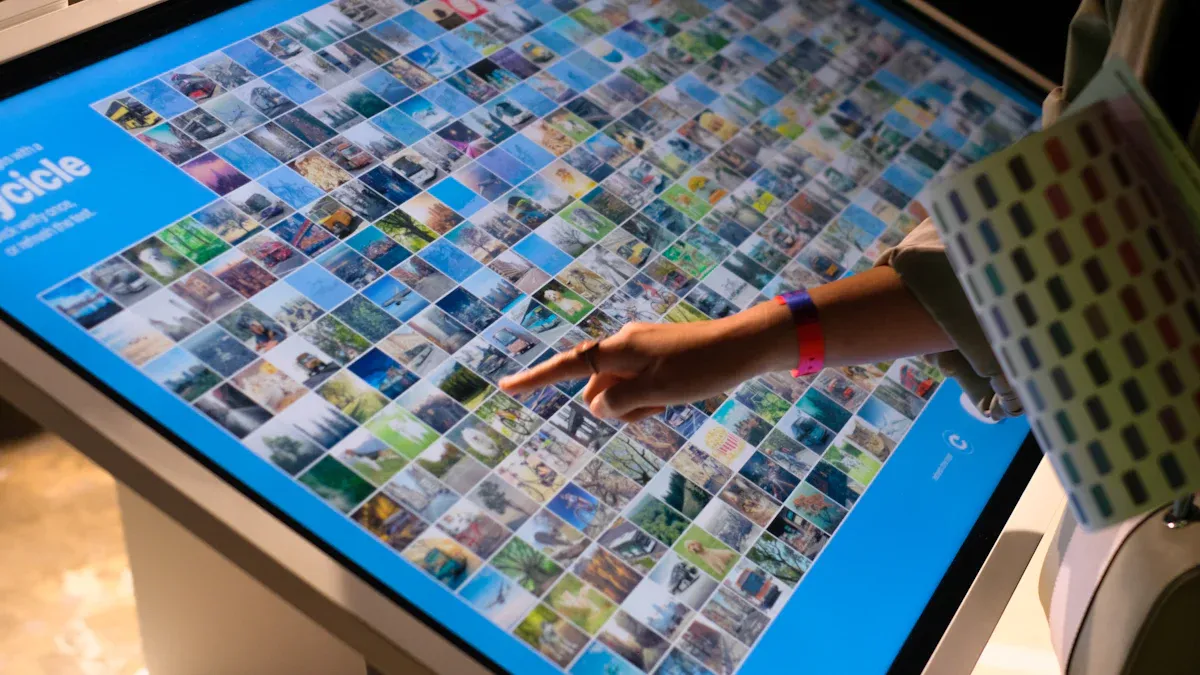
You use a capacitive touch screen when you tap your phone or tablet. These screens let you control your device with easy taps and swipes. You also see them on smart fridges and ovens. You can change settings just by touching the screen. Hospitals use these screens so doctors and nurses can check patient info fast. Factories use touch screens to help workers run machines quickly and safely.
Here is a table that shows where you find capacitive touch screens in electronics:
| Device Type | Description |
|---|---|
| Smartphones and Tablets | Phones like iPhones and Samsung Galaxies use touch screens for easy control. |
| Industrial Control Panels | Used in factories because they are simple and strong. |
| Medical Devices | Used in monitors and tools to keep things safe and clean. |
| Home Appliances | Smart fridges and ovens let you change settings with a touch. |
| Automotive Displays | Cars use touch screens for maps and music. |
Tip: You use these screens all the time, even if you do not notice how much easier they make things.
ATMs and Kiosks
You see capacitive touch screens at ATMs and self-checkout kiosks. These screens help you get money, order food, or check in fast. Stores and restaurants use them because they last a long time and work well in busy places.
- Many kiosks in stores and restaurants use these touch screens.
- More people want quick service, so more kiosks use touch screens.
- These screens help businesses save money and make customers happy.
When you use an ATM or kiosk, you get many good things:
- The screen lasts a long time, even with lots of use.
- You can see the screen well, even in sunlight.
- The screen works even if it gets a crack.
- You can use gestures to get things done faster.
- The design keeps up with new tech.
Note: Capacitive touch screens make self-service faster and more dependable for you.
Automotive and Industrial Applications
You find capacitive touch screens in cars and trucks instead of old buttons. These screens make the dashboard look cool and easy to use. You can control music, maps, and air with just a touch. Car makers like these screens because they can change the look and add new features.
- Cars use touch screens for maps, music, and controls.
- The screens react fast and help keep you safe.
- You can zoom in on maps or change settings with two fingers.
- The screens do not scratch easily and work in sun or rain.
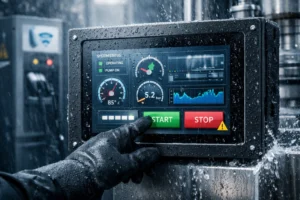
In factories, workers use touch screens to run machines and watch how things are made. These screens last a long time and work in tough places, but they can cost more and may not work with normal gloves.
Here is a table that shows the good and bad things in factories:
| Benefits | Challenges |
|---|---|
| Better ways to use machines | Cost |
| Makes work faster and easier | Can have trouble in tough places |
| Lasts a long time in hard places | Does not always work with gloves |
Tip: Touch screens in cars and factories make things easier and safer, but they do have some limits in hard conditions.
Capacitive Touch Screen vs. Other Technologies
Capacitive vs. Resistive
You may wonder how capacitive and resistive touch screens are different. The main difference is how sensitive they are. Capacitive screens react to a light touch. Resistive screens need you to press harder. This can make your fingers tired after a while. The table below shows how much pressure each type needs:
| Features | Capacitive | Resistive |
|---|---|---|
| Touch sensitivity | High | Low |
The way you use each screen is also different. Capacitive screens sense electricity from your finger or a special stylus. Resistive screens work with anything, like a pen or glove. Here is a table that explains this:
| Touch Screen Type | Input Method Description |
|---|---|
| Capacitive | Needs something that carries electricity. |
| Resistive | Works with any object you touch it with. |
How the screen looks is important too. Capacitive screens look bright and clear because they have one main layer. Resistive screens have more layers, so the picture can look less sharp. Phones and tablets usually use capacitive screens for better images.
Price is another thing to think about. Capacitive screens cost more because they use better materials. Resistive screens are cheaper since they use simple parts.
Other Touch Technologies
There are other touch screens, like infrared and surface acoustic wave (SAW). These work in a different way than capacitive screens. Infrared and SAW screens let you use anything to touch them, not just your finger. They last a long time and react quickly. You often see them in game machines, kiosks, and busy places.
| Feature | Infrared / SAW Touch Screens | Capacitive Touch Screens |
|---|---|---|
| Object Compatibility | Works with anything that blocks the waves | Needs something that carries electricity |
| Durability | Stays strong and lasts a long time | Not as strong if used a lot |
| Response Time | Reacts very fast | Not as fast as infrared or SAW |
| Common Applications | Used in games, kiosks, and busy places | Used in phones and tablets |
Tip: Pick the touch screen that fits what you need. Each kind has good and bad points.
You use a capacitive touch screen every day. It helps you control your device fast and easily. The table below shows what makes this technology special:
| Benefit | Description |
|---|---|
| Superior Sensitivity | It reacts quickly and can sense more than one finger. |
| Excellent Optical Clarity | The screen looks bright and colorful with fewer layers. |
| Durability and Longevity | The strong design helps the screen last a long time. |
| Multi-Touch Capability | You can pinch, zoom, and swipe using several fingers. |
Now, screens are getting bigger for cars and factories. Some screens curve from edge to edge to look better and work better.
If you want to know more, look at guides about touchscreen monitors or stylus pens. You can also read the white paper Why Touch Screen Technology? for more details.
FAQ
Can you use a capacitive touch screen with gloves?
Most gloves do not work because they block electricity from your fingers. You can buy special touchscreen gloves. These gloves have materials that let electricity pass through, so you can use your device outside.
Why does my touch screen sometimes not respond?
Your screen may not react if your fingers are wet or dirty. Dirt and moisture can block the electric signal. Clean your screen with a soft cloth. Dry your hands before you use your device.
What is multi-touch and why is it useful?
Multi-touch means your screen can sense more than one finger at the same time. You can zoom, rotate, or swipe with two or more fingers. This makes games, maps, and photos easier to control.
Tip: Try pinching the screen to zoom in on a photo. You will see how multi-touch works!
Do capacitive touch screens break easily?
Capacitive screens use strong glass. They resist scratches and small bumps. If you drop your device, the screen can crack. Use a case or screen protector to keep your device safe.
Can you use a stylus with a capacitive touch screen?
You need a special stylus made for capacitive screens. Regular pens or plastic sticks do not work. A capacitive stylus has a tip that carries electricity, just like your finger.
| Stylus Type | Works with Capacitive Screen? |
|---|---|
| Regular Stylus | ❌ |
| Capacitive Stylus | ✅ |