
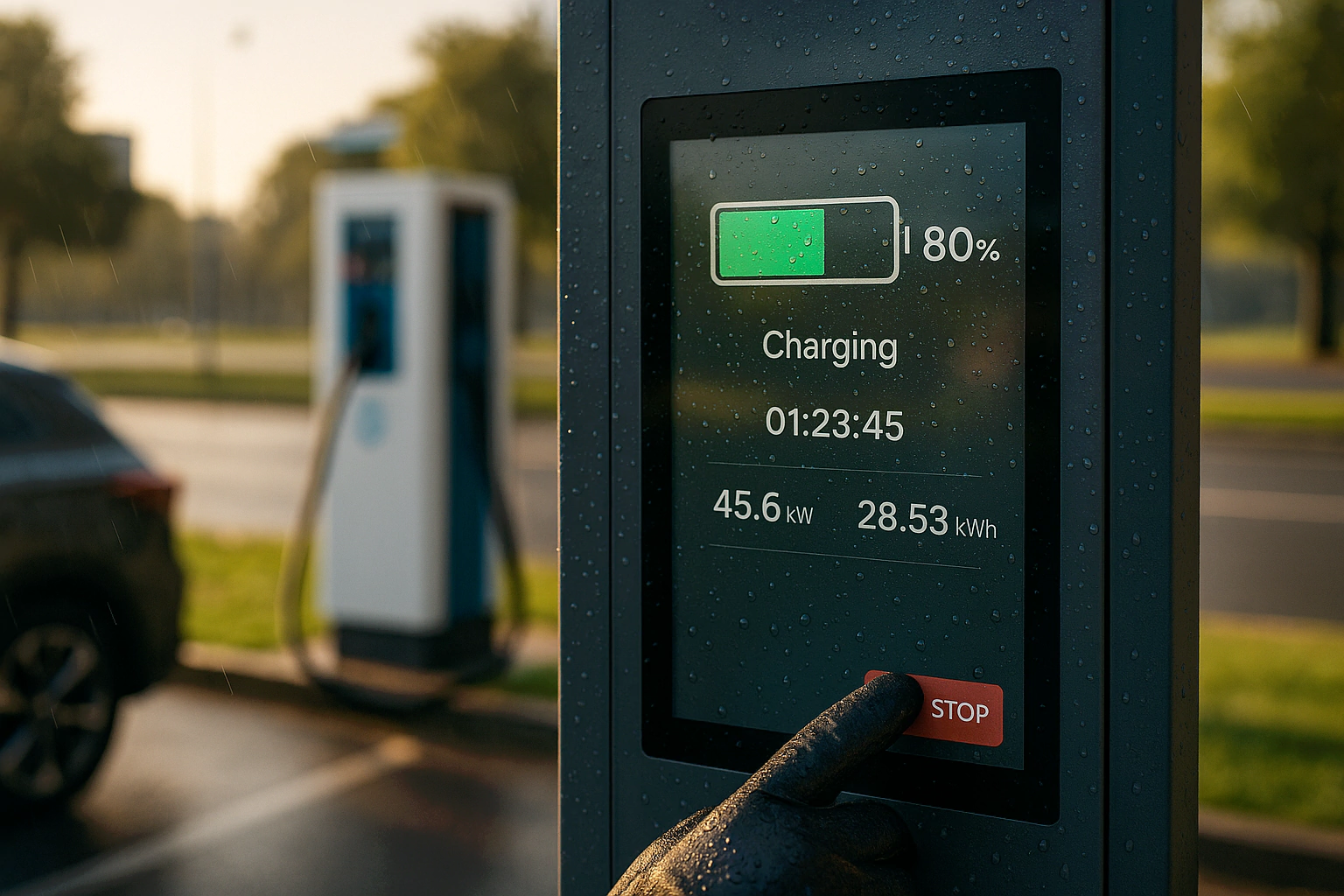
Modern commercial displays face new engineering challenges—sunlight readability, 24/7 use, waterproof design, and precise multi‑touch performance. This article converts ten field pain points into practical engineering guidelines for building a high‑reliability industrial touch display with optical bonding, IP65 sealing, and PCAP touch technology. For background on industrial touch screens and selecting sunlight‑readable outdoor displays, see these resources.
1. Industry Pain Points and Design Challenges
| # | Pain Point | Why It Matters |
|---|---|---|
| 1 | Brightness ≥1000 nits required | Outdoor kiosks and digital signage demand sunlight readability. See outdoor high‑brightness displays. |
| 2 | Wide viewing angle ≥178° | makes sure visual consistency for multi‑viewer environments. |
| 3 | Thermal stress and energy consumption | High brightness increases internal temperature, risking LED and driver lifespan. |
| 4 | 24/7 continuous use | Requires reliable backlight, driver, and power design. |
| 5 | Indoor/outdoor switching environments | Exposure to sunlight, dust, and humidity calls for IP‑rated protection. |
| 6 | Custom sizing and flexible integration | Projects often range from 10.1″ to 100″+, requiring scalable module design. |
| 7 | Glare and reflection issues | Affect readability and perceived contrast. |
| 8 | Touch instability with gloves/water | Standard capacitive screens fail in wet or EMI environments. |
| 9 | Operator experience | Friction, delay, and poor response reduce usability. |
| 10 | Total cost and delivery pressure | Engineering efficiency and flexible BOM are critical for B2B competitiveness. |
2. Engineering Solutions Overview
2.1 Display and Optical Enhancement
- In addition, High brightness LCD (800–1500 nits) with LED backlight efficiency ≥ 110 lm/W — see sunlight‑readable display practices.
- Moreover, Optical bonding (OCA full lamination) eliminates air gaps, increases contrast by 30–40%, and blocks dust — examples in outdoor high‑brightness deployments.
- Therefore, Anti‑glare (AG 8–12% haze) and anti‑reflection (AR ≤ 1.5% total reflection) coatings improve readability.
- However, AF coating reduces fingerprint smudges and touch friction for long‑term clarity.
- In addition, IPS/ADS panels make sure true 178° viewing angles and color accuracy.
2.2 Touch Panel and Control Technology
- Moreover, PCAP touch panel (metal mesh) for precise multi‑touch input up to 40 points — see PCAP in harsh environments.
- Therefore, Advanced firmware supports glove use, water rejection, and palm suppression — related safety and protection comparison: waterproof/dustproof/drop resistance.
- However, TDDI (Touch & Display Driver Integration) lowers power use and minimizes EMI interference.
- In addition, Report rate ≥ 120 Hz, latency < 35 ms — ideal for kiosks and interactive signage.
2.3 Structure and Protection
- Moreover, IP65 waterproof touch screen design — see waterproof touch screens.
- Therefore, 7H glass surface hardness, anti‑UV, alcohol‑resistant, and cleanable.
- However, Thermal design using heat pipes and aluminum extrusion for 24/7 reliability — overview at industrial monitor technologies.
- In addition, Operating temperature: –20 °C to +60 °C makes sure stability in outdoor environments.
2.4 Power and Efficiency
- Moreover, Optimized power system (≤ 3.5 W per 10.1″ display equivalent).
- Therefore, Auto brightness sensor and sleep mode reduce consumption by 15–20% — see system‑level design overview.
- However, Full‑range AC input (90–264 V) with PFC and surge/ESD protection.
3. Touch and Optical Comparison
| Feature | IR Touch Frame | PCAP (Metal Mesh) |
|---|---|---|
| Accuracy & Response | Moderate | High precision / Fast |
| Multi‑Touch | 10–40 points | 10–40 points |
| Water/Glove use | Native | Firmware‑adaptive |
| Optical Clarity | No interference | Slight reflectivity, can be optimized |
| EMI/ESD Immunity | Medium | High (with shielding) |
| Typical Use | Menu boards, large screens | Interactive kiosks, outdoor terminals |
Recommendation: For cost‑driven, large formats → IR. For premium, high‑contrast interactive uses → PCAP touch panel with optical bonding. See examples of outdoor high‑brightness and harsh‑environment selections.
4. Technical targets and Test Plan
Design Targets
- In addition, Brightness: 800–1500 nits (sunlight readable).
- Moreover, Viewing angle: ≥ 178°.
- Therefore, Total reflectance: ≤ 1.5–2.0%.
- However, Touch delay: < 35 ms, report rate ≥ 120 Hz.
- In addition, Front protection: IP65.
- Moreover, Chemical durability: ≥ 10,000 wipe cycles (IPA, detergent).
- Therefore, EMI/ESD: ±8 kV contact, ±15 kV air — no lockups.
checking Items
| Test Category | Parameter | Acceptance rules |
|---|---|---|
| Optical | Brightness, contrast, reflection | Meets design targets |
| Touch | Glove, water, EMI tests | No false triggers |
| Reliability | Temp/Humidity/Drop | No Mura, no delamination |
| IP Protection | Dust and spray | Pass IP65 front test |
| ESD/EMC | IEC 61000-4-2/-4-3 | No system failure |
| Cleanability | Chemical wipe test | Coating intact |
| Assembly | Drop/Vibration | Functional integrity maintained |
For product‑level reliability targets and 24/7 engineering, reference Industrial‑grade LCD Touch Panel and 24/7 Touch Screen Monitor.
5. Key Performance Improvements
| Category | Before Optimization | After Industrial Upgrade | Measurable Benefit |
|---|---|---|---|
| Readability | 400–600 nits, high reflection | 1000 nits + OCA + AR ≤ 2% | Clear under sunlight (see sunlight‑readable methods) |
| Viewing angle | 150–170° | 178° IPS / ADS | True‑color viewing |
| Touch response | Lag, unstable in wet/glove use | 120 Hz, < 35 ms latency | Smooth interaction |
| Durability | Brightness drop after months | Stable 7×24 use | Lower RMA rate |
| Waterproofing | Partial seal | IP65 front glass | Outdoor ready |
| upkeep | Frequent cleaning | AF coating, easy wipe | Lower TCO |
| Power | High consumption | 10–20% energy saving | Reduced operating cost |
More outdoor cases: Outdoor high‑brightness display.
6. Integration & Manufacturing Tips
- However, Maintain Class 1000–10000 cleanroom for OCA bonding; follow AQL for bubble specs.
- In addition, make sure thermal path continuity — avoid stacking heat sources behind the LED driver.
- Moreover, Use EMI shielding gaskets and single‑point grounding for PCAP.
- Therefore, Provide flexible assembly (display + touch + mainboard) to simplify future size changes.
- However, Define torque, gasket compression, and connector insertion limits during DFM review.
For structure/thermal/EMI integration overview, see industrial monitor technologies and harsh‑environment selections.
7. rollout Checklist
- In addition, Match brightness to environment (indoor ~700 nits / outdoor 1000–1500 nits).
- Moreover, Choose PCAP for premium optical clarity; IR for large‑format cost control.
- Therefore, Use optical bonding + anti‑glare / anti‑reflection coating for outdoor use.
- However, Specify front IP65 sealing and define chemical cleaning test cycles.
- In addition, check thermal, ESD, EMC, vibration, and optical stability before release.
- Moreover, Follow IEC 61000 and IP65 testing standards.
- Therefore, make sure glove & water performance under realistic conditions.
Helpful links: waterproof touch screens · sunlight‑readable displays
8. Outcomes and ROI
For example, By combining industrial‑grade touch displays, PCAP multi‑touch control, and optical bonding, manufacturers can achieve:
- However, 30–40% improvement in sunlight readability
- In addition, ~20% energy savings
- Moreover, ~50% reduction in upkeep effort
- Therefore, Extended product life cycle and higher customer satisfaction
As a result, Explore more solutions and categories via the Products overview or visit the homepage.

