.png)
Why Is My Monitor Green and How Can I Fix Itwhy is my monitor green
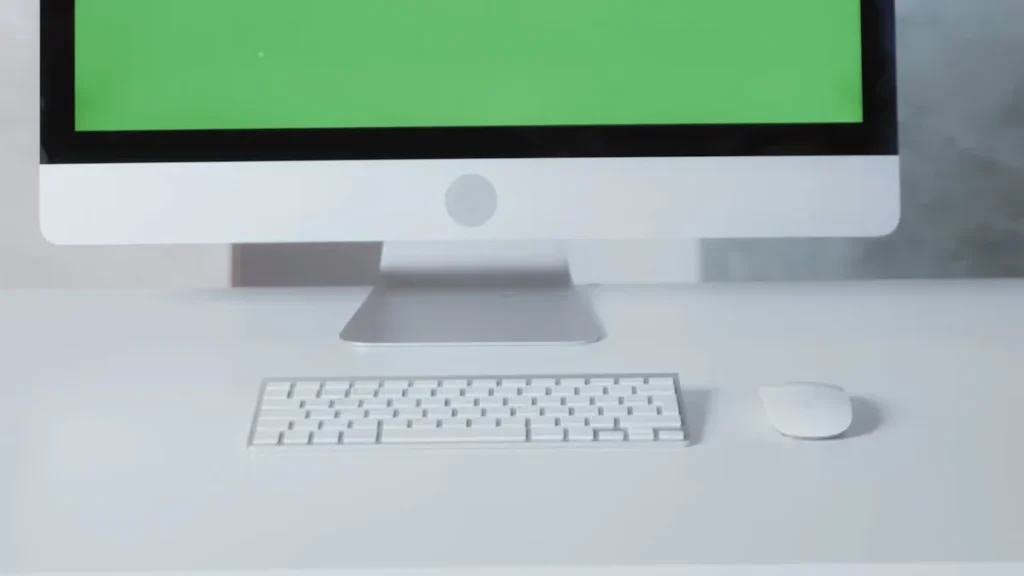
ou might wonder, “why is my monitor green?” This problem happens often and usually has a simple cause. Many times, a loose or faulty cable can turn your screen green. Sometimes, magnetic devices near your monitor create a greenish tint. Video card problems or bad connections inside the monitor can also lead to color issues. You can […]
How to Solve the Problem of a Monitor Screen Going Black
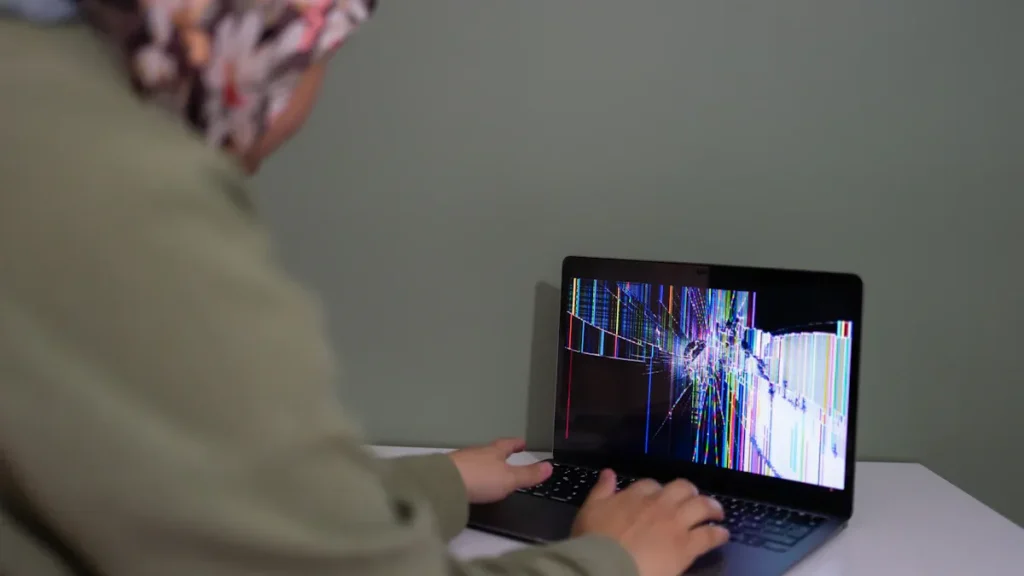
You might feel frustrated when you see your monitor screen go black without warning. This problem happens to many people and usually has a simple fix. Often, a loose cable, an outdated driver, or a power setting causes the display to turn off. Sometimes, a recent update or a hardware glitch, like a faulty graphics card or […]
How to Fix Computer Monitor Shadowing Issues Easily

ave you noticed weird shadows or blurry streaks on your screen? You might have a computer monitor shadowing problem. Don’t worry—lots of people face this issue, and you can often fix it with just a few simple steps. You don’t need to be a tech expert. Just follow along, and you’ll get your display looking […]
How to Turn On the Touch Screen on Windows Laptops
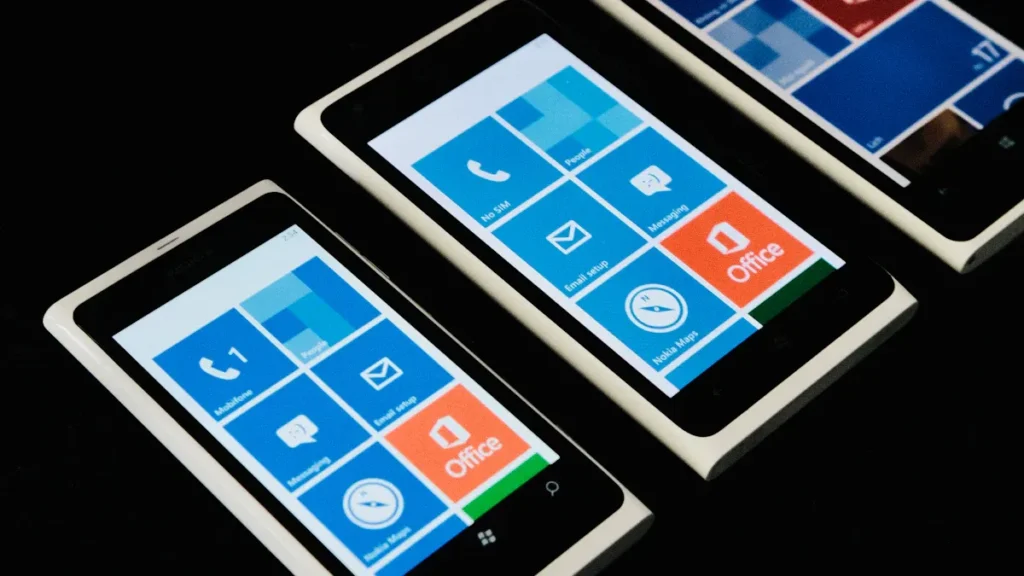
You want to know how to turn on touch screen on your Windows laptop? You can do it quickly with Device Manager. If your touch screen stops working or disappears, don’t worry. Most fixes take just a few clicks. Anyone can follow these steps, even if you’re new to computers. Key Takeaways Turning on the […]
How to Clean Touch Screens on Phones, Tablets, and Laptops
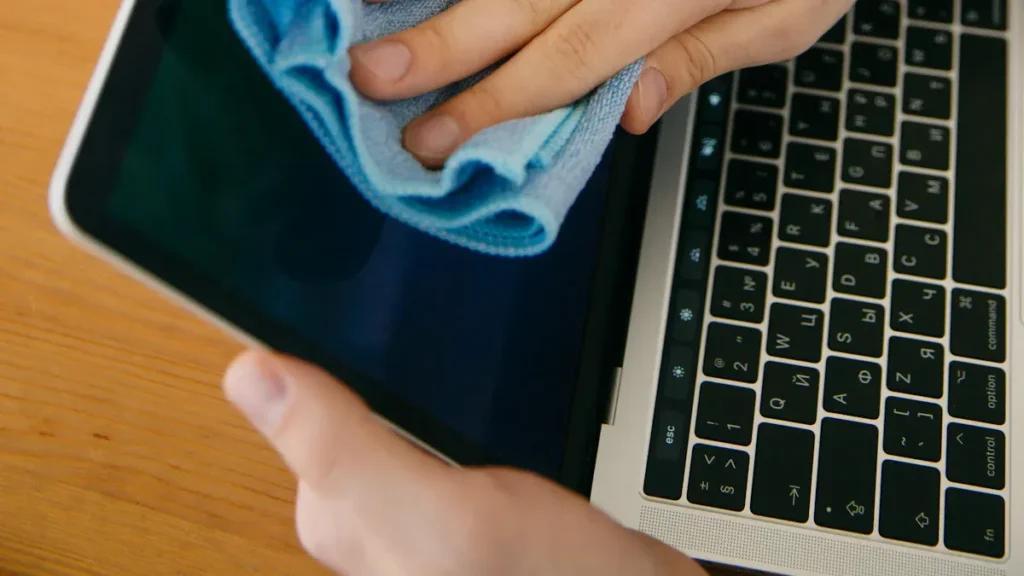
You want to clean touch screen devices without worry. Safe methods matter because the wrong cleaners or rough materials can cause scratches, cracks, and even make your device stop working. Stick with proper tools and you’ll keep your phone, tablet, or laptop looking great and working smoothly. Key Takeaways Clean Touch Screen Steps Power Off and […]
How to Turn Off the Touch Screen on Windows Laptops and PCs
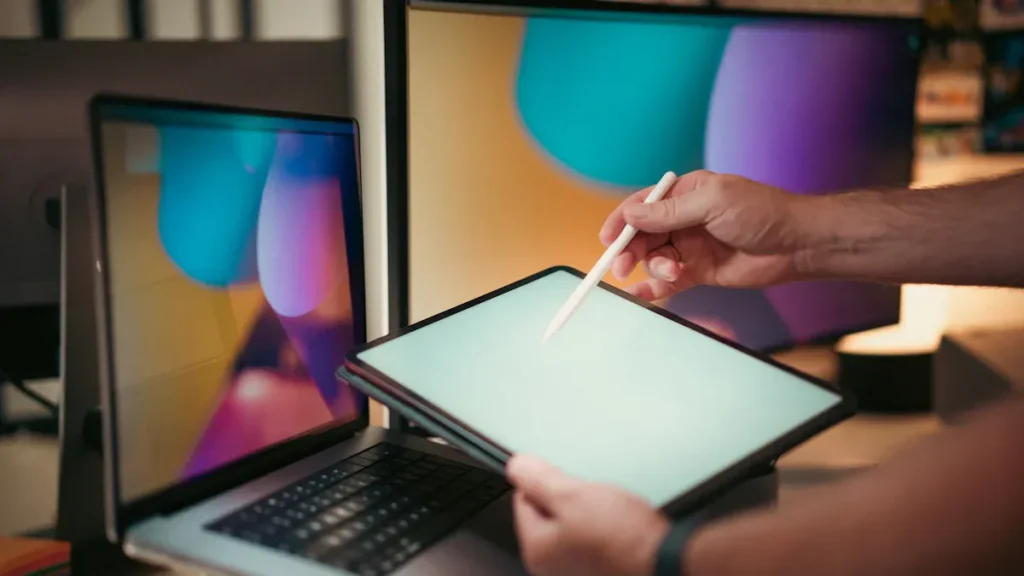
If you want to know how to turn off touch screen features on your Windows laptop or PC, the quickest method uses Device Manager. You can do this in just a few steps. Disabling your touchscreen does not harm your device. You can always turn it back on later. Many users feel relieved after disabling […]
Top Reasons to Choose a Touch Screen All-in-One over a Traditional Desktop
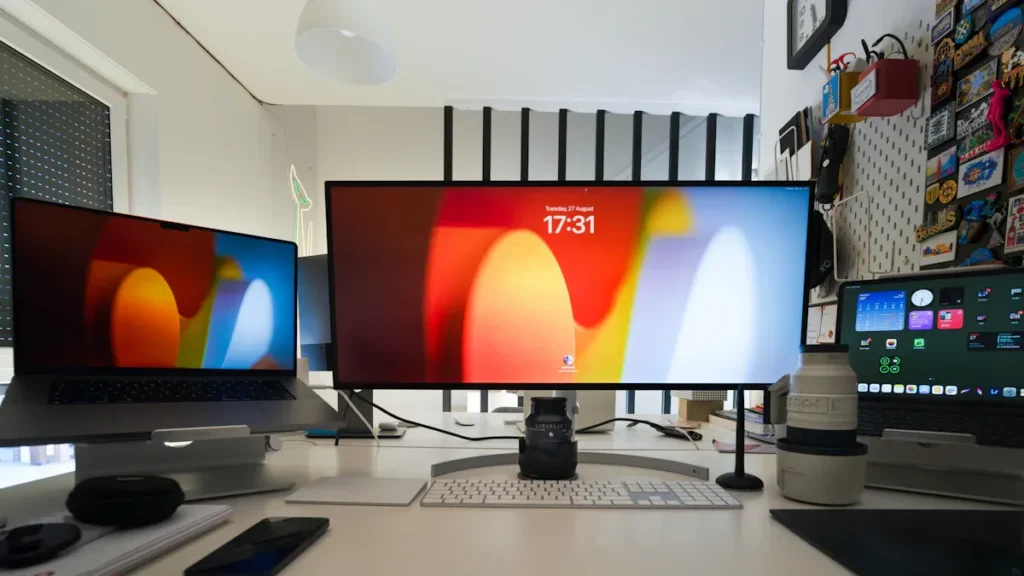
Have you ever wished your computer could do more with less effort? With a touch screen all-in-one, you get a device that saves space, looks sleek, and lets you interact directly with your work. You can move it easily, enjoy quick touch controls, and keep your desk clutter-free. This choice gives you a modern way […]
How to Troubleshoot Common Capacitive Touch Screen Issues in 2025
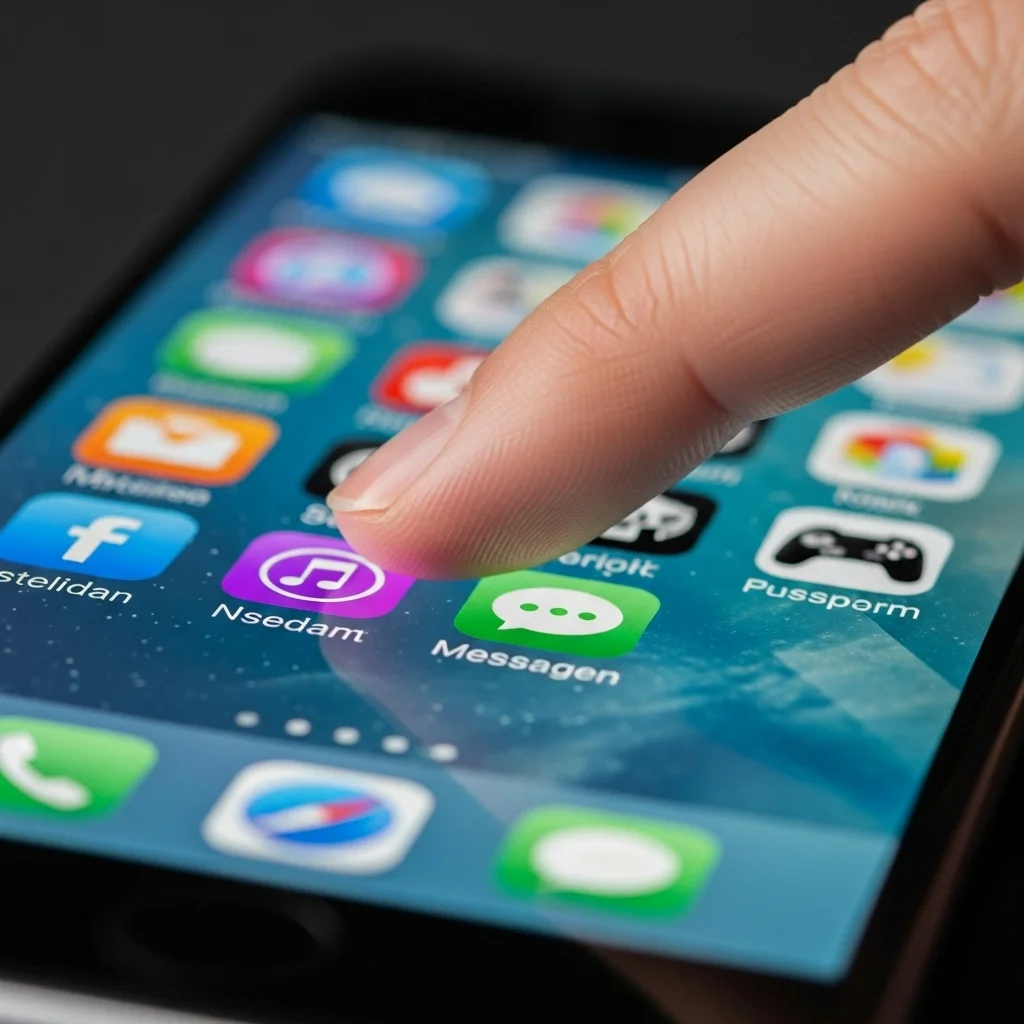
If your capacitive touch screen stops responding, you might feel frustrated. Start with the basics: clean the screen, restart your device, and remove any cases or screen protectors. These simple actions often solve the problem. Most issues do not need special tools or skills. Stay calm and follow each step. You can fix many touch […]
How to Know If Your Device Has a Capacitive Touch Screen

The easiest way to check if your device has a capacitive touch screen is to try using it with a gloved finger or a plastic pen. If the screen does not respond, you likely have a capacitive touch screen. You do not need any technical skills for this test. Knowing your screen type helps you […]
The Rise of Flexible and Ultra-Thin Capacitive Touch Screens
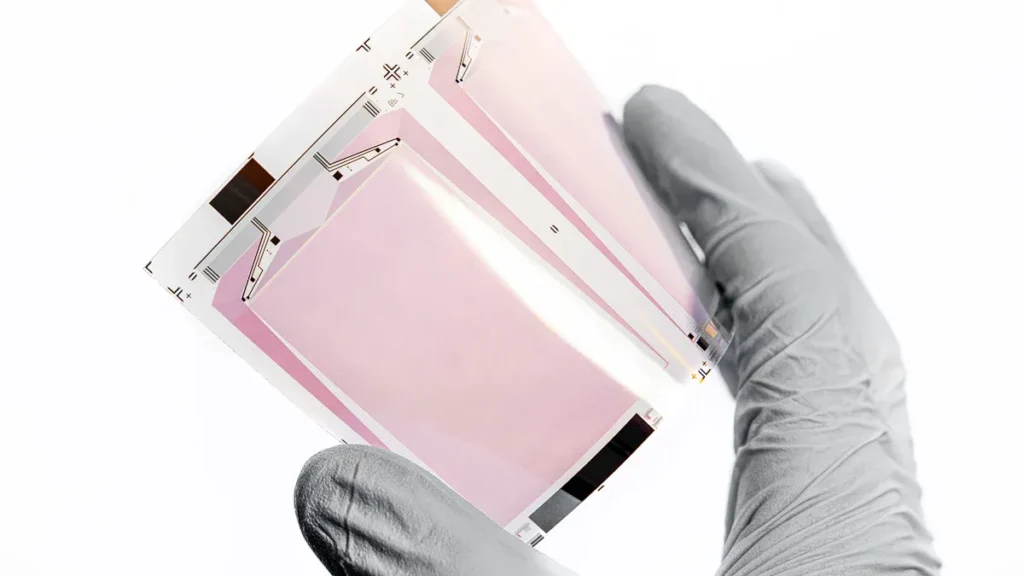
In 2025, flexible and ultra-thin capacitive touch screens are changing how people use technology. Market data shows strong growth: These new changes are shaping how devices look and work. People now expect more from interactive displays. Key Takeaways Market Trends Growth Drivers Many things help flexible and ultra-thin touch screens grow fast. Companies spend money […]