.png)
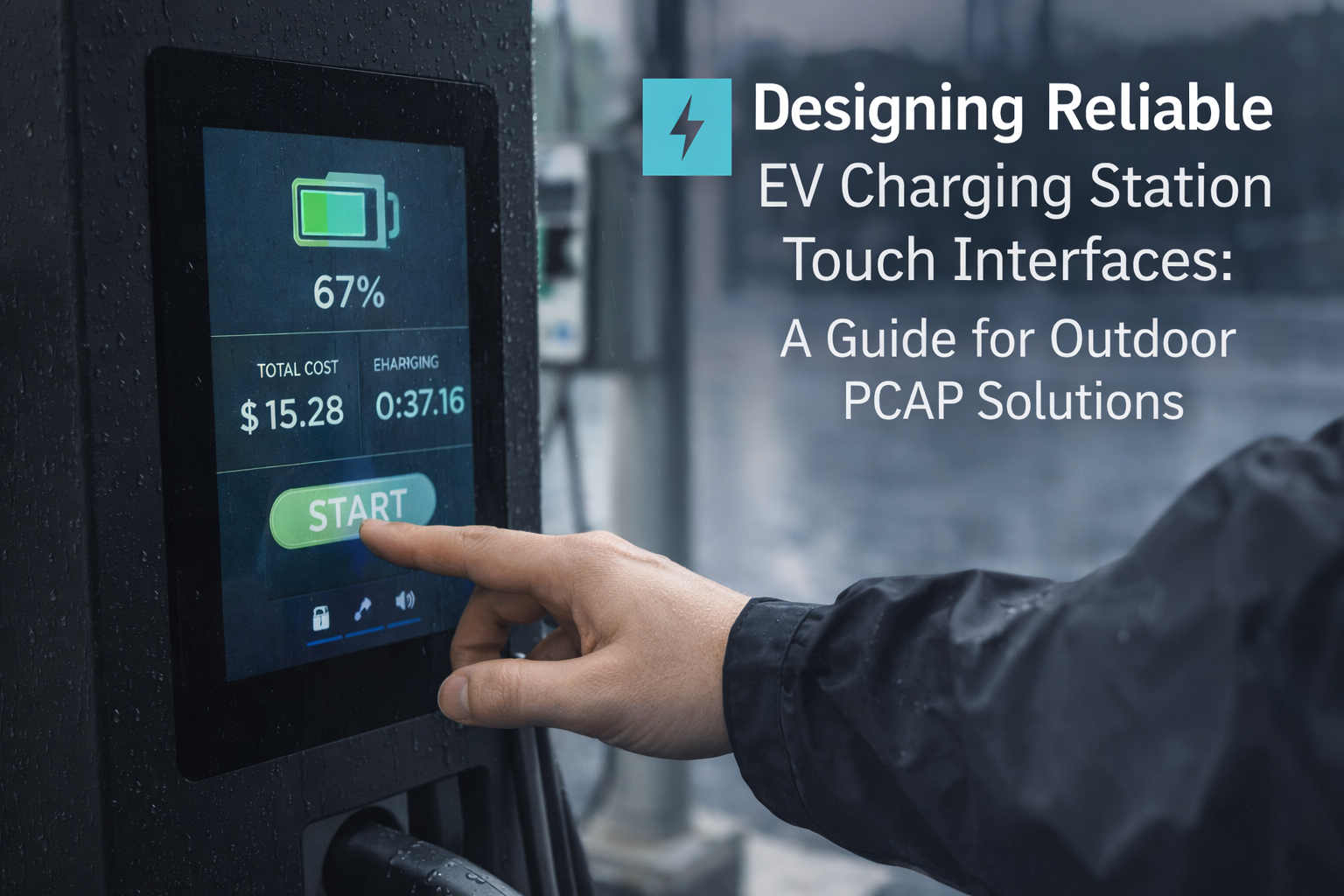
Designing Reliable EV Charging Station Touch Interfaces: A Guide for Outdoor PCAP Solutions
As the global EV market accelerates, the charging station is no longer just a cable and connector—it is becoming a smart, always-on
human-machine interface (HMI). For operators, the touchscreen directly impacts user satisfaction, service workload,
and long-term maintenance cost. For OEM engineers, the challenge is clear: keep touch input accurate and visibility strong
under direct sun, rain, temperature extremes, and power-electronics noise.
This guide breaks down the practical design decisions behind a dependable EV charging station touch screen using
outdoor-ready PCAP (projected capacitive) solutions—focusing on readability, climate reliability, wet/glove usability,
vandal resistance, and integration stability.
Optical Bonding
-30°C to +80°C (project dependent)
Water Rejection + Glove Touch
IK10 Anti-Vandal
Explore Outdoor EV Charger Touch Solutions →
Talk to an Engineer →
Key Takeaways for EV Charger Touch Interface Reliability
Visibility is a system outcome
Outdoor readability is not just “more nits.” Combine high brightness with glare control and a bonded optical stack
for stable contrast under direct sun.
Wet + glove must be designed in
Rain and winter gloves are real-world conditions. Choose a controller and tuning approach that supports water rejection
and glove usability from the start.
Public infrastructure needs IK protection
Chargers are often unattended. Anti-vandal glass and robust mechanical support reduce breakage, downtime, and replacement costs.
Recommended supporting references:
Optical Bonding Guide ·
IP65 Waterproof Touch Screens ·
PCAP in Harsh Environments
1) Sunlight Readability: High Brightness + Optical Bonding
EV chargers are frequently installed in open parking lots, highway corridors, and curbside locations with no shade. Under direct sunlight,
ordinary displays can suffer from glare and poor contrast, forcing users to lean closer, repeat steps, or abandon the session.
In high-traffic networks, even small usability failures translate into a higher support burden and reduced station utilization.
Brightness target (typical engineering baseline)
For outdoor-facing HMIs, many projects specify 1000–1500 nits brightness as a practical baseline (final values depend
on panel size, viewing angle, and enclosure design). Higher brightness improves usability, but it also increases thermal load—so it should
be specified together with thermal and power planning.
Optical bonding is often the most effective upgrade when you want “real-world clarity,” not just higher backlight power. By filling the air gap
between the touch layer and the LCD with optical adhesive, bonding reduces internal reflections and improves perceived contrast. It also strengthens
the stack and helps prevent “foggy” visuals that can appear when temperature swings create condensation inside unbonded layers.
Lower glare, higher contrast
Bonding reduces internal reflection paths so the UI remains readable when users approach the charger from different angles.
Better durability
A bonded stack is mechanically stiffer and better suited for public infrastructure where vibration and repeated touch are normal.
Condensation risk reduction
Removing air gaps reduces moisture-related fogging risk caused by day/night temperature cycling in outdoor enclosures.
If you want a deeper engineering breakdown of bonding methods and practical specification language, see:
Optical Bonding: Cut Glare, Boost Strength
and
Sunlight-Readable Touch Displays (Outdoor Guide).
2) Extreme Climate: From Deep Cold to Desert Heat
Charging networks are global. In real deployments, an EV charger may need to operate 24/7 through snow, rain, coastal humidity,
and extreme heat. A stable touchscreen must remain responsive and readable while the enclosure experiences temperature cycling,
solar loading, and long-term outdoor aging.
Wide-temperature design (project dependent)
Many outdoor projects target a wide operating range such as -30°C to +80°C (final requirement depends on region,
enclosure thermal behavior, and electronics). Both the display module and the touch controller must remain stable across the full range—
not only “power on,” but deliver consistent touch accuracy and UI responsiveness.
In addition to temperature, UV exposure is a long-term reliability factor. Continuous sunlight can degrade coatings, fade printed borders,
and accelerate adhesive aging. For a network operator, those failures show up as increasing service events and a visibly “aged” user interface
that damages brand perception.
Anti-UV materials & coatings
Anti-UV planning helps maintain appearance and structural stability over long outdoor lifecycles, especially under heavy sun exposure.
Thermal design alignment
Higher brightness increases heat. Coordinate display specification with enclosure airflow, heat sinking, and power budget early.
Condensation control
Temperature swings can create internal humidity events. Optical bonding and sealing choices should be evaluated together.
3) All-Weather Touch: Water Rejection + Glove Compatibility
Rain is a defining condition for outdoor chargers. Water droplets and moisture film can confuse capacitive sensing and lead to false touches,
missed presses, or “dead” areas. At the same time, winter operation requires glove usability—because users will not remove gloves just to start
a charging session.
Water rejection tuning (firmware + controller capability)
With high-performance touch controllers (for example, EETI or Ilitek options) and proper firmware tuning,
the system can better distinguish intentional touches from water noise—improving usability in rain and reducing false triggers.
This is a key requirement for EV charger HMIs in public outdoor deployments.
Wet touch stability
Validate tapping, scrolling, and confirmation actions while the glass has water drops and light film—because that is how real users operate.
Glove usability
Sensitivity can be tuned to support common gloves. Many EV charging projects target functionality with thicker winter gloves (material dependent).
Sealing matters
Water rejection works best when the front design is planned for outdoor exposure. See IP guidance:
Waterproof Touch Screens (IP65).
4) Anti-Vandal Durability: IK10 Protection for Public Chargers
EV chargers operate in public spaces and must withstand accidental impacts as well as intentional abuse. A broken screen creates immediate downtime,
service visits, and negative user perception. For this reason, many public-infrastructure projects specify high impact resistance as a baseline.
IK10: practical benchmark for vandal resistance
Achieving IK10 typically requires a reinforced design approach: thicker tempered cover glass (often 3–6mm depending on structure),
strong mechanical support, and a well-planned bonding/assembly method that protects edges and reduces stress concentration.
Surface coatings also improve outdoor usability and maintenance. Anti-glare coatings reduce reflections, while anti-fingerprint coatings keep the screen
visually clean after frequent use.
AG (Anti-Glare)
Reduces harsh reflections and improves perceived readability—especially important for sunlight-facing charger screens.
AF (Anti-Fingerprint)
Improves cleanability and keeps the UI looking professional despite heavy public use.
Bonding + impact stability
Optical bonding can add mechanical stiffness to the stack, helping the screen resist vibration and impact in the field.
5) Integration Stability: EMI/ESD in EV Charging Systems
EV chargers contain high-power electronics that can introduce electrical noise. In real installations, touch instability is often not caused by the touch panel alone
but by system integration factors: grounding, cable routing, power quality, shielding, and enclosure mechanical stress after assembly.
This is why stable EV charger touch design should include an integration plan, not only a component selection.
Integration tips (field-proven)
- Validate touch with the charger operating (power modules active), not only on the bench.
- Keep touch and display signal cables away from high-noise power lines when possible.
- Confirm grounding continuity across the enclosure and mounting points.
- Re-test after final assembly because mounting torque and gasket pressure can affect touch behavior.
For a validation approach you can apply to EV charger deployments, see:
Touchscreen Test Checklist (Deployment Readiness)
.
Field Validation Checklist for EV Charger Touchscreens
A reliable EV charging station touch interface is validated in the environment it will actually face. Use the checklist below to reduce
late-stage surprises and avoid repeated redesign cycles.
- Sun test: verify readability under direct sun at typical user angles (include polarized sunglasses if relevant).
- Rain test: test tap accuracy with droplets + moisture film; confirm no repeated false triggers.
- Glove test: validate with real glove types used in target regions (dry + damp gloves).
- Thermal cycling: evaluate performance after cold/hot transitions; check for fogging or responsiveness shifts.
- UV aging planning: confirm coating/material choices for long-term outdoor exposure.
- Impact risk: confirm IK target and edge protection strategy (glass thickness + mechanical support).
- EMI/ESD: validate touch stability with power electronics active and harness routing finalized.
Recommended product reference (EV charger / outdoor terminal)
If your project requires a larger outdoor interface, see our reference platform:
32 Inch Touch Screen Monitor (Outdoor Kiosk & EV Charger)
.
For broader options across sizes and mounting styles, browse:
Touch Screen Monitor Series
.
View Outdoor High-Brightness Touch Display Series →
Request OEM Recommendations →
FAQ
What brightness is considered “sunlight readable” for EV chargers?
Many outdoor EV charger HMIs start with a 1000–1500 nits target as a baseline, but the final value depends on the enclosure, glass/coatings,
and user viewing angle. For best results, combine brightness with optical bonding and anti-glare strategy.
Does optical bonding help with condensation?
Yes. Bonding removes the air gap between layers, which helps reduce internal fogging risk during temperature swings. It also improves contrast and durability.
How do you reduce false touches in rain?
Use a controller and firmware tuning approach that supports water rejection. Validate in rain/wet conditions on the final enclosure, not only in a dry lab environment.
Can PCAP touch work with winter gloves?
Yes, with the right sensor stack and tuning. Define glove thickness/material early and test with real gloves from your target markets (dry + damp gloves).
What is IK10 and why does it matter for EV charging stations?
IK ratings describe impact resistance. EV chargers are public infrastructure; IK10-level planning reduces breakage, downtime, and maintenance cost.
Typical solutions combine reinforced structure and thicker tempered glass.
Contact our engineers to review your charger enclosure and performance targets →