
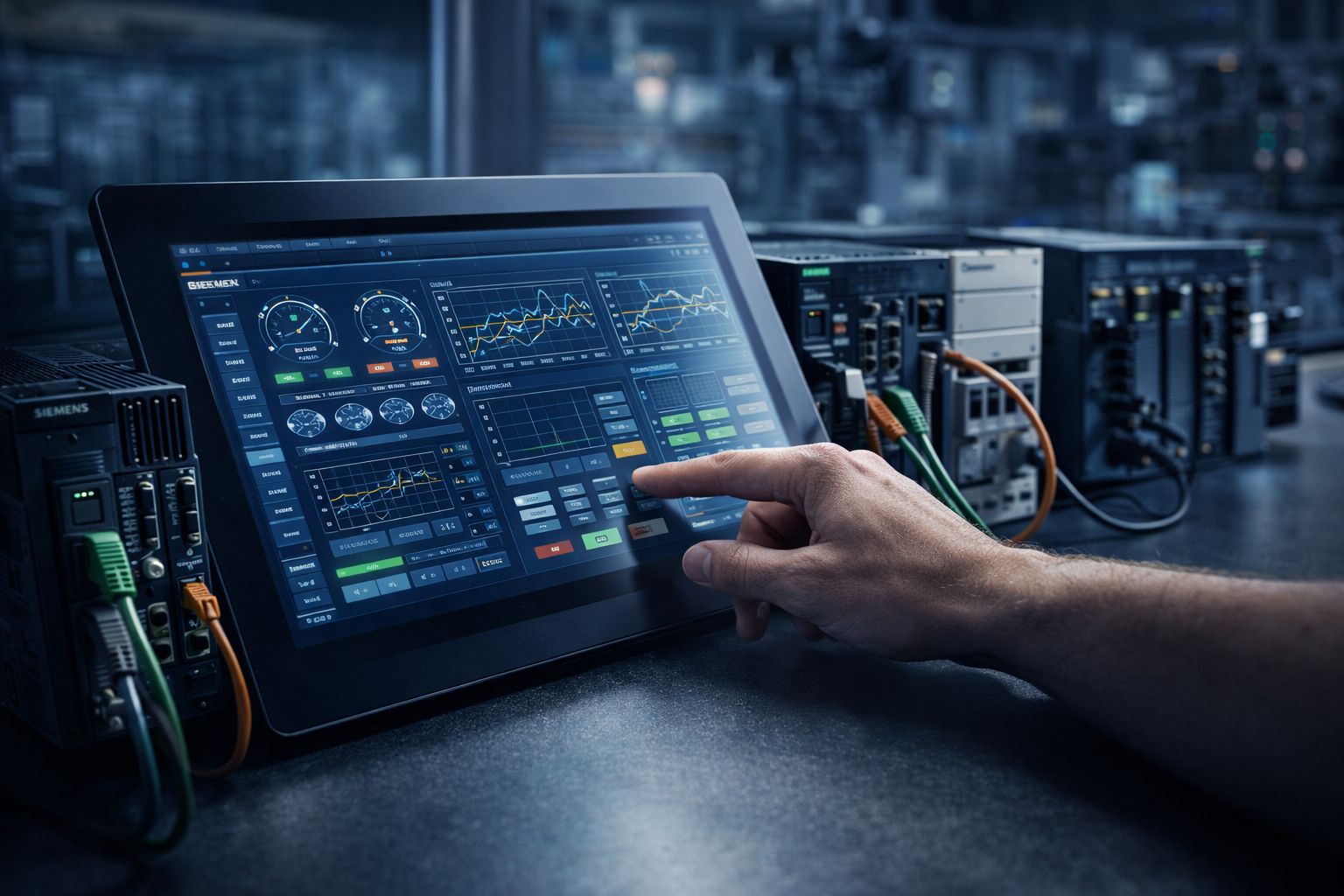
PLC Compatibility in Industrial Touch HMI Systems
In industrial automation, PLC compatibility is not just a feature checklist item. It directly affects how easily an HMI can integrate with existing production lines, how quickly equipment can be replaced or upgraded, and how reliably different automation brands can work together in the same system. This article explains what PLC compatibility really means in industrial touch HMI systems, why it matters in multi-brand environments, which parameters should be evaluated during selection, and what communication problems appear most often in real projects.
What PLC Compatibility Means in an Industrial Touch HMI
In industrial systems, PLC compatibility refers to the ability of an HMI, touch display terminal, or industrial touch control interface to communicate reliably with different PLC brands and series through supported drivers, industrial communication protocols, and correctly matched interface parameters.
In practice, PLC compatibility is built on three layers:
- Protocol compatibility, such as Modbus RTU/TCP, Profinet, EtherNet/IP, MC Protocol, or FINS
- Driver support for specific PLC brands and model families
- Parameter matching such as baud rate, station address, parity, data format, and timeout behavior
Why Industrial Automation Projects Need It
Real production environments are rarely built around one single automation brand. Different machines, production steps, or historical upgrades often result in mixed PLC platforms from Siemens, Mitsubishi, Rockwell, Omron, Delta, or other vendors. If an HMI only works well with one brand, system integration becomes slower, replacement options become narrower, and long-term maintenance flexibility is reduced.
Line Upgrades
Existing production lines often need partial upgrades rather than full replacement. Better PLC compatibility lowers integration friction.
Multi-Brand Equipment Integration
OEMs and system integrators frequently need one visual interface that can work across several PLC ecosystems.
Maintenance Flexibility
Faster PLC replacement or model transition reduces downtime and improves long-term serviceability.
For OEM machine builders, better compatibility also means broader market fit. It becomes easier to adapt the same core HMI platform to customers using different PLC standards and site preferences.
What to Check During Selection
When selecting an industrial touch HMI for PLC integration, the right evaluation criteria go beyond screen size or touch technology. Communication capability should be reviewed systematically.
1. Protocol Support
Check whether the platform supports major protocols such as Modbus RTU/TCP, Profinet, EtherNet/IP, MC Protocol, and FINS. Broader protocol support usually means wider PLC coverage.
2. Built-In Driver Library
A mature internal driver library for mainstream PLC brands reduces commissioning time and lowers field configuration risk.
3. Hardware Interface Matching
Look for the right mix of RS232, RS485, Ethernet, and other required interface options for the PLCs actually used on site.
4. Communication Stability
Stable reconnect logic, communication timeout handling, and predictable latency are often more important than theoretical protocol support alone.
5. Update Capability
Long lifecycle industrial projects benefit from platforms that can update protocol drivers or extend model support as PLC families evolve.
6. Multi-PLC Networking
In larger systems, the HMI may need to connect to several PLCs simultaneously. This requires both logical support and stable practical performance.
Compatible HMI Vendors vs Limited-Support Vendors
The real difference between stronger and weaker HMI vendors usually does not come from one protocol name on a brochure. It comes from the depth of the driver library, the maturity of field validation, and the vendor’s long-term ability to maintain compatibility.
| Evaluation Area | Stronger Compatibility Vendors | Limited-Support Vendors |
|---|---|---|
| Protocol Coverage | Support multiple mainstream protocols and broader PLC families | Often limited to a few common drivers or a narrow protocol set |
| Driver Maturity | Better-tested communication libraries and more field-proven model support | May support basic connection but not advanced or stable long-term behavior |
| Industrial Robustness | Better electrical and environmental design for noisy automation environments | Higher risk of packet loss, communication interruption, or unstable reconnects |
| Technical Support | Can provide model-based setup guidance and communication troubleshooting | Support may stop at basic parameter suggestions |
| Lifecycle Support | More likely to update drivers and support newer PLC models over time | Protocol support may remain fixed and age quickly |
Five Common Problems in Design, Installation, and Testing
1. Communication Parameter Mismatch
Station address, baud rate, parity, data bits, or timeout values do not match between the HMI and the PLC.
2. Wrong Protocol Selection
The selected communication driver does not actually match the PLC family or model used on site.
3. Hardware Wiring Faults
RS232/485 polarity errors, poor shielding practice, or unsuitable field cabling can interrupt communication.
4. Multi-PLC Address Conflicts
When several PLCs are connected in one architecture, duplicate addressing or poor network segmentation can create confusion.
5. Driver Version or Model Mismatch
The installed driver package may not fully support a newer PLC model or certain features required by the application.
Best Troubleshooting Order
In practice, a good troubleshooting sequence is: parameters → protocol → hardware → driver/version.
Recommended Configuration Approaches
Small Machines or 1–2 PLC Systems
For smaller automation equipment with one main PLC platform, a cost-effective HMI with the required protocol pair and basic RS485/Ethernet support may be sufficient.
Mid-Size and Large Production Lines
Multi-station lines benefit from broader driver coverage, better anti-interference design, and stronger multi-PLC communication capability.
OEM Equipment Manufacturing
OEM builders should prioritize flexible protocol coverage, hardware interface variety, and lifecycle update support to fit different end-customer PLC preferences.
FAQ
Can an industrial touch HMI communicate with multiple PLC brands at the same time?
Can a basic touch display become “highly PLC-compatible” just by adding a converter module?
Does Modbus support guarantee full PLC compatibility?
Is communication distance limited between an HMI and a PLC?
What is the fastest way to troubleshoot HMI-to-PLC communication failure?
Need a more flexible industrial touch control interface for PLC integration?
If your project involves line upgrades, mixed PLC brands, or OEM equipment customization, our engineering team can help review the communication architecture and recommend a suitable industrial touch HMI solution path.

