Industrial Touch Screen Monitor for Kiosk
An industrial touch screen monitor for kiosk applications, designed for self-service terminals, vending machines, ticketing systems, POS equipment, check-in terminals, and embedded OEM devices. With PCAP touch, multiple size options, robust housing direction, and wide interface configuration, it helps kiosk manufacturers build reliable and user-friendly interactive systems.
Kiosk / vending / POS / terminal
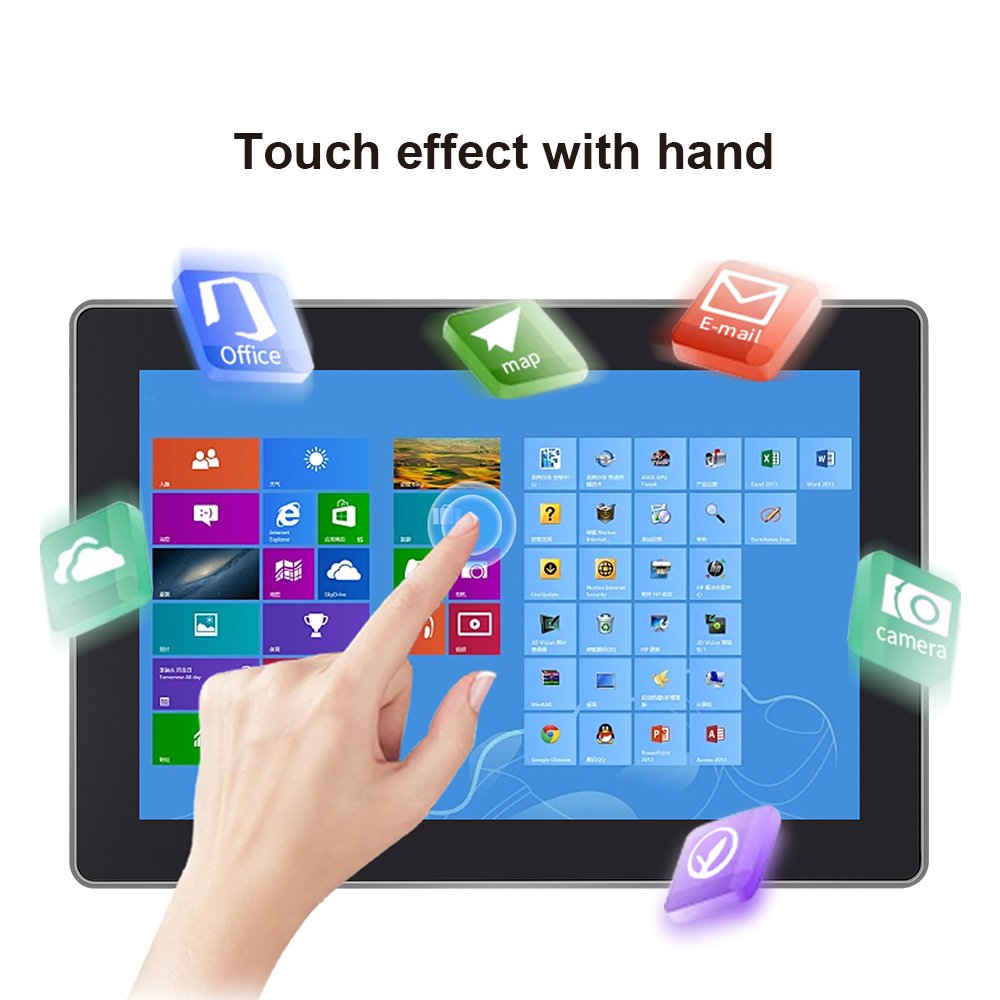
PCAP multi-touch
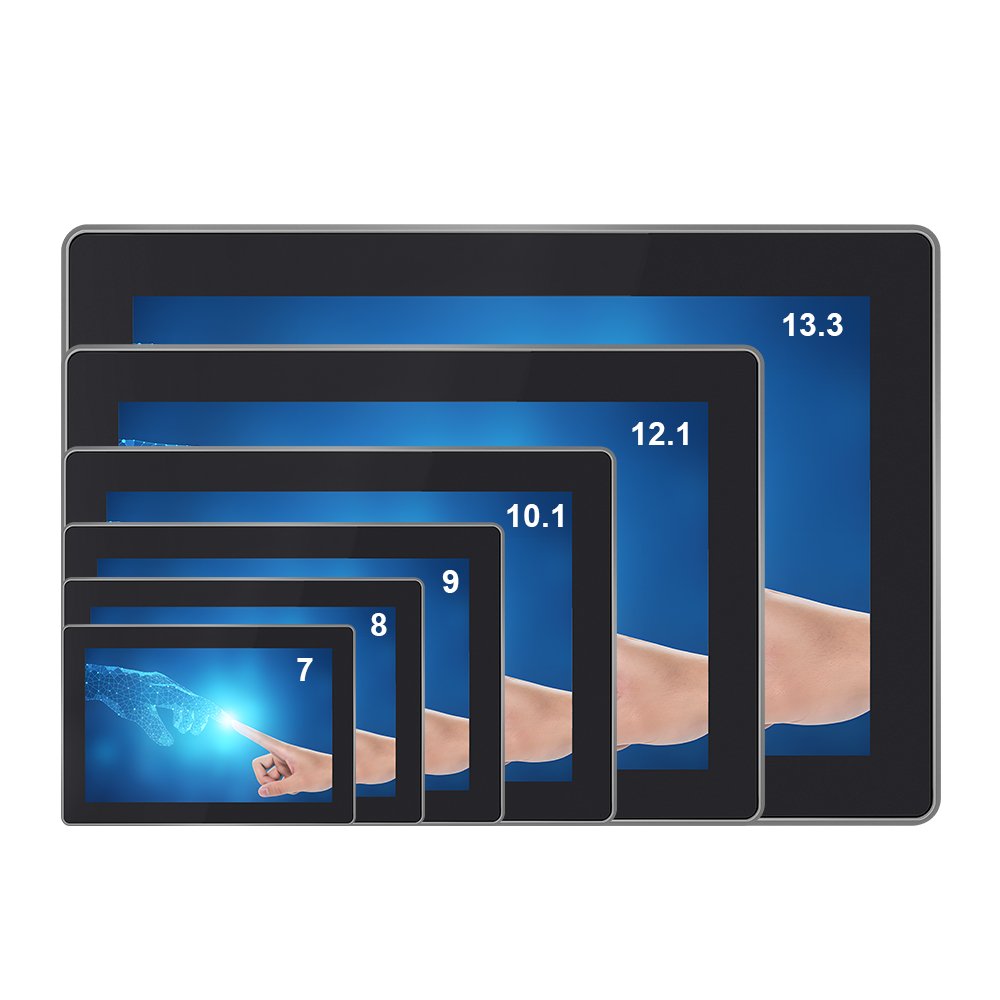
7 inch to 13.3 inch and custom options
Flat glass, easy-to-clean surface
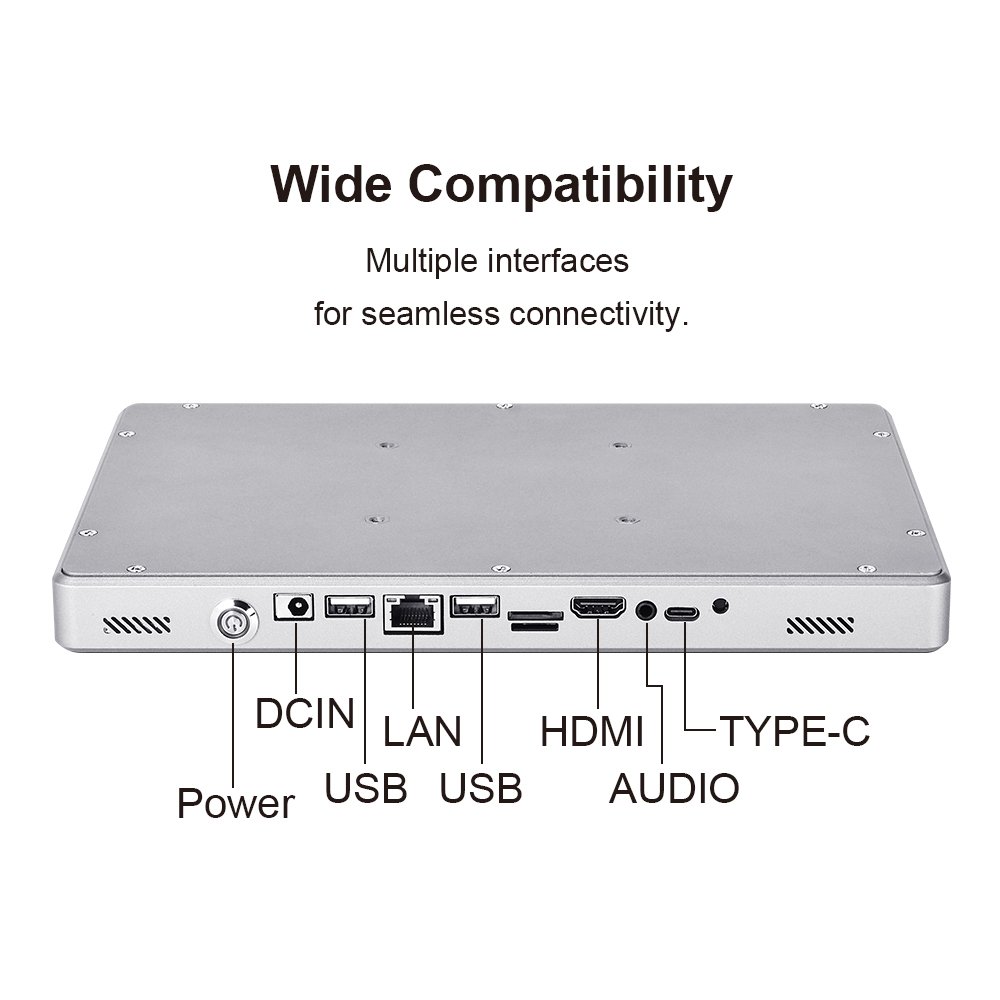
HDMI / LAN / USB / Type-C direction
Touch monitor or touch all-in-one
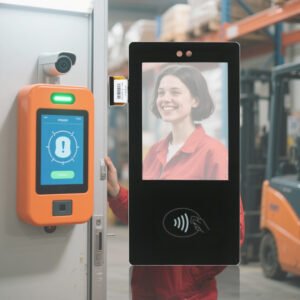
A Touch Display Designed for Kiosk and Self-Service Equipment
Kiosk systems are different from ordinary desktop display applications. They are used by many different users, often for long hours each day, and they must fit into a fixed equipment enclosure. The touch display needs to support clear interaction, stable touch response, easy maintenance, and practical integration with the kiosk control system.
This industrial touch screen monitor for kiosk projects is suitable for OEM equipment manufacturers and system integrators who need a compact, reliable, and customizable touch display for self-service machines. It can be configured as a touch monitor or, depending on the project, as a touch all-in-one system with an integrated computing platform.
Product Image Direction

Key Features
Designed for Kiosk Integration
Suitable for self-service terminals, vending machines, ticketing systems, POS devices, and embedded public-use equipment.
PCAP Multi-Touch
Supports smooth capacitive touch interaction for user-friendly kiosk menus, payment screens, and control interfaces.
Multiple Size Options
Available in compact and medium display sizes to fit different kiosk enclosure designs and UI layouts.
Flat Front Surface
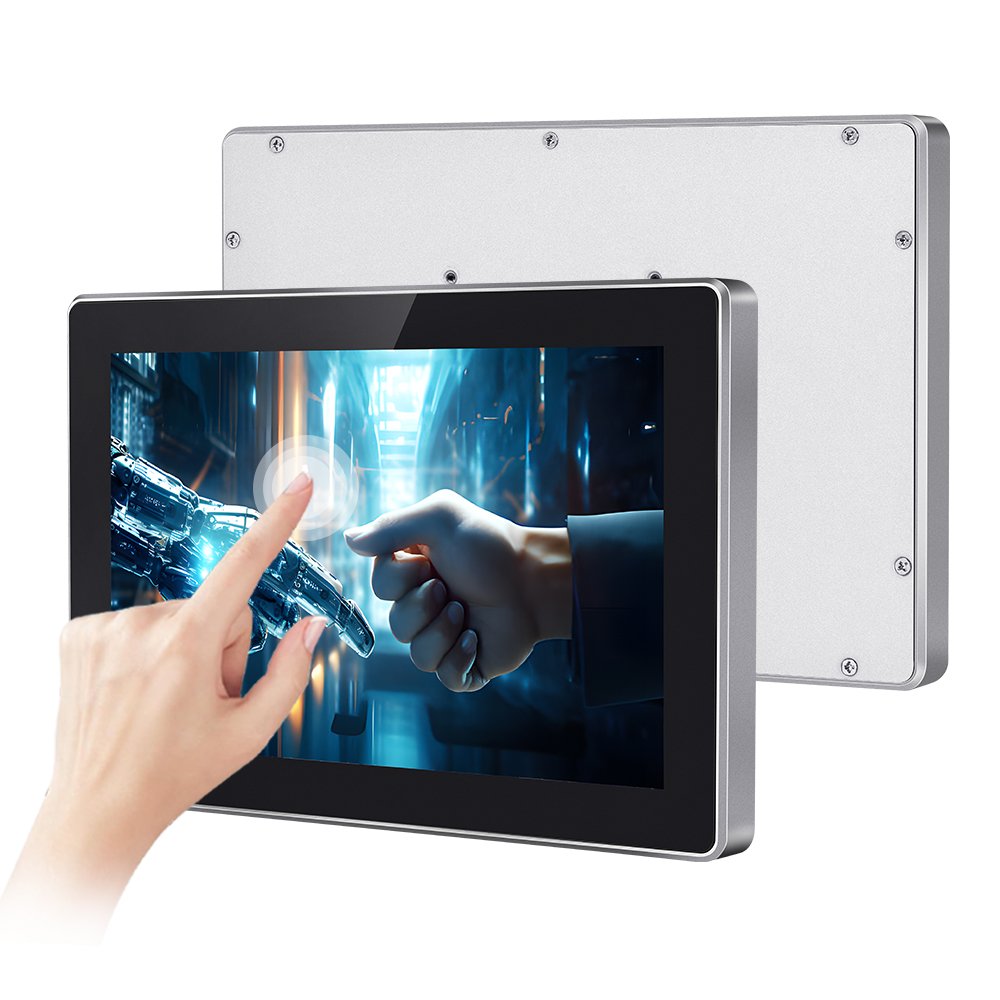
A flat touch surface helps create a cleaner appearance and makes wiping or daily cleaning easier for public-use devices.
Wide Interface Direction
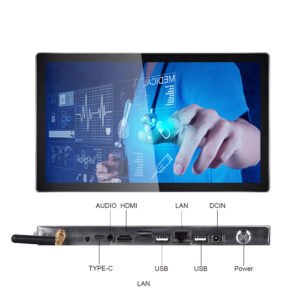
LAN, USB, HDMI, Type-C, audio, and power interface directions can be reviewed according to the system platform.
Touch Monitor or All-in-One Option
Can be planned as a display-only touch monitor or as an integrated Android / Windows touch all-in-one system.
Why Kiosk Projects Need Industrial Touch Monitors
Public-Use Durability
Kiosk screens are touched frequently by different users. A more robust touch display structure helps support long-term public-use equipment operation.
Better Equipment Integration
The display must fit inside a kiosk enclosure, align with the front opening, and support clean cable routing and service access.
Stable User Interaction
Smooth touch response helps users complete actions faster, reducing frustration in payment, ordering, ticketing, and check-in scenarios.
Flexible System Configuration
Kiosk projects may require display-only monitors, Android-based all-in-one units, Windows platforms, or custom board-level integration.
Typical Applications
Self-Service Kiosk
Ticketing, ordering, check-in, payment, queue management, and public service terminals.
Vending Machine
Smart vending machines, product selection interfaces, payment displays, and advertising-enabled vending systems.
Retail and POS Systems
POS terminals, customer-facing screens, product lookup stations, and retail self-checkout equipment.
Access and Information Terminals
Visitor management, access control, wayfinding, building information, and interactive public display terminals.
Typical Specification Direction
Final specifications depend on the selected size, touch package, system platform, interface requirement, and kiosk enclosure design. The table below is intended as a product-family overview.
| Item | Typical Direction |
|---|---|
| Product Type | Industrial touch screen monitor for kiosk / touch all-in-one option |
| Touch Technology | Projected capacitive multi-touch |
| Size Options | Compact to medium sizes such as 7 inch, 8 inch, 9 inch, 10.1 inch, 12.1 inch, 13.3 inch, and project-based sizes |
| Front Surface | Flat glass front for clean appearance and easy wiping |
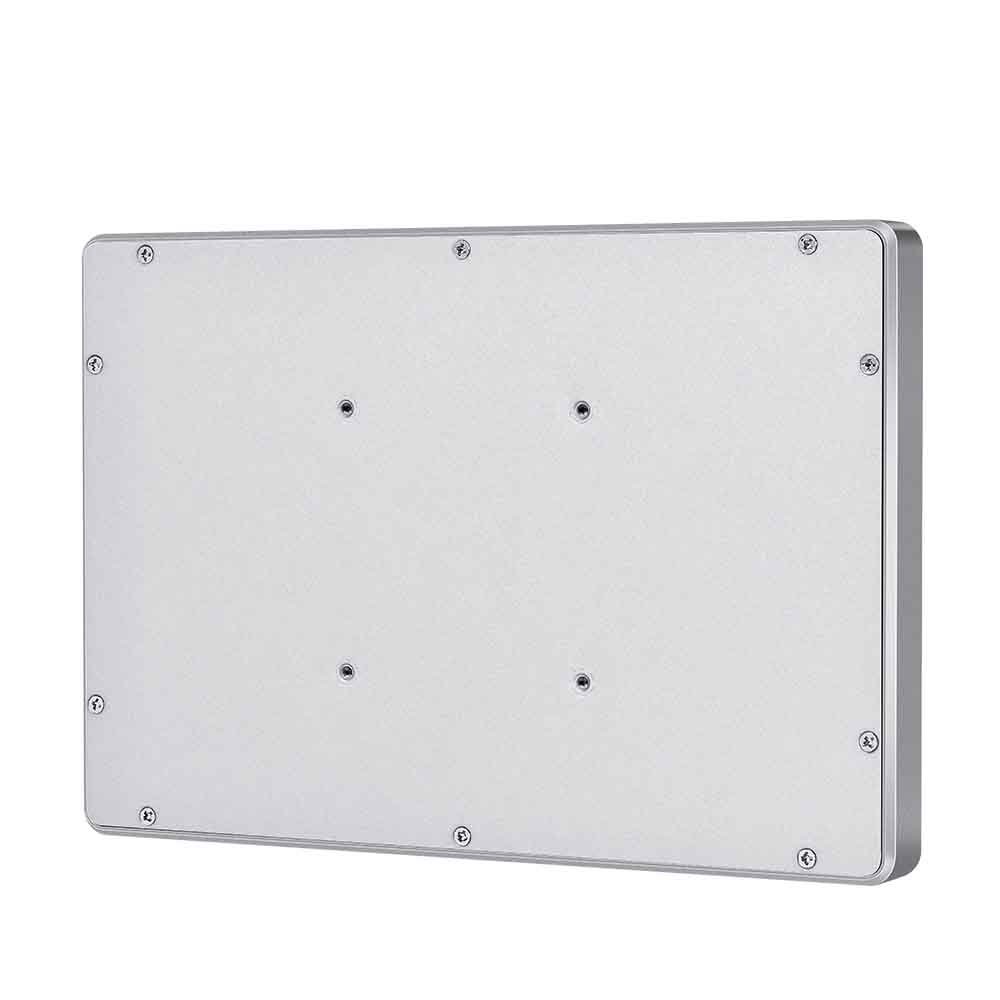
| Housing Direction | Metal rear housing or customized kiosk integration structure |
| Interface Direction | LAN, USB, HDMI, Type-C, audio, power input, or project-defined interface layout |
| System Direction | Touch monitor, Android touch all-in-one, Windows touch all-in-one, or board-level project configuration |
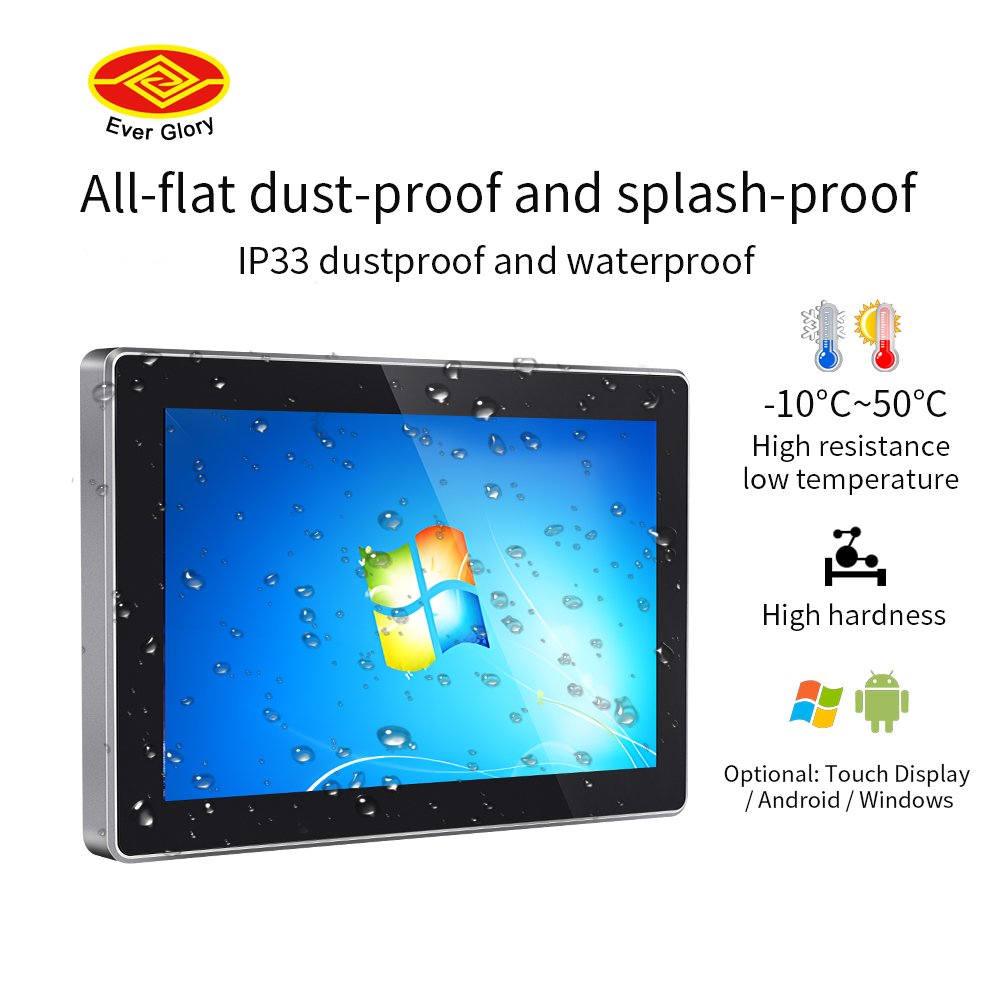
| Front Protection | Splash-resistant and dust-resistant direction can be reviewed by actual target rating and structure |
| Mounting | Embedded, panel, VESA-style, or custom kiosk enclosure integration |
| Customization | Size, glass, interface, OS, housing, mounting, branding, and front protection direction |
Customization Options
- Screen size and display panel selection
- Capacitive touch controller and touch tuning
- Front glass thickness and edge treatment
- Flat front design and surface treatment
- Kiosk enclosure mounting direction
- Android / Windows / touch monitor configuration
- LAN, USB, HDMI, Type-C, audio, and power interface layout
- Rear housing, thermal design, and cable exit direction
- Logo, silk printing, and cosmetic customization
- OEM / ODM development for self-service equipment
Frequently Asked Questions
What is an industrial touch screen monitor for kiosk?
Can it be used as a touch all-in-one system?
Which sizes are suitable for kiosk applications?
Can the interface layout be customized?
Is the front surface waterproof and dustproof?
Need a touch screen monitor for your kiosk project?
Share your kiosk application, screen size, operating system, interface requirement, enclosure cutout, and installation environment. We can help review the structure and recommend a suitable industrial touch monitor solution for your self-service equipment.
Industrial Touch Screen Monitor for Kiosk Self-Service Terminals Engineering Information
Industrial Touch Screen Monitor for Kiosk Self-Service Terminals is a custom size industrial touch screen monitor for industrial HMI, kiosk, POS, medical, control and commercial equipment projects. It should be reviewed with display input, touch interface, mounting, enclosure, power and operating environment so Ever Glory can confirm integration risk before sampling or quotation.
- Product Category
- Touch Screen Monitor
- Product Role
- industrial touch screen monitor
- Size / Format
- custom size
- Best Fit
- industrial HMI, kiosk, POS, medical, control and commercial equipment projects
- Review Focus
- display input, touch interface, mounting, enclosure, power and operating environment
- Customization
- Cover glass, touch tuning, mounting structure, interface configuration, branding, bonding and enclosure fit
Information Needed for Review
- Mechanical drawing, target installation space and custom size display or housing requirement.
- display input, touch interface, mounting, enclosure, power and operating environment.
- Operating environment, brightness, temperature, IP rating, vibration, cleaning or glove-touch expectations.
- Target quantity, certification needs, cable direction, connector position and production schedule.
Typical Applications
OEM equipment, kiosks, self-service terminals, medical devices, POS systems and industrial control interfaces.
Suitable for projects that need stronger enclosure design, stable touch performance and long-term field reliability.
Compare related Ever Glory products in the Touch Screen Monitor category for similar integration requirements.
Common Engineering Questions
Is this industrial touch screen monitor ready for direct installation?
It depends on the final enclosure, interface, power, mounting and software environment. Ever Glory reviews the drawings and application before confirming a production-ready solution.
What information helps confirm feasibility faster?
Send display input, touch interface, mounting, enclosure, power and operating environment, mechanical drawings, operating environment, target quantity and any branding or certification requirements.
Can Ever Glory customize this product?
Yes. Common customization includes cover glass, touch controller tuning, bonding, brightness, interface, housing, cable direction, logo printing and mounting structure.
For an accurate quotation, send drawings and application details instead of only screen size.