.png)
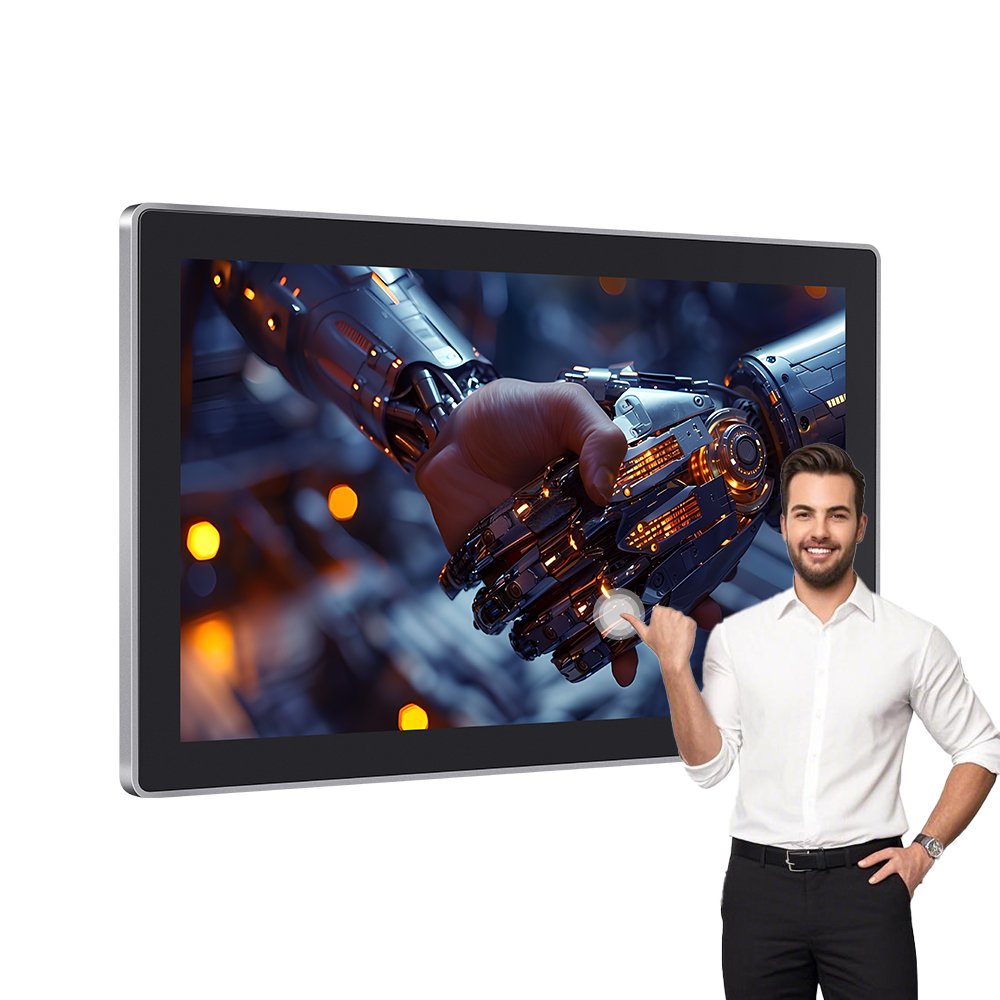
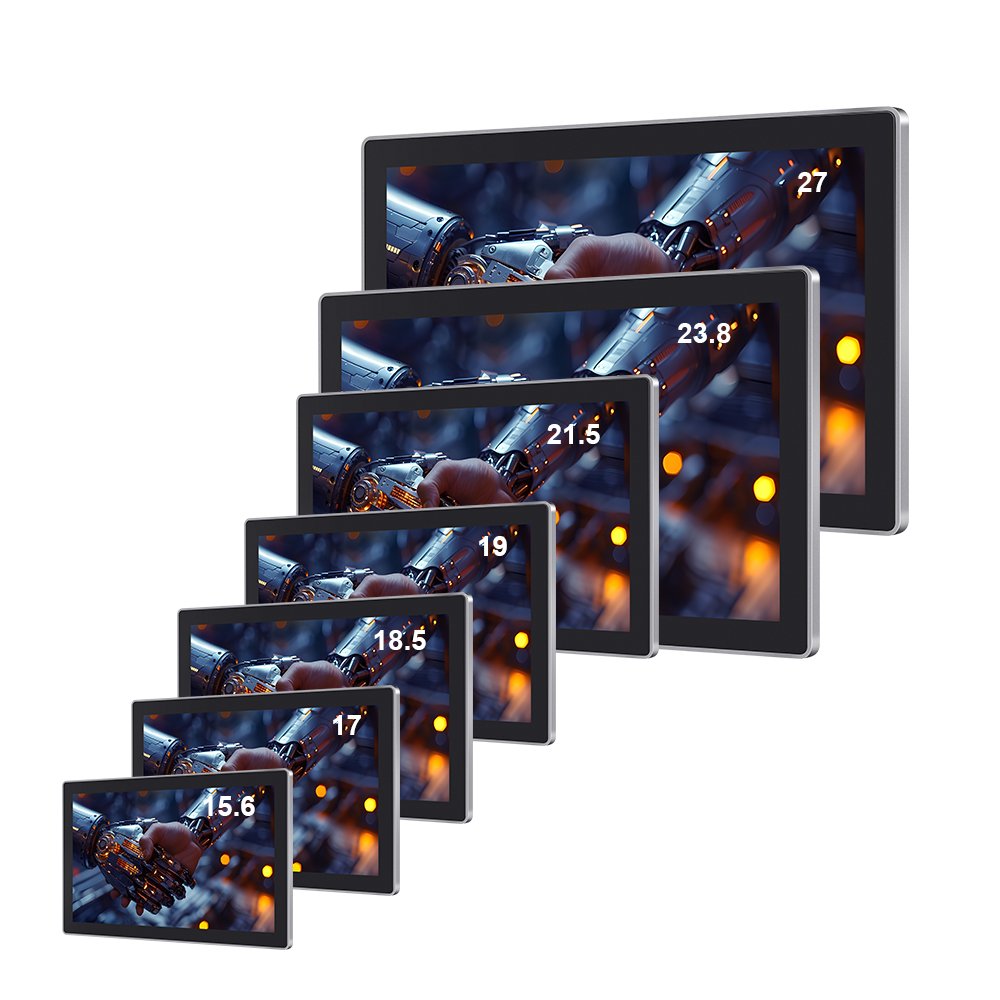
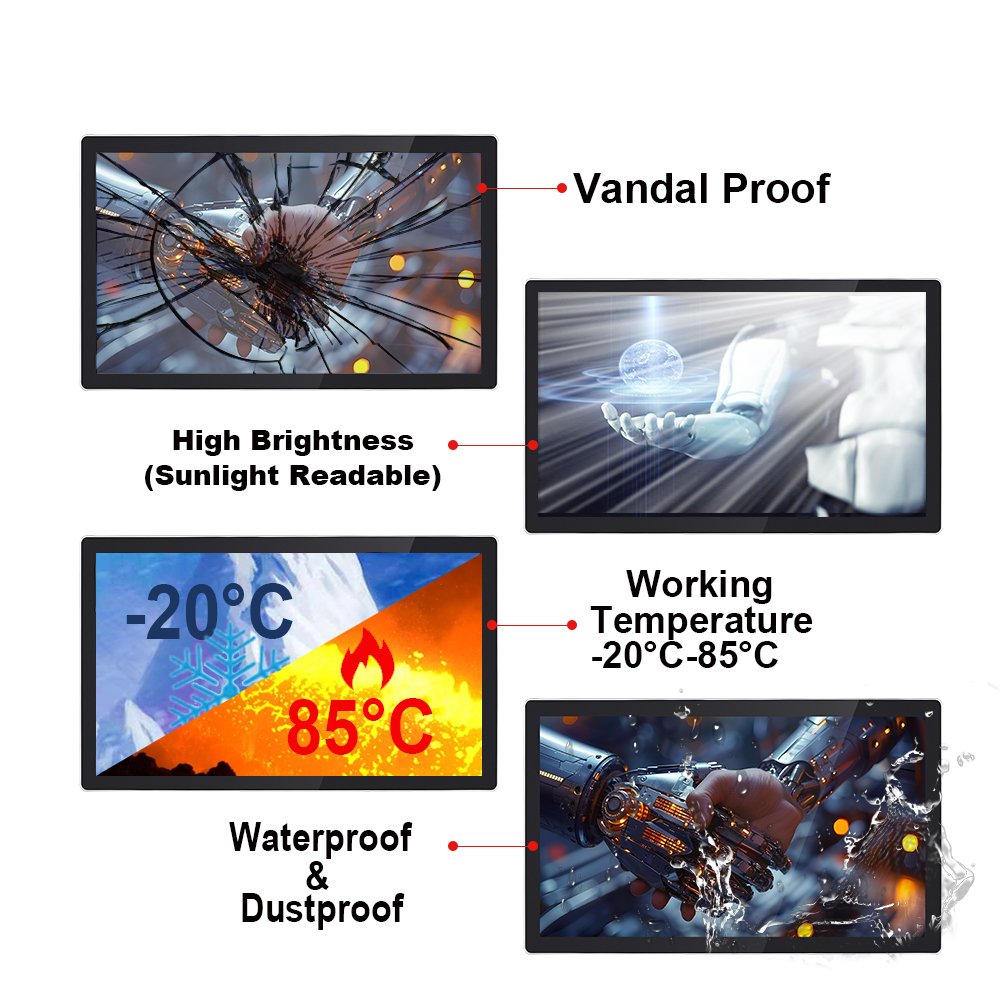
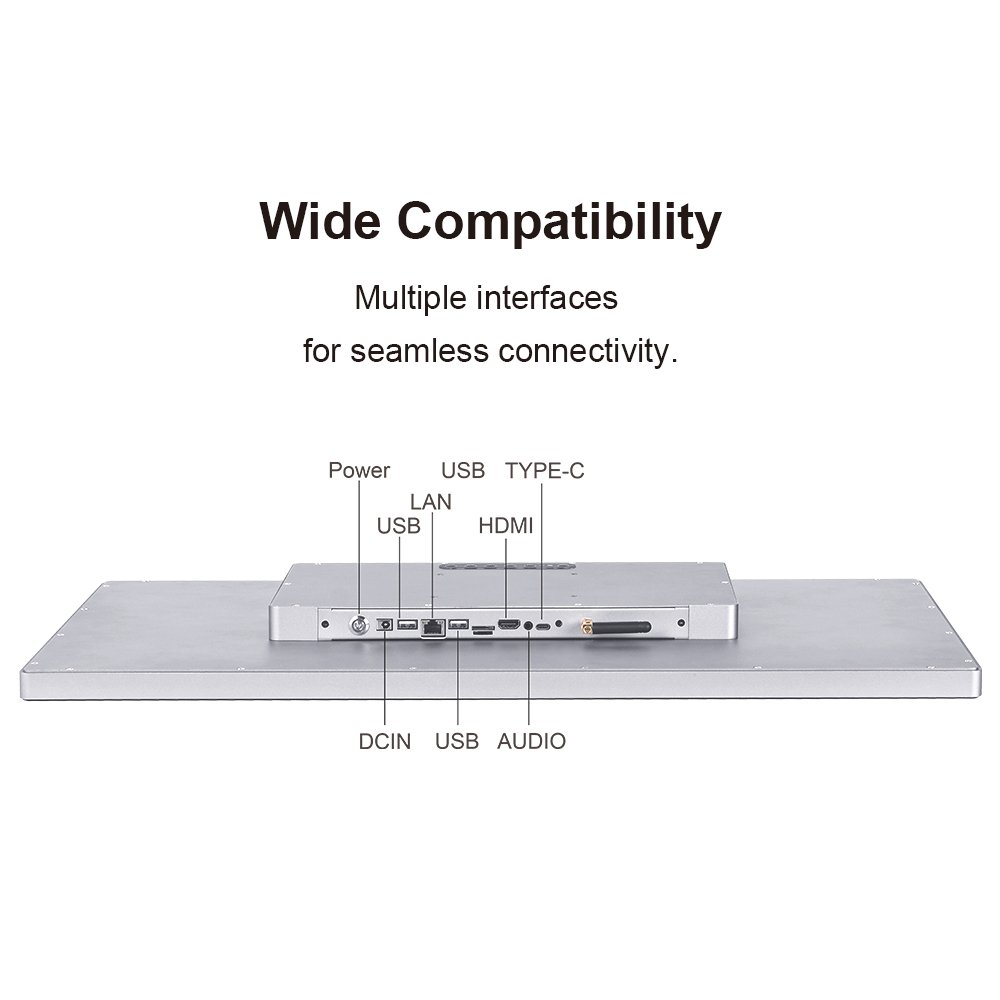
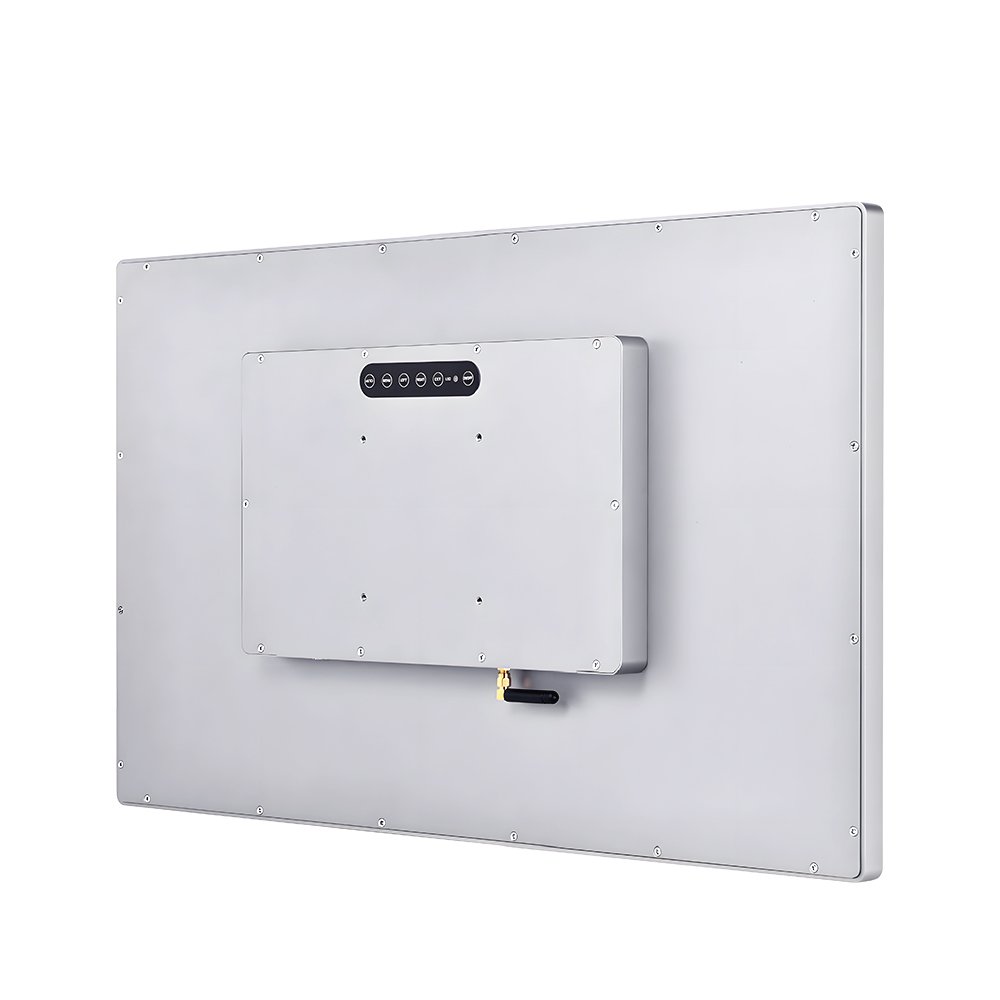
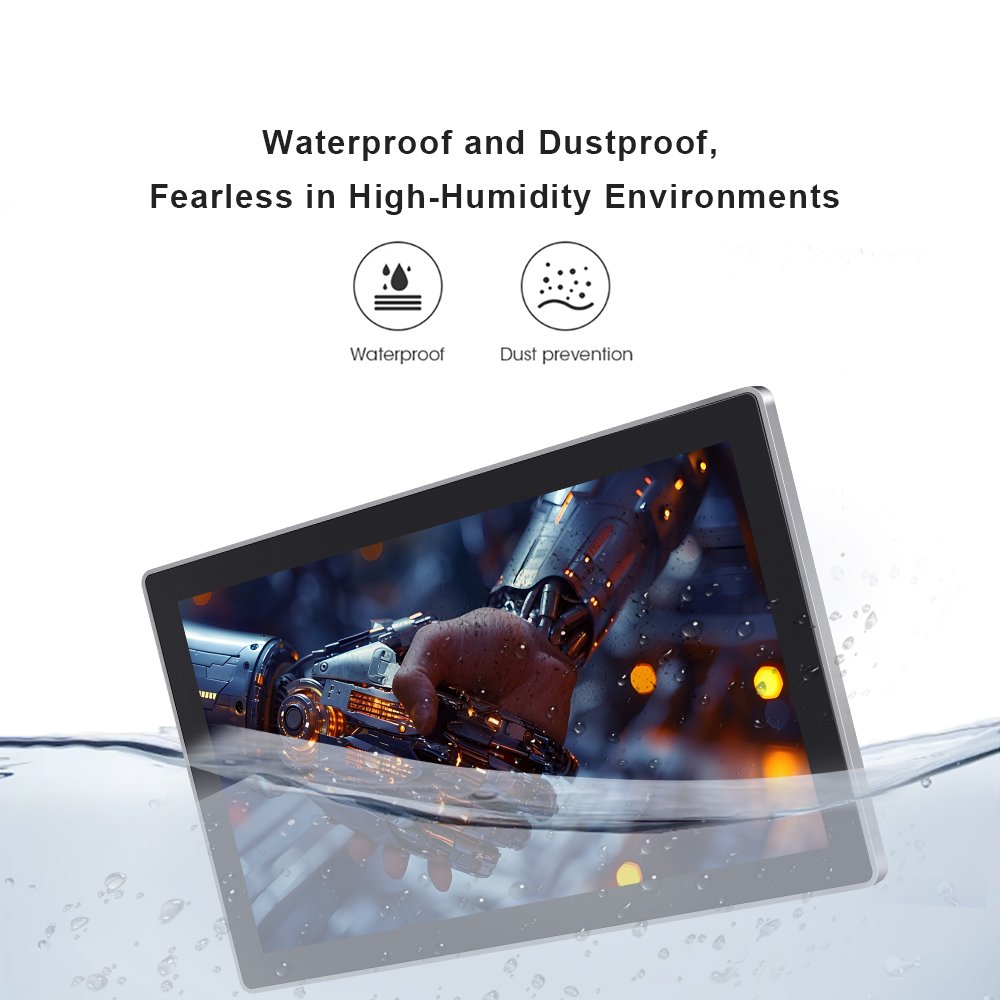
Industrial touchscreen monitors are built for HMI cabinets, kiosks, control rooms, and public terminals.
Unlike consumer displays, they must stay stable under dust, water spray, gloves, and electrical noise.
Therefore, this page helps you compare configuration options and choose a reliable PCAP touch monitor for real deployment.
For PCAP fundamentals and tuning context, see
how capacitive touch screens work.
Use the field workflow in
touchscreen tester
before final sign-off.
| Decision point | What to define | Why it matters |
|---|---|---|
| Environment | Dust/water exposure, cleaning method, chemicals, temperature | Drives sealing, glass, coatings, and reliability |
| Usability | Glove type, wet touch, touch target size, required touch points | Defines controller tuning and UI stability |
| Readability | Ambient light, sunlight, glare control, viewing distance | Prevents “visible in lab, unusable on site” |
| Integration | Interfaces, cable routing, grounding, mounting method | Most field failures happen after installation |
For kiosks, EV chargers, and signage, you must plan sealing and brightness together.
In addition, wet touch behavior needs validation under water film.
For cabinet HMIs, stability under EMI noise is often the deciding factor.
Therefore, validate grounding and cable routing after assembly.
If you need a large interactive display for public terminals, start from a proven large-format monitor configuration.
Then match brightness, glass, and touch tuning to your environment.
Example product:
55-inch touch screen monitor
For washdown zones and industrial control cabinets, a sealed front design reduces ingress risk.
However, connectors and cable entry still need attention.
Example product:
10.1″ IP65 waterproof wall-mounted HMI touch panel
It is a display monitor with an integrated touch interface designed for harsh environments. Therefore, it focuses on stability, sealing options, and integration reliability.
PCAP is common for multi-touch and clarity, while resistive can fit specific glove/stylus workflows. However, the best choice depends on environment and UI requirements.
Yes, PCAP can be tuned for glove and wet touch. In addition, it should be validated under real water film conditions before deployment.
Most cases trace to EMI noise, grounding, and cable routing near power lines. Therefore, always re-test after enclosure assembly.
Share screen size, brightness target, IP requirement, glove/wet touch needs, EMI sources, and enclosure drawings.


