
PCAP Touch QA Guide
Touchscreen Tester Guide for Industrial PCAP Touch Monitor QA
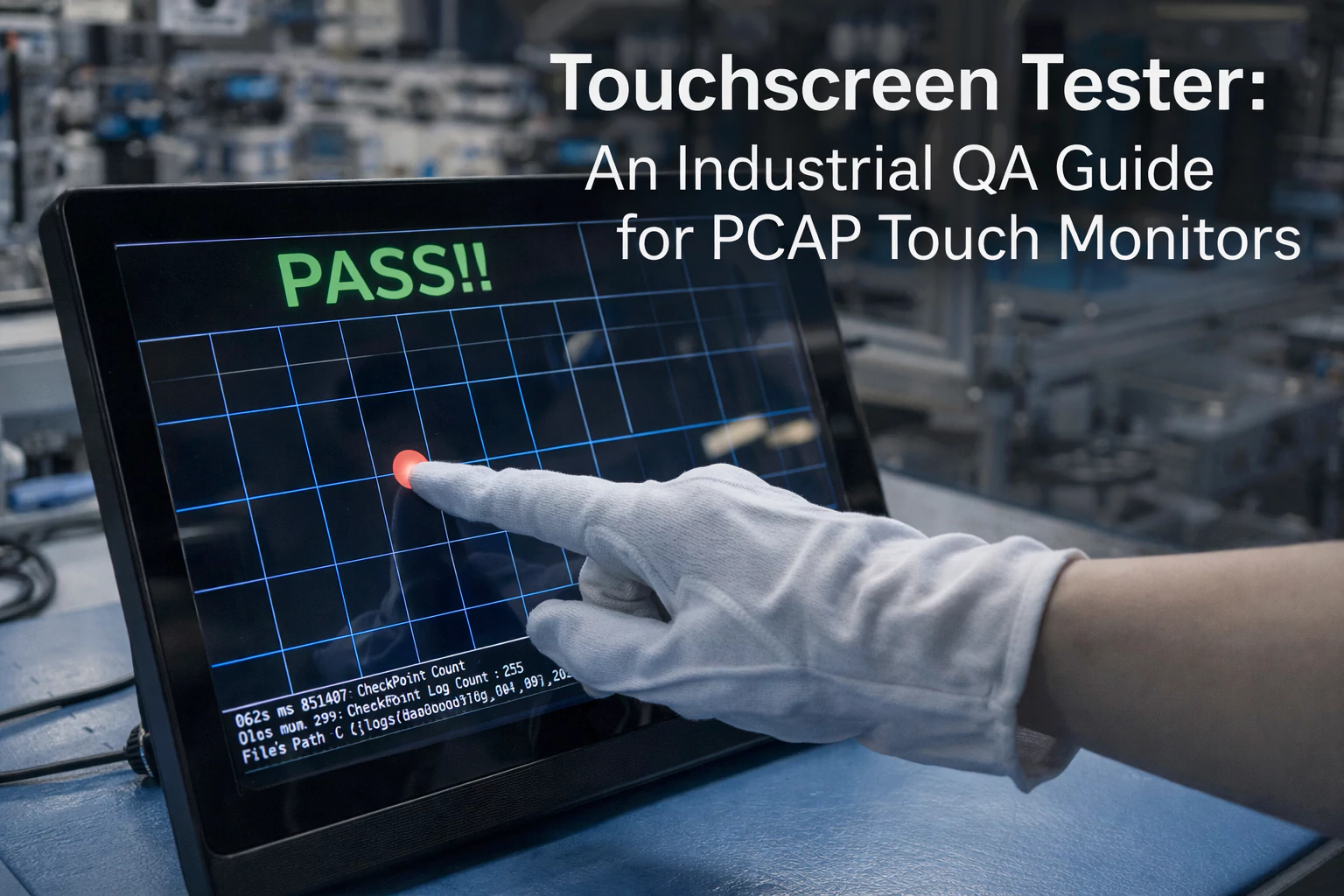
A touchscreen tester is useful only when it is part of a real QA workflow. For industrial PCAP touch monitors, the tester should help confirm touch points, edge response, noise behavior, multi-touch stability, glove or wet touch performance and recovery after power cycling. This guide explains what to test, what to record and how to separate a touch panel issue from a controller, cable, grounding or host problem.
Quick Answer
Use a touchscreen tester to check coordinate accuracy, edge response, multi-touch tracking, ghost touches, dropouts and recovery. For industrial projects, do not stop at a simple drawing test. Validate the final glass thickness, controller firmware, USB or I2C connection, cable length, grounding, enclosure and real UI conditions. The same PCAP panel can behave differently after it is installed in a metal cabinet or connected to a noisy host.
What a Touchscreen Tester Should Measure
| Test Area | What to Watch | What It May Indicate |
|---|---|---|
| Coordinate accuracy | Touch point follows finger across center and edges. | Calibration, scaling, driver or sensor alignment issue. |
| Edge response | Buttons near gasket area respond reliably. | Grounding, cover glass, border printing or bezel interference. |
| Multi-touch | All required points track without merging or dropping. | Controller limitation, firmware setting or host driver issue. |
| Noise and jitter | Point shakes when finger is still or no finger is present. | EMI, power noise, cable routing or poor grounding. |
| Ghost touch | Unexpected touch appears without user input. | Water, EMI, controller tuning, damaged sensor or enclosure pressure. |
| Recovery | Touch works after reboot, sleep, hot-plug or power cycle. | USB recognition, firmware reset or host power sequencing issue. |
Recommended QA Workflow
- Identify the assembly: record LCD model, PCAP sensor, controller IC, firmware, cable, host and operating system.
- Run baseline touch test: test the module on a known-good host before installation.
- Install into the final enclosure: repeat the same test after mounting, gasket compression and cable routing.
- Test application conditions: glove, wet touch, cleaning, sunlight, EMI or vibration depending on the project.
- Record pass/fail evidence: screenshots, video, serial number, firmware version and corrective action.
Acceptance Criteria Table
| Criterion | Typical Pass Rule | When to Tighten |
|---|---|---|
| Single touch | No missed points in a full-screen grid. | Small UI buttons, medical equipment or precise control panels. |
| Multi-touch | Tracks the number of points required by the application. | Gesture UI, test equipment or multi-user panels. |
| Edge response | No dead band around active display area. | Full-screen UI with edge buttons or narrow bezel designs. |
| Jitter | Touch point remains stable under normal finger pressure. | Signature capture, sliders or small control targets. |
| Wet touch | No unsafe false trigger under defined water film. | Outdoor kiosk, car wash, food equipment or marine HMI. |
| Glove touch | Real operator glove can complete the UI flow. | Cold storage, factory line, medical or outdoor service use. |
Troubleshooting Tester Results
| Tester Result | Likely Area | Fast Check |
|---|---|---|
| No touch detected | USB/I2C connection, driver, controller power. | Check device manager, cable, controller LED and known-good host. |
| Touch offset | Scaling, rotation, calibration or firmware mapping. | Confirm resolution, orientation and driver settings. |
| Random touches | EMI, water, grounding, damaged sensor. | Test outside cabinet, disconnect noisy modules and review ground. |
| Edge is weak | Bezel pressure, printed border, gasket or sensor layout. | Loosen mounting, test bare module and inspect compression. |
| Fails only after installation | Enclosure, cable route, EMI or grounding. | Compare open-bench and installed results with the same host. |
What to Record in QA
- Product model, serial number, LCD size and resolution.
- PCAP controller, firmware version, cable length and host system.
- Test software name, test date, operator and environment.
- Touch grid result, edge result, multi-touch result and recovery result.
- Any failure video, screenshots and corrective action.
Bench Test vs Installed Test
A PCAP touch monitor can pass a bench test and still fail after installation. The difference usually comes from grounding, cable route, bezel pressure, nearby electronics or firmware settings. Always separate the two stages in the QA report.
| Test Stage | Purpose | Typical Finding |
|---|---|---|
| Bench test | Confirms the touch module, controller and cable can work in a known-good setup. | Basic sensor, firmware or cable defects. |
| Installed test | Confirms performance after gasket compression, enclosure grounding and final cable route. | Edge weakness, EMI noise, false touch or pressure-related issues. |
| Application test | Confirms the real UI can be completed under actual user conditions. | Small buttons, glove misses, wet touch risk or workflow problems. |
Controller and Firmware Review
Industrial PCAP performance depends heavily on controller configuration. If the application uses thick cover glass, gloves, water exposure or long cables, the controller settings should be part of the approval record.
| Controller Item | Why It Matters | Record It As |
|---|---|---|
| Firmware version | Different versions can change sensitivity and noise filtering. | Version number and approval date. |
| Touch mode | Glove, wet touch and normal mode may use different thresholds. | Mode name and test condition. |
| Interface | USB, I2C and RS232 have different host and cable constraints. | Interface type, cable length and host model. |
| Grounding reference | Weak grounding can create jitter or ghost touches. | Ground point, shield connection and enclosure material. |
Related Guides
FAQ
What is a touchscreen tester used for?
A touchscreen tester checks touch coordinates, edge response, multi-touch, jitter, ghost touches and recovery so QA teams can confirm whether the touch system meets project requirements.
Why does a PCAP touch screen pass on a desk but fail in the machine?
The final enclosure can change grounding, cable routing, bezel pressure and EMI exposure. Always repeat testing after installation in the real cabinet.
What should be recorded in PCAP touch QA?
Record model, serial number, controller, firmware, host, cable length, test environment, screenshots or video, pass/fail result and corrective action.

