
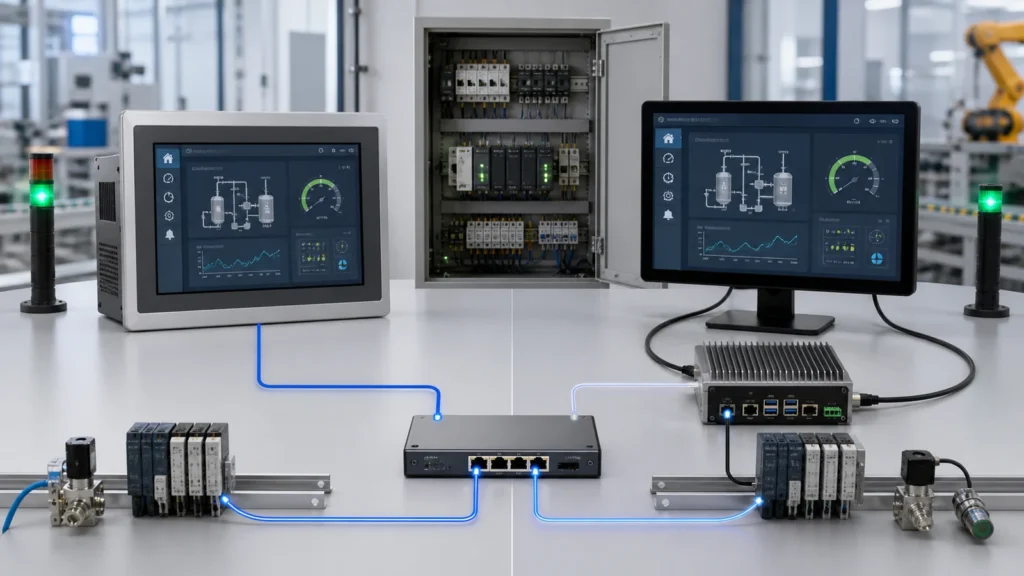
Web HMI Hardware: Panel PC vs Industrial Touch Monitor
Choose hardware for browser-based HMI projects by separating local computing, display input, touch interface, mounting and machine safety boundaries.
Design guidance, technology comparisons, selection criteria, and practical engineering explainers.
Choose hardware for browser-based HMI projects by separating local computing, display input, touch interface, mounting and machine safety boundaries.
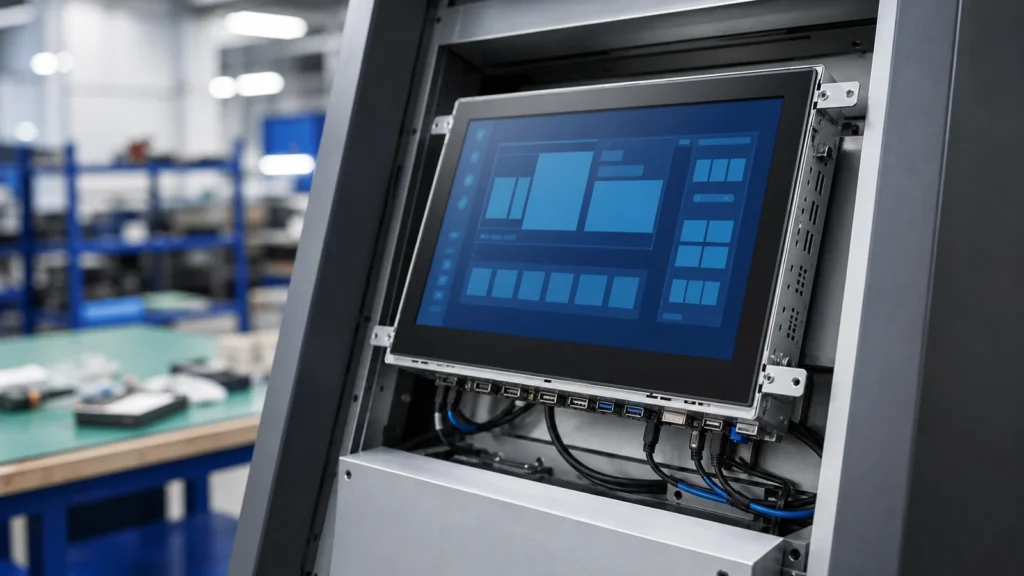
Modernize an HMI by separating the existing control software, display signal, touch interface, cutout, host hardware and safety responsibilities.
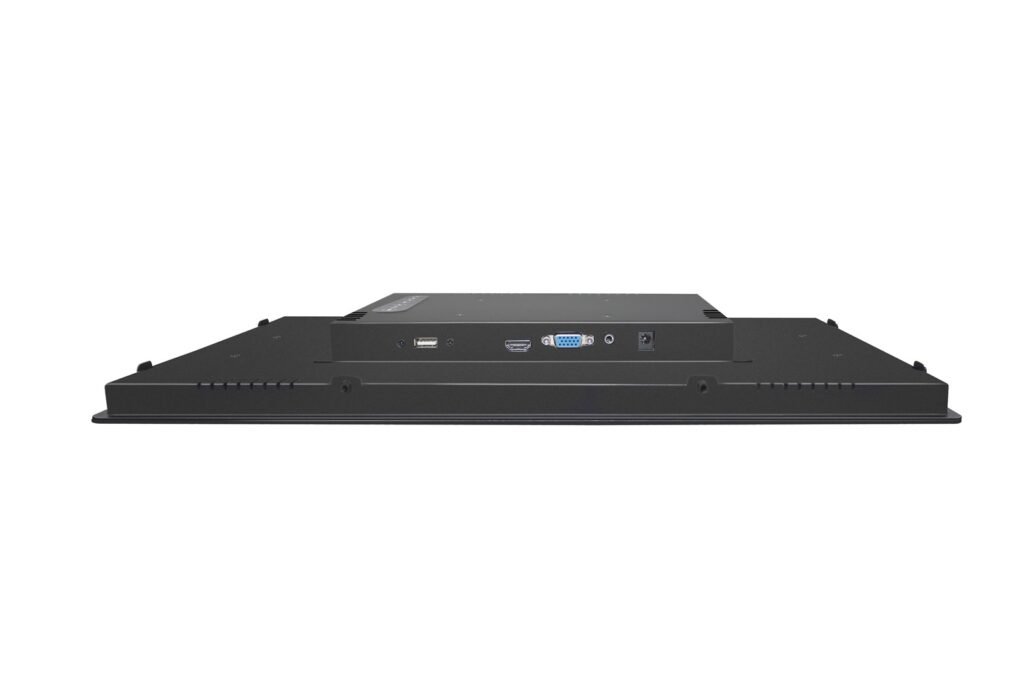
Avoid display integration mistakes by separating video interfaces from touch interfaces and validating timing, connector, cable, controller and host support.
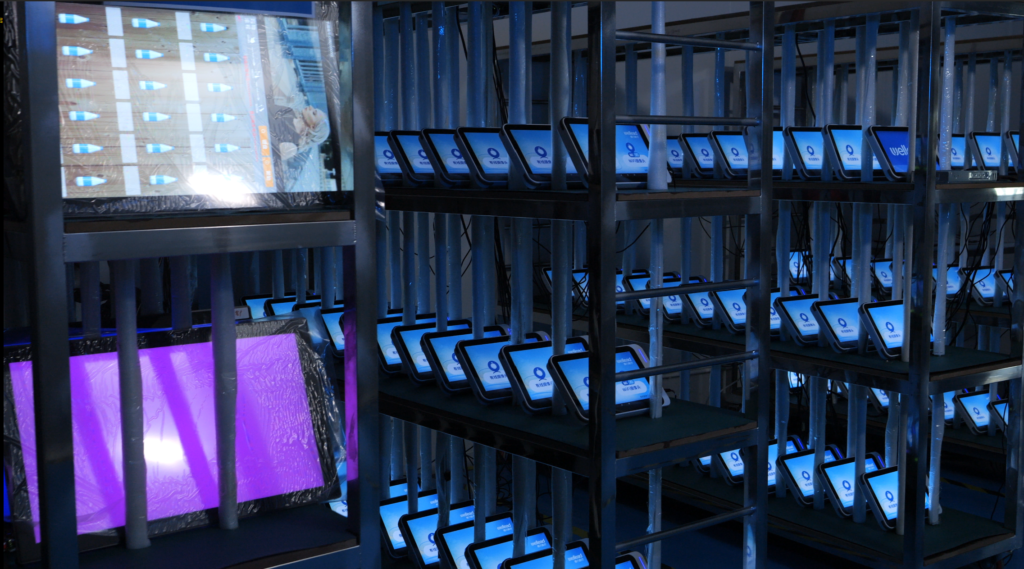
Move from prototype display approval to OEM production with configuration control, drawings, validation records, change control and lifecycle review.
A practical guide to optical bonding, AG/AR/AF glass, sunlight readability, reflection control and optical stack design for industrial touch displays.
Engineering guides for selecting industrial touch screen monitors, waterproof PCAP displays, panel mount monitors, optical bonding and outdoor HMI touch displays.
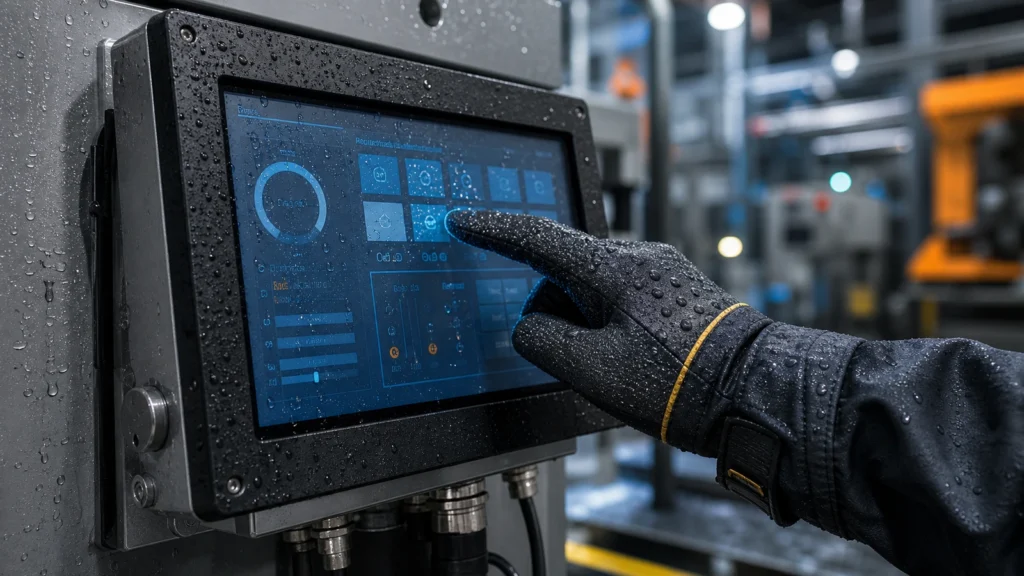
Learn how glove touch industrial touch screens maintain stable operation with work gloves, wet hands, oil, dust and harsh industrial environments.
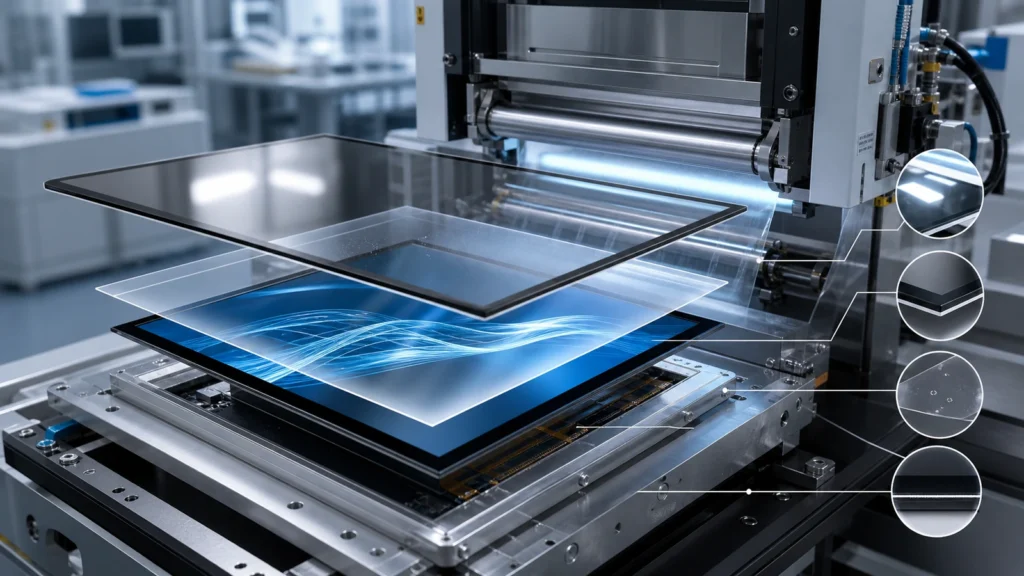
Learn when an optical bonding touch screen is worth the cost for outdoor, medical, vehicle, marine and industrial display applications.
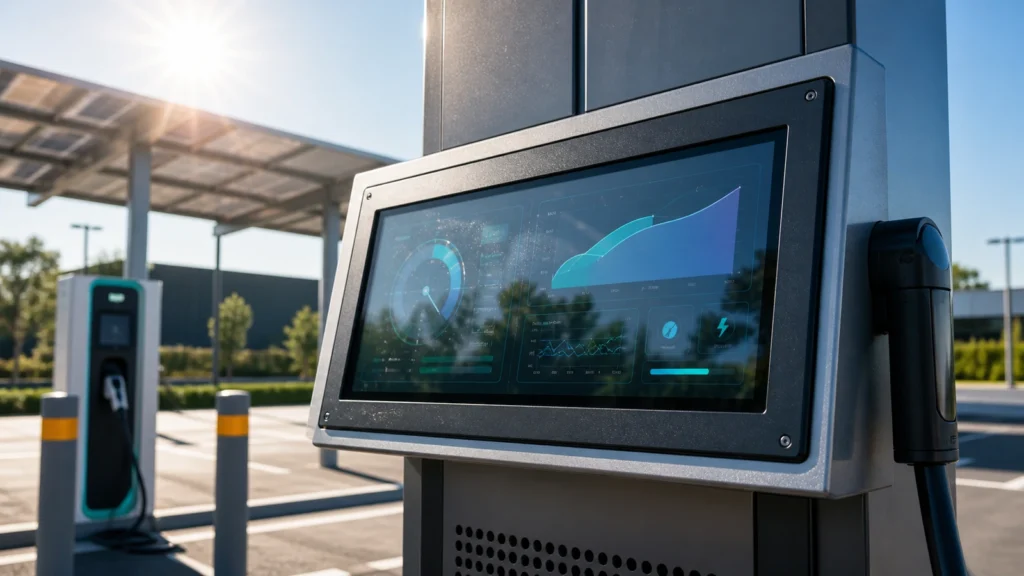
Learn how to specify a sunlight readable touch screen monitor with brightness, AG/AR glass, optical bonding, thermal design and outdoor reliability in mind.
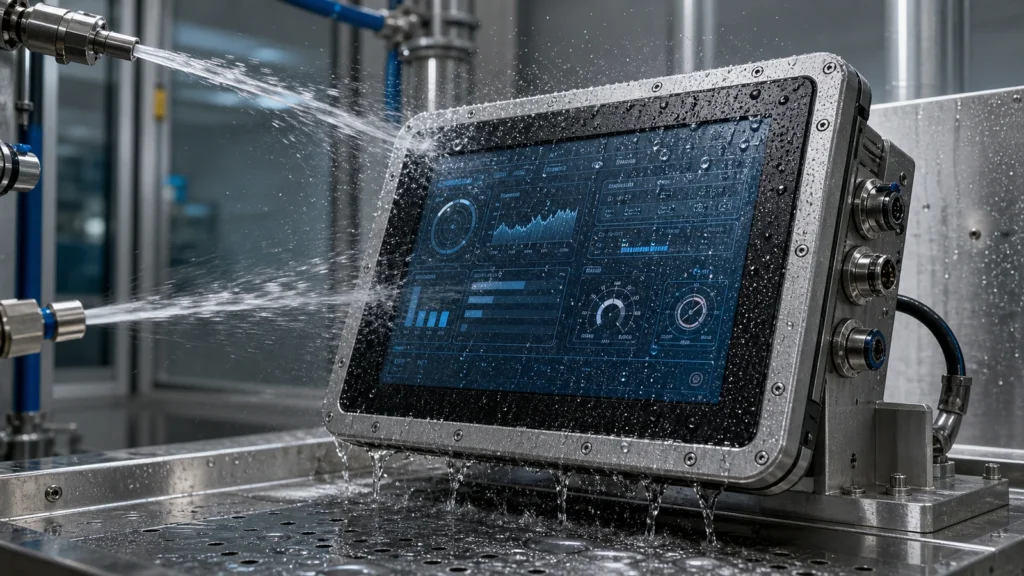
Understand how a waterproof touch screen monitor is designed, including IP65 front sealing, wet touch, condensation control, cleaning, cables and installation risks.