
Quick Answer
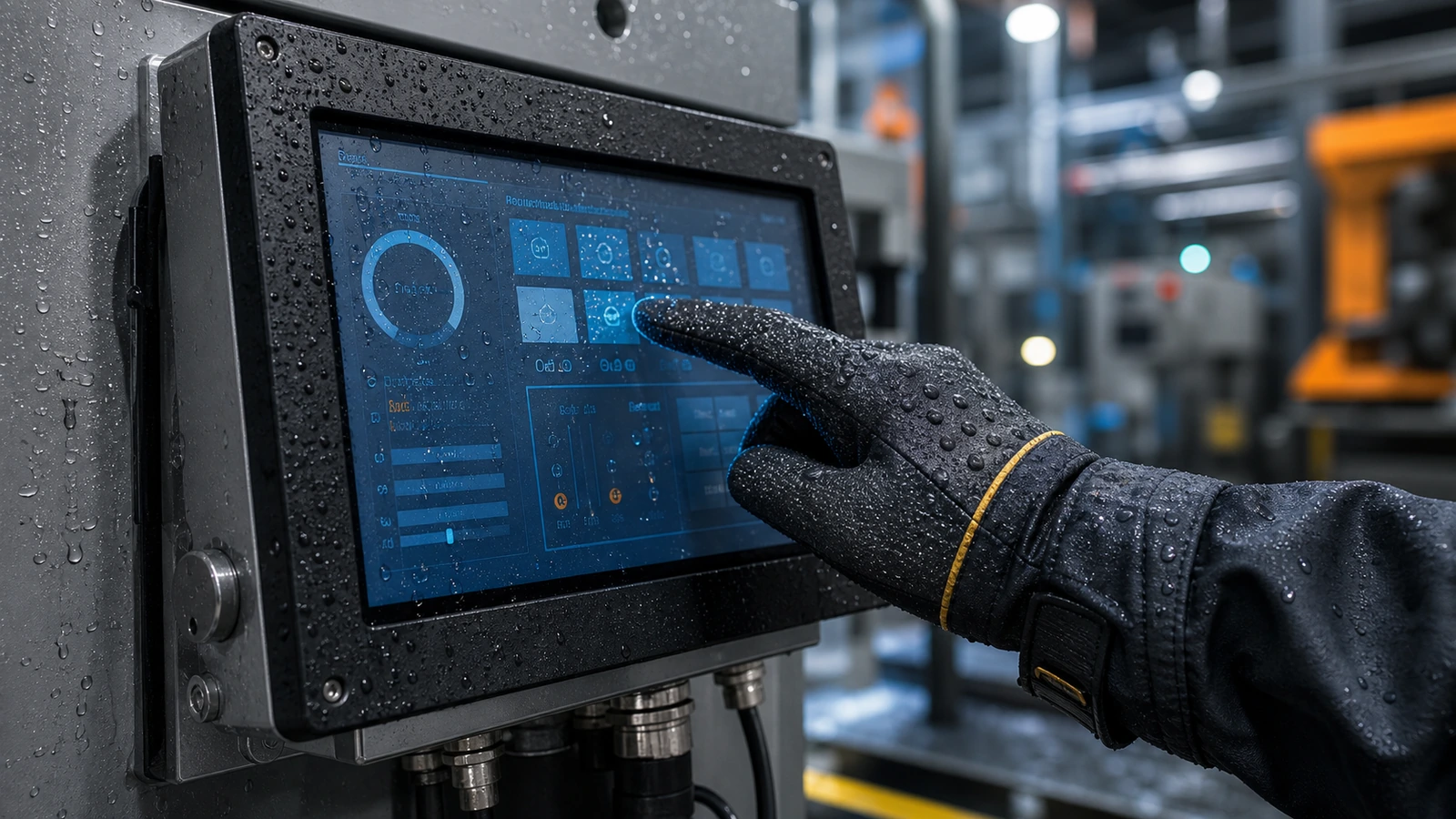
A glove touch industrial touch screen must be designed around real operators, not ideal lab conditions. In factories, cold storage, outdoor terminals, food processing and medical environments, users may wear rubber gloves, thick winter gloves, insulated gloves or oil-resistant gloves. They may also touch the screen with wet hands, dusty gloves or cleaning residue on the glass.
Article Map
Key Takeaways
- Glove Touch and Wet Touch Performance in Industrial Touch Screens decisions should start from the real installation environment, not only the screen size.
- Confirm touch behavior, visibility, sealing, controller stability and mechanical fit before moving to production.
- For OEM projects, a short requirement checklist reduces redesign risk and long-term service cost.
A glove touch industrial touch screen must be designed around real operators, not ideal lab conditions. In factories, cold storage, outdoor terminals, food processing and medical environments, users may wear rubber gloves, thick winter gloves, insulated gloves or oil-resistant gloves. They may also touch the screen with wet hands, dusty gloves or cleaning residue on the glass.
This upgraded article combines local materials about thick-glove operation, wet environments, anti-mistouch design, high/low temperature and liquid-touch optimization.
Why Gloves Create Touch Challenges
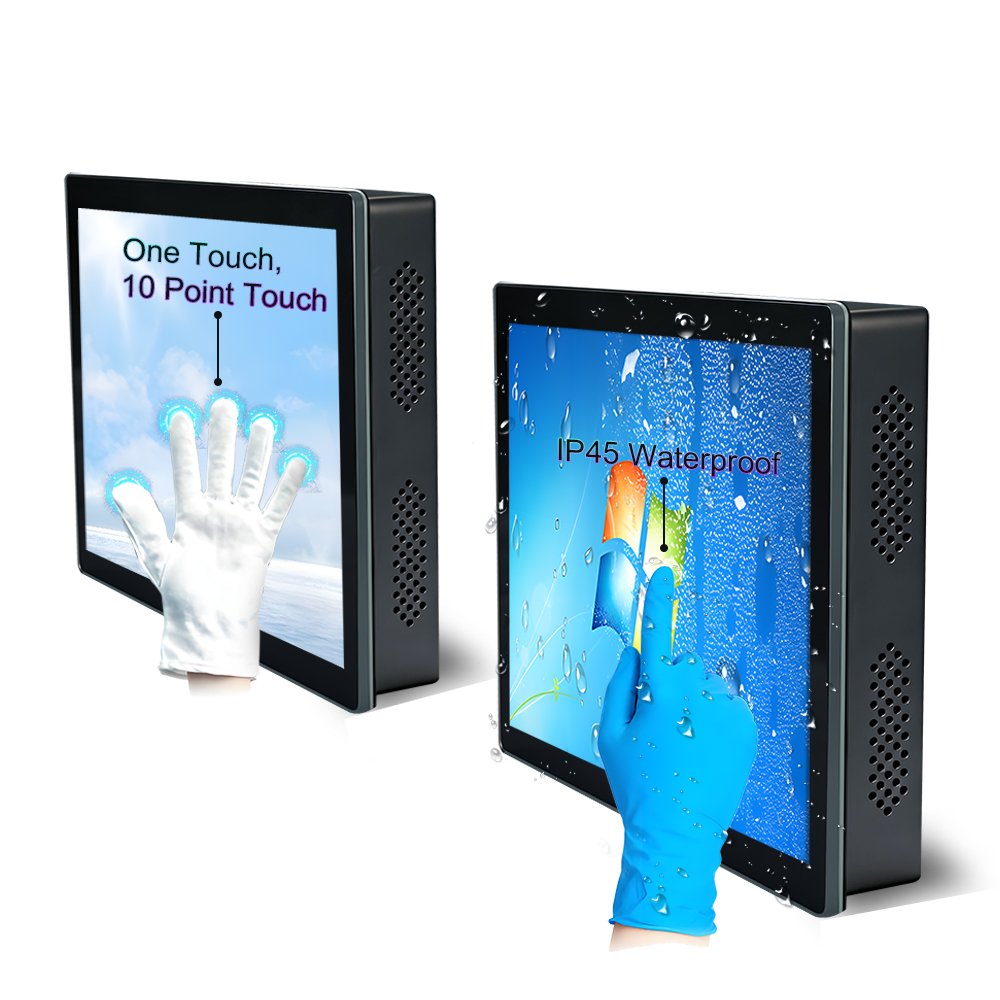
PCAP touch screens detect changes in capacitance. Gloves reduce the touch signal because they increase the distance between the finger and sensor. Thick, dry or insulated gloves create a weaker signal than bare fingers. Wet gloves may create an unstable signal or false touch.
To support glove touch, the design may need:
- Higher sensitivity controller tuning
- Suitable sensor pattern
- Controlled cover glass thickness
- Stable grounding
- Water rejection algorithm
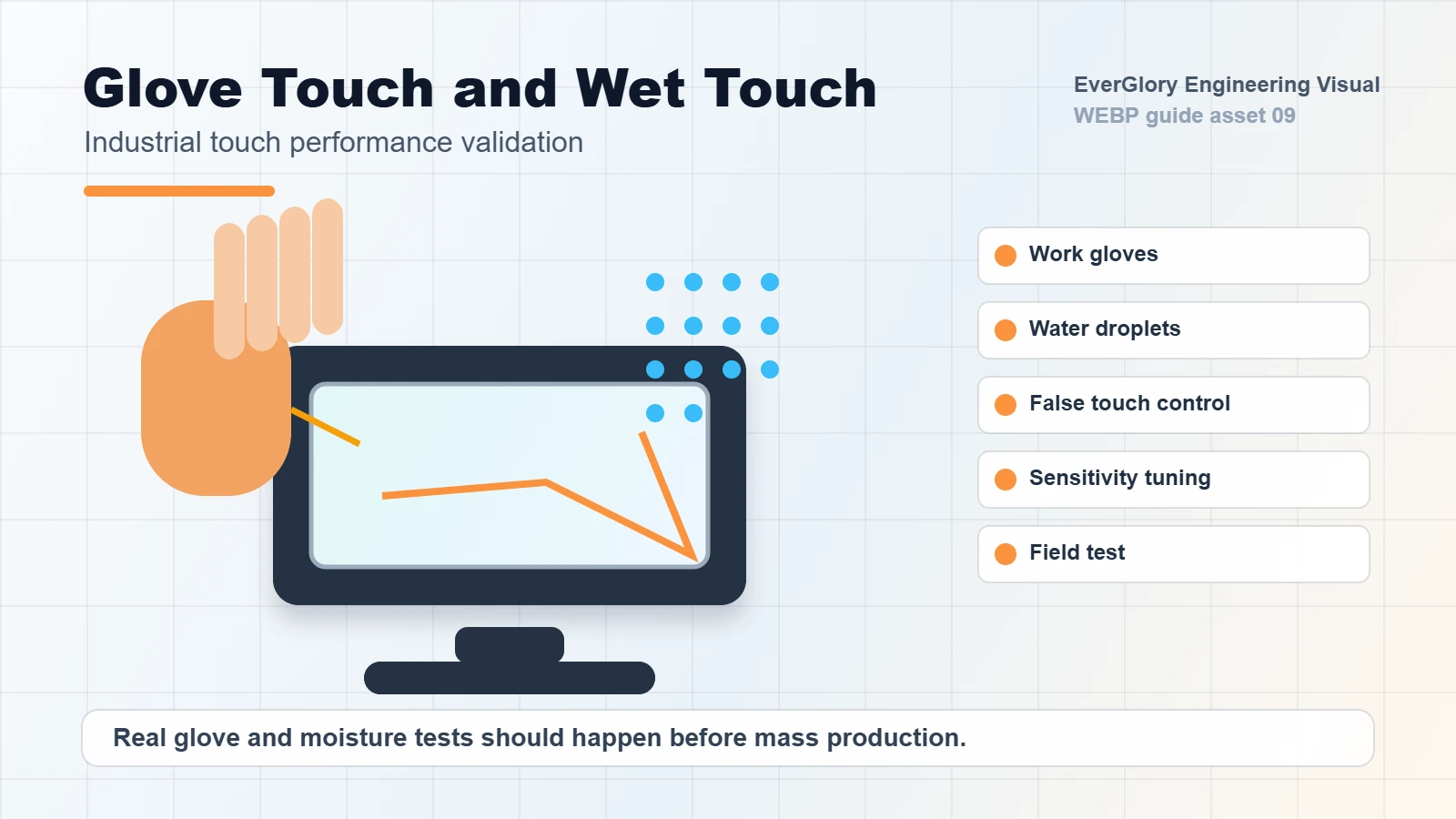
- Testing with the actual glove type
Simply increasing sensitivity can create new problems, especially when water, oil or EMI is present.
Glove and Wet Touch Design Table
| Use Condition | Main Risk | Recommended Design Focus |
|---|---|---|
| Thin work gloves | Lower touch signal | Sensitivity tuning and stable controller |
| Rubber or oil gloves | Slippery surface, contamination | AF coating, false-touch control, cleaning resistance |
| Wet gloves | Water bridge and ghost touch | Water rejection and grounding |
| Winter gloves | Thick material and low temperature | Wide-temperature design and higher signal margin |
| Medical gloves | Cleaning liquid and repeated operation | Surface treatment and liquid-touch validation |
Wet Touch Is Not the Same as Glove Touch
Wet touch and glove touch require different tuning. A screen that works with dry gloves may still fail when water droplets remain on the surface. A screen that rejects water too aggressively may reduce glove sensitivity. The best design balances both requirements according to the application.
For outdoor kiosks, food processing, car wash terminals and medical touch displays, validation should include real water droplets, wet gloves, cleaning wipes and the final enclosure grounding.
Avoiding False Touch
False touch can be more damaging than slow response. In industrial equipment, one unintended input can stop a process or create an unsafe user experience. Anti-mistouch design should consider palm rejection, water rejection, firmware thresholds, grounding and mechanical stability.
For high-EMI environments, glove touch tuning should be tested together with EMC conditions. A very sensitive panel may become unstable near inverters or motors if the grounding is poor.
Internal Links
FAQ
How thick can gloves be for PCAP touch?
It depends on sensor design, controller capability, glass thickness and firmware tuning. The actual glove type should be tested before production.
Can wet gloves work on an industrial touch screen?
Yes, when the controller supports water rejection and the system grounding is stable. Real wet-glove testing is important.
Does higher sensitivity always help?
No. Too much sensitivity can increase false touch risk, especially with water or EMI. Balanced tuning is better.
Should glove touch be tested in the final enclosure?
Yes. Enclosure grounding, cable routing and LCD noise can change touch performance.
Need a Project-Specific Recommendation?
EverGlory supports OEM and industrial display projects with PCAP touch panels, open-frame touch monitors, waterproof front designs, optical bonding, high-brightness LCDs and interface customization. Share the installation environment, target size, interface and protection needs, and the engineering team can help narrow the specification before sampling.

