
Can Direct Sunlight Damage an LCD Screen?
Direct sunlight can expose an LCD assembly to conditions outside its permitted use and can contribute to damage. A screen […]
Root-cause analysis and practical fixes for touchscreens, displays, controllers, and integration issues.
Direct sunlight can expose an LCD assembly to conditions outside its permitted use and can contribute to damage. A screen […]
Learn how metal bezels change PCAP edge fields, parasitic loading and ESD paths—and how to validate spacing, grounding, shielding and tuning.
Engineer PCAP grounding by separating PE, chassis, signal-return and shield paths, then diagnose LCD noise, common-mode interference and ESD.
A practical guide to PCAP controller selection, glove touch, wet touch, EMI, grounding and touch failure troubleshooting for industrial HMI displays.
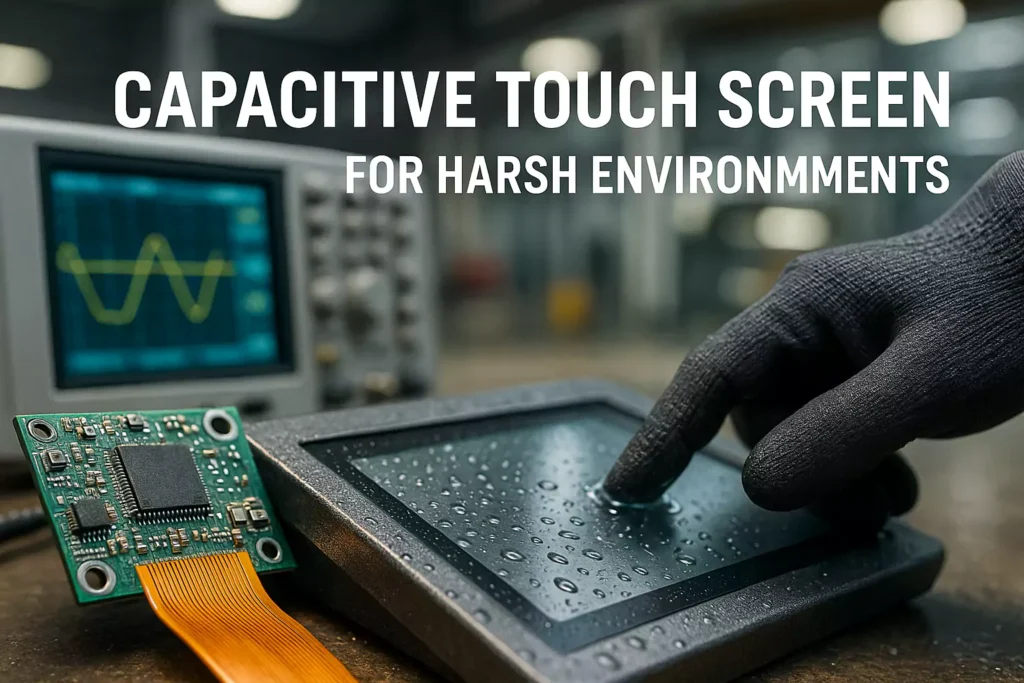
A practical OEM engineering guide to diagnosing industrial touch screen ghost touch, including grounding, EMI, LCD noise, FPC routing, wet touch, mechanical stress and controller tuning.
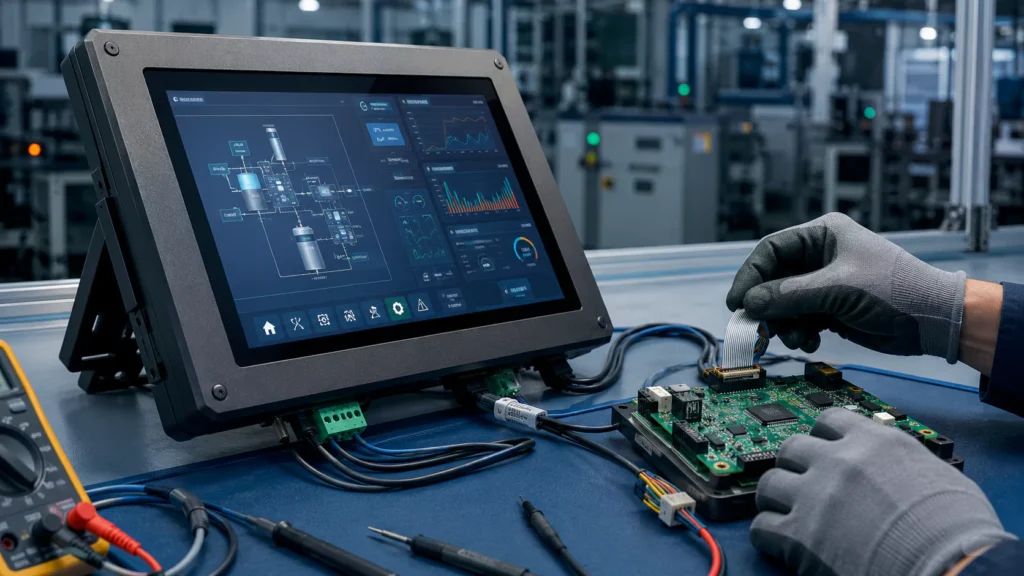
Industrial Touch Screen Troubleshooting Touch controller board issues are one of the most common causes of abnormal touch behavior in
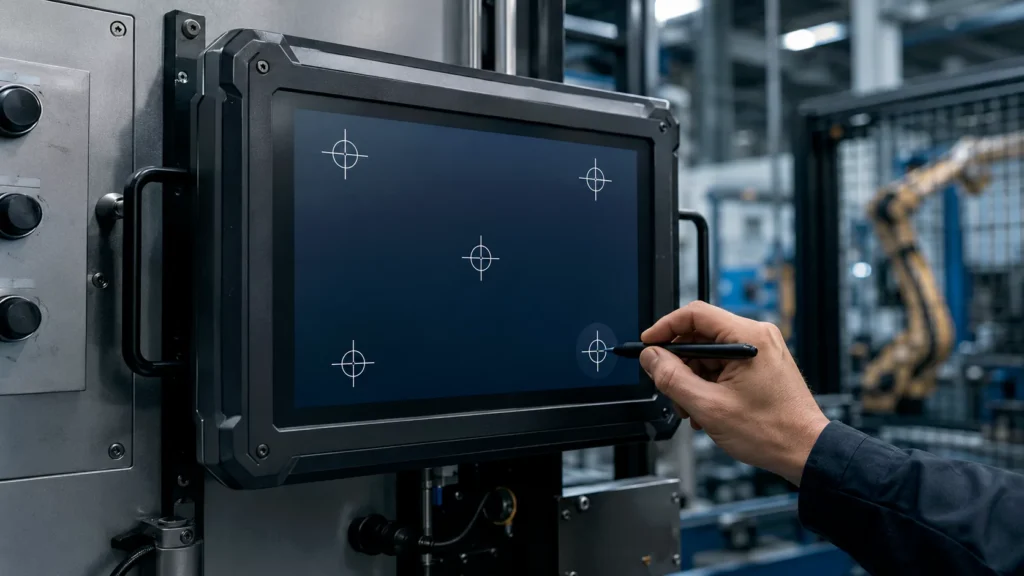
Industrial Touch Display Support Touch screen calibration helps align the physical touch position with the display coordinate system. For industrial
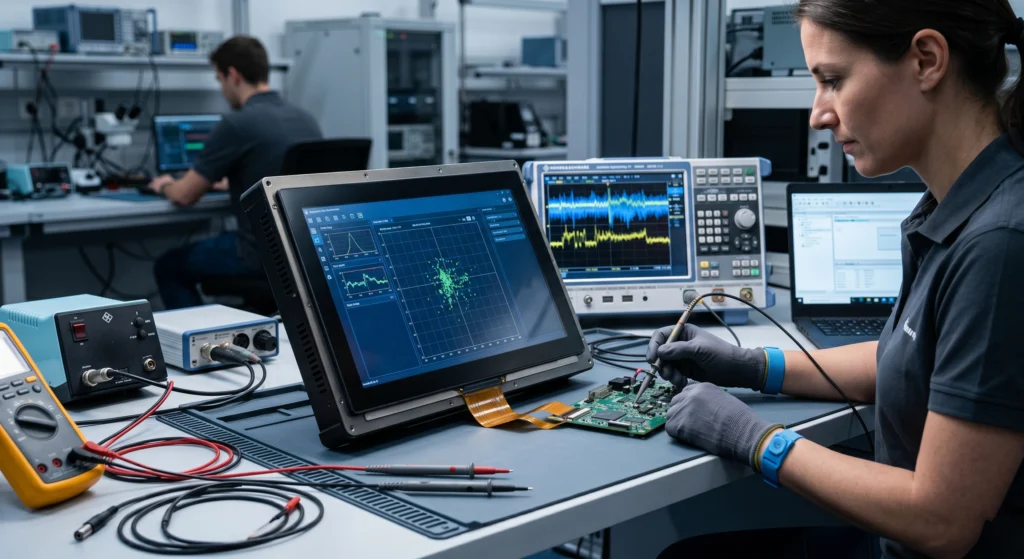
PCAP Troubleshooting • LCD Lamination • Engineering Guide Why PCAP Touch Sensitivity Drops After LCD Lamination and How to Fix
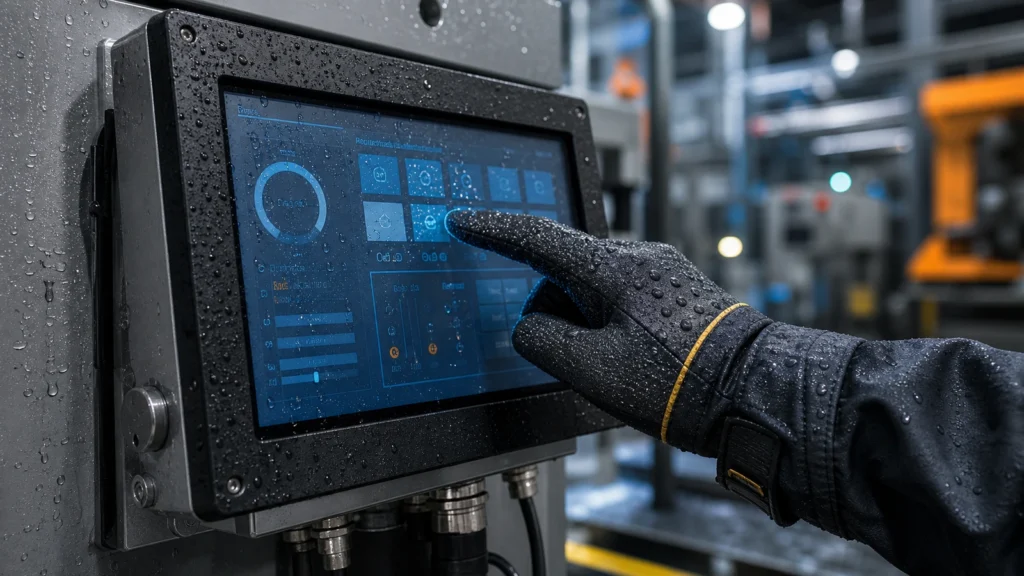
Engineering guide to 10 common industrial touch display problems, including wet touch, sunlight readability, EMI, cracked glass, condensation, heat, chemicals, vibration and serviceability.
A practical industrial Windows guide to enabling, disabling, and recovering an HMI touchscreen while preserving safe machine operation and serviceability.