
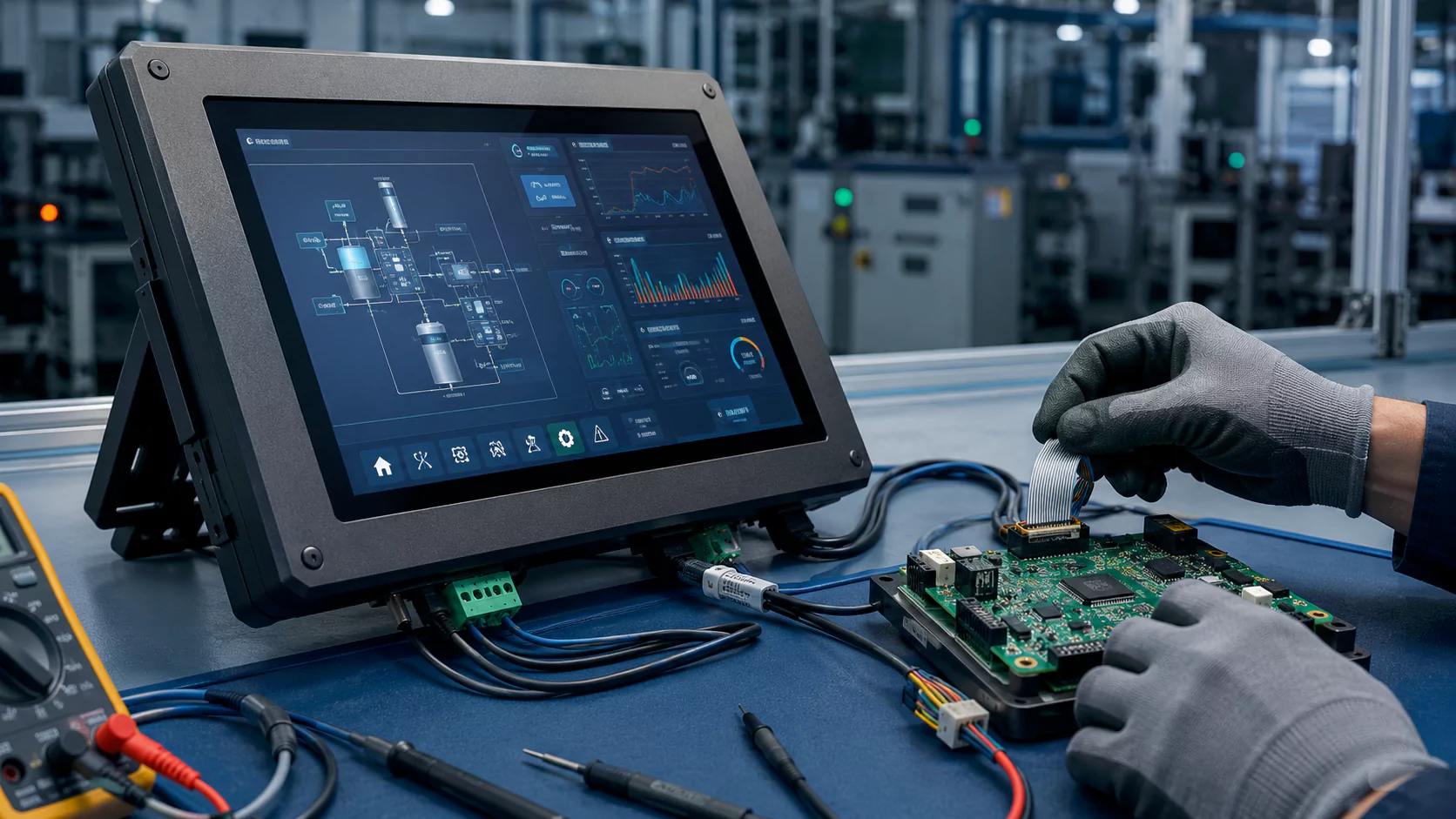
Touch controller board issues are one of the most common causes of abnormal touch behavior in industrial touch screens and touch display modules. Typical symptoms include no touch response, weak sensitivity, random touch points, unstable recognition, communication failure, or complete touch loss. A reliable troubleshooting process must separate controller board problems from touch panel, cable, power, grounding, firmware, and environmental factors.
What Is a Touch Controller Board Issue?
A touch controller board, also called a touch controller card, receives signals from the touch sensor and converts them into coordinate data for the host system. In an industrial touch screen, the controller board must match the touch sensor structure, firmware parameters, communication interface, operating system, and application environment.
When the controller board, firmware, cable connection, power supply, or grounding condition is abnormal, the touch screen may fail to respond correctly. However, not every touch failure is caused by the controller board itself. A professional diagnosis should always check the complete touch system before replacing parts.
Common Touch Abnormality Symptoms
No Touch Response
The touch screen does not react after connection, and the host system may not recognize the controller device.
Weak Sensitivity
The touch screen responds slowly, requires strong pressure, or only works in part of the active area.
Random Touch Points
The screen shows ghost touches, jumping points, or unstable touch coordinates without user input.
Unstable Recognition
Touch works intermittently, disconnects randomly, or becomes unstable after operation for a period of time.
Communication Failure
The controller board cannot communicate through USB, I2C, UART, or other defined interfaces.
Complete Touch Loss
The device powers on, but the touch function remains unavailable even after reconnection or system restart.
Main Causes of Touch Controller Board Problems
| Cause Category | Typical Problem | Technical Impact |
|---|---|---|
| Power and Environment | Unstable power voltage, poor grounding, EMI, ESD impact, or electrical noise from nearby equipment. | May cause controller reset, unstable coordinates, IC damage, communication failure, or false touches. |
| Cable and Communication | Loose USB cable, damaged cable, poor contact, incorrect pin order, insufficient power, or weak connector retention. | May prevent the host system from recognizing the controller board or cause intermittent touch failure. |
| Firmware and Parameters | No firmware loaded, wrong firmware version, incorrect touch parameters, or mismatch between controller and touch sensor. | May result in no response, wrong coordinate mapping, low sensitivity, drift, or unstable touch recognition. |
| Controller Board Hardware | Cold solder joint, missing component, broken component, board deformation, burned IC, damaged connector, or physical impact. | May cause complete controller failure, partial signal loss, short circuit, open circuit, or unstable operation. |
| Mechanical Structure | Wrong controller board structure, pressure on the board, wrong mounting position, or poor fit with the touch panel FPC. | May create poor contact, FPC stress, connector damage, or unstable connection after installation. |
| Touch Panel Failure | Damaged FPC, sensor breakage, cracked ITO trace, moisture ingress, or touch sensor defect. | May be misdiagnosed as a controller problem unless verified by cross-testing. |
Recommended Troubleshooting Steps
1. Check Cable, Interface, and Power First
Reconnect the USB or communication cable, check whether the connector is fully inserted, confirm that the cable is not damaged, and verify that the power supply is stable. Poor cable contact is one of the most common and easiest problems to eliminate.
2. Confirm Controller Model and Firmware
Check whether the controller board model matches the touch panel and project requirement. Confirm that the correct firmware and parameters are loaded. If necessary, restore default settings or reload the correct firmware under technical guidance.
3. Inspect the Hardware Condition
Use visual inspection and basic electrical measurement to check burned components, loose parts, connector oxidation, bent pins, short circuits, open circuits, abnormal voltage, or board deformation.
4. Check Grounding and EMI Conditions
In industrial environments, poor grounding or strong electromagnetic interference may cause jumping points, unstable touch, or controller reset. Grounding, shielding, cable routing, and power quality should be reviewed.
5. Verify Software and Driver Recognition
Check whether the operating system recognizes the touch controller correctly. Review driver status, device manager information, USB enumeration, interface protocol, and touch coordinate mapping.
6. Run a Standard Cross-Test
Use a known-good controller board and a known-good touch panel for replacement testing. This is the most effective way to quickly identify whether the fault is from the controller board, touch panel, cable, or host system.
How to Use Cross-Testing to Locate the Fault
Cross-testing is one of the most reliable methods for diagnosing touch controller board issues. The principle is simple: use known-good parts to replace one component at a time, then observe whether the fault follows the controller board, touch panel, cable, or host system.
| Test Action | Possible Result | Likely Diagnosis |
|---|---|---|
| Replace with a known-good controller board | Touch returns to normal. | The original controller board may have firmware, parameter, or hardware failure. |
| Use the same controller with a known-good touch panel | Touch works normally. | The original touch panel, FPC, or sensor may be damaged. |
| Replace the USB or communication cable | Device recognition becomes stable. | The original cable or connector contact may be the cause. |
| Test on another host system | The controller works normally on another system. | The original host driver, OS setting, USB port, or power condition may be abnormal. |
| Test under a cleaner EMI environment | Jumping points disappear. | EMI, grounding, or power noise may be causing the touch instability. |
What May Be Misdiagnosed as a Controller Board Issue?
Touch Panel or Sensor Failure
Damaged FPC, broken sensor traces, poor bonding, moisture ingress, or ITO damage may cause no touch response or local dead zones even when the controller board is normal.
LCD Noise or Bonding-Related Sensitivity Loss
In bonded touch display modules, LCD noise, insufficient spacing, grounding design, or stack-up issues may reduce sensitivity or create unstable touch behavior.
Operating System or Driver Mapping
Wrong driver, screen orientation, resolution setting, or coordinate mapping can create offset or reversed touch behavior that looks like a controller failure.
Environmental Interference
Strong electromagnetic interference, unstable power, poor grounding, static discharge, or long unshielded cables may cause random touches or communication instability.
everglory Troubleshooting Support for Touch Controller Board Issues
everglory supports industrial touch screen customers by reviewing the complete touch system, including controller board selection, firmware parameters, cable connection, grounding, power supply, sensor condition, and application environment. For installed equipment that is difficult to disassemble, remote troubleshooting is usually the first step.
Remote Initial Diagnosis
We help customers check wiring, power, USB recognition, firmware information, controller model, and basic touch symptoms before changing the hardware structure.
Controller and Firmware Review
Our engineering team can review whether the controller board, firmware version, touch parameters, and sensor design are correctly matched.
Cross-Test Guidance
We provide practical replacement-test logic to help customers identify whether the fault is from the controller board, touch panel, cable, host system, or environment.
Touch Controller Board Troubleshooting FAQ
Why does the touch screen have no response after connecting the controller board?
What causes random jumping points on an industrial touch screen?
Can firmware mismatch cause touch failure?
How can I tell whether the controller board or touch panel is defective?
Can everglory support remote troubleshooting?
Need help diagnosing a touch controller board issue?
Share your touch screen size, controller board model, interface type, firmware information, host system, connection photos, and touch failure symptoms. everglory can help review whether the issue is caused by the controller board, touch panel, cable, power, grounding, firmware, or operating environment.

