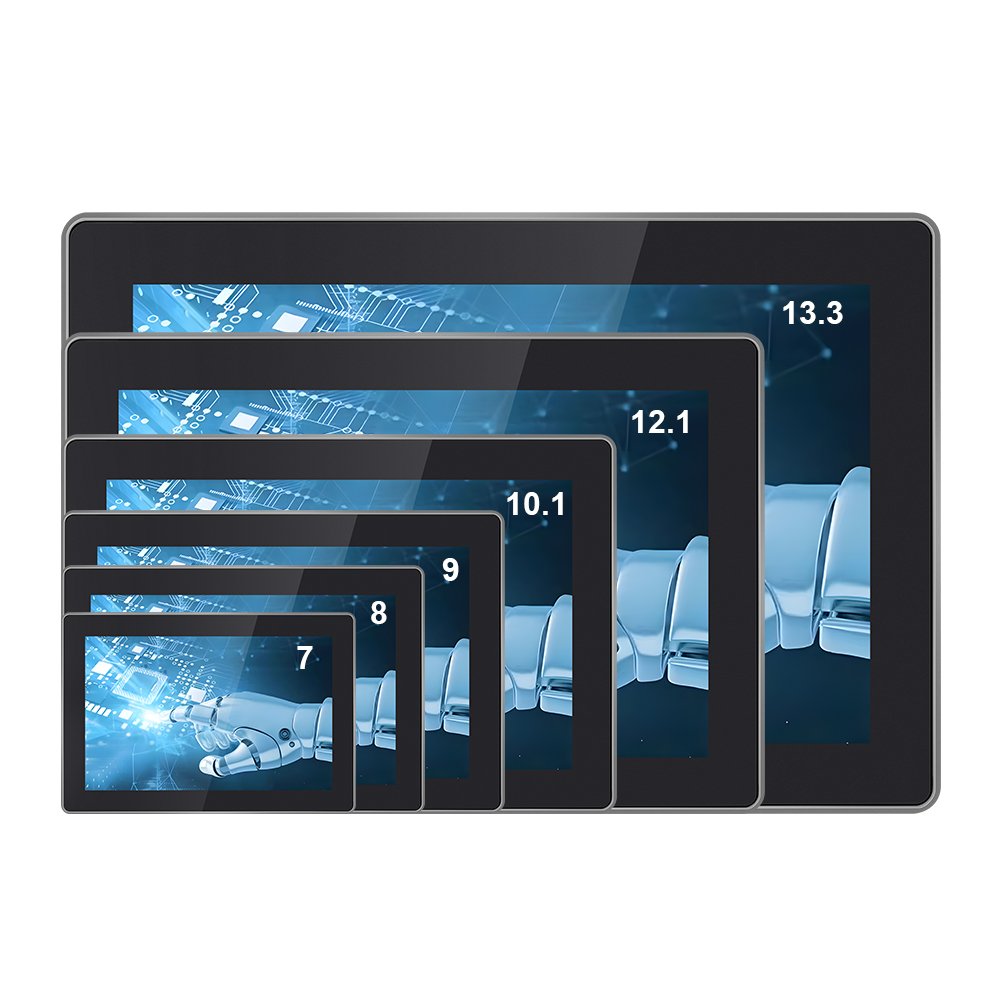
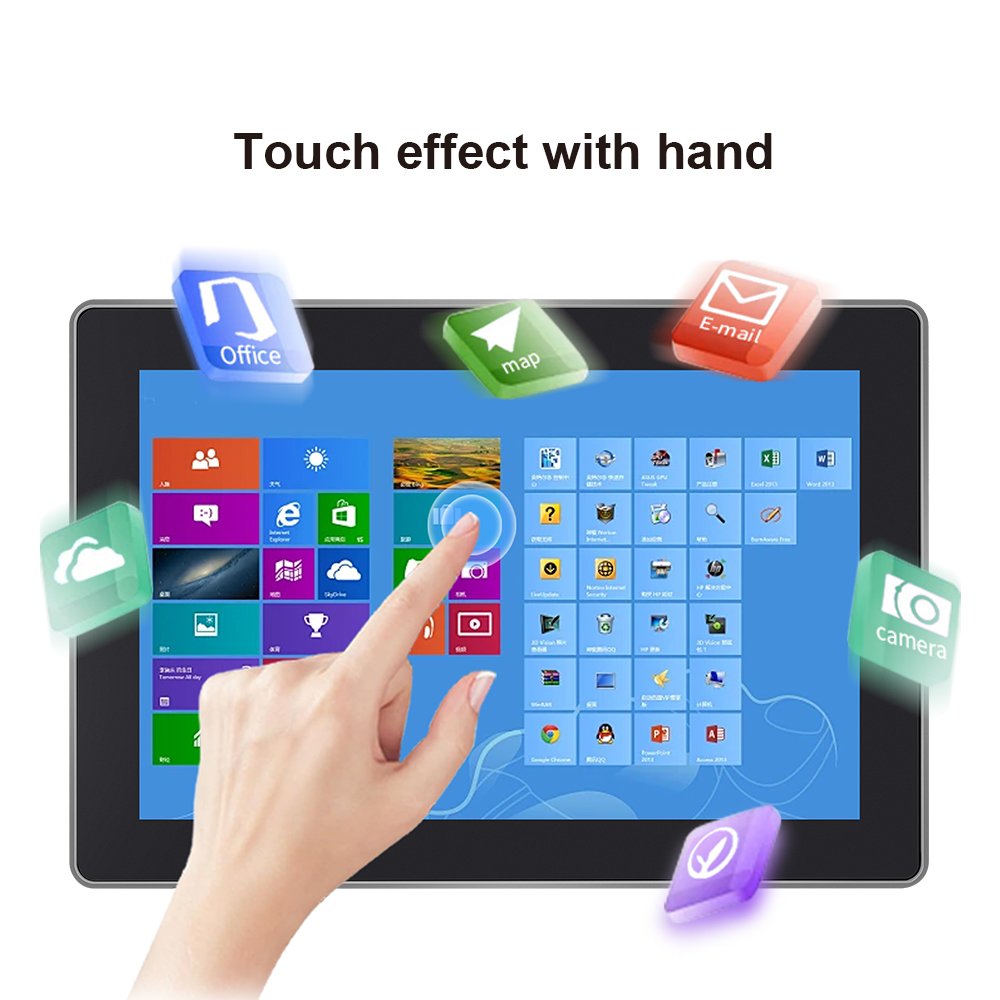
Touch Screen All-in-One Industrial (YW03 Series) for High-Efficiency Operations
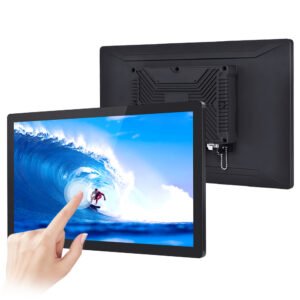
The YW03 Series industrial touch screen all-in-one is built for operations where uptime and workflow speed matter.
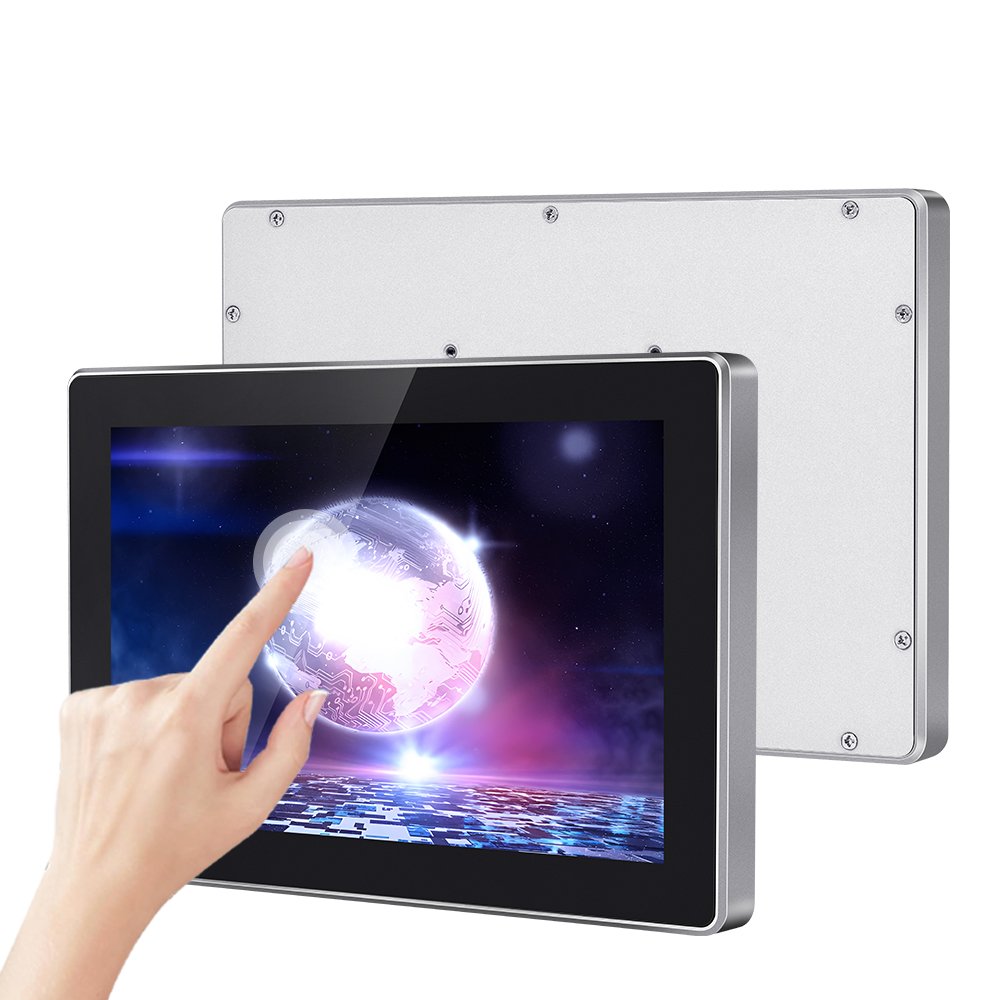
Instead of combining separate modules, this all-in-one platform integrates display, PCAP touch, and the computing system in one unit.
Therefore, it reduces wiring complexity, shortens deployment time, and supports stable HMI operation in real factories.
Stable PCAP touch
Reduced wiring
Fast installation
Flexible mounting
OEM/ODM support
If you only need a display without an integrated computing system, browse:
industrial touchscreen monitors.
- Workflow speed: Industrial touch screens within all-in-one setups enhance touch response and UI stability.
- Field reliability: integration details reduce random disconnects and ghost touch risk.
- Maintainability: consistent configuration helps with long-term replacement planning.
- Scaling: same platform across stations simplifies IT and operations management.
Key Specifications (edit with your real parameters)
| Item | Specification |
|---|---|
| Product type | Industrial touch screen all-in-one (Panel PC / embedded system) |
| Touch technology | PCAP multi-touch (configurable); glove and wet touch options |
| Display | Industrial LCD; brightness options based on environment |
| System | Configurable OS / platform (define per project) |
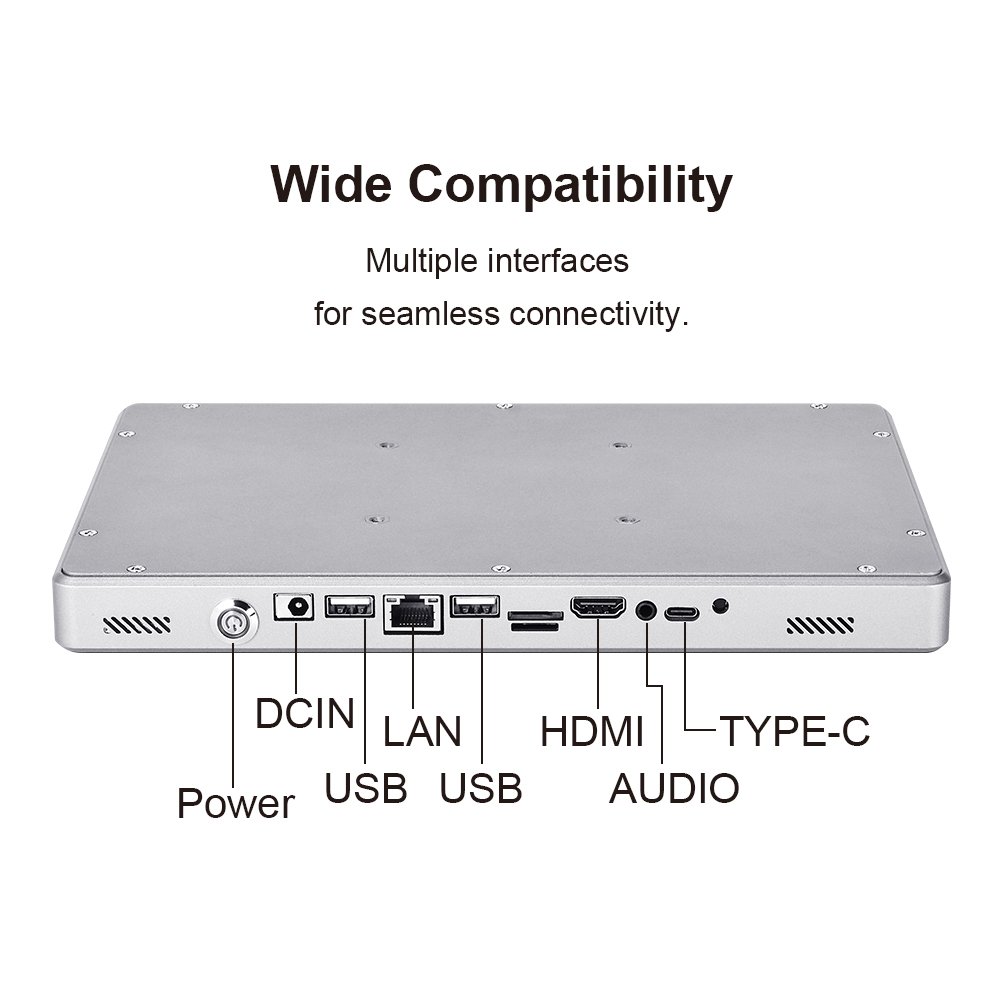
| I/O | LAN / USB / serial / GPIO options (confirm per configuration) |
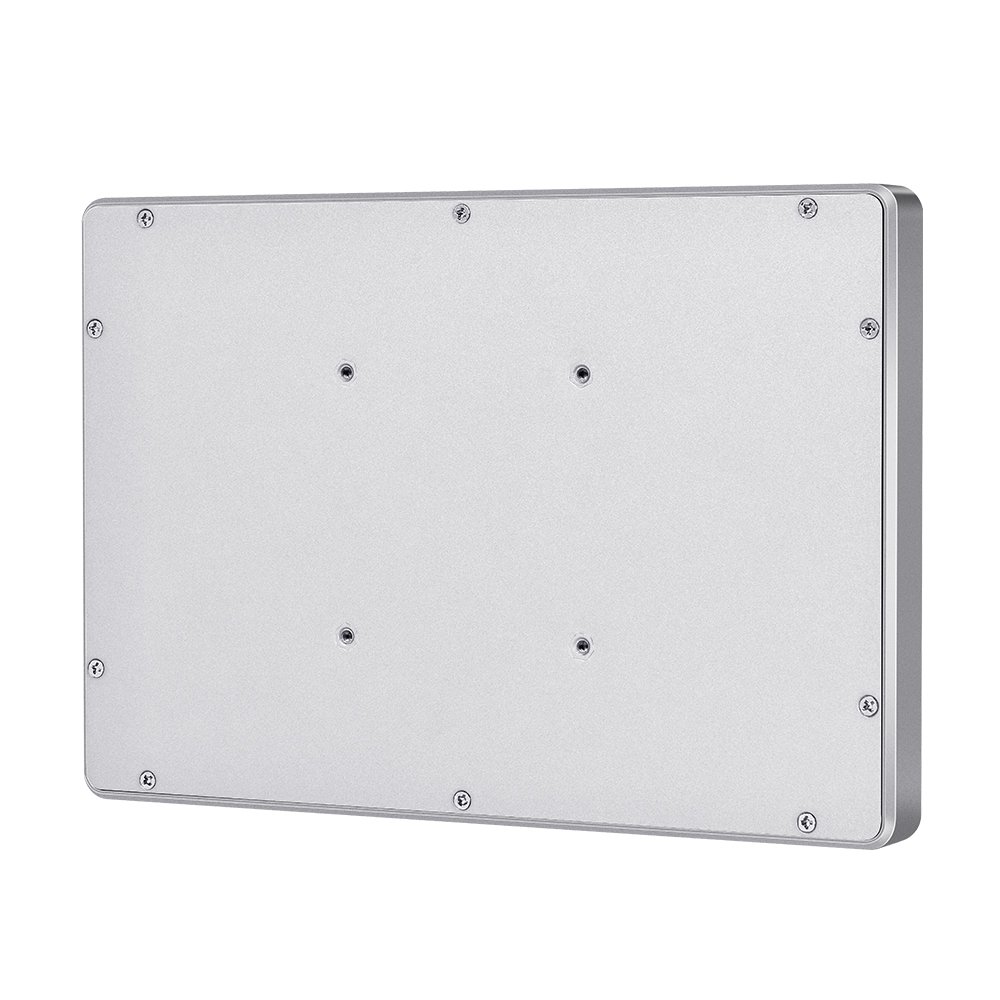
| Mounting | VESA / panel mount / bracket / wall mount options |
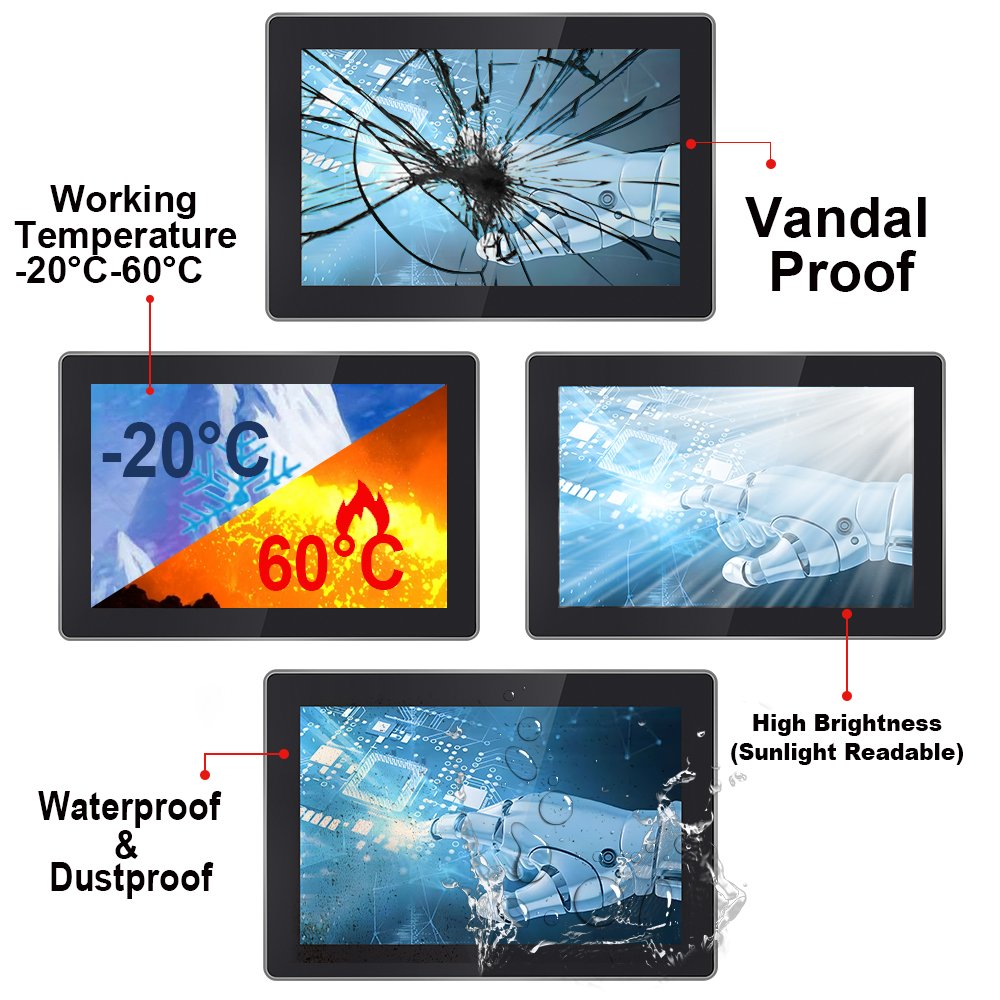
| Environment | Industrial temperature range option (define target range) |
| Sealing option | Front sealing option; define target IP and cleaning method |
Where the YW03 Series is used
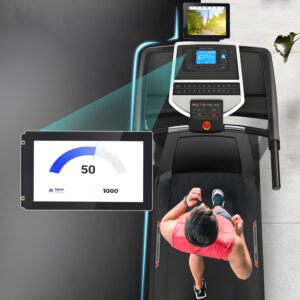
Factory HMI and automation stations
Reliable touch and stable operation support repeated tasks and fast shift handovers, thanks to integrated all-in-one touch screens designed for industrial settings.
Production dashboards and control rooms
A single all-in-one device reduces wiring complexity and simplifies maintenance.
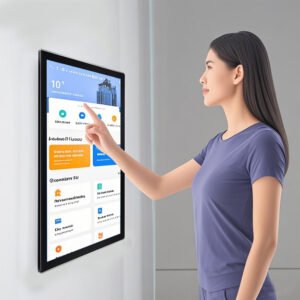
Self-service and compact terminals
Ideal when you want an integrated computing platform with predictable UI performance.
Wet or dusty zones (with sealing)
Define sealing and cleaning method early. Then validate under real conditions.
Integration notes (improves stability and lifetime)
- EMI control: keep signal cables away from power lines and validate near inverters and motors.
- Grounding: confirm grounding points after final installation, not only on the bench.
- Mounting stress: re-test touch edges after assembly to avoid bezel pressure issues.
- Wet touch: if water film exists, tune and verify with the real UI layout.
For sealing roadmaps, see
waterproof touch screens (IP65).
For outdoor terminals, see
outdoor touch screen solutions.
Recommended QA before deployment
1) Touch accuracy and edge response
Run line tracking and corner sweeps before and after installation.
2) Soak test for stability
Run for several hours and record any resets or disconnect events.
3) Glove and wet touch validation
Validate with real gloves and water film to check false touch behavior.
4) EMI risk check
Test near real noise sources with final cable routing and grounding.
Use the checklist here:
touchscreen test checklist.
For deeper workflow, see:
touchscreen tester.
FAQ
Is the YW03 Series a monitor or a Panel PC?
The YW03 Series is an industrial all-in-one platform. Therefore, it integrates display, PCAP touch, and the computing system in one unit, ideal for those seeking an industrial touch screen all in one solution.
Can it support gloves and wet touch?
Yes. PCAP touch can be tuned for gloves and wet touch. In addition, it should be validated under real operators and water film conditions.
What is the typical sealing level?
Sealing depends on the project. Many deployments use front sealing, plus protected connectors and cable entry. Share your target IP level and cleaning method for confirmation.
What information do you need for a fast proposal?
Please share screen size, OS/platform needs, I/O, brightness target, mounting method, environment details, and any sealing requirements.
How can I reduce field failures after installation?
Re-test touch edges after mounting, validate EMI and grounding with final cable routing, and run a soak test before sign-off.
Next step: Request a YW03 configuration and spec sheet.
Touch Screen All-in-One – Industrial YW03 Series for High-Efficiency Operations Engineering Information
This product is an integrated industrial panel PC combining touch display and computing hardware.
- Product Category
- Industrial Panel PC
- Product Role
- integrated industrial panel PC with touch display and computing hardware
- Size / Format
- custom size
- Best Fit
- industrial HMI, kiosk, POS, medical, control and commercial equipment projects
- Review Focus
- CPU; RAM; Storage; OS; LAN; COM; USB; GPIO; Wi-Fi; Power; Mounting; Thermal design; Operating temperature
Information Needed for Review
- CPU
- RAM
- Storage
- OS
- LAN
- COM
- USB
- GPIO
- Wi-Fi
- Power
- Mounting
- Thermal design
- Operating temperature
Typical Applications
industrial HMI, kiosk, POS, medical, control and commercial equipment projects
Common Engineering Questions
Is this industrial panel PC the same as a touch monitor?
No. An industrial panel PC includes computing hardware such as the CPU, RAM and storage. A touch monitor does not include the computing platform.
What information is needed for engineering review?
Send the CPU platform, RAM, storage, operating system, LAN, COM, USB and GPIO requirements, wireless requirement, power input, mounting method, thermal constraints and operating temperature.
How does a panel PC differ from a touch display module?
A panel PC combines touch, display and computing hardware. A touch display module combines an LCD and touch solution for integration into the customer's electronics and enclosure.
Related Industrial Panel PC Products
For an accurate quotation, send drawings and application details instead of only screen size.