Industrial Touchscreen Monitors (PCAP Touch Screen Monitor Series)
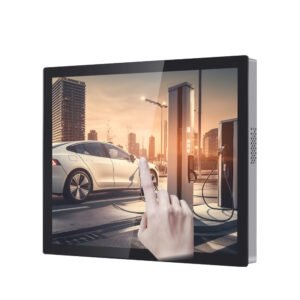
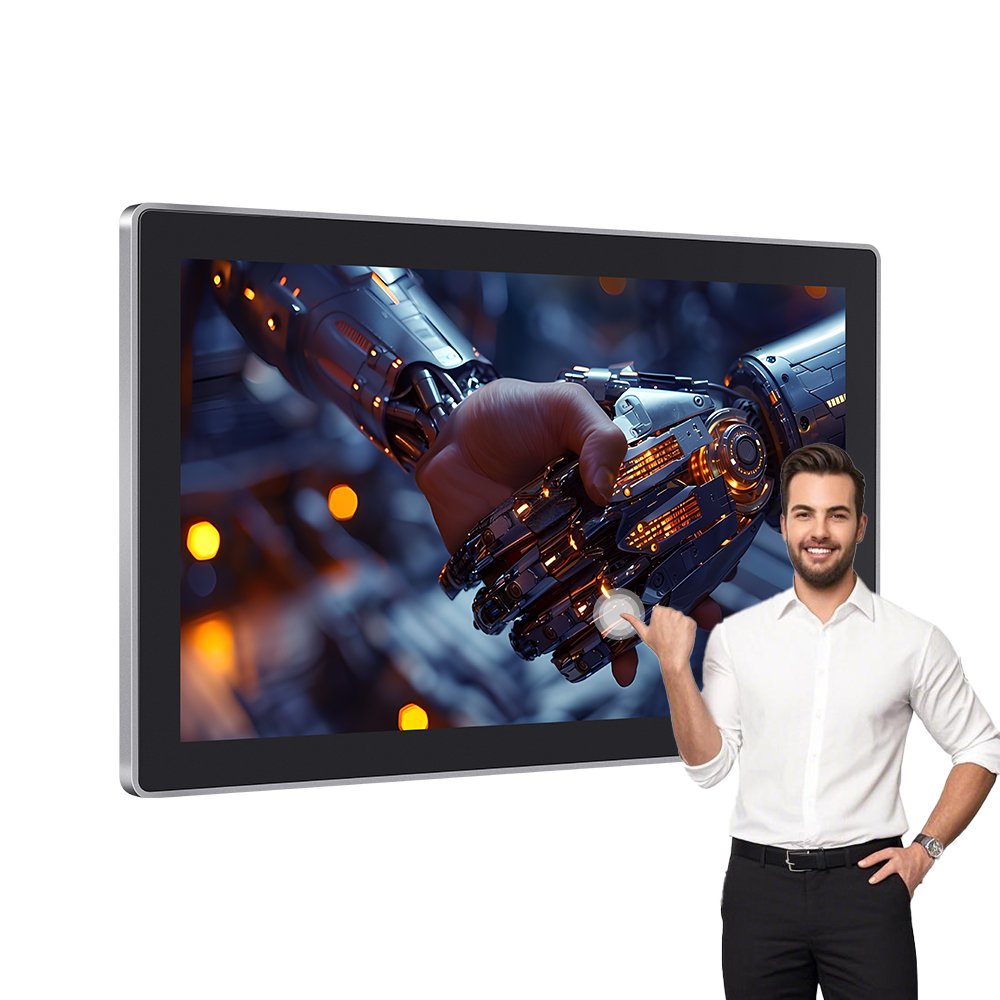
Industrial touchscreen monitors are built for HMI cabinets, kiosks, control rooms, and public terminals.
Unlike consumer displays, they must stay stable under dust, water spray, gloves, and electrical noise.
Therefore, this page helps you compare configuration options and choose a reliable PCAP touch monitor for real deployment.
Brightness (standard / high)
PCAP touch points
Glove / wet touch tuning
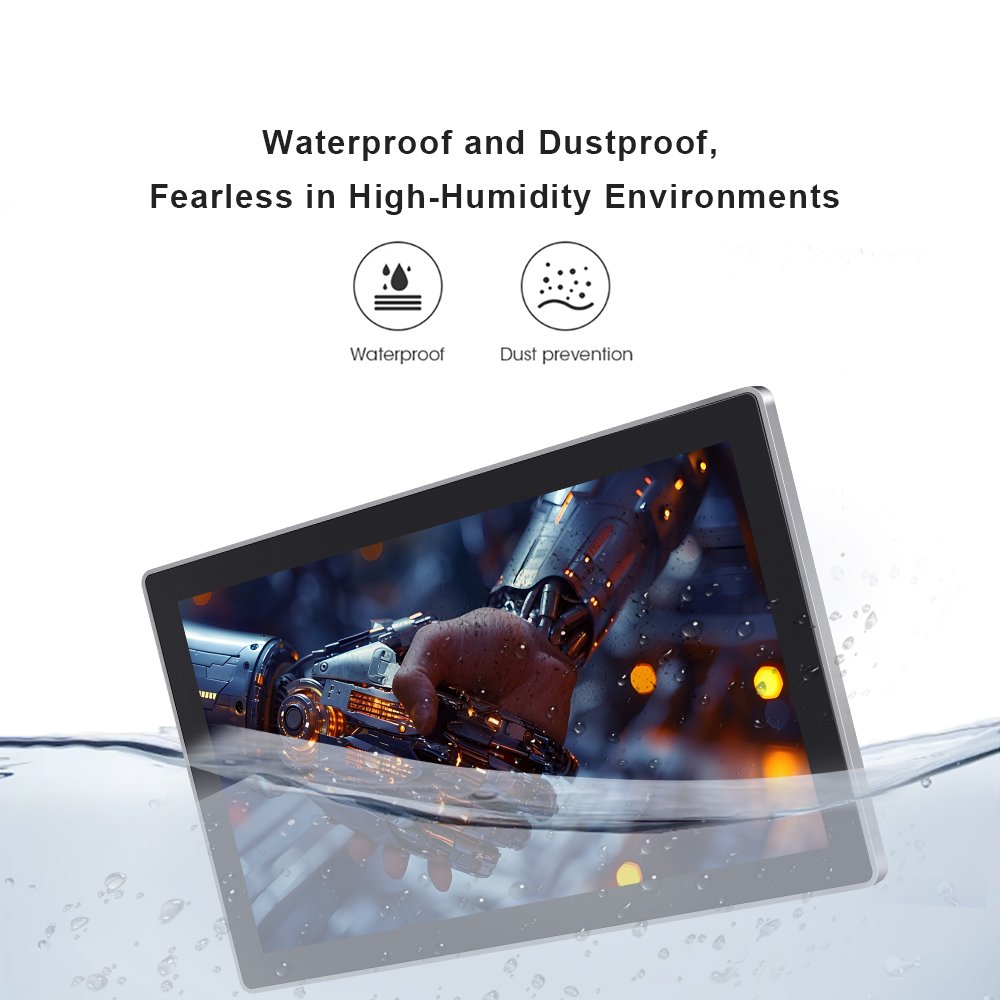
Front IP sealing
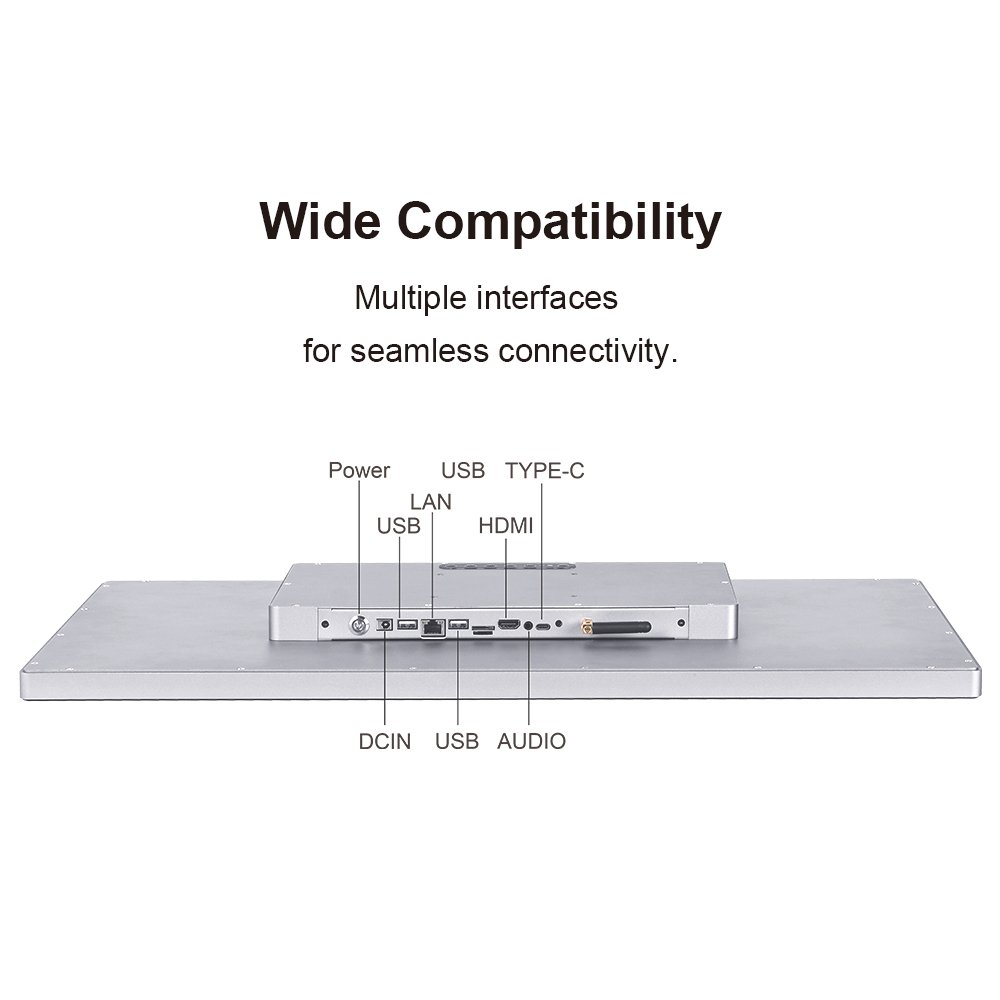
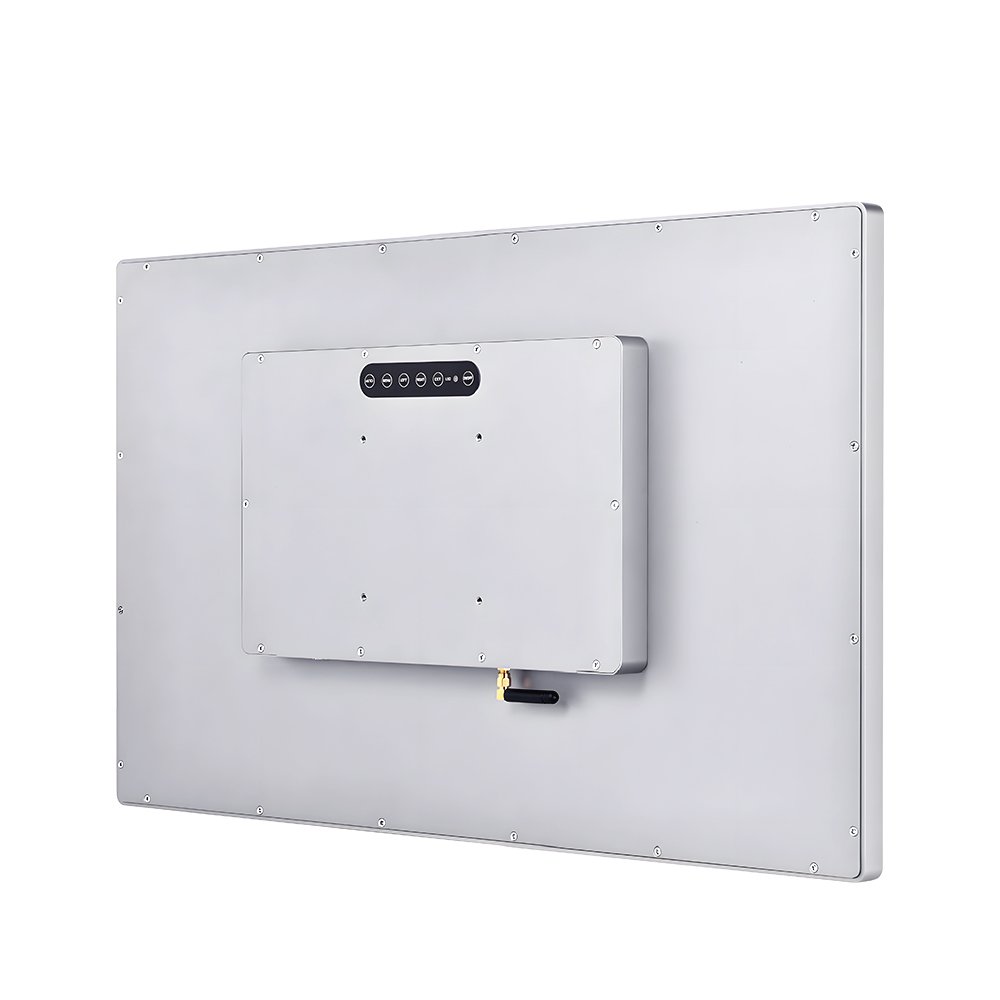
Interfaces + mounting
For PCAP fundamentals and tuning context, see
how capacitive touch screens work.
- Ghost touch: power noise, grounding, and cable routing issues.
- Edge dead zones: mounting stress after enclosure assembly.
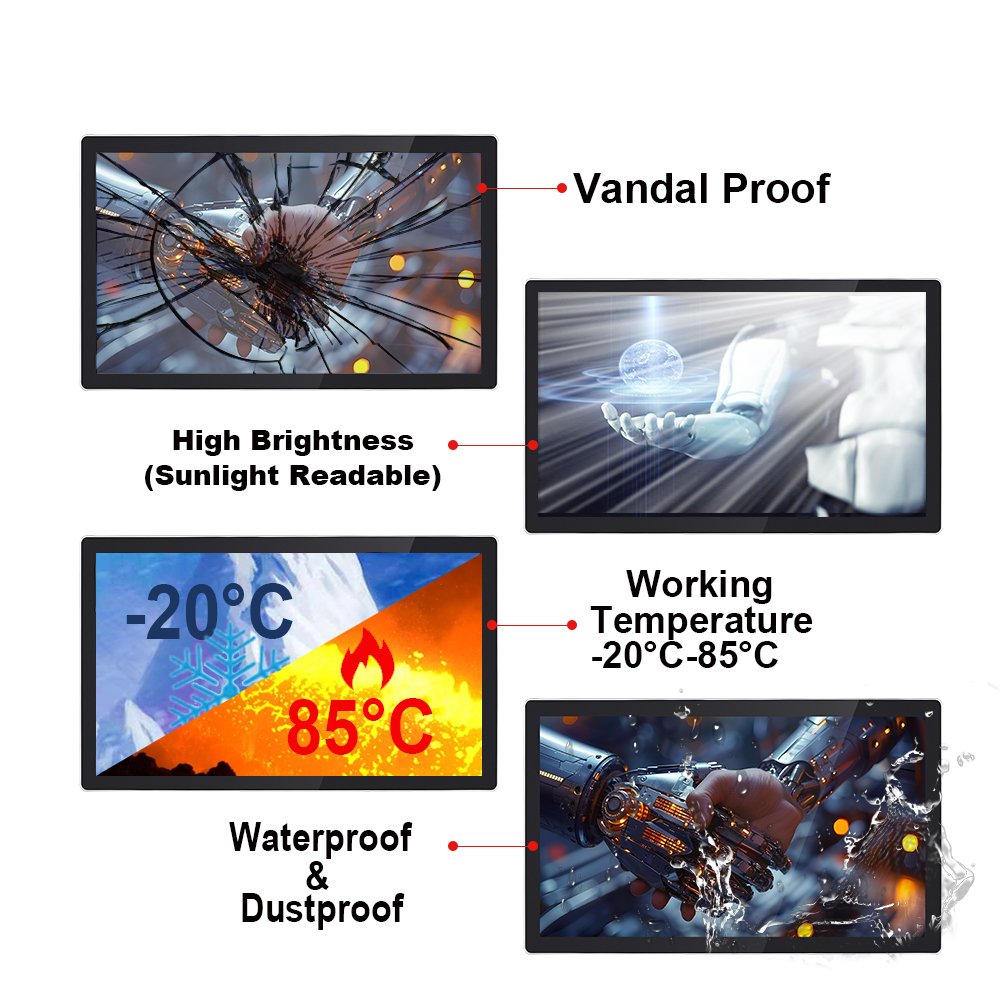
- Outdoor complaints: glare, water film, and insufficient brightness strategy.
- Random disconnect: unstable USB, connectors, or power ripple.
Use the field workflow in
touchscreen tester
before final sign-off.
Selection Guide: Pick the right touchscreen monitor faster
| Decision point | What to define | Why it matters |
|---|---|---|
| Environment | Dust/water exposure, cleaning method, chemicals, temperature | Drives sealing, glass, coatings, and reliability |
| Usability | Glove type, wet touch, touch target size, required touch points | Defines controller tuning and UI stability |
| Readability | Ambient light, sunlight, glare control, viewing distance | Prevents “visible in lab, unusable on site” |
| Integration | Interfaces, cable routing, grounding, mounting method | Most field failures happen after installation |
For kiosks, EV chargers, and signage, you must plan sealing and brightness together.
In addition, wet touch behavior needs validation under water film.
- Configuration reference: outdoor touch screen solutions
- Sealing roadmap: waterproof touch screens (IP65)
- Readability: sunlight readable touch displays
For cabinet HMIs, stability under EMI noise is often the deciding factor.
Therefore, validate grounding and cable routing after assembly.
- Pre-deployment checks: touchscreen test checklist
- Full workflow: touchscreen tester
Recommended Products (examples)
If you need a large interactive display for public terminals, start from a proven large-format monitor configuration.
Then match brightness, glass, and touch tuning to your environment.
Example product:
55-inch touch screen monitor
For washdown zones and industrial control cabinets, a sealed front design reduces ingress risk.
However, connectors and cable entry still need attention.
Example product:
10.1″ IP65 waterproof wall-mounted HMI touch panel
Share size, target brightness, front IP requirement, glove/wet touch needs, and your enclosure drawing.
FAQ
What is an industrial touchscreen monitor?
It is a display monitor with an integrated touch interface designed for harsh environments. Therefore, it focuses on stability, sealing options, and integration reliability.
Capacitive (PCAP) vs resistive: which should I choose?
PCAP is common for multi-touch and clarity, while resistive can fit specific glove/stylus workflows. However, the best choice depends on environment and UI requirements.
Can a touchscreen monitor work with gloves and water on the surface?
Yes, PCAP can be tuned for glove and wet touch. In addition, it should be validated under real water film conditions before deployment.
What causes ghost touch in industrial cabinets?
Most cases trace to EMI noise, grounding, and cable routing near power lines. Therefore, always re-test after enclosure assembly.
What information do you need for a quick recommendation?
Share screen size, brightness target, IP requirement, glove/wet touch needs, EMI sources, and enclosure drawings.
Industrial Touchscreen Monitors | PCAP Touch Screen Monitor Series Engineering Information
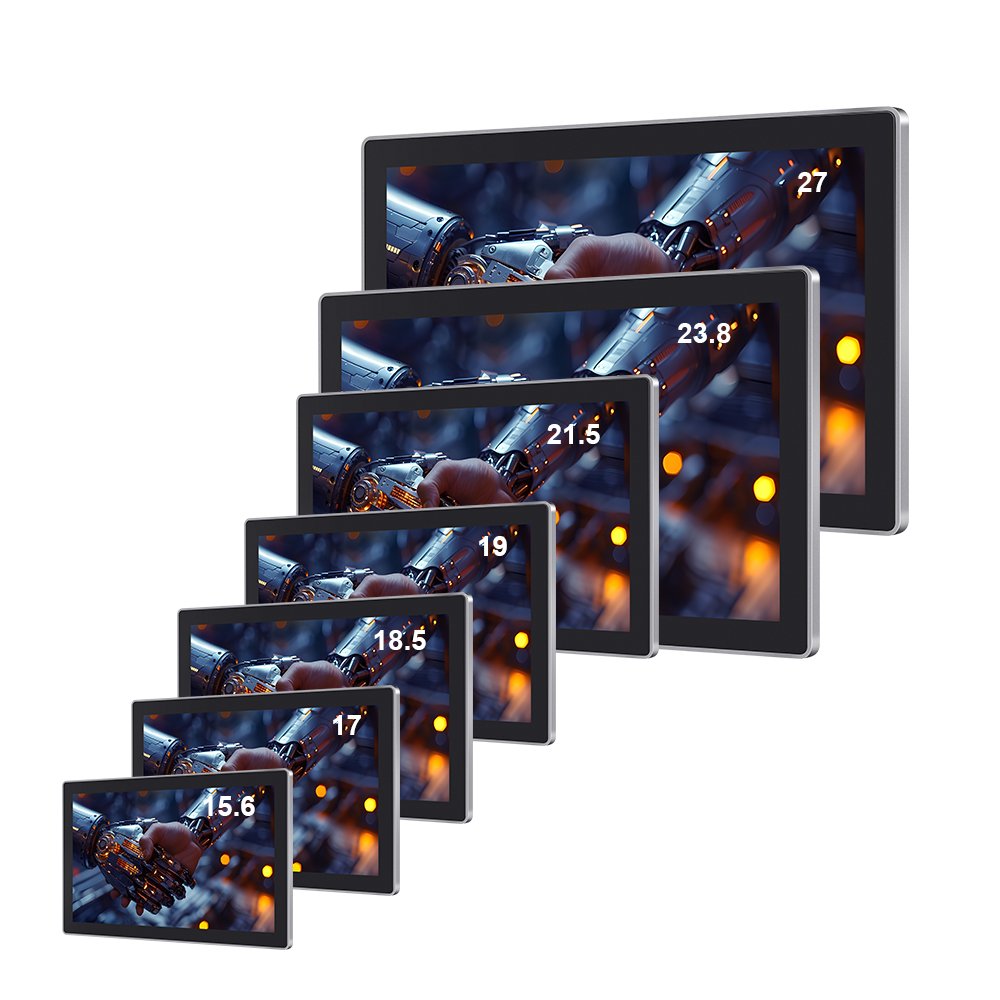
Industrial Touchscreen Monitors | PCAP Touch Screen Monitor Series is a custom size industrial touch screen monitor for industrial HMI, kiosk, POS, medical, control and commercial equipment projects. It should be reviewed with display input, touch interface, mounting, enclosure, power and operating environment so Ever Glory can confirm integration risk before sampling or quotation.
- Product Category
- Touch Screen Monitor
- Product Role
- complete industrial touch screen monitor for equipment integration
- Size / Format
- custom size
- Best Fit
- industrial HMI, kiosk, POS, medical, control and commercial equipment projects
- Review Focus
- display input, touch interface, mounting, enclosure, power and operating environment
- Customization
- Cover glass, touch tuning, mounting structure, interface configuration, branding, bonding and enclosure fit
Information Needed for Review
- Mechanical drawing, target installation space and custom size display or housing requirement.
- display input, touch interface, mounting, enclosure, power and operating environment.
- Operating environment, brightness, temperature, IP rating, vibration, cleaning or glove-touch expectations.
- Target quantity, certification needs, cable direction, connector position and production schedule.
Typical Applications
OEM equipment, kiosks, self-service terminals, medical devices, POS systems and industrial control interfaces.
Suitable for projects that need stronger enclosure design, stable touch performance and long-term field reliability.
Compare related Ever Glory products in the Touch Screen Monitor category for similar integration requirements.
Common Engineering Questions
Is this industrial touch screen monitor ready for direct installation?
It depends on the final enclosure, interface, power, mounting and software environment. Ever Glory reviews the drawings and application before confirming a production-ready solution.
What information helps confirm feasibility faster?
Send display input, touch interface, mounting, enclosure, power and operating environment, mechanical drawings, operating environment, target quantity and any branding or certification requirements.
Can Ever Glory customize this product?
Yes. Common customization includes cover glass, touch controller tuning, bonding, brightness, interface, housing, cable direction, logo printing and mounting structure.
Related Touch Screen Monitor Products
For an accurate quotation, send drawings and application details instead of only screen size.