Commercial-Grade Touchscreen Monitor for Industrial and Retail Applications
A commercial-grade touchscreen monitor is built for long duty cycles, frequent cleaning, and repetitive operator input.
Because reliability matters, this page focuses on practical selection points: touch stability, mounting, interfaces, and environment fit.
As a result, you can reduce field failures and speed up deployment.
Industrial Touchscreen Monitors
Solutions by Application
Test Checklist
Long duty cycle
Public-use friendly
Flexible mounting
Multiple interfaces
OEM customization
Need sizes and variants quickly? Browse:
industrial touchscreen monitors.
- High traffic: frequent taps and gestures all day, every day.
- Cleaning cycles: wipe-down and light moisture exposure in retail or food service.
- Integration stability: consistent USB touch behavior and fewer disconnect surprises.
- Serviceability: faster replacement planning and clearer configuration control.
Common Applications
Retail POS and service counters
Fast UI response helps reduce queue time. In addition, stable touch avoids mis-taps.
Self-service kiosks
Public terminals benefit from durable surfaces and predictable touch behavior.
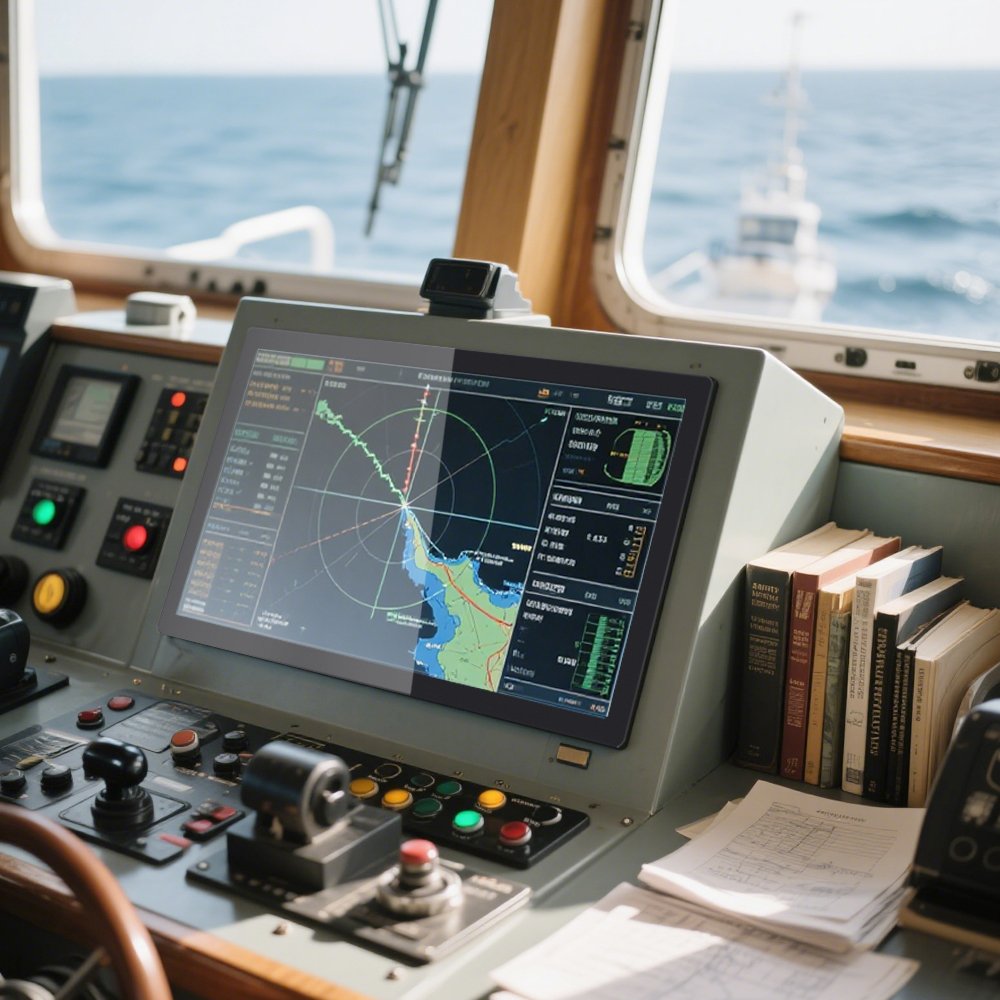
Industrial workstations
Operators need repeatable input. Therefore, touch stability matters more than “tablet feel.”
Semi-outdoor retail zones
Near windows, glare can degrade usability. So surface treatment and brightness become important.
Specification Checklist (use this to match a model fast)
| Parameter | What to provide | Why it matters |
|---|---|---|
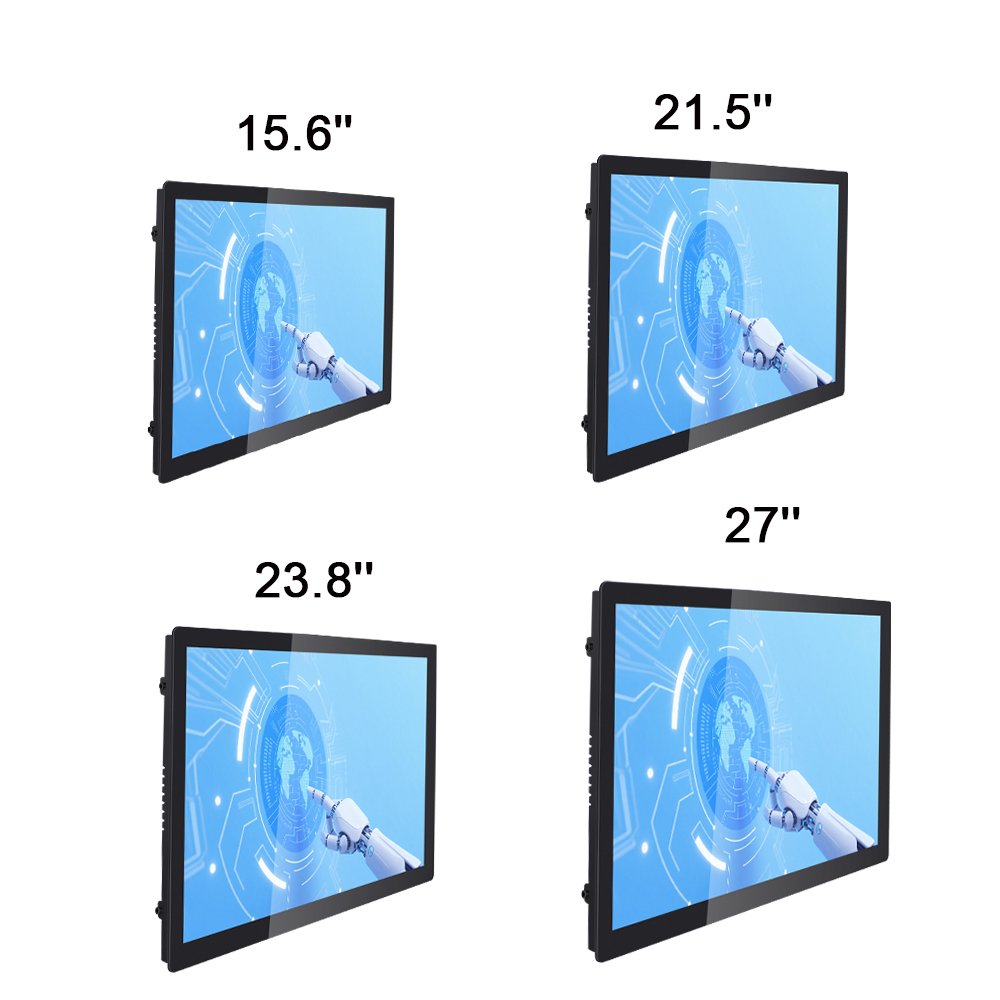
| Screen size | Target size and aspect ratio | Defines UI scale, mounting, and replacement plan |
| Brightness | Indoor / near-window / semi-outdoor | Controls readability and glare risk |
| Touch | Multi-touch, glove use, wet touch needs | Defines PCAP tuning and filter settings |
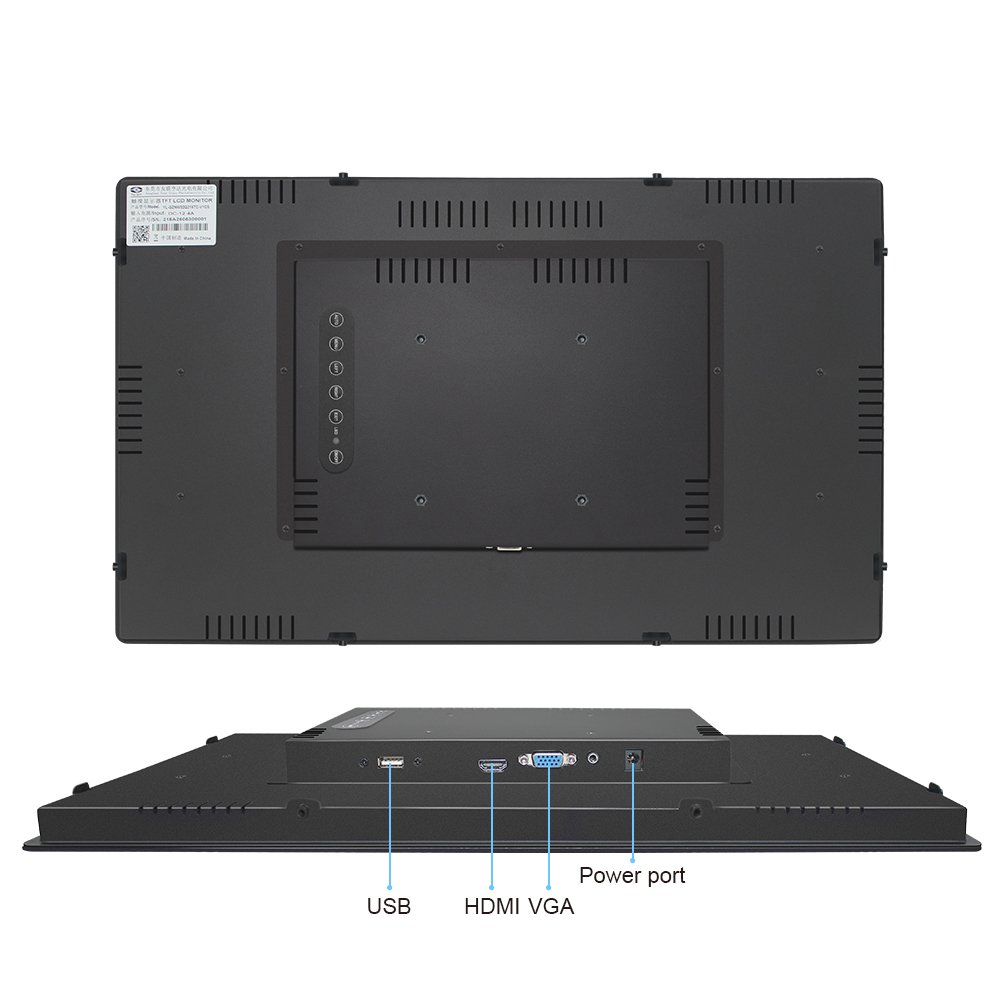
| Interface | HDMI/DP/VGA + USB touch | Ensures compatibility with your host system |
| Mounting | VESA / panel mount / wall mount | Determines mechanical fit and service method |
| Sealing / cleaning | Dry wipe vs splash / washdown | Determines IP target and connector protection |
| Surface treatment | AG / AR / AF preference | Improves usability and reduces reflections |
Engineering Notes (helps reduce field issues)
- Touch stability first: validate edge response and multi-touch before rollout.
- Mounting matters: bezel pressure can change touch behavior. Therefore, re-test after installation.
- Cable routing: separate signal and power wiring when possible. This reduces noise-related touch events.
- Cleaning reality: if moisture or spray exists, define IP and connector protection early.
For sealing strategy, see
waterproof touch screens (IP65).
For glare and brightness choices, see
sunlight readable touch displays.
Recommended QA Before Deployment
1) Touch accuracy and edge response
Run line tracking and edge sweeps. Then repeat after final mounting.
2) Soak test for stability
Operate for hours and check for disconnects or random input.
3) Cleaning / moisture simulation
Test with real wipe-down or light mist so you can confirm UI usability.
4) Real UI verification
Validate with the actual button size and workflow. This reduces operator mistakes.
Use the
touchscreen test checklist.
For deeper workflow and EMI checks, see
touchscreen tester.
FAQ
What does “commercial-grade touchscreen monitor” mean?
It means the monitor is designed for long duty cycles, frequent touch interaction, and stable operation in real terminals like POS and kiosks.
Is this a monitor or a built-in Panel PC?
This is a touch monitor. Therefore, it connects to your host computer through video and USB touch. If you need an integrated computer, specify OS and I/O needs.
Can it handle cleaning and light moisture?
Many commercial deployments use front sealing and protected connectors. Share your cleaning method and target IP level for confirmation.
What if my retail area has strong glare near windows?
Use anti-glare or anti-reflection options and review brightness needs. This improves readability and reduces user frustration.
What information do you need for a fast recommendation?
Please provide screen size, mounting, interface, lighting condition, and whether sealing or wet touch is required.
Next step: Send your size, mounting method, and interface requirements for quick model matching.
Commercial-Grade Touchscreen Monitor for Industrial and Retail Applications Engineering Information
Commercial-Grade Touchscreen Monitor for Industrial and Retail Applications is a custom size industrial touch screen monitor for industrial HMI, kiosk, POS, medical, control and commercial equipment projects. It should be reviewed with display input, touch interface, mounting, enclosure, power and operating environment so Ever Glory can confirm integration risk before sampling or quotation.
- Product Category
- Touch Screen Monitor
- Product Role
- industrial touch screen monitor
- Size / Format
- custom size
- Best Fit
- industrial HMI, kiosk, POS, medical, control and commercial equipment projects
- Review Focus
- display input, touch interface, mounting, enclosure, power and operating environment
- Customization
- Cover glass, touch tuning, mounting structure, interface configuration, branding, bonding and enclosure fit
Information Needed for Review
- Mechanical drawing, target installation space and custom size display or housing requirement.
- display input, touch interface, mounting, enclosure, power and operating environment.
- Operating environment, brightness, temperature, IP rating, vibration, cleaning or glove-touch expectations.
- Target quantity, certification needs, cable direction, connector position and production schedule.
Typical Applications
OEM equipment, kiosks, self-service terminals, medical devices, POS systems and industrial control interfaces.
Suitable for projects that need stronger enclosure design, stable touch performance and long-term field reliability.
Compare related Ever Glory products in the Touch Screen Monitor category for similar integration requirements.
Common Engineering Questions
Is this industrial touch screen monitor ready for direct installation?
It depends on the final enclosure, interface, power, mounting and software environment. Ever Glory reviews the drawings and application before confirming a production-ready solution.
What information helps confirm feasibility faster?
Send display input, touch interface, mounting, enclosure, power and operating environment, mechanical drawings, operating environment, target quantity and any branding or certification requirements.
Can Ever Glory customize this product?
Yes. Common customization includes cover glass, touch controller tuning, bonding, brightness, interface, housing, cable direction, logo printing and mounting structure.
Related Ever Glory Products
For an accurate quotation, send drawings and application details instead of only screen size.