
Quick Answer
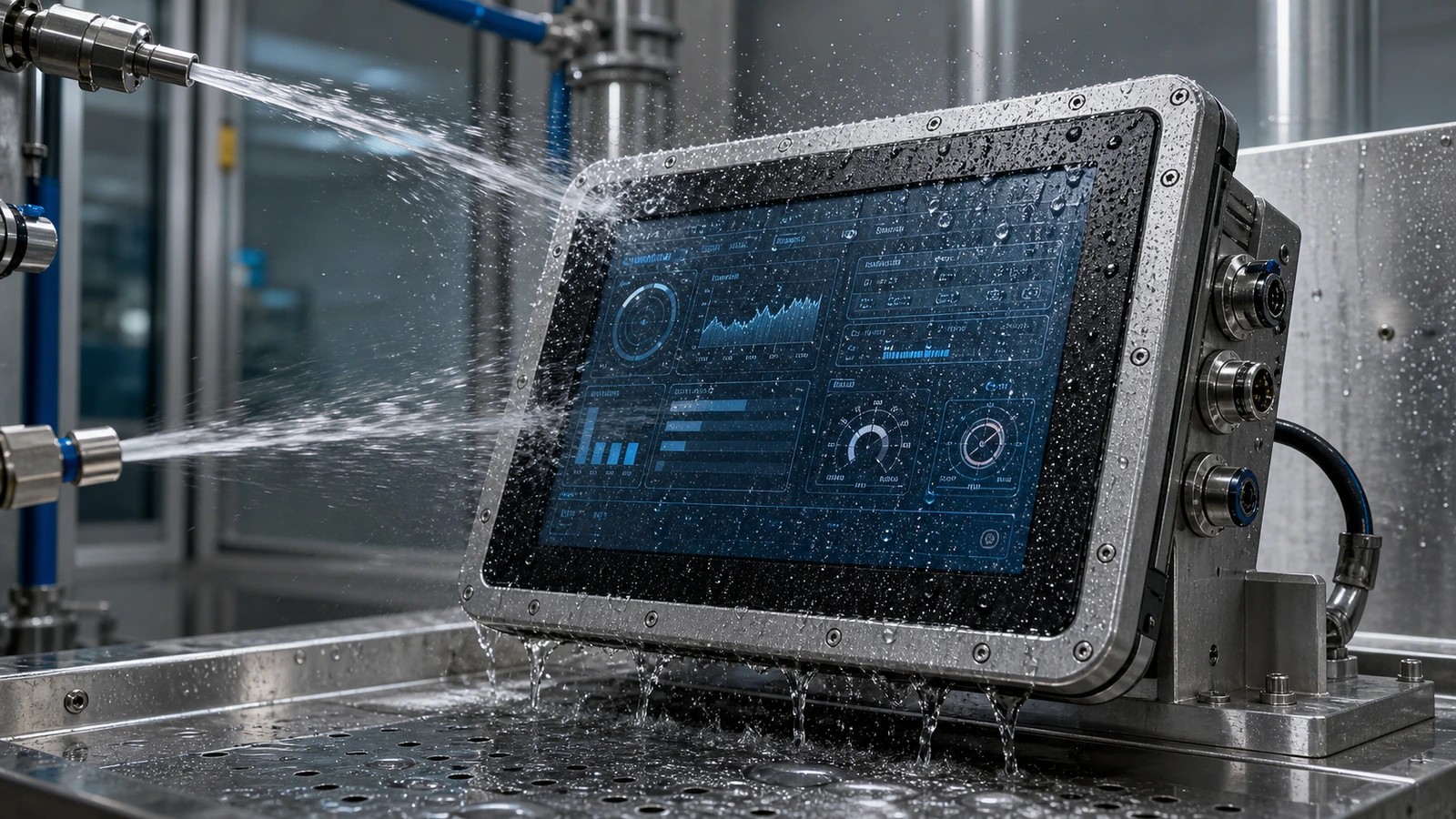
A waterproof touch screen monitor is not simply a normal monitor with a rubber strip added around the edge. In industrial and public-use environments, water can create false touches, corrosion, fogging, leakage, connector failure and long-term reliability problems. Good waterproof design must combine front sealing, glass structure, touch tuning, enclosure integration and installation control.
Article Map
Key Takeaways
- Are Industrial Touch Screen Monitors Waterproof? IP65 Design Explained decisions should start from the real installation environment, not only the screen size.
- Confirm touch behavior, visibility, sealing, controller stability and mechanical fit before moving to production.
- For OEM projects, a short requirement checklist reduces redesign risk and long-term service cost.
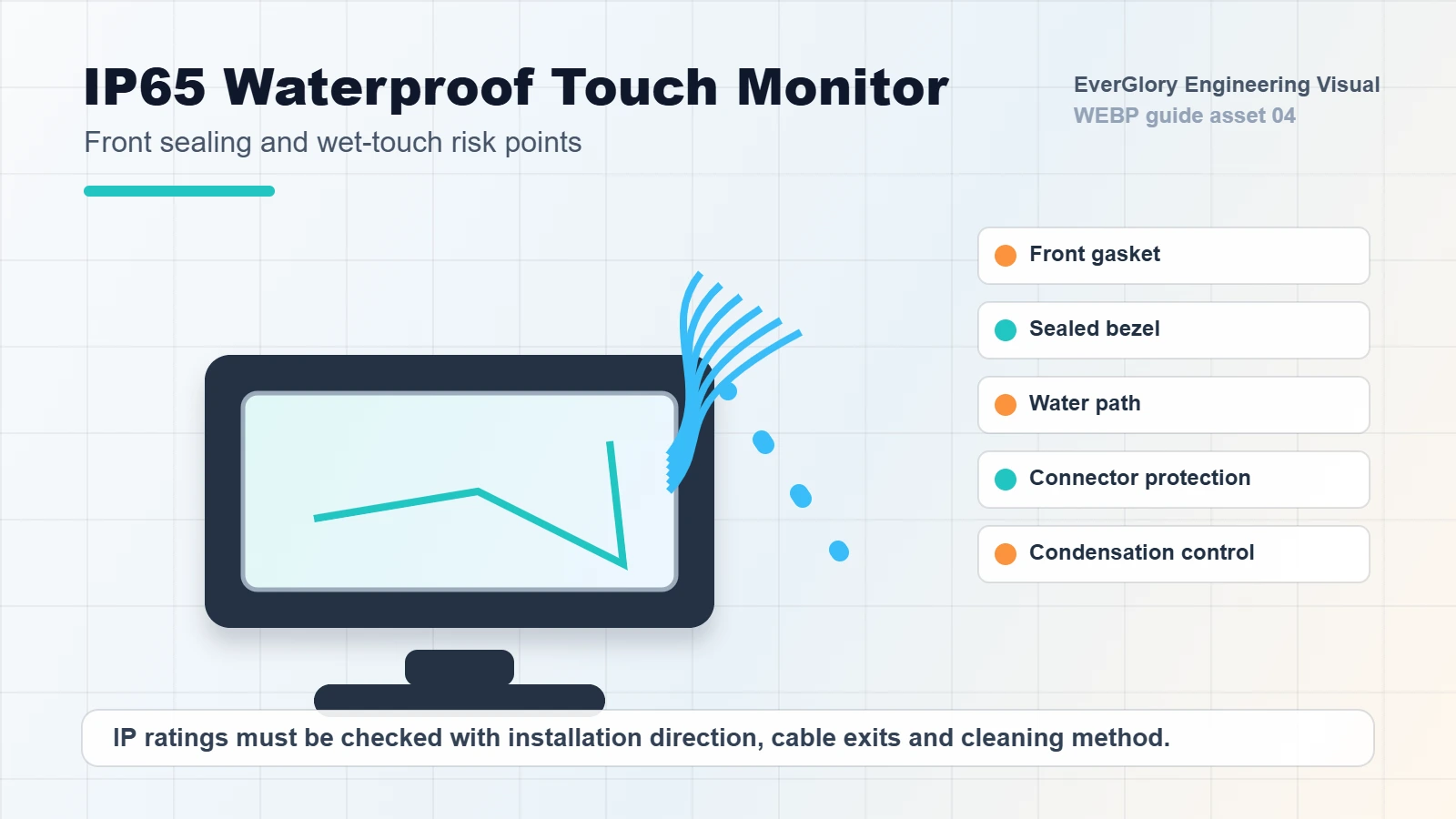
A waterproof touch screen monitor is not simply a normal monitor with a rubber strip added around the edge. In industrial and public-use environments, water can create false touches, corrosion, fogging, leakage, connector failure and long-term reliability problems. Good waterproof design must combine front sealing, glass structure, touch tuning, enclosure integration and installation control.
This guide upgrades the local waterproof, anti-fogging, high-humidity and outdoor sealing materials into a practical IP65 selection guide for OEM buyers.
What Does Waterproof Mean?
In many projects, "waterproof" actually means different things. A front-panel IP65 monitor may resist dust and water splash from the front after proper installation. It does not automatically mean the entire monitor can be immersed in water or exposed to high-pressure washdown from all directions.
Buyers should clarify:
- Is the IP rating for the front panel or the whole unit?
- Is the product installed in a sealed cabinet?
- Are rear connectors protected?
- Will the display face rain, mist, condensation or cleaning spray?
- Is the screen used with wet hands or gloves?
- Does the application require food processing, car wash, outdoor kiosk or marine-grade protection?
Without these answers, the supplier and buyer may be using the same word while imagining different conditions.
IP65 Design Checklist
| Design Area | What to Check | Common Failure |
|---|---|---|
| Front sealing | Gasket compression and panel fit | Water enters through uneven cabinet surface |
| Cover glass | Tempered glass and edge treatment | Cracks, delamination or weak edges |
| Touch tuning | Wet touch and water rejection | Ghost touch or no response |
| Connector area | Rear cable and port protection | Corrosion or short circuit |
| Condensation | Temperature and humidity cycle | Fogging inside the display |
| Cleaning | Chemical and wipe resistance | Coating damage or touch drift |
Wet Touch Is Different From Waterproofing
A monitor can have a sealed front panel but still perform poorly when water stays on the glass. Water changes the touch signal and can create false points. For PCAP touch screens, the controller needs suitable water rejection, grounding and firmware settings.
For food processing, fresh retail, car wash terminals or outdoor self-service machines, test the screen with realistic water droplets, wet gloves and cleaning behavior. A lab specification is useful, but real operation testing catches problems earlier.
Condensation and Anti-Fogging
Condensation is often more difficult than direct splash. Cold storage, outdoor terminals and high-humidity workshops may create fogging when temperature changes quickly. Moisture can affect display visibility, bonding layers, connectors and touch stability.
To reduce condensation risk, consider optical bonding, better sealing, proper venting strategy, hydrophobic surface treatment and wide-temperature component selection. For outdoor equipment, cabinet design and drainage path are as important as the monitor itself.
Installation Determines Final Protection
Even a well-designed IP65 front monitor can fail if it is installed incorrectly. Uneven mounting surfaces, insufficient gasket compression, wrong screw torque, sharp cabinet edges and exposed cable holes can all break the protection system.
Ask for a mechanical drawing and installation guidance before batch production. For OEM projects, cabinet and monitor design should be reviewed together.
Internal Links
FAQ
Is an IP65 front panel monitor fully waterproof?
Not necessarily. IP65 front-panel protection usually refers to the front side after proper installation. Rear connectors and the cabinet design still need protection.
Can water on the glass cause false touch?
Yes. Wet touch performance depends on the touch controller, firmware tuning, grounding and surface conditions.
Is optical bonding useful for waterproof monitors?
It can help reduce internal reflection and fogging risk, especially in outdoor, high-humidity or temperature-changing environments.
What should be tested before production?
Test front sealing, wet touch, condensation, cleaning behavior, cable protection and the final installation structure.
Need a Project-Specific Recommendation?
EverGlory supports OEM and industrial display projects with PCAP touch panels, open-frame touch monitors, waterproof front designs, optical bonding, high-brightness LCDs and interface customization. Share the installation environment, target size, interface and protection needs, and the engineering team can help narrow the specification before sampling.

