.png)
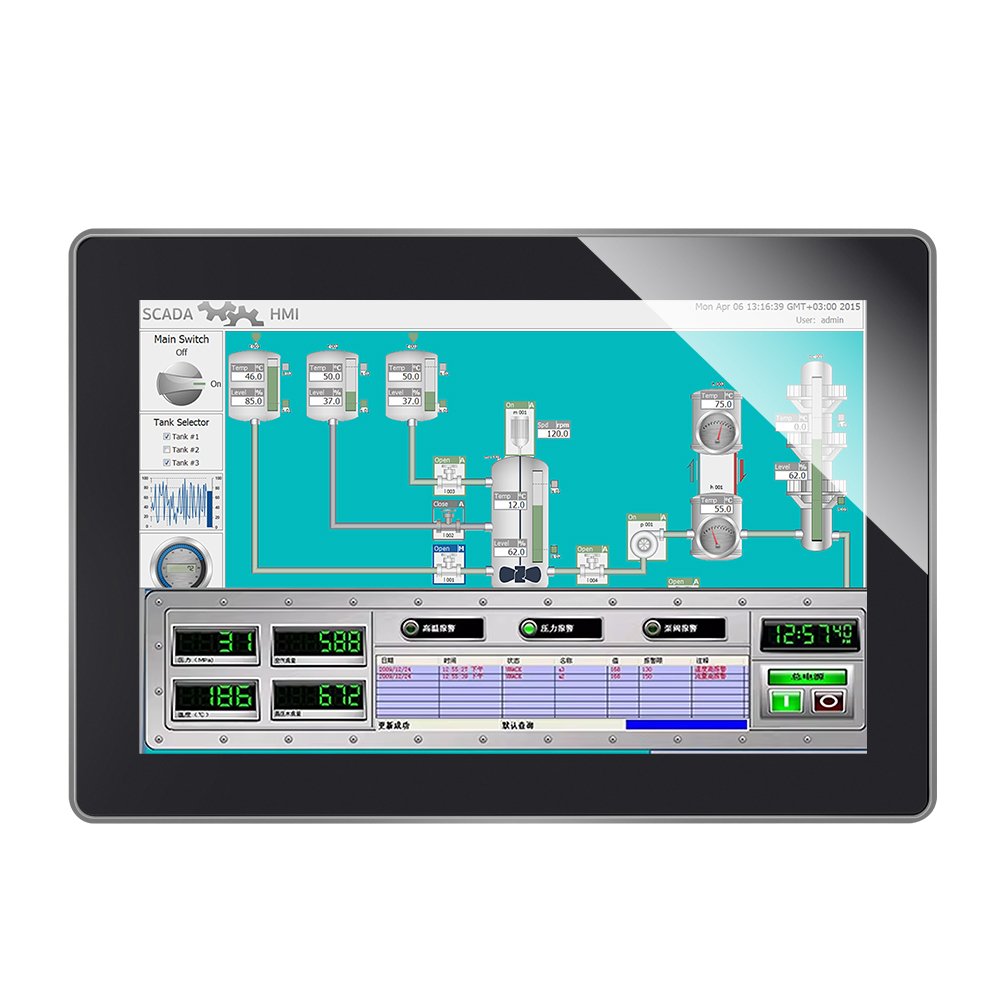
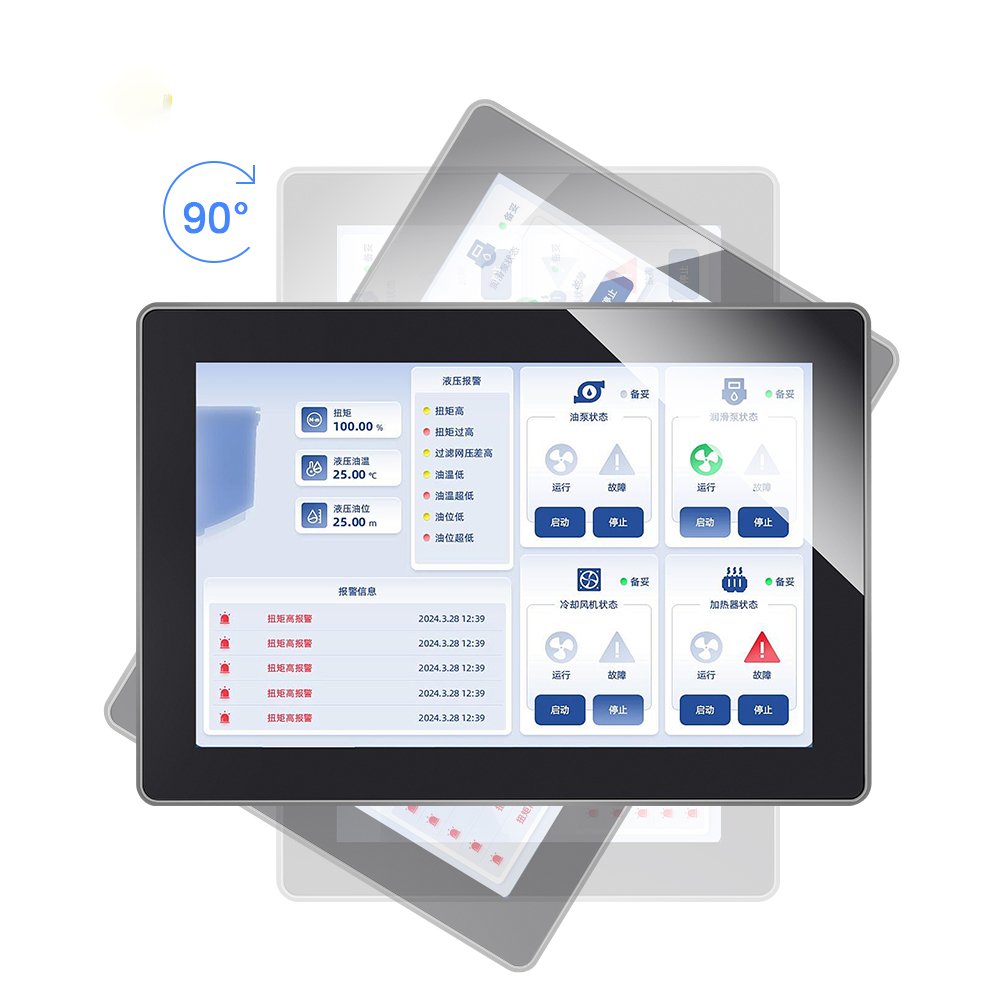
This 10.1-inch industrial touchscreen monitor is built for HMI and embedded terminals where stability matters more than “lab performance.”
Therefore, it focuses on reliable PCAP touch, practical integration, and configuration options that match real environments.
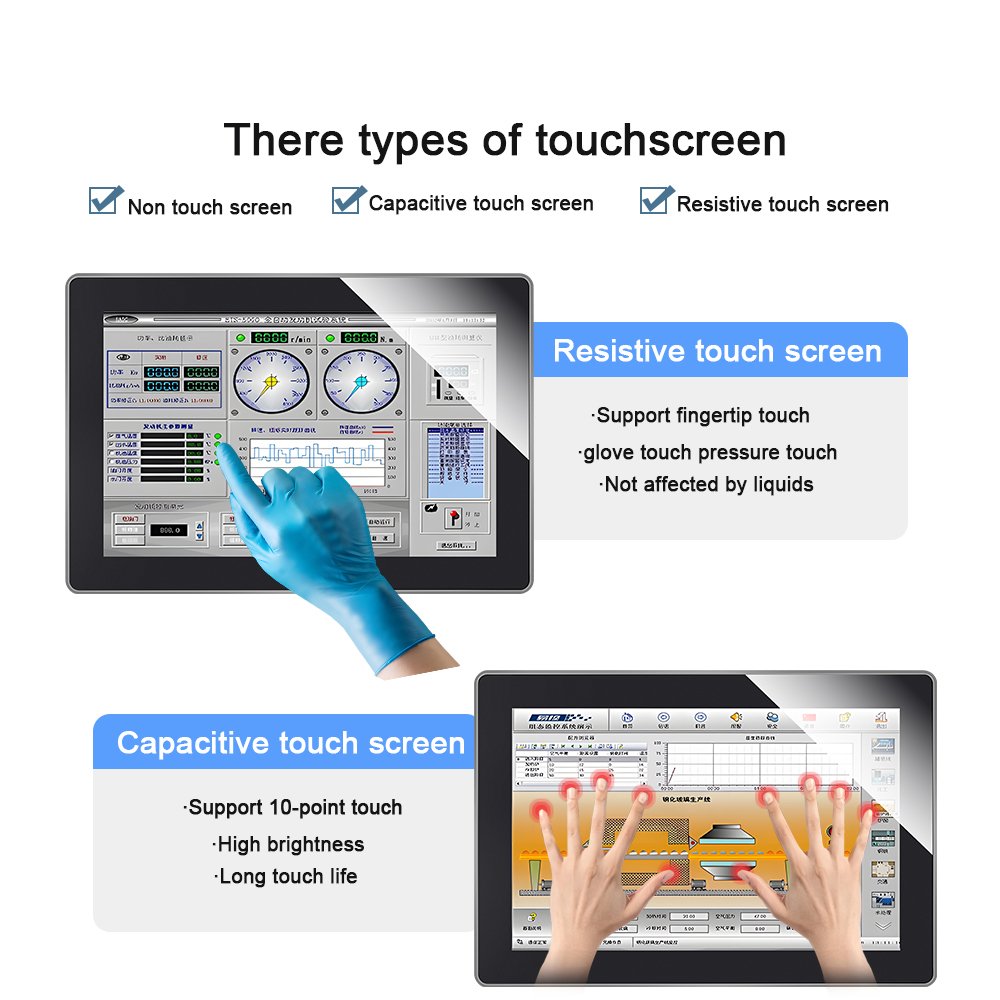
In addition, glove and wet touch tuning can be adjusted based on your operators and UI layout.
If your project needs a quick comparison across sizes, start from the
industrial touchscreen monitors
collection page.
| Item | Specification |
|---|---|
| Display size | 10.1 inch |
| Touch technology | Projected capacitive (PCAP), multi-touch (configurable) |
| Brightness | Standard / high brightness option (define target nits) |
| Cover glass | Tempered / strengthened glass; options: AG/AR/AF coatings |
| Sealing option | Optional front sealing based on enclosure and gasket design |
| Operating temperature | Industrial range option (define target range) |
| Interfaces | Display interface + USB touch (confirm per final configuration) |
| Mounting | VESA / bracket / panel mount options (confirm holes and depth) |
Industrial HMI / control cabinets
Stable touch under noise, clear UI reach, and predictable mounting behavior.
Self-service and compact terminals
A practical size for limited space. Define sealing and cleaning requirements early.
Medical carts and equipment interfaces
Define cleaning liquids and gloves. Then tune touch and coatings accordingly.
Covered outdoor terminals
Plan brightness, glare control, and wet touch together for reliable field use.
For PCAP tuning context, see
how capacitive touch screens work.
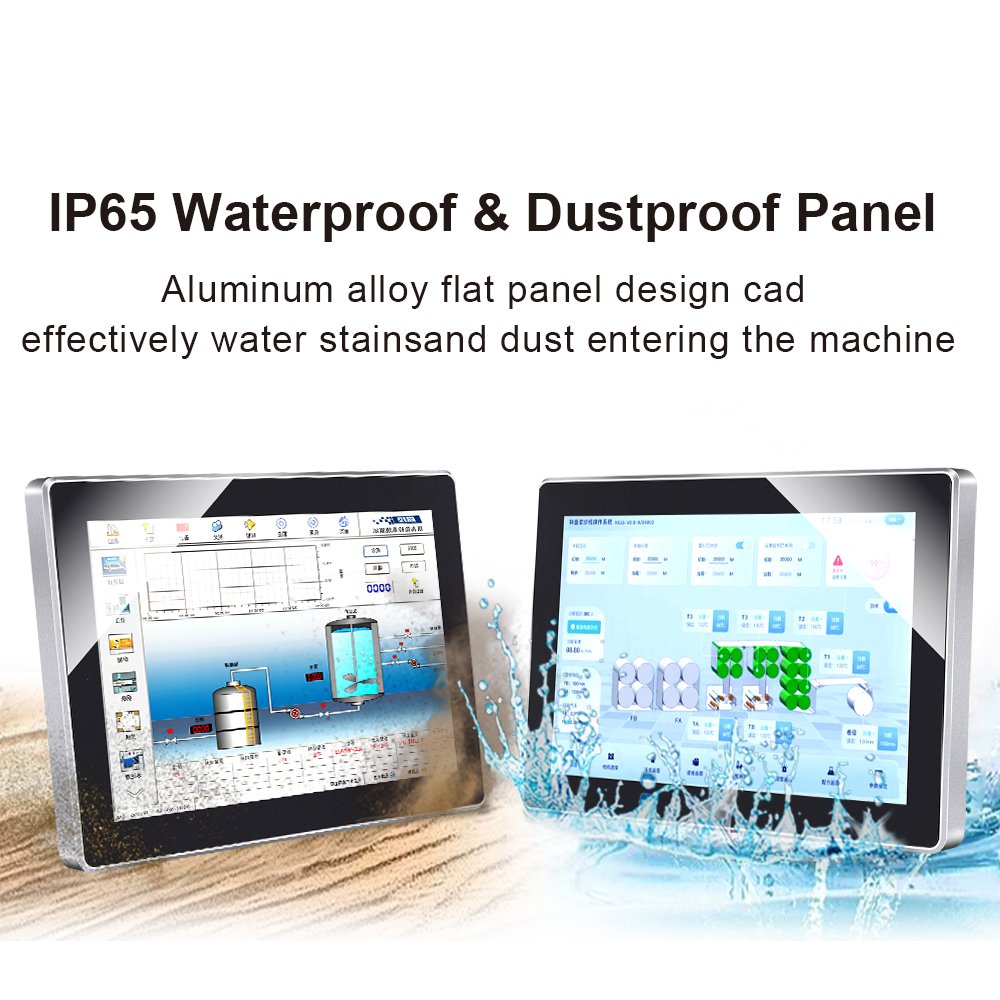
For waterproof planning, review
waterproof touch screens (IP65).
1) Baseline touch accuracy
Run edge and corner sweeps, plus line tracking across the full surface.
2) USB / power stability
Run a soak test and log any reconnect loops or random disconnects.
3) Glove and wet touch
Validate with real gloves and light mist to check false touches.
4) EMI risk check
Test near switching power supplies, motors, and relays with final cable routing.
Use the full checklist here:
touchscreen test checklist.
For deeper workflow, see:
touchscreen tester.
This page describes a touchscreen monitor. If you need an all-in-one computer, share your CPU/OS requirements and we can recommend a Panel PC option.
Yes. PCAP touch can be tuned for glove and wet touch. Therefore, define glove type and validate under real water film conditions.
Most issues come from EMI noise, grounding problems, and cable routing near power lines. Re-testing after installation is critical.
It depends on ambient light. For sunlight or bright factories, consider high brightness plus anti-glare and bonding strategy.
Share your environment, brightness target, sealing requirement, glove/wet touch needs, EMI sources, and enclosure drawing.
Next step: Share your specs for a fast recommendation and quotation.