Selecting an embedded industrial touchscreen monitor depends on more than screen size. Engineers also need to consider the equipment structure, installation method, front-panel appearance, protection requirements, interface layout and maintenance access. EverGlory provides internal embedded, external mounted and frameless embedded options for different OEM equipment designs.
Internal Embedded, External Mounted or Frameless
| Structure Type | Series | Best For | Main Advantage |
|---|---|---|---|
| Internal embedded | YB01 | Equipment integration, control cabinets and industrial panels | Clean front-panel integration inside the equipment housing |
| External mounted | XB01 / XP01 | Surface mounting, retrofit projects and equipment upgrades | Flexible installation and easier maintenance access |
| Frameless embedded | NW01 / NW02 | Terminals requiring a cleaner front panel and refined appearance | Flat, neat and modern embedded front-panel design |
When to Choose Internal Embedded
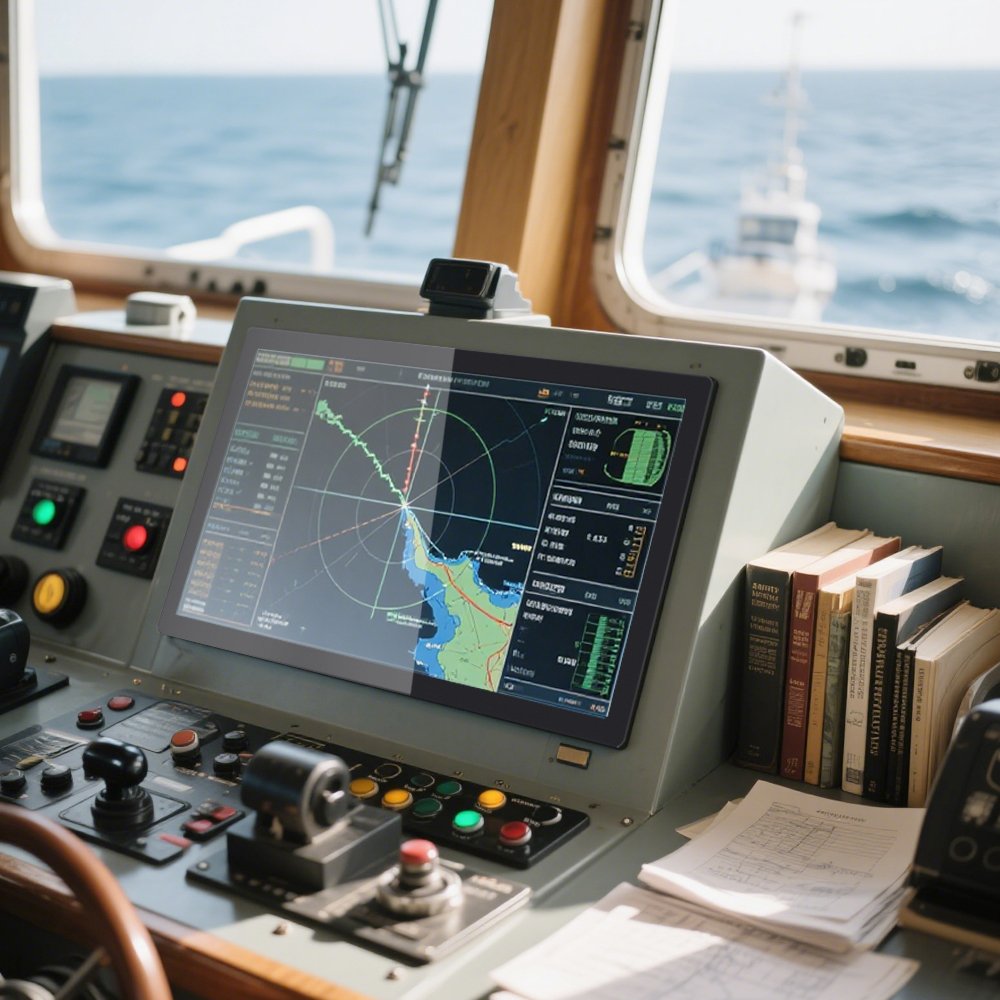
Choose an internal embedded structure when the equipment front panel already has an opening and the display needs to sit inside the device. This approach is suitable for industrial equipment, control cabinets, inspection instruments and automation systems.
When to Choose External Mounted
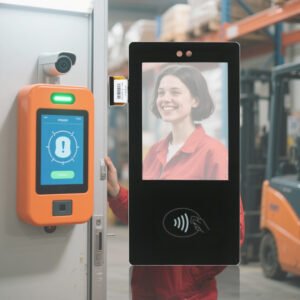
Choose an external mounted touchscreen monitor when the display needs to be installed on the outside of a device, or when an existing machine needs a touch display upgrade. XB01 and XP01 are suitable for control boxes, retrofit systems, self-service terminals and industrial field panels.
When to Choose Frameless Embedded
Choose a frameless embedded monitor when the project requires a cleaner appearance, better front-panel flatness and a more refined terminal design. NW01 and NW02 are suitable for high-end self-service terminals, outdoor terminals and customized industrial HMI equipment.
Series Coverage
| Series | Typical Size Range | Type |
|---|---|---|
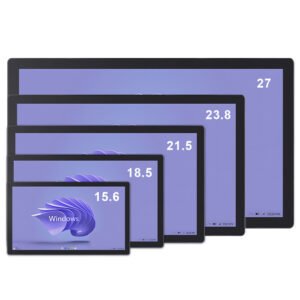
| YB01 | 13.3 to 27 inch | Internal embedded industrial touchscreen monitor |
| XB01 | 10.1 to 21.5 inch | External mounted industrial touchscreen monitor |
| XP01 | 10.1 to 21.5 inch | External mounted industrial touchscreen monitor |
| NW01 | 12.1 to 21.5 inch | Frameless outdoor high brightness embedded touchscreen monitor |
| NW02 | 18.5 to 27 inch | Frameless embedded touchscreen monitor |
Recommended Selection Path
- Confirm the installation method: internal embedded, external mounted or frameless embedded.
- Confirm the environment: indoor, semi-outdoor, outdoor-facing or waterproof requirement.
- Confirm the screen size based on equipment opening, user distance and interface content.
- Confirm interface, brightness, touch method and whether a panel PC version is needed.
Related Product Guides
- Standard Industrial Touchscreen Monitor Series
- Outdoor High Brightness Touchscreen Monitor Series
- IP67 Industrial Touchscreen Monitor Series
FAQ
How do I choose between internal embedded and external mounted touchscreen monitors?
New equipment designs often fit internal embedded structures better. Retrofit projects, surface mounting and maintenance-heavy installations are often better suited to external mounted structures.
Can embedded touchscreen monitors be used outdoors?
Yes, but outdoor and semi-outdoor projects should consider high brightness, sealing, front-panel structure and heat management. XW, NW and IP-rated series are recommended for harsher environments.
Not sure which structure to choose? Share the panel opening, installation method, environment and target screen size, and EverGlory can help with embedded touchscreen monitor selection.
Embedded Industrial Touchscreen Monitor Selection Guide Engineering Information
Embedded Industrial Touchscreen Monitor Selection Guide is a custom size industrial touch screen monitor for industrial HMI, kiosk, POS, medical, control and commercial equipment projects. It should be reviewed with display input, touch interface, mounting, enclosure, power and operating environment so Ever Glory can confirm integration risk before sampling or quotation.
- Product Category
- Touch Screen Monitor
- Product Role
- industrial touch screen monitor
- Size / Format
- custom size
- Best Fit
- industrial HMI, kiosk, POS, medical, control and commercial equipment projects
- Review Focus
- display input, touch interface, mounting, enclosure, power and operating environment
- Customization
- Cover glass, touch tuning, mounting structure, interface configuration, branding, bonding and enclosure fit
Information Needed for Review
- Mechanical drawing, target installation space and custom size display or housing requirement.
- display input, touch interface, mounting, enclosure, power and operating environment.
- Operating environment, brightness, temperature, IP rating, vibration, cleaning or glove-touch expectations.
- Target quantity, certification needs, cable direction, connector position and production schedule.
Typical Applications
OEM equipment, kiosks, self-service terminals, medical devices, POS systems and industrial control interfaces.
Suitable for projects that need stronger enclosure design, stable touch performance and long-term field reliability.
Compare related Ever Glory products in the Touch Screen Monitor category for similar integration requirements.
Common Engineering Questions
Is this industrial touch screen monitor ready for direct installation?
It depends on the final enclosure, interface, power, mounting and software environment. Ever Glory reviews the drawings and application before confirming a production-ready solution.
What information helps confirm feasibility faster?
Send display input, touch interface, mounting, enclosure, power and operating environment, mechanical drawings, operating environment, target quantity and any branding or certification requirements.
Can Ever Glory customize this product?
Yes. Common customization includes cover glass, touch controller tuning, bonding, brightness, interface, housing, cable direction, logo printing and mounting structure.
Related Ever Glory Products
For an accurate quotation, send drawings and application details instead of only screen size.