.png)
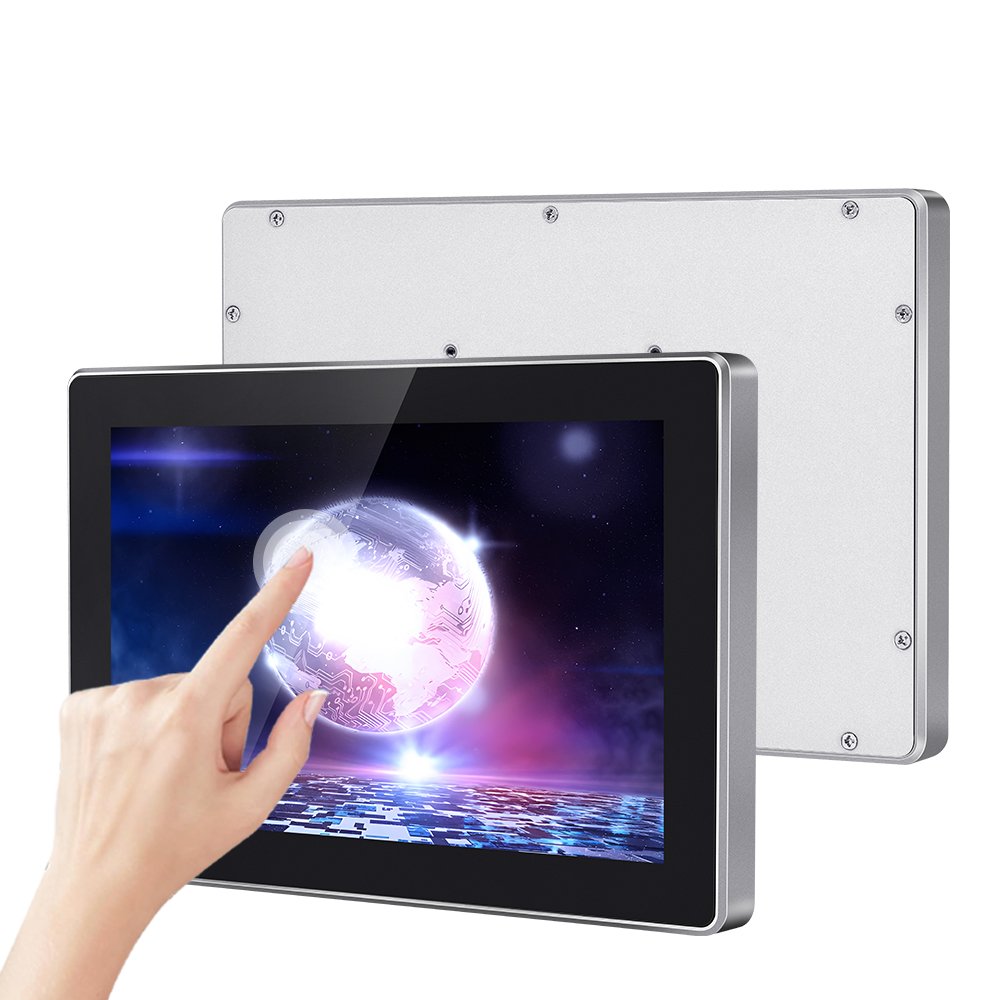
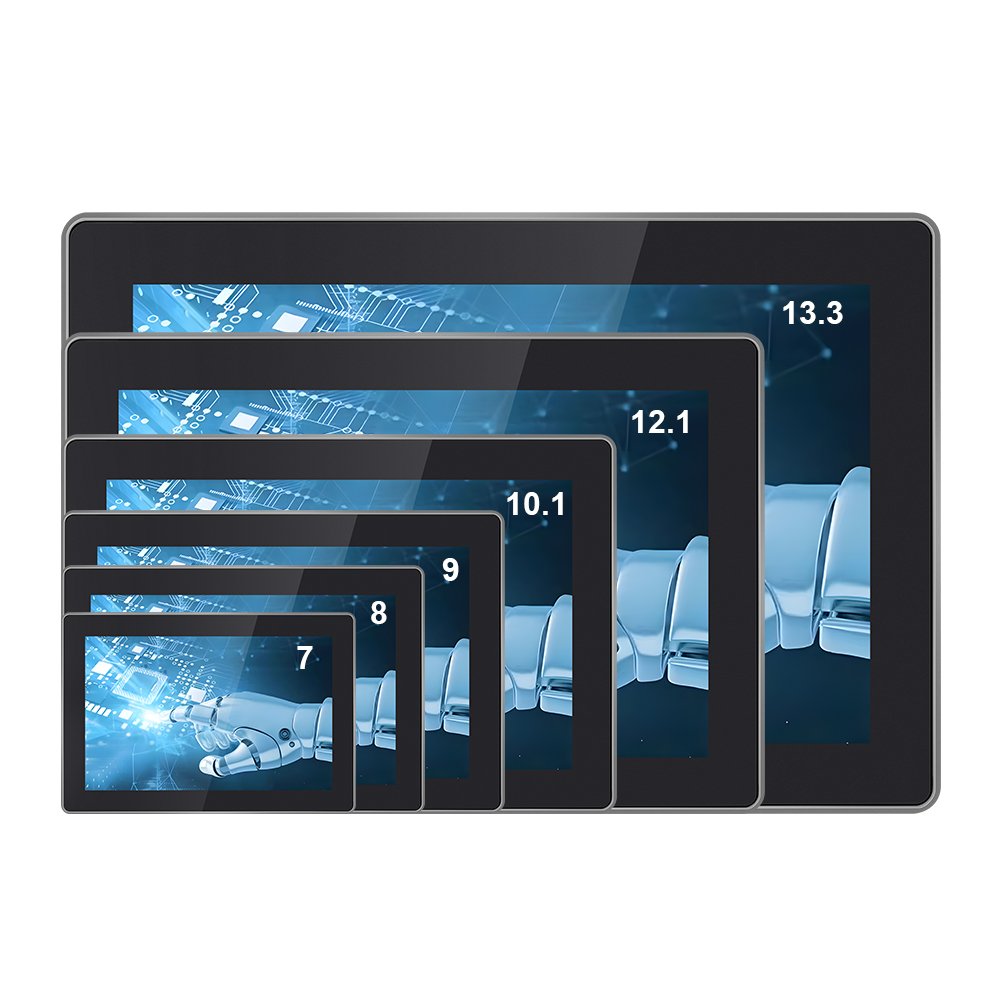
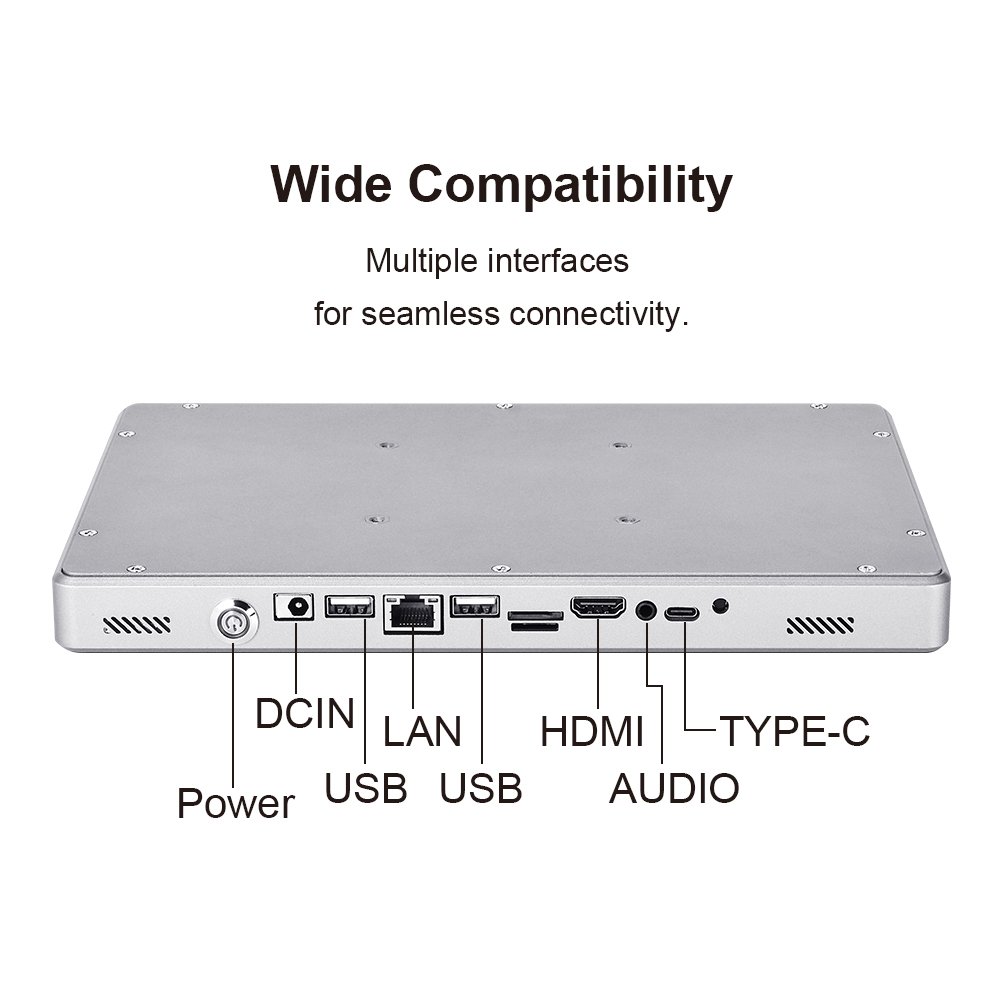
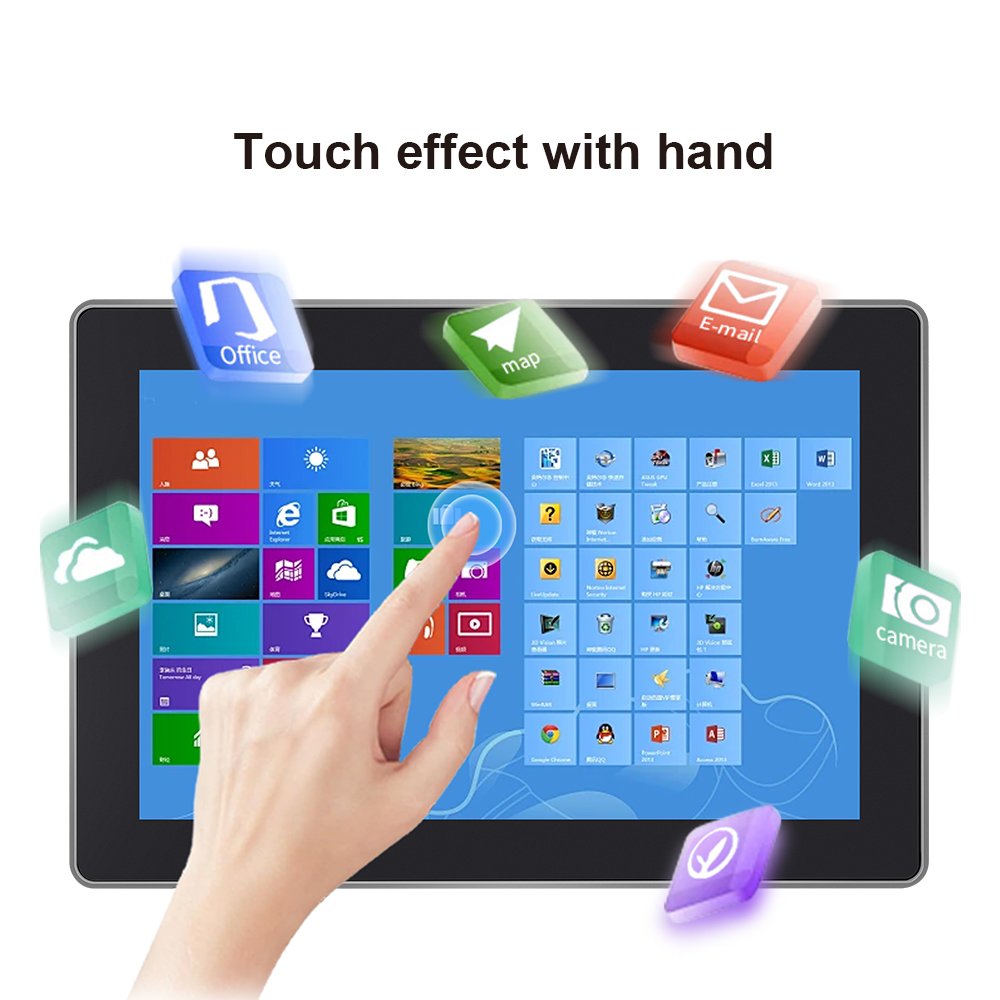
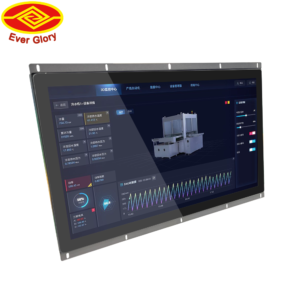
The YW03 Series industrial touch screen all-in-one is built for operations where uptime and workflow speed matter.
Instead of combining separate modules, this all-in-one platform integrates display, PCAP touch, and the computing system in one unit.
Therefore, it reduces wiring complexity, shortens deployment time, and supports stable HMI operation in real factories.
If you only need a display without an integrated computing system, browse:
industrial touchscreen monitors.
| Item | Specification |
|---|---|
| Product type | Industrial touch screen all-in-one (Panel PC / embedded system) |
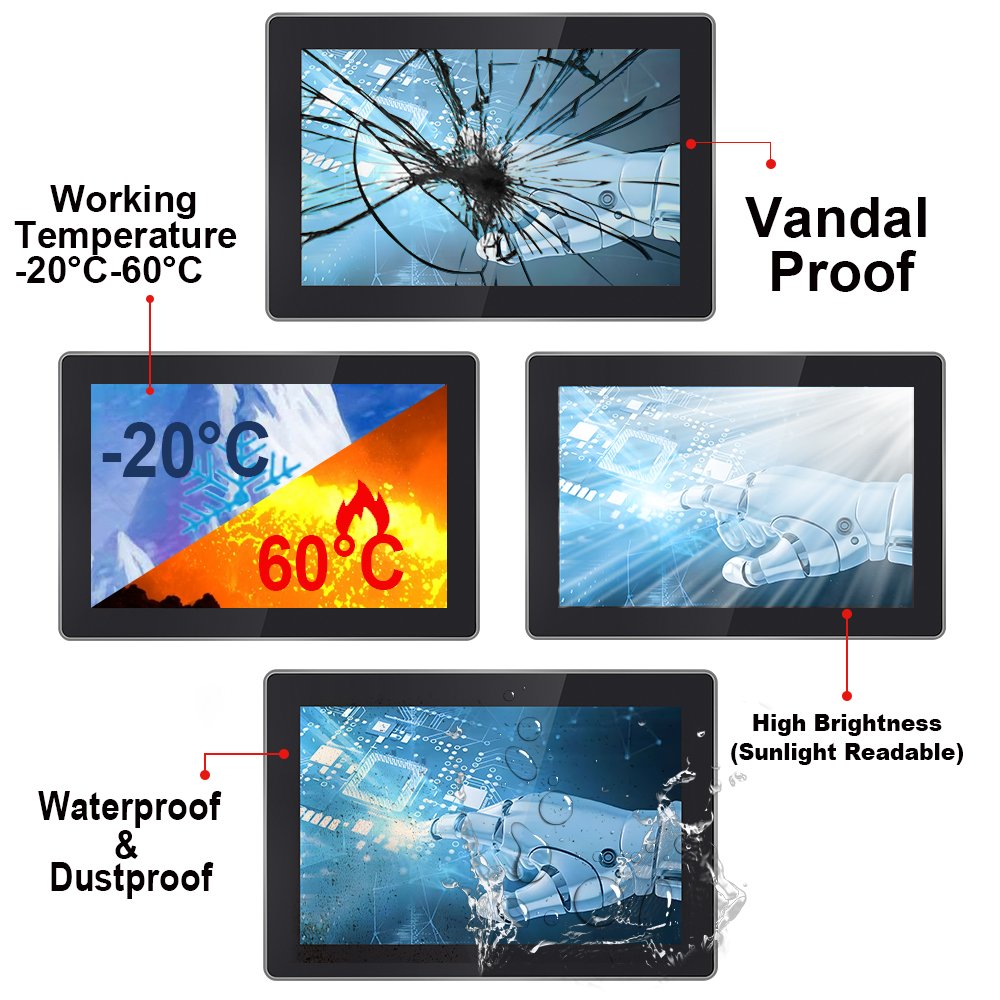
| Touch technology | PCAP multi-touch (configurable); glove and wet touch options |
| Display | Industrial LCD; brightness options based on environment |
| System | Configurable OS / platform (define per project) |
| I/O | LAN / USB / serial / GPIO options (confirm per configuration) |
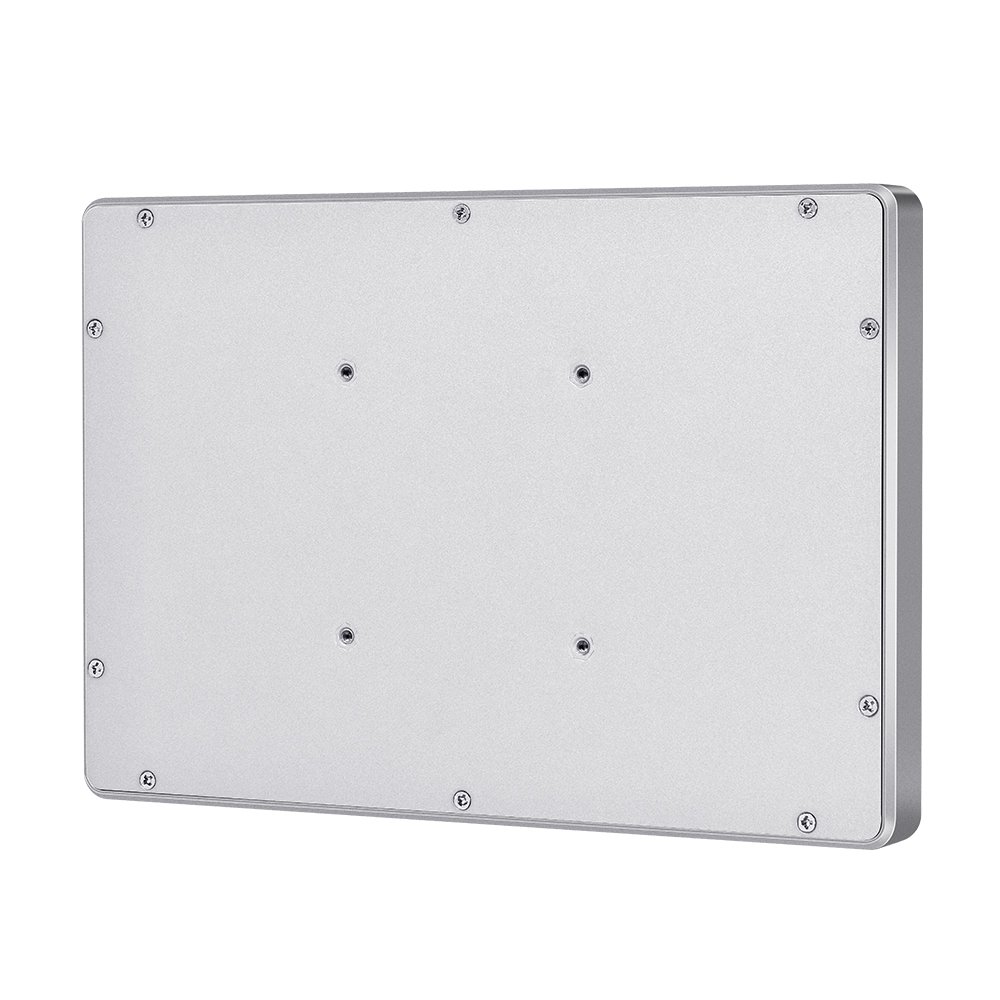
| Mounting | VESA / panel mount / bracket / wall mount options |
| Environment | Industrial temperature range option (define target range) |
| Sealing option | Front sealing option; define target IP and cleaning method |
Factory HMI and automation stations
Reliable touch and stable operation support repeated tasks and fast shift handovers, thanks to integrated all-in-one touch screens designed for industrial settings.
Production dashboards and control rooms
A single all-in-one device reduces wiring complexity and simplifies maintenance.
Self-service and compact terminals
Ideal when you want an integrated computing platform with predictable UI performance.
Wet or dusty zones (with sealing)
Define sealing and cleaning method early. Then validate under real conditions.
For sealing roadmaps, see
waterproof touch screens (IP65).
For outdoor terminals, see
outdoor touch screen solutions.
1) Touch accuracy and edge response
Run line tracking and corner sweeps before and after installation.
2) Soak test for stability
Run for several hours and record any resets or disconnect events.
3) Glove and wet touch validation
Validate with real gloves and water film to check false touch behavior.
4) EMI risk check
Test near real noise sources with final cable routing and grounding.
Use the checklist here:
touchscreen test checklist.
For deeper workflow, see:
touchscreen tester.
The YW03 Series is an industrial all-in-one platform. Therefore, it integrates display, PCAP touch, and the computing system in one unit, ideal for those seeking an industrial touch screen all in one solution.
Yes. PCAP touch can be tuned for gloves and wet touch. In addition, it should be validated under real operators and water film conditions.
Sealing depends on the project. Many deployments use front sealing, plus protected connectors and cable entry. Share your target IP level and cleaning method for confirmation.
Please share screen size, OS/platform needs, I/O, brightness target, mounting method, environment details, and any sealing requirements.
Re-test touch edges after mounting, validate EMI and grounding with final cable routing, and run a soak test before sign-off.
Next step: Request a YW03 configuration and spec sheet.