
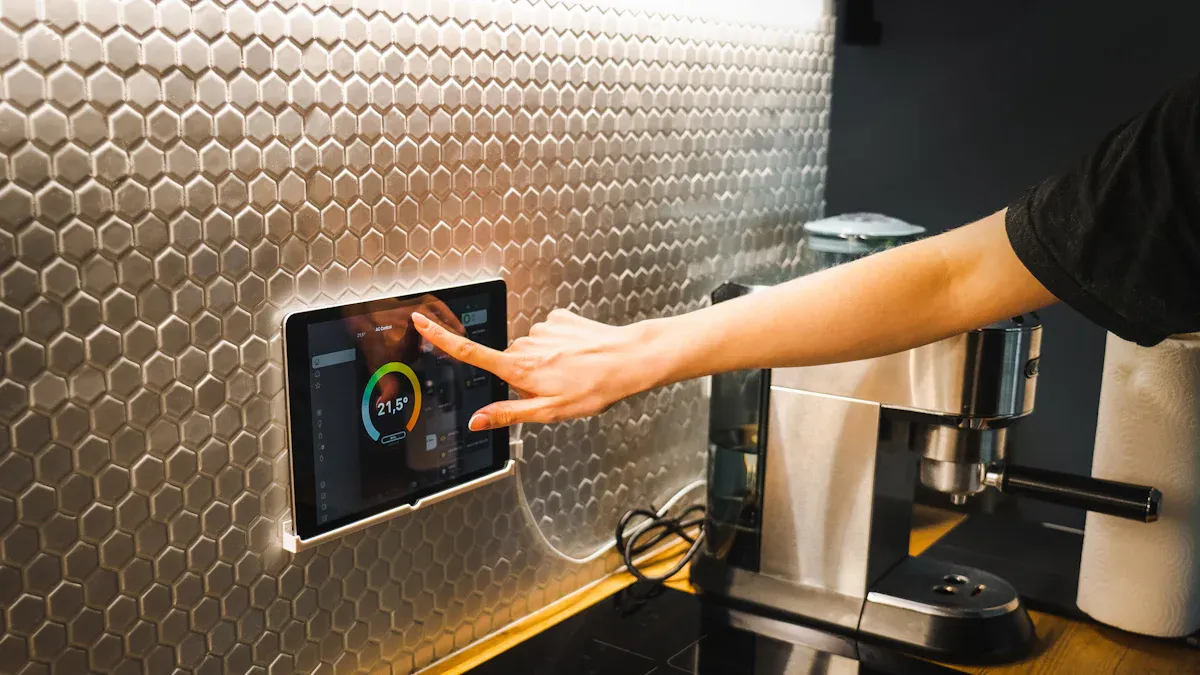
An industrial touch screen HMI can shorten operator actions, make machine status easier to understand, and reduce the number of physical controls on a panel. Those gains do not come from adding a touchscreen alone. They depend on the display, touch sensor, controller, enclosure, software interface, and operating environment working as one system.
This guide explains where a touch HMI creates measurable value, which specifications influence reliability, and what an OEM or system integrator should verify before approving a design.
Where a touch screen HMI improves industrial efficiency
A well-designed HMI places the information and controls needed for the current task on one screen. Operators can move from status review to adjustment, alarm acknowledgement, or recipe selection without searching across separate meters and switches.
- Faster operation: clear screen hierarchy reduces the number of steps needed for common tasks.
- Fewer input errors: limits, confirmation prompts, and role-based controls help prevent accidental changes.
- Quicker diagnosis: alarm history, trends, and maintenance screens make faults easier to isolate.
- Simpler product changeover: recipes and guided workflows reduce manual setup time.
- Lower panel complexity: one interface can replace many dedicated buttons while critical emergency controls remain physical.
HMI performance depends on the complete touch-display stack
The visible interface is only one layer. An industrial HMI normally combines a cover lens, touch sensor, touch controller, LCD, backlight, display interface, host computer, enclosure, grounding design, and application software. A weakness in any layer can appear to the operator as slow response, false touch, poor readability, or intermittent failure.
| Design area | Why it matters | What to verify |
|---|---|---|
| Touch technology | Controls accuracy and operation with gloves, water, or contaminants | PCAP tuning, glove type, wet-touch limits, required touch points |
| Display | Determines readability, viewing angle, color, and response time | Brightness, contrast, operating temperature, native resolution |
| Mechanical integration | Affects sealing, impact resistance, and touch stability | Mounting method, bezel, gasket compression, cover-glass thickness |
| Electrical integration | Influences EMC performance and communication stability | Grounding, cable routing, power quality, controller and interface |
| Software UI | Determines whether operators can act quickly and safely | Button size, navigation depth, alarms, permissions, feedback |
Choose specifications from the operating environment
Start with conditions at the final installation, not a generic monitor specification. Indoor factory equipment may need resistance to oil mist, vibration, electrical noise, and gloved use. Outdoor terminals add sunlight, rain, temperature cycling, UV exposure, and condensation. Medical and food applications may add cleaning chemicals and hygiene requirements.
For projects exposed to dust or water, confirm whether the stated IP rating applies to the front surface only or to the complete enclosure. For bright areas, evaluate reflected light as well as backlight brightness. Anti-glare glass and optical bonding can sometimes improve readability more effectively than increasing nits alone.
Design the operator interface around real tasks
Large graphics do not automatically make an HMI easy to use. Review the interface with the gloves, viewing distance, lighting, and time pressure expected in production. Frequently used actions should be visible without deep navigation. Critical commands should provide immediate visual feedback and, where appropriate, require confirmation.
- Use touch targets large enough for the expected glove and vibration level.
- Keep alarm wording specific: identify the condition, affected subsystem, and next safe action.
- Separate status, adjustment, maintenance, and administrator functions.
- Do not replace emergency stops or safety interlocks with software-only controls.
- Provide a clear response after every touch so the operator knows the command was accepted.
Validate the HMI before production release
Bench testing should be followed by testing in the actual enclosure and near the final equipment. Power supplies, motors, inverters, long cables, and grounding can change touch performance. Confirm cold start, continuous operation, display recovery after signal interruption, glove response, wet-touch behavior, and immunity to expected electrical noise.
A useful approval test includes all normal operator actions, deliberate invalid inputs, alarm acknowledgement, power interruption, communication loss, and maintenance access. Record the display, touch-controller firmware, host software, cable configuration, and tuning parameters used by the approved sample.
Industrial HMI sourcing checklist
- Active display size, resolution, brightness, and viewing angle
- PCAP or resistive touch requirement and number of touch points
- Glove material and thickness, wet-touch expectation, and cover-lens thickness
- Video, touch, and power interfaces
- Open-frame, panel-mount, embedded, or complete panel-PC structure
- Front sealing, impact, temperature, vibration, and EMC requirements
- Annual volume, service life, and replacement strategy
Next step for an OEM HMI project
Before requesting a sample, prepare the mechanical drawing, host interface, environmental limits, glove and water conditions, and expected compliance tests. Review our industrial touch monitor options, explore custom PCAP touch panels, or send the project requirements to our engineering team for an integration review.

