
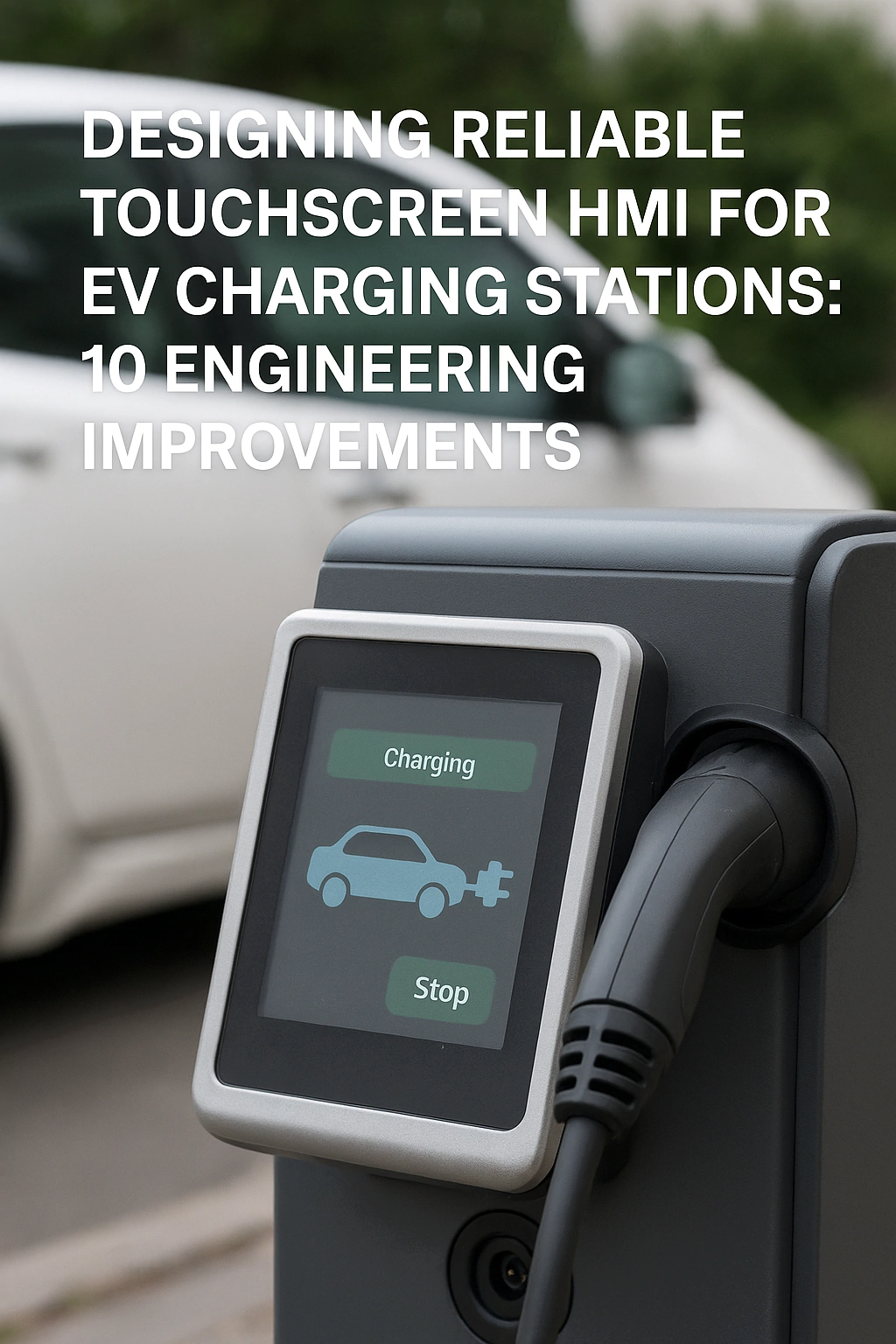
As EV adoption grows, charging stations are becoming important public infrastructure. Most modern chargers use a touchscreen HMI to guide users through plug-in, tariff selection and payment. When designing an EV charging station touch screen HMI, it’s important to note that unlike indoor consumer devices, EV chargers work 24/7, outdoors and often unattended. Sunlight, rain, dust, electrical noise and frequent use all put heavy stress on the touchscreen system.
This guide looks at real projects in the charging industry. It explains the key pain points of EV charging station HMIs, the engineering improvements that solve them, and the results for operators and end users. For a broader view of outdoor touch screen solutions for kiosks and EV chargers, you can also read our application solution page.
If you are new to industrial HMI projects, it is also helpful to read this article together with the Industrial Touch Screen Buyer’s Guide (2025). That guide explains core ideas such as IP ratings, optical bonding and PCAP tuning in simple language.
1. 24/7 Operation: Extreme Reliability Requirements
Pain point
EV chargers are expected to run around the clock with very little downtime. A frozen screen, black display or touch failure stops revenue right away and hurts the operator’s reputation.
Engineering improvement
To handle this, use a reinforced projected-capacitive (PCAP) touch screen structure with industrial LCDs and parts. In addition, make the cover glass and mounting frame stronger so they can handle abuse, accidental knocks and even vandalism. These choices should follow proven configurations for harsh use, such as those discussed in best industrial touch screen displays for harsh environments.
Result
As a result, impact resistance is much better than in consumer designs, and the HMI stays stable during long-term use. This clearly improves system reliability and reduces unplanned field repair.
2. Frequent Electromagnetic Interference (EMI)
Pain point
EV chargers combine power electronics, high-current switches, communication modules and sometimes on-site storage. All of these parts can create strong electromagnetic interference (EMI) that affects touch accuracy and system stability.
Engineering improvement
A better way is to design the touchscreen with clear EMI control from the start. Use grounded shielding layers, good sensor routing and shielded cables. Try to reach shielding of at least 60 dB in key frequency bands, and make sure the grounding plan is the same for the touch module, mainboard and power system. At the same time, tune PCAP controllers for strong noise immunity as described in our touch screen structure and bonding guide.
Result
With these steps, the HMI can stay stable in high-EMI environments. Ghost touches, jitter and random resets are reduced, and the system is more reliable during peak load and fast charging.
3. High Requirements for Waterproof and Dustproof Performance
Pain point
Charging piles are usually installed outdoors. They face rain, dust, insects and sometimes water jets from cleaning. If water or dust gets into the display or electronics, failures will follow sooner or later.
Engineering improvement
To avoid this, use IP-rated sealing at the front bezel and enclosure interface and use waterproof connectors and gaskets around cables. Also, design ventilation and pressure balance in a smart way so seals are not over-stressed. It is a good idea to follow the practices in our IP65 waterproof touch screen design guide, especially for the front panel.
Result
In the end, the HMI can reach IP54 or higher at system level, and even IP65 for the front panel if needed. The charger can handle complex outdoor environments, and water-related failures and corrosion issues are reduced. For more real use cases, you can also see how waterproof touch screens protect against water damage in self-service terminals.
4. Screen Contamination: Oil, Dust and Fingerprints
Pain point
In public places, screens quickly collect fingerprints, dust, rain marks and even oil stains from users’ hands. This lowers display clarity and makes the product look old after a short time in the field.
Engineering improvement
A simple but very useful step is to apply AF (anti-fingerprint) oleophobic and hydrophobic coatings on the cover glass. You can also adjust surface haze and gloss to balance readability and easy cleaning. At the same time, choose glass thickness and IK rating that can safely handle cleaning tools and random impacts.
Result
Thanks to these changes, the display surface stays cleaner for longer and is much easier to wipe. Operators can reduce cleaning frequency and maintenance cost while keeping a high-quality visual look for users.
5. Wide Distribution Requires Remote Monitoring and Management
Pain point
A mature charging network may have hundreds or even thousands of chargers spread across cities and highways. On-site inspection alone cannot handle alarms, faults and software updates in a timely way.
Engineering improvement
To improve this, integrate 4G/LTE, Wi-Fi or other communication modules into the HMI or controller. Then support remote monitoring of device status, alarms, transaction logs and basic diagnostics. Where local rules allow, also support remote software updates and configuration changes. These functions can be part of a wider industrial touch screen solution by application, not just a single device.
Result
After these steps, operators gain centralized visibility over the charging network. Monitoring becomes more efficient, and incident response is faster, which helps reduce operating cost.
6. High User Traffic Demands Fast, Smooth Touch Response
Pain point
Charging stations often serve drivers who are in a hurry. A slow or unresponsive touch screen causes frustration, repeated taps and sometimes abandoned sessions.
Engineering improvement
A better HMI uses a low-latency PCAP touch solution with tuned controller firmware. Adjust report rate, debounce and filters so that noise is blocked but response still feels quick. In addition, work with the UI team to avoid heavy effects and delays. These ideas match the best practices in our article on touch latency and user experience in industrial systems.
Result
As a result, the HMI feels fast and smooth, even with gloves or in cold weather. User experience improves, interaction time drops, and more vehicles can be served without extra hardware.
7. Support for Multiple Payment Methods
Pain point
Different users and regions prefer different payment methods: QR codes, NFC cards, bank cards, mobile wallets or membership accounts. A single fixed payment flow limits adoption and can confuse users at the charger.
Engineering improvement
To solve this, design the HMI to support several payment options, for example:
- QR code scanning with an integrated or external camera
- NFC or RFID for cards and mobile wallets
- Online payment gateways linked through backend systems
In addition, make sure the UI gives clear steps and feedback for each method, including error messages that are easy to understand.
Result
Users can pick the payment method they trust and know well, which makes the whole process easier. At the same time, the operator can link to more partners and roaming networks, expand the user base and improve charger use rate.
8. Preventing Mis-operation in Public Environments
Pain point
Public HMIs often face accidental touches from children, people walking by, raindrops, sleeves and other unplanned contacts. Mis-operation can stop charging, trigger disputes or even create safety risks.
Engineering improvement
A good approach is to use advanced anti-mistouch logic in both the PCAP controller and software. This may include touch thresholds, palm rejection, multi-touch filtering and “press-and-hold” actions for key steps. Combine this with friendly UI design, for example clear spacing between buttons and confirmation windows for high-risk actions. For more ideas, see our guide on design principles for enhancing touchscreen user experience .
Result
In practice, mis-operations drop sharply, especially in rain or crowded areas. The system becomes safer and users feel that the charger behaves in a stable and predictable way.
9. Safety and Regulatory Certifications
Pain point
Charging equipment must meet strict safety and EMC rules in many markets. If the HMI and its electronics are not designed with these rules in mind, projects can be delayed or even stopped.
Engineering improvement
To lower this risk, design hardware and layout according to best practices for CE, FCC and other regional certifications. Use industrial-grade parts with a good test history, and keep design files and test reports ready for system-level checks.
Result
With this in place, the HMI and the full charger are more likely to pass certification smoothly. This improves time-to-market and makes it easier to enter new regions and industry niches.
10. Energy Efficiency to Reduce Operating Costs
Pain point
The main energy use in a charger comes from power delivery, but the HMI and extra systems still add to overall energy use, especially in large networks. Over time, a wasteful design increases operating cost.
Engineering improvement
A simple improvement is to use energy-saving power modules and control logic in the HMI and extra electronics. Also add smart brightness control and sleep modes based on ambient light, presence detection or time settings. Try to cut standby use without hurting user experience. These ideas work well with high-brightness and efficient backlights, as described in our guide to sunlight readable displays at 1000–1500 nits.
Result
As a result, energy use is lower and long-term operating cost goes down. The solution also fits better with green targets and energy rules.
Conclusion: Building a Robust, User-Friendly EV Charging HMI
Designing a good EV charging station is not only about power electronics and billing systems. The touchscreen HMI is the main contact point between your brand and the driver. It must survive 24/7 outdoor use, harsh EMI and weather, high user traffic and different payment flows, while also meeting safety rules and cost targets.
By working through these ten pain points with strong PCAP structures, EMI control, IP-rated sealing, AF coatings, low-latency touch, multi-payment design, anti-mistouch logic, certified electronics and energy-saving ideas, you can build a charging HMI that is reliable, easy to use and cost-effective. For more examples of how we apply these ideas in other markets, you can visit our industrial touch screen solutions or the application hub at touch screen solutions by application.
Next step: discuss your EV charging project
If you are planning a new EV charging station or upgrading an existing design, you are welcome to share your screen size, environment, certification targets and payment needs with our engineering team. We can help you choose the right PCAP touch screen, display module and panel PC stack-up to reduce failures and speed up certification. You can reach us through the inquiry form on our Contact Us page.

