
Outdoor / Waterproof Engineering Guide
IP65 Waterproof Touch Screen Design Guide for Outdoor HMI Projects
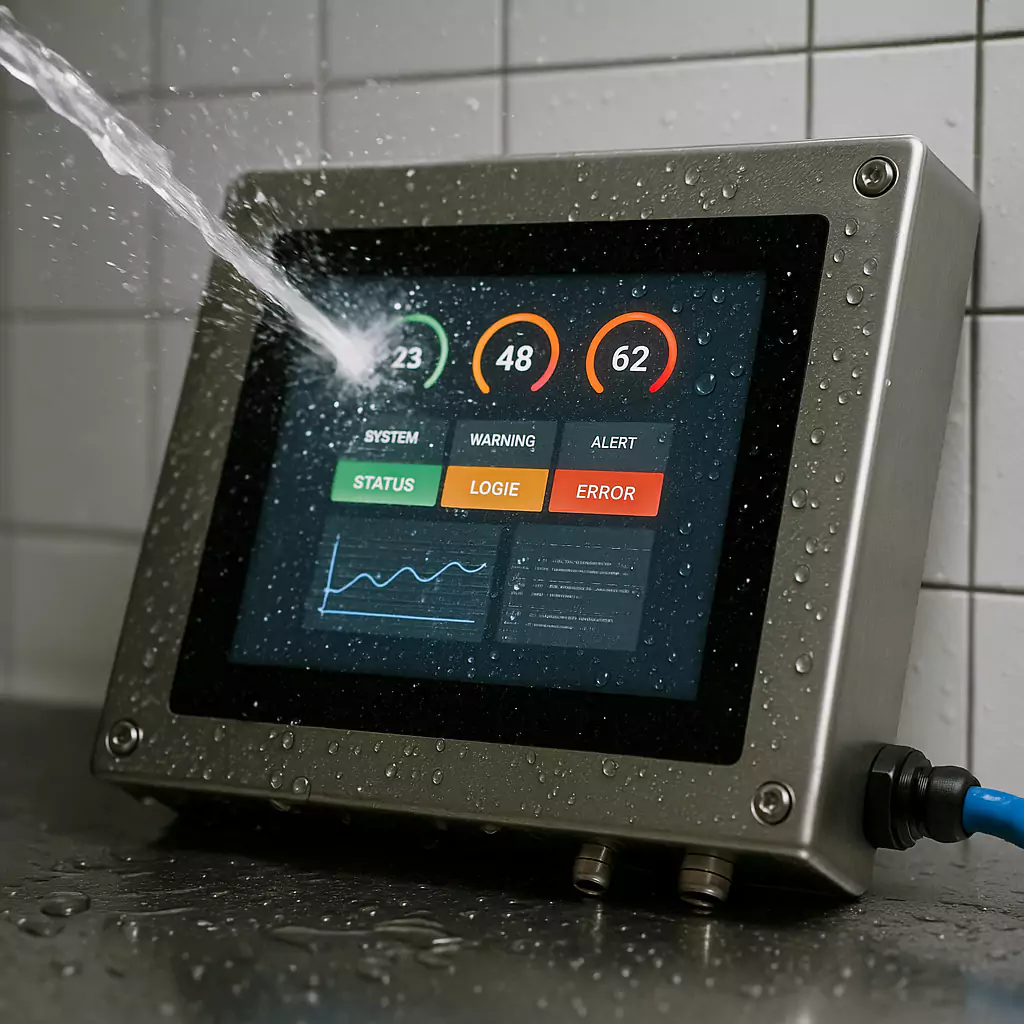
An IP65 waterproof touch screen is not just a display with a sealed front edge. In outdoor kiosks, EV chargers, food equipment, car wash systems and self-service terminals, the final reliability depends on mechanical sealing, PCAP wet touch tuning, glass treatment, brightness, cable protection and cabinet installation.
Quick Answer
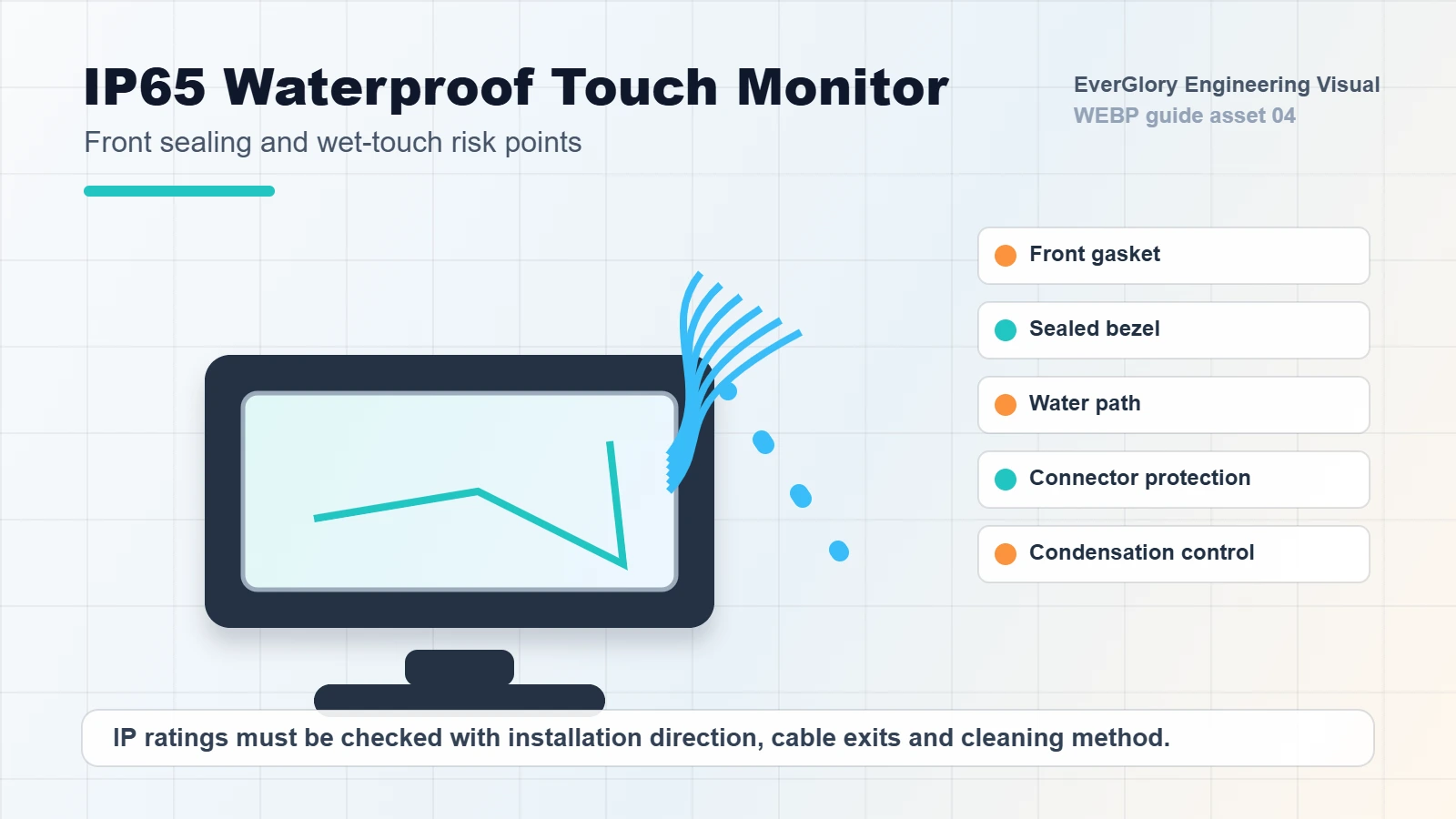
An IP65 waterproof touch screen should be specified by front-panel sealing method, final enclosure structure, PCAP wet touch behavior, brightness, glass treatment and connector protection. A front IP65 monitor is not automatically a fully waterproof device. The rear housing, cable exit, power connector and cabinet design still need a separate protection plan.
For outdoor HMI and public terminal projects, ask suppliers to review the real cabinet drawing before sample approval. Many waterproof failures happen after assembly because the panel cutout is uneven, the gasket is compressed incorrectly, or rainwater collects near an unprotected cable exit.
When Does a Touch Screen Need IP65 Design?
IP65 design is useful when the front surface may face dust, rain splash, cleaning spray, wet gloves or public outdoor use. It is especially important for equipment installed in outdoor payment terminals, industrial control stations, food processing lines, marine-related equipment and kiosk enclosures.
Before specifying the touch display, confirm whether the requirement is front-panel IP65, full enclosure IP rating or only limited splash protection. These are different mechanical problems and should not be treated as the same request.
IP65 Front Panel vs Full Waterproof Enclosure
| Requirement | What It Usually Means | What Still Needs Review |
|---|---|---|
| Front IP65 | The front surface resists dust and water splash after correct mounting. | Rear housing, connectors, cabinet cutout, gasket compression and screw torque. |
| Full-unit IP rating | The whole monitor or enclosure is designed against water and dust entry. | Heat dissipation, cable gland, venting, pressure balance and service opening. |
| Washdown use | The screen may face cleaning spray, moisture and chemical exposure. | Cleaning chemicals, spray angle, stainless housing, coating compatibility and seals. |
| Outdoor public terminal | The display faces rain, sunlight, temperature swing and user abuse. | Brightness, anti-glare glass, impact resistance, wet touch and drainage path. |
Waterproof Touch Screen Design Checklist
| Area | What to Confirm | Common Risk |
|---|---|---|
| Front sealing | Gasket material, compression and cabinet flatness | Water enters through an uneven mounting surface |
| Cover glass | Thickness, edge treatment, AG/AR/AF coating and impact risk | Crack, delamination or poor readability |
| PCAP touch | Wet touch, glove touch and water rejection tuning | False touch after rain or cleaning |
| Brightness | Indoor, semi-outdoor, full outdoor or direct sunlight use | Screen is technically working but unreadable |
| Rear structure | Cables, connectors, vents and enclosure protection | Front is sealed but rear connectors corrode |
| Installation | Cutout size, screw torque, drainage and service access | Correct monitor fails after poor cabinet assembly |
Wet Touch Is Not the Same as Waterproofing
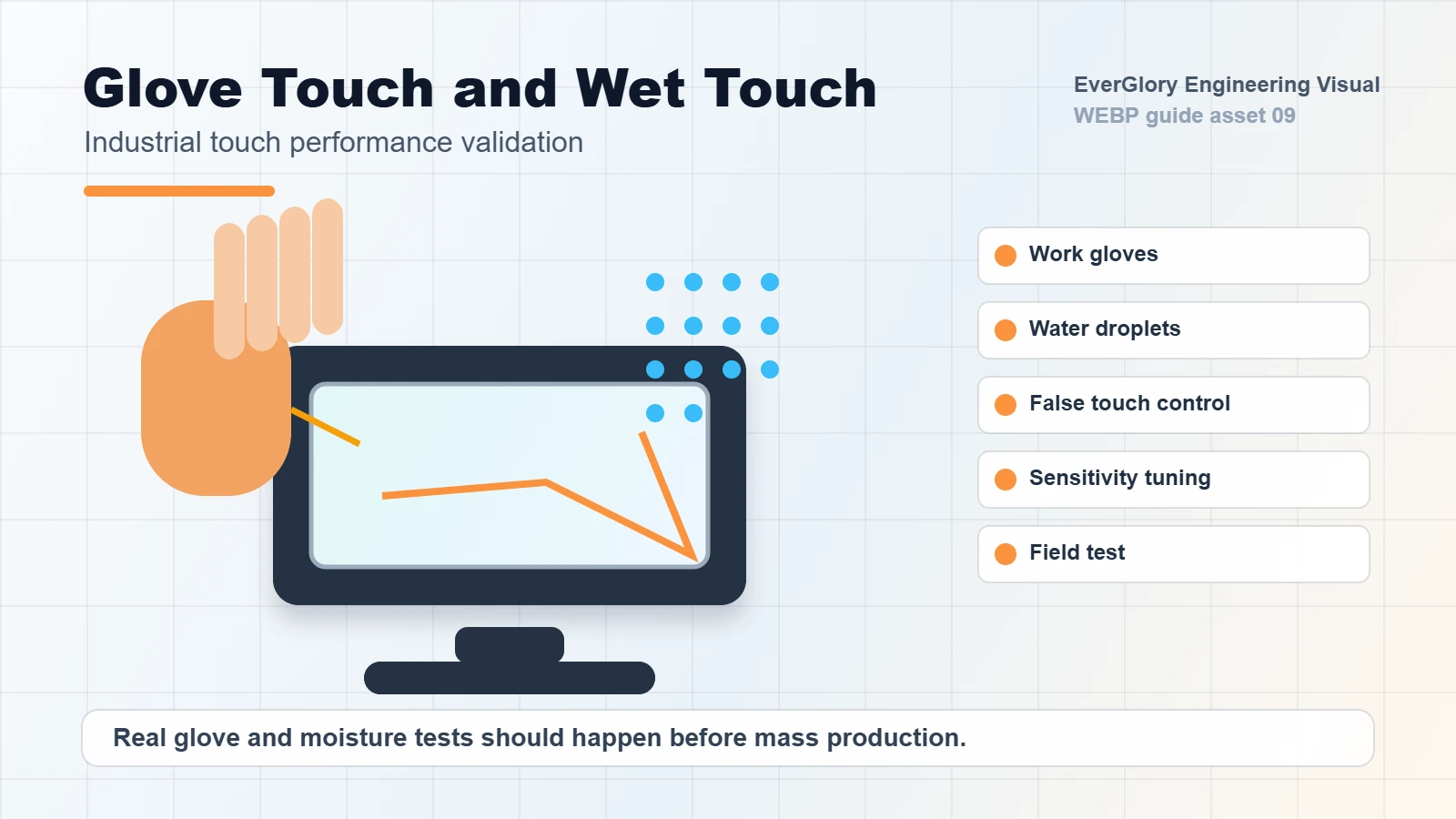
A sealed front panel can still create false touch when water stays on the glass. PCAP touch detects changes in the electric field, and water can distort the signal. For outdoor and washdown equipment, the controller, firmware, grounding and cover glass stack must be tuned for realistic wet conditions.
For projects that require gloves, rain, cleaning spray or wet fingers, ask for testing with the actual glass thickness, LCD module, metal enclosure and cable length. A touch panel that performs well on a bench can behave differently after it is installed into a final kiosk or HMI cabinet.
Step-by-Step Specification Flow
- Define exposure: indoor splash, outdoor rain, washdown, humidity, condensation, dust or public use.
- Choose the IP target: front IP65, full enclosure protection or another IP level based on the real risk.
- Review the mounting surface: panel material, thickness, flatness, cutout tolerance and gasket compression.
- Confirm touch behavior: bare finger, glove, wet finger, water droplets, cleaning spray and false touch rejection.
- Choose optical stack: brightness, bonding, AG/AR/AF glass, contrast target and reflection control.
- Protect the rear side: connector position, cable gland, cable drip loop, ventilation and service access.
- Plan final testing: sealing, touch, brightness, thermal, cleaning and installed-cabinet validation.
Waterproof Monitor Recipes by Application
A waterproof touch screen should be specified according to the real installation environment. The right structure for an EV charger is not always the same as the right structure for a car wash terminal, food processing HMI or indoor washdown cabinet.
| Application | Recommended Baseline | Extra Questions Before RFQ |
|---|---|---|
| EV charging station | Front IP65, 1000 nits or higher by sunlight condition, optical bonding, AG/AR glass, PCAP wet touch, optional IK-rated cover glass. | Is the screen under a hood? What is the operating temperature range? Is payment or NFC hardware near the display? |
| Car wash payment terminal | Sealed flat front, wet touch tuning, rear connector protection, drainage path, chemical-resistant cleaning review. | Will water spray directly hit the screen? Does foam or detergent stay on the glass? Where does the cable exit? |
| Food processing HMI | Front IP65 or higher by equipment design, easy-clean glass, glove operation, stainless or protected enclosure by project. | What cleaning agent is used? Is the operator wearing latex, nitrile or thick work gloves? |
| Outdoor kiosk | Front IP65, sunlight readable LCD, optical bonding if reflection or condensation is critical, vandal-resistant glass option. | Is the kiosk exposed to direct rain? What is the screen tilt angle? Can heat escape from the enclosure? |
| Industrial washdown cabinet | Panel mount structure, gasket compression review, protected rear connectors, grounding plan and touch validation after assembly. | What is the cabinet material and thickness? Will the monitor be removed from the front or rear? |
Brightness, Reflection and Outdoor Readability
Many waterproof touch screen projects also need outdoor readability. Brightness alone is not enough. The display stack may also need optical bonding, AG or AR glass, proper contrast, thermal control and a hood or enclosure design that reduces direct reflection.
For semi-outdoor use, 500-700 nits may be enough depending on the environment. For stronger sunlight, 1000 nits or higher may be required. The final choice should balance readability, heat, power, lifetime and cost.
IP65 RFQ Specification Table
A useful waterproof touch screen RFQ should let the supplier judge sealing, readability and touch stability before quoting. Use the table below instead of only asking for “an IP65 touch monitor.”
| Item | Recommended Detail to Send | Why It Matters |
|---|---|---|
| Exposed side | Front only, front + sides, rear exposed, full enclosure or installed inside cabinet. | Front IP65 and full waterproof enclosure require different structures. |
| Installation angle | Vertical, tilted, horizontal, recessed behind bezel or flush panel mount. | Water pooling on horizontal or recessed glass increases wet touch and leakage risk. |
| Brightness target | Indoor 350-500 nits, semi-outdoor 500-700 nits, outdoor 1000 nits or higher. | Outdoor readability is tied to backlight, bonding, glass treatment and thermal design. |
| Touch condition | Dry finger, wet finger, water droplets, rain, latex glove, nitrile glove, thick work glove. | PCAP tuning differs for wet touch, glove touch and thick cover glass. |
| Cover glass | Thickness, AG/AR/AF coating, tempered glass, printed border, impact requirement. | Glass thickness and coatings affect touch sensitivity, reflection and durability. |
| Rear protection | Connector type, cable gland, drip loop, ventilation, cabinet sealing and service opening. | Many failures happen at the rear even when the front surface is sealed. |
Application-Specific Notes
- EV charging stations: prioritize sunlight readability, IK impact resistance, wet touch and outdoor temperature range.
- Food processing equipment: review cleaning chemicals, stainless enclosure options and glove operation.
- Car wash terminals: review water spray angle, rear protection and cable routing.
- Outdoor kiosks: review public impact, anti-glare glass, payment interface space and service access.
- Industrial HMI: review oil, dust, vibration, grounding and cabinet cutout tolerance.
Testing Plan Before Mass Production
A waterproof touch screen should be tested as an installed assembly, not only as a loose monitor. The test plan should cover water exposure, wet touch, glove operation, brightness, thermal behavior, cleaning cycle and cable protection. If the final enclosure changes after sample approval, repeat the sealing and touch tests.
- Front seal inspection after mounting and after repeated screw tightening.
- Wet touch test with standing droplets, flowing water and wet gloves.
- Outdoor readability check under real light or a comparable test environment.
- Connector corrosion and cable routing review, especially for downward-facing or rear-open designs.
- Cleaning test with the actual liquid or disinfectant used by the customer.
- Temperature and humidity exposure if the display will be used outdoors or near steam.
Failure Cases Failure Cases to Prevent
- False touches after rain: water droplets bridge touch signals or stay on a recessed glass surface. Review water rejection, grounding and installation angle.
- Good sample, failed cabinet: the loose monitor passes a bench test, but cabinet flatness or gasket compression breaks the final seal.
- Readable indoors, washed out outdoors: 500 nits may look bright in the factory but fail under sunlight without bonding or glare control.
- Corroded rear connector: front IP65 is specified, but cable exits, vents or rear ports are left exposed inside a wet enclosure.
- Touch dead zones with gloves: glove material and thickness were not shared before controller tuning, so the supplier tuned for the wrong condition.
Related EverGlory Resources
RFQ Information to Send
For a waterproof touch screen project, send the required size, installation drawing, front-panel or full-unit IP target, brightness target, touch requirement, glass treatment, interface, operating temperature and cleaning environment. These details allow EverGlory to recommend a more realistic monitor or module structure before sampling.
FAQ
Is an IP65 front touch monitor fully waterproof?
Not automatically. Front-panel IP65 usually means the front side can resist dust and water splash after correct installation. Rear connectors and the equipment cabinet still need protection.
Can a waterproof touch screen still false touch in rain?
Yes. Waterproof sealing and wet touch performance are different. Wet touch depends on PCAP controller tuning, grounding, cover glass and the final installed system.
Is optical bonding needed for outdoor waterproof screens?
Optical bonding is often useful for outdoor readability, reflection control and condensation reduction, but the decision depends on brightness, environment and cost target.
What should be tested before mass production?
Test sealing, wet touch, glove touch, brightness, cleaning behavior, condensation, cable protection, final cabinet installation and long operating temperature exposure.

