.png)
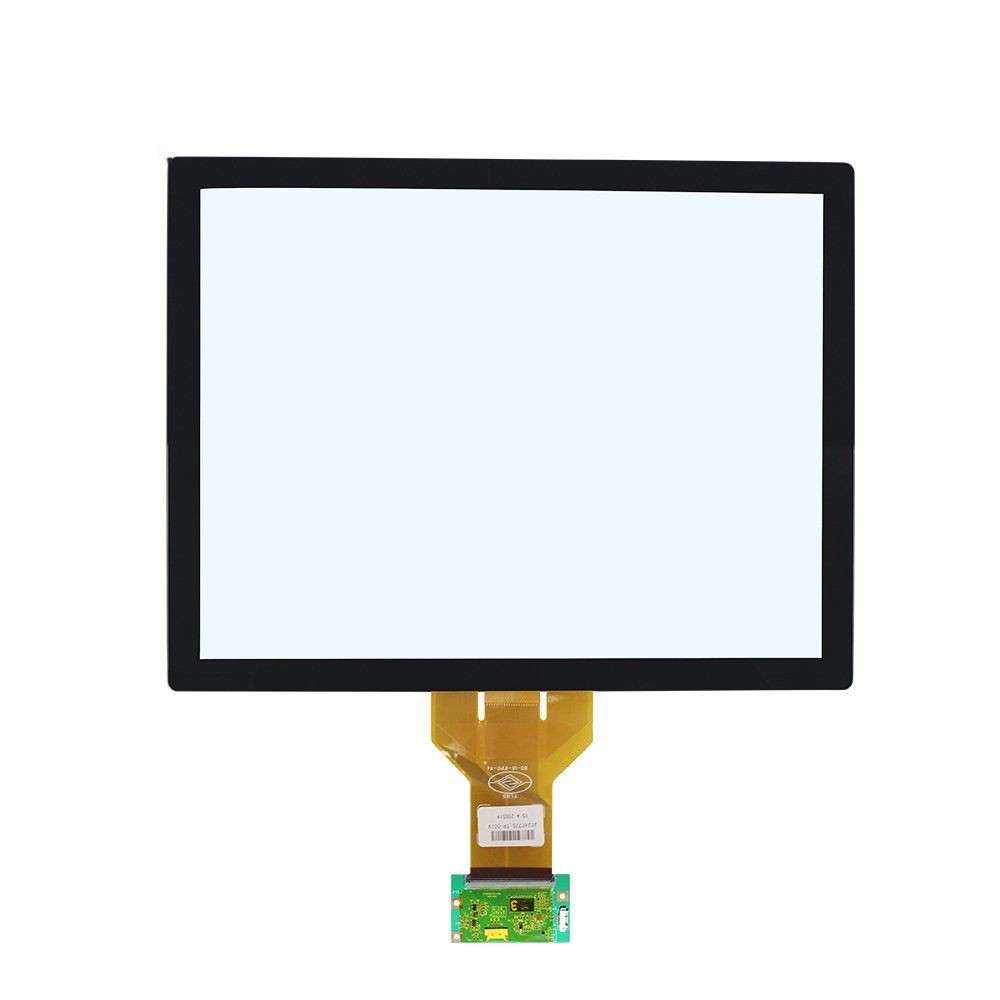
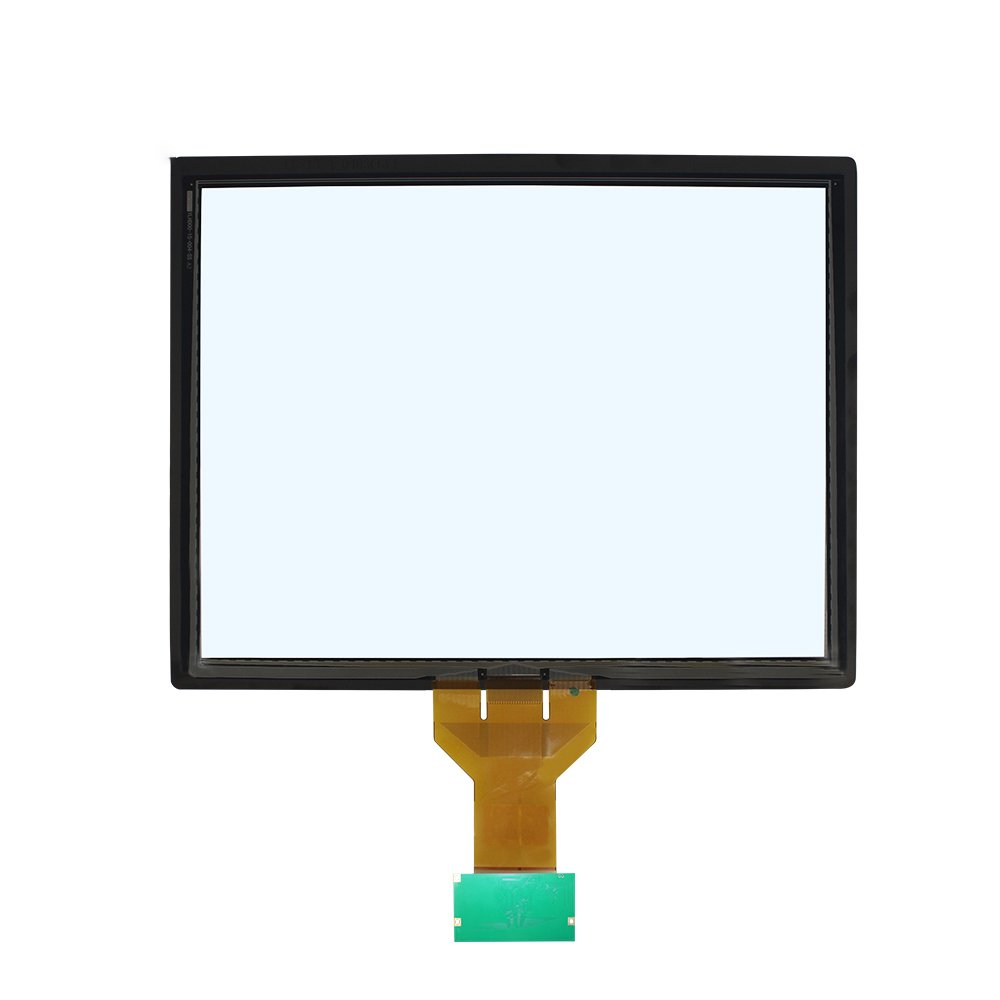
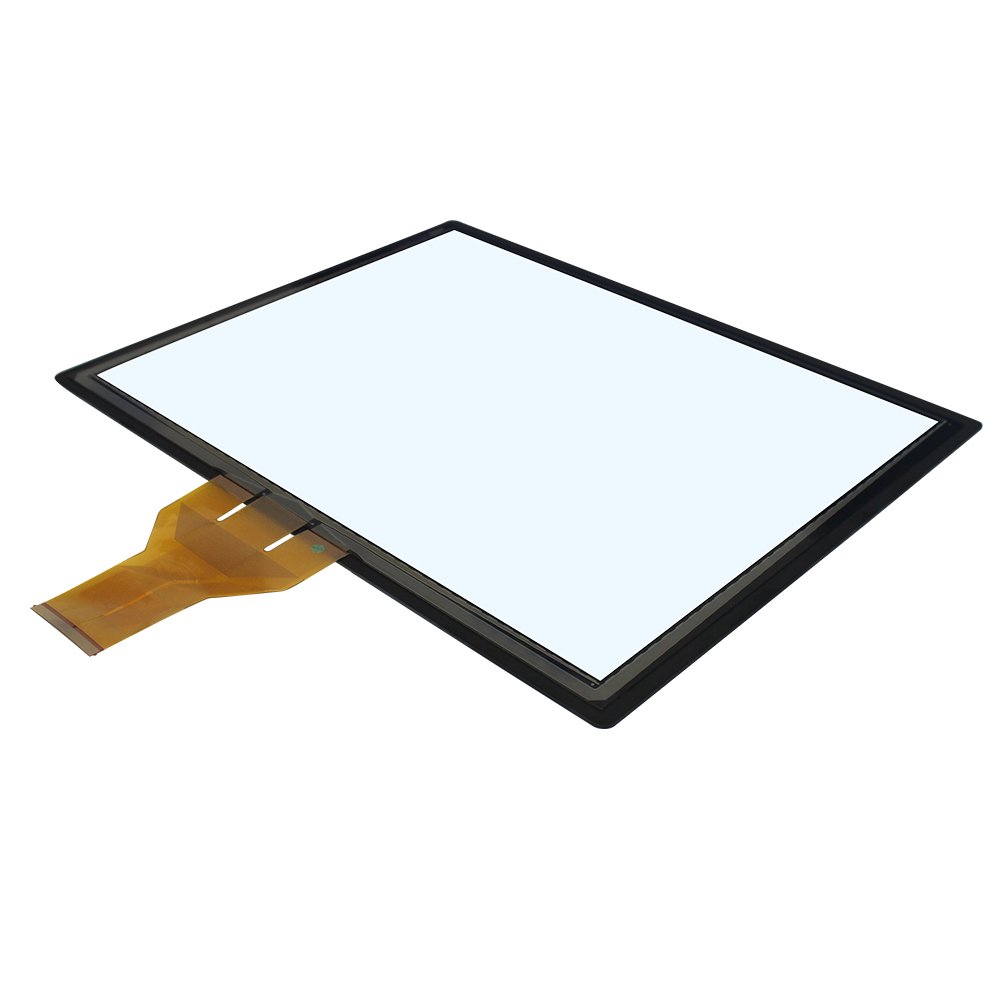
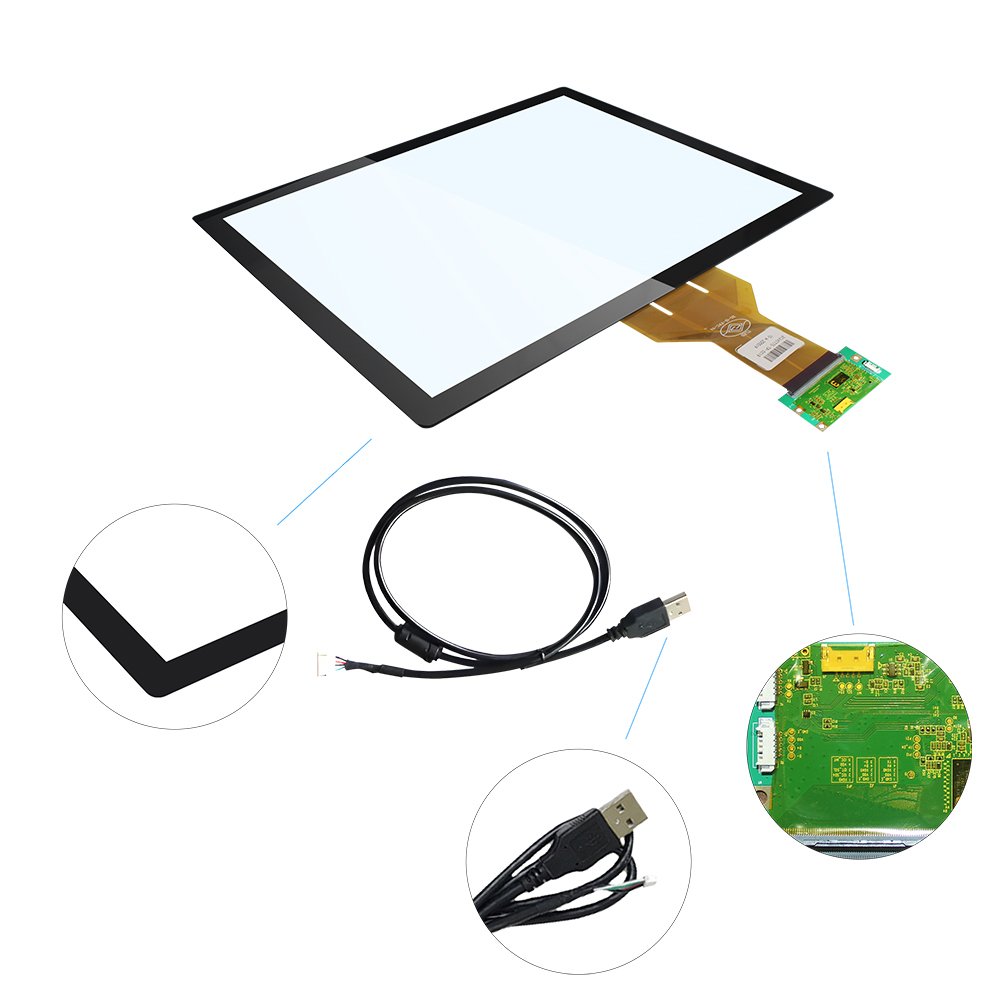
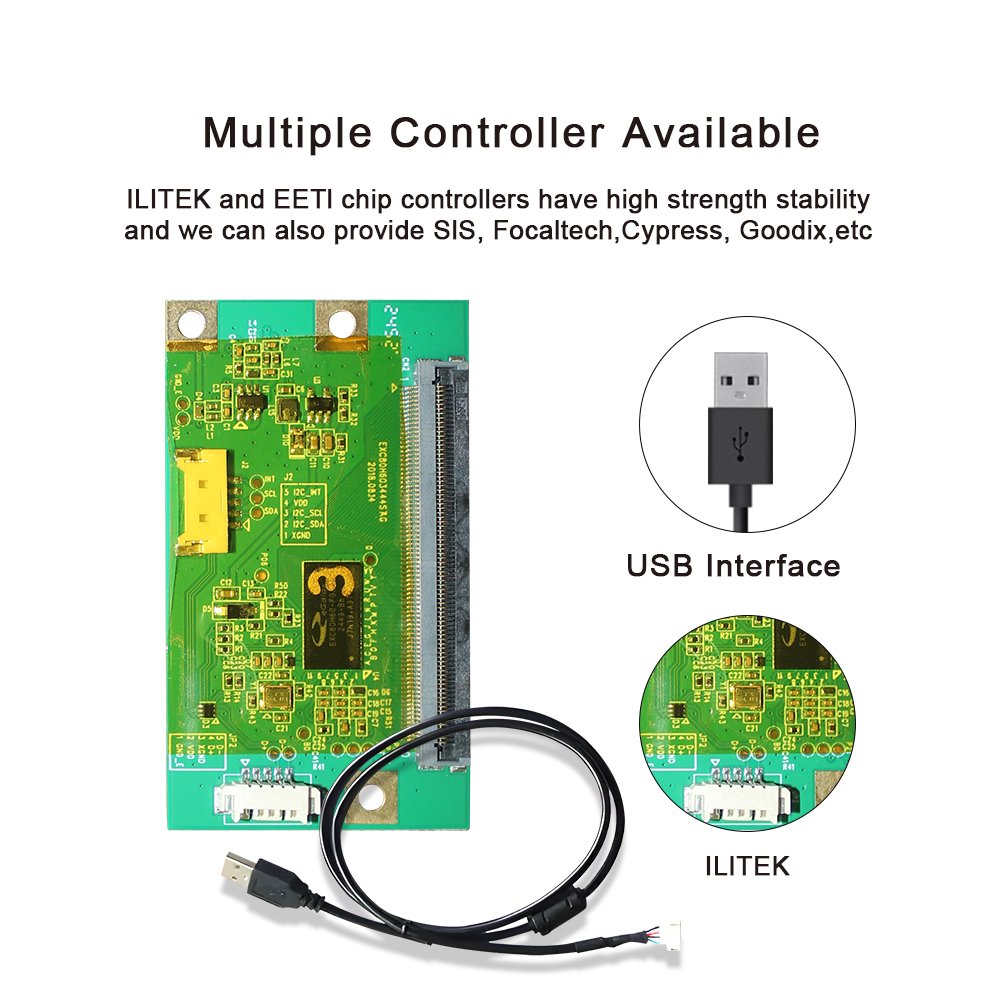
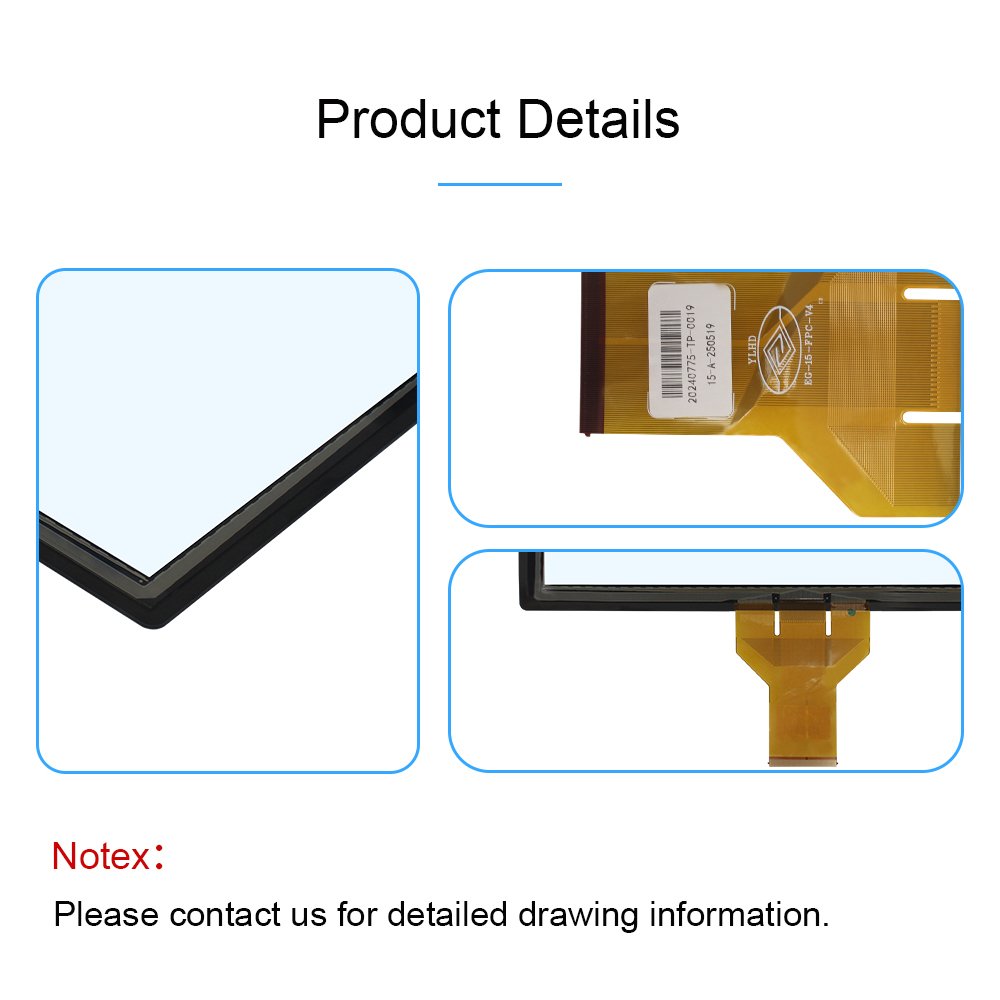
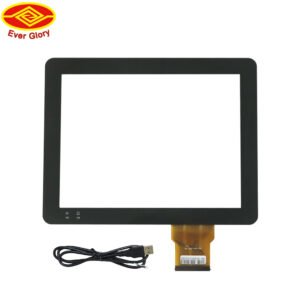
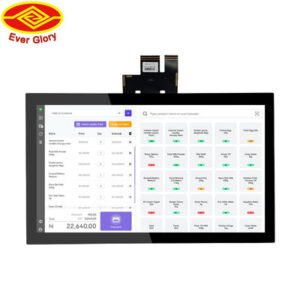
This page covers custom industrial capacitive touch panels designed for stable operation in real environments. Our high stability capacitive touch screen solutions are ideal for such conditions.
In industrial projects, “touch works on the bench” is not enough. Therefore, we focus on controller tuning, stack-up design, and integration details that prevent ghost touch,
edge issues, and random instability. In addition, the touch panel can be customized for size, cover glass,
coatings, bonding, and interface requirements. When using a high stability capacitive touch screen, these factors are crucial.
If you need complete displays instead of panels only, browse:
industrial touchscreen monitors.
For a practical validation method, see the
touchscreen test checklist.
1) Stack-up and cover glass
Glass thickness, coatings, and bonding affect touch sensitivity, readability, and durability in any high stability capacitive touch screen setup.
2) Controller tuning
Noise filtering, baseline tracking, and glove/wet touch parameters must match the use case.
3) Mechanical integration
Mounting flatness and gasket compression affect edges and long-term drift.
4) EMI and grounding
Cable routing and grounding design often decide whether touch stays stable in the cabinet.
For PCAP fundamentals and why fingers/gloves behave differently, read:
how capacitive touch screens work.
| Parameter | What to provide | Why it matters |
|---|---|---|
| Size & aspect ratio | Active area or outline drawing | Defines sensor design and mechanical fit |
| Cover glass | Thickness, chemical needs, strength target | Impacts durability and touch sensitivity |
| Coatings | AG / AR / AF requirements | Controls glare, fingerprints, and readability |
| Touch points | 2 / 5 / 10+ points | Defines controller and firmware configuration |
| Glove / wet touch | Glove type and water exposure method | Controls tuning and false touch risk |
| Environment | EMI sources, temperature, vibration | Determines stability and filtering strategy |
| Interface | FPC type, connector, cable length | Affects integration and noise sensitivity |
| Sealing target | IP level and cleaning method | Defines gasket and enclosure requirements |
In wet environments, sealing is a system design. Therefore, define gasket compression, connector sealing, and cable entry early.
Reference:
waterproof touch screens (IP65)
For outdoor projects, touch tuning and readability must be planned together. In addition, validate wet touch under real water film and gloves to ensure the high stability capacitive touch screen performs reliably.
Reference:
outdoor touch screen solutions
and
sunlight readable touch displays.
Use the checklist here:
touchscreen test checklist.
For deeper workflow, see:
touchscreen tester.
It is a PCAP touch sensor designed to match your size, glass, interface, and environment requirements. Therefore, it can stay stable in EMI, gloves, and wet conditions when configured correctly.
Yes. However, glove and wet touch performance depends on controller tuning, glass stack-up, and validation under real conditions.
Common causes include EMI noise, poor grounding, and cable routing near power lines. Mounting stress can also change touch baselines.
Bonding can improve readability and reduce internal condensation. It also increases structural stability. The decision depends on sunlight, vibration, and lifetime targets.
Send your outline drawing, cover glass requirement, interface details, environment conditions, and target IP level through our contact form.
Next step: Send drawings and environment details for a fast feasibility review.