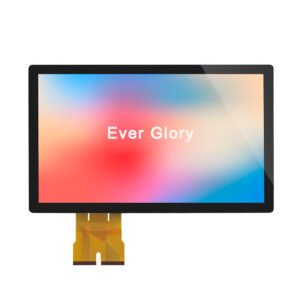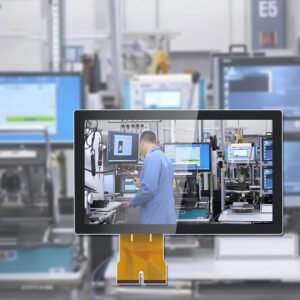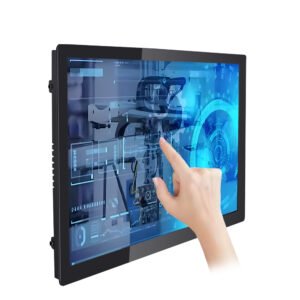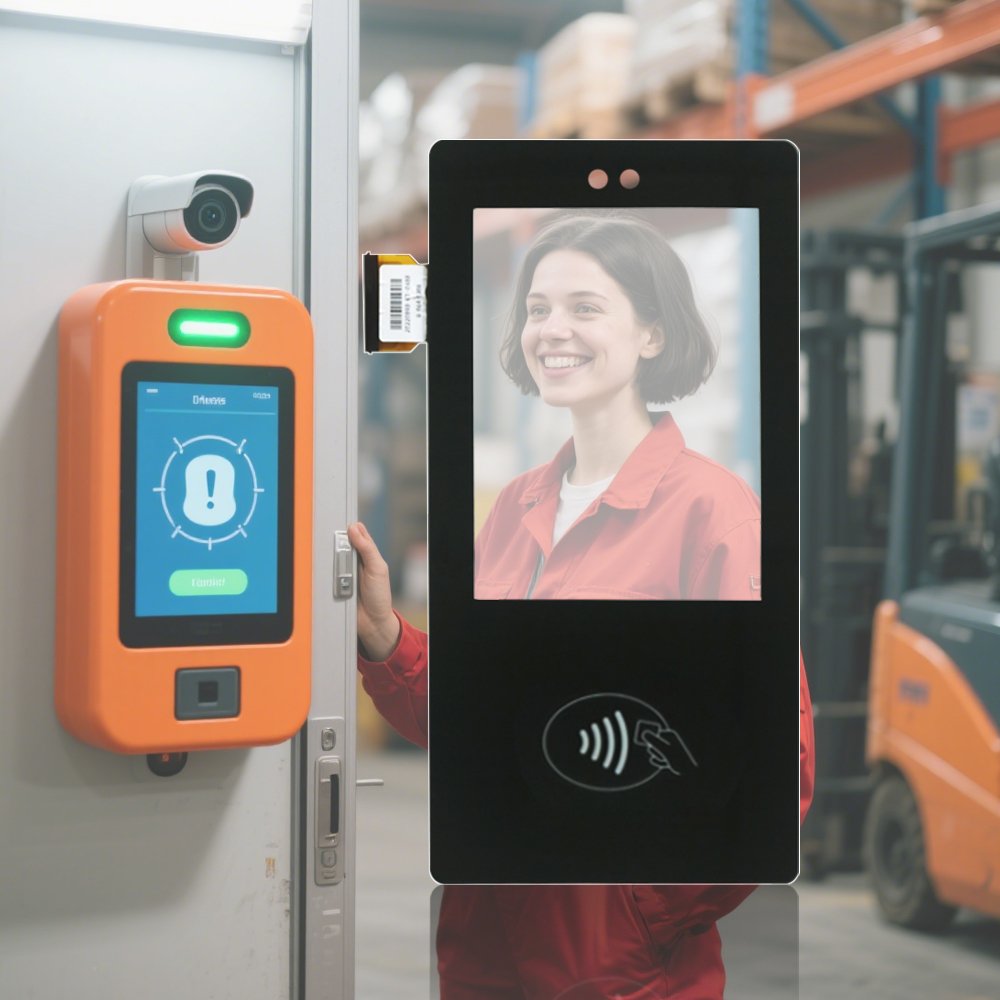
Indoor Touch Screen LCD Monitors for HMI, Kiosks, and Control Rooms
Indoor touch screen LCD monitors are built for stable interaction under office and factory lighting.
They deliver responsive PCAP touch, clear readability, and simple integration with your existing host system.
Therefore, they are ideal for indoor HMIs, production dashboards, medical stations, and self-service terminals.
Stable PCAP touch
Fast integration
Multiple interfaces
VESA / panel mount
OEM customization
For a full model list and size range, browse:
industrial touchscreen monitors.
- Indoor: optimized for stable operation and cost efficiency under controlled lighting.
- Near windows: consider anti-glare and reflection control for usability.
- Wet cleaning: define IP target early to avoid retrofit sealing cost.
- Public terminals: prioritize durability, touch stability, and easy replacement.
If you still need washdown resistance, reference:
waterproof touch screens (IP65).
Common Indoor Applications
Industrial HMI and automation stations
Stable touch reduces mis-operations during repetitive tasks and shift changes.
Control rooms and dashboards
Clear readability supports monitoring, alarms, and operator response workflows.
Indoor kiosks and self-service
Responsive PCAP touch improves user experience and reduces queue time.
Medical stations and lab terminals
Easy cleaning options and stable touch support daily professional use.
Specification Checklist (send this for quick proposal)
| Parameter | What to provide | Why it matters |
|---|---|---|
| Screen size | Target size and aspect ratio | Defines mounting, UI scale, and readability |
| Brightness | Indoor lighting / near-window conditions | Controls visibility and power trade-offs |
| Touch requirements | Touch points, glove use, stylus use | Defines PCAP configuration and tuning |
| Interface | HDMI / DP / VGA + USB touch | Ensures compatibility with your host system |
| Mounting | VESA / panel mount / bracket | Determines mechanical design and service method |
| Surface treatment | AG / AR / AF preference | Improves readability and reduces fingerprints |
| Cleaning / sealing | Dry wipe / disinfectant / splash | Defines IP need and material selection |
Engineering Notes (avoid indoor deployment issues)
- Glare control: if the screen faces windows, use AG/AR options to keep UI readable.
- EMI proximity: place cables away from switching power supplies and motor drivers when possible.
- Mounting stress: re-check touch edges after installation to avoid bezel pressure effects.
- Validation: test with the real UI layout, not only a generic touch app.
For glare strategy, see
sunlight readable touch displays.
For validation workflow, use the
touchscreen test checklist
and
touchscreen tester.
FAQ
What is an indoor touch screen LCD monitor?
It is a touch monitor designed for controlled indoor lighting and daily operation. Therefore, it focuses on stable PCAP touch, clear readability, and easy integration with your existing host system.
Do I need high brightness for indoor use?
Not always. Standard brightness often works in indoor areas. However, screens near windows may need anti-glare options or higher brightness for readability.
Can an indoor touch monitor be waterproof?
Yes. Many indoor terminals use front sealing when cleaning or splashes are expected. Share your cleaning method and target IP level for confirmation.
How do I choose between a monitor and an all-in-one Panel PC?
If you already have a host computer, a touch monitor is simpler. If you want an integrated system, consider an all-in-one solution and confirm OS and I/O requirements.
What information helps you recommend the right model quickly?
Please share size, mounting method, interface needs, lighting condition, touch requirements, and any cleaning or sealing needs.
Indoor Touch Screen LCD Monitor | PCAP Touch Display for HMI & Kiosks Engineering Information
This product is a complete industrial touch screen monitor for integration into industrial equipment.
- Product Category
- Touch Screen Monitor
- Product Role
- complete industrial touch screen monitor for equipment integration
- Size / Format
- custom size
- Best Fit
- embedded display, OEM equipment, kiosk and HMI integration
- Review Focus
- Screen size; Resolution; Brightness; HDMI / DP / VGA / DVI / USB-C; Touch USB / RS232; Mounting; Front IP; VESA; Power input; Operating environment
Information Needed for Review
- Screen size
- Resolution
- Brightness
- HDMI / DP / VGA / DVI / USB-C
- Touch USB / RS232
- Mounting
- Front IP
- VESA
- Power input
- Operating environment
Typical Applications
embedded display, OEM equipment, kiosk and HMI integration
Common Engineering Questions
Is this a complete industrial touch screen monitor?
Yes. The monitor supply boundary includes the LCD, touch function, enclosure or chassis and the selected display and touch interfaces defined for the project.
What information is needed for engineering review?
Send the screen size, resolution, brightness, display and touch interfaces, mounting method, front protection requirement, VESA requirement, power input and operating environment.
Does a touch screen monitor include computing hardware?
No. CPU, RAM, storage and an operating system are outside the touch screen monitor supply boundary.
Related Touch Screen Monitor Products
For an accurate quotation, send drawings and application details instead of only screen size.