
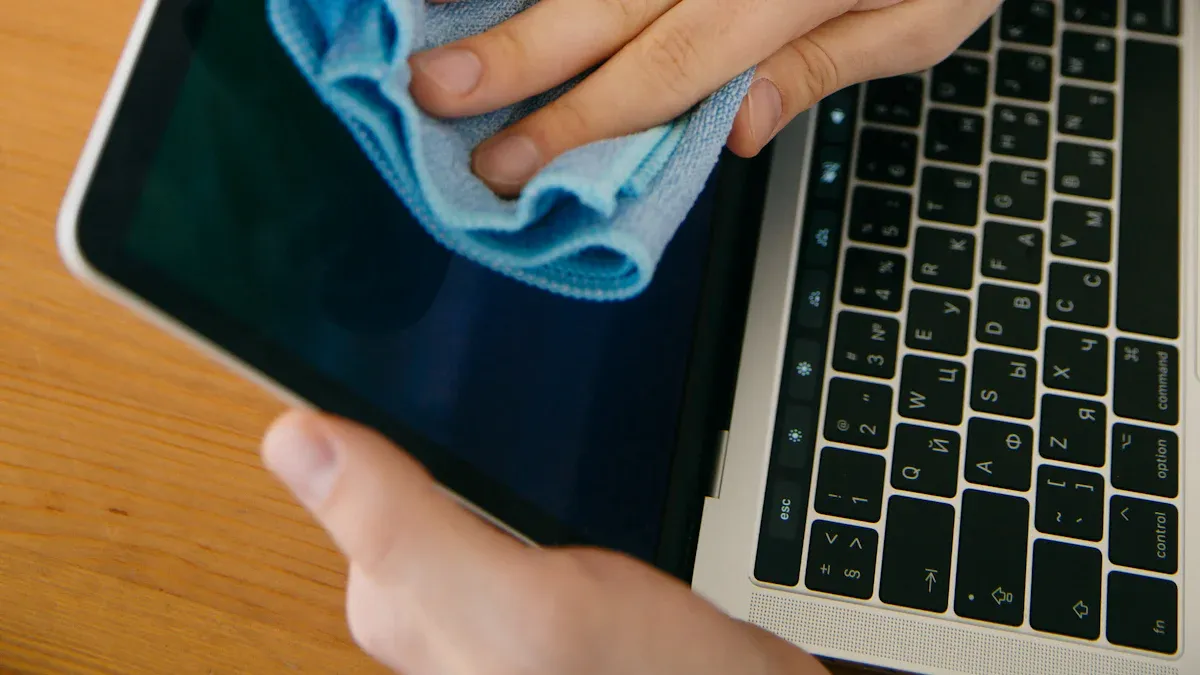
Industrial touchscreens are exposed to fingerprints, dust, oil, process residue, cleaning chemicals, and repeated operator contact. An unsuitable cleaner or technique can damage anti-glare, anti-reflective, or anti-fingerprint coatings; force liquid past a bezel; stain a cover lens; or leave residue that affects touch performance.
The correct procedure depends on the cover-glass material, coating, sealing design, application environment, and approved chemical list. Always use the product drawing and supplier guidance as the controlling requirement.
Understand the touchscreen surface before cleaning
| Surface or structure | Main cleaning risk | What to confirm |
|---|---|---|
| Bare chemically strengthened glass | Scratching from abrasive debris | Hardness, edge condition, and approved cloth |
| AG etched or coated glass | Polishing, staining, or visible residue | Approved cleaner and wiping direction |
| AR coating | Chemical attack or micro-scratches | Supplier chemical-compatibility data |
| AF coating | Accelerated wear from strong solvent or abrasion | Cleaning-cycle limit and approved concentration |
| Sealed front bezel | Liquid driven into gasket edge or connector path | Front-only or full-enclosure IP rating |
Safe routine cleaning procedure
- Stop the machine or place the HMI in a safe cleaning mode so touches cannot issue commands.
- Allow a hot display to cool if the approved procedure requires it.
- Remove loose dust with clean, dry air or a soft non-abrasive cloth. Do not drag hard particles across the glass.
- Apply the approved cleaning solution to a lint-free cloth rather than spraying the screen directly.
- Wipe with light, even pressure. Avoid flooding edges, cable exits, buttons, and bezel joints.
- Use a second clean cloth if the process requires a rinse or dry finish.
- Inspect the surface and verify touch operation before returning the equipment to service.
Choose cleaners by compatibility, not habit
Water, diluted neutral detergent, isopropyl alcohol, ethanol, quaternary ammonium compounds, chlorine solutions, and other disinfectants behave differently on coatings, adhesives, printed borders, plastics, gaskets, and optical bonding materials. A cleaner that is safe for one assembly may damage another.
Request compatibility by chemical name, concentration, contact time, temperature, and number of cycles. Do not rely only on a brand name because formulations can change. Avoid abrasive powders, rough paper, metal tools, and unapproved concentrated solvents.
Cleaning IP-rated touch displays
An IP65 front rating normally describes the installed front surface under defined test conditions; it does not automatically permit high-pressure washdown or immersion. Check the complete enclosure, gasket compression, mounting cutout, drainage, connector sealing, and cable routing.
- Do not direct pressurized liquid at bezel joints unless the complete assembly is rated for it.
- Inspect gaskets for compression set, cuts, swelling, and chemical attack.
- Prevent liquid from pooling along horizontal edges.
- Replace damaged seals before resuming wet cleaning.
Medical, food, and washdown applications
These environments require a documented cleaning protocol connected to the site’s hygiene or infection-control process. The touchscreen supplier should review the intended chemicals and cycle count during design, not after field deployment. For food equipment, also consider crevices, stainless-steel enclosure finish, glove operation, and whether residue affects touch sensitivity.
Prevent false touch during cleaning
Water and a moving cloth can be interpreted as touch. Use an application cleaning lock, temporary touch-disable function, or maintenance screen that blocks machine commands. The method must not disable independent safety controls. After cleaning, remove residue and confirm normal touch at the center, edges, and corners.
Create a maintenance record
Record the cleaner, concentration, contact time, cloth type, cleaning frequency, operator, and observed surface condition. Track haze, coating wear, discoloration, seal damage, and touch changes. A simple record helps distinguish normal wear from a material-compatibility problem and supports corrective action across multiple machines.
When the surface is already damaged
Stop using the suspected chemical if coating damage, haze, edge lifting, delamination, or seal swelling appears. Photograph the condition under consistent light and retain the cleaner’s safety and technical data sheets. Determine whether the issue is cosmetic, affects readability, compromises sealing, or changes touch operation before deciding to continue service.
Specify cleanability in the original design
Provide the target chemicals, concentrations, cycle count, glove type, IP requirement, and expected service life when requesting a custom touch display. Review custom PCAP touch panels, compare sealed industrial touch monitors, or send your cleaning protocol for a material review.

