
Financial Self-Service HMI Guide
How to Specify a Financial Self-Service Touch Display
Financial self-service terminals need a touch display that remains readable, accurate and serviceable while handling long operating hours, public use, privacy requirements and changing indoor or semi-outdoor conditions. For ATMs, video teller machines, bill-payment kiosks and card service terminals, the display is not only a user interface. It affects transaction completion, service calls, vandal resistance and customer trust.
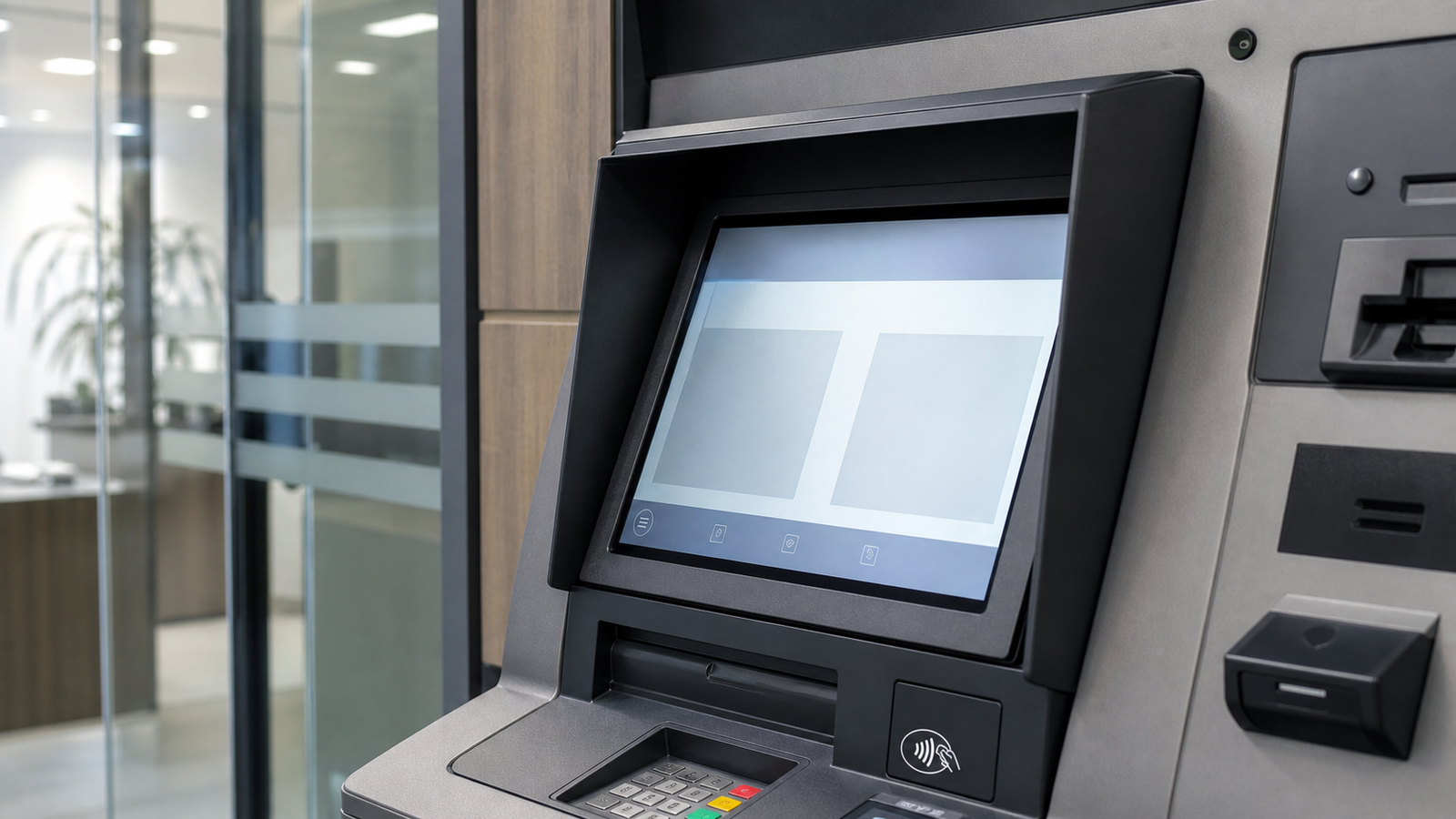
Quick Selection Answer
For most financial self-service terminals, start with a PCAP touch screen monitor or touch display module using tempered cover glass, controlled bezel sealing, stable USB or I2C touch interface, wide-viewing-angle LCD and a front structure designed for frequent public operation. For vestibule, drive-up or outdoor payment terminals, add higher brightness, optical bonding or anti-glare glass, IP65 front sealing, wet touch tuning and impact-resistant glass.
The best design depends on where the terminal is installed. A bank lobby ATM may prioritize privacy filter, anti-fingerprint glass and 24/7 reliability. A drive-up payment kiosk may need sunlight readability, rain resistance, glove operation and stronger vandal protection.
Financial Terminal Use Cases and Display Priorities
| Terminal Type | Display Priority | Touch and Glass Priority | Integration Note |
|---|---|---|---|
| ATM or cash recycler | Stable 24/7 backlight, readable UI, long lifecycle supply. | Tempered glass, anti-fingerprint surface, accurate PCAP touch. | Review privacy angle, service door clearance and cable locking. |
| Video teller machine | Clear display for forms, video and assisted transactions. | Low reflection glass and reliable multi-touch for signature or form input. | Check camera, speaker, microphone and display alignment. |
| Outdoor payment kiosk | Sunlight readability, heat control and night dimming. | IP65 front, wet touch tuning, strengthened cover glass. | Plan drainage, gasket compression and rear connector protection. |
| Ticketing or account service terminal | Fast response and simple maintenance. | Scratch resistance and touch accuracy under heavy public use. | Use a structure that allows field replacement without rebuilding the cabinet. |
Common Failure Risks
| Risk | What Users Notice | Engineering Fix |
|---|---|---|
| Glare on a drive-up terminal | Customers cannot read PIN prompts or transaction details. | Use higher brightness, optical bonding, AG or AR glass and a cabinet angle that reduces reflection. |
| False touch in rain or condensation | Buttons trigger incorrectly or the UI stops responding. | Specify wet touch tuning, proper grounding, sealed front glass and controlled water paths. |
| Vandal impact or scratching | Broken glass, poor visibility or repeated service calls. | Review glass thickness, IK target, edge support and front frame design. |
| Privacy leakage | PIN or transaction information can be viewed from the side. | Consider privacy filter, UI layout, shielding angle and installation height. |
| Long downtime after display failure | Terminal is unavailable until a custom assembly is replaced. | Design for field access, stable connector location and long lifecycle display supply. |
Specification Targets for RFQ
- Display size: commonly 10.1, 12.1, 15, 15.6, 17, 18.5 or 21.5 inches depending on terminal structure.
- Brightness: 350 to 500 nits for indoor terminals, 700 to 1000+ nits for semi-outdoor or drive-up use.
- Touch type: PCAP with USB, I2C or RS232 interface according to the controller board and host system.
- Cover glass: tempered glass with AG, AR or AF options; review thickness against PCAP sensitivity.
- Mechanical design: open frame, panel mount or custom module depending on cabinet assembly and service route.
- Environment: operating temperature, humidity, rain exposure, cleaning chemical and public impact risk.
Indoor, Vestibule and Outdoor Terminal Differences
A financial terminal installed inside a controlled branch does not need the same display stack as a drive-up payment kiosk. Treating every ATM screen as the same component often creates either unnecessary cost or poor field reliability. The first decision should be the installation environment, because it changes brightness, sealing, thermal design, glass surface and service assumptions.
| Environment | Practical Display Choice | What to Avoid |
|---|---|---|
| Indoor branch lobby | 350-500 nit industrial PCAP display, AF glass option, stable 24/7 backlight. | Over-specifying outdoor brightness without reviewing heat and power. |
| Bank vestibule or entrance area | 500-700 nit display, reflection control, stronger glass and privacy review. | Ignoring sunlight from glass doors or side viewing privacy. |
| Drive-up payment terminal | 700-1000+ nit outdoor HMI, IP65 front, wet touch, AG/AR glass and protected connectors. | Using a consumer panel with only a front cover added later. |
| Outdoor unattended kiosk | Sealed front assembly, impact review, optical bonding where glare or condensation is likely. | Assuming the display IP rating solves the cabinet water path. |
Security, Privacy and Payment Hardware Integration
For financial self-service equipment, the touch display sits close to PIN pads, contactless readers, cameras, receipt printers and cash modules. Screen size and bezel shape should be reviewed with these modules in the same drawing. If the display is too large or the bezel is too deep, the user may block the camera, struggle to reach the card reader or expose transaction details from the side.
Privacy can be improved by combining several small choices: installation height, side shielding, UI layout, optional privacy filter, glass reflection control and a screen angle that reduces shoulder viewing. The touch display supplier should know whether the product is for public banking, unattended payment, employee service terminals or controlled indoor branch use.
| Component Near Screen | Display Integration Risk | Design Review |
|---|---|---|
| PIN pad | Side viewing and hand position may expose private input. | Check display angle, shield depth and UI prompt location. |
| NFC or card reader | EMI or physical module placement can affect touch stability. | Review grounding, spacing and final harness routing. |
| Camera or VTM video module | Screen reflection and viewing angle can reduce user confidence. | Align display height, camera position and anti-glare treatment. |
| Receipt printer | Paper dust and service access can affect long-term maintenance. | Keep enough clearance for display cables and printer removal. |
Recommended Decision Flow
- Start with environment: indoor, vestibule, drive-up or outdoor determines brightness and sealing.
- Choose structure: open frame for deep cabinet integration, panel mount for front-service HMI, or custom module for high-volume terminal builds.
- Confirm glass stack: tempered glass thickness, AG/AR/AF treatment, privacy filter and optical bonding if required.
- Validate touch: test wet touch, glove touch, EMI and recovery after power cycling with the real host.
- Lock service plan: confirm spare parts, lifecycle, connector location and replacement steps before pilot rollout.
Validation Checklist Before Pilot Build
| Test | Why It Matters |
|---|---|
| Sunlight or strong-light readability test | Confirms that transaction text remains legible in real installation light. |
| Wet touch and glove touch test | Reduces false operation for drive-up, outdoor or cleaning scenarios. |
| Power cycle and 24/7 burn-in | Checks backlight stability, touch controller recovery and host compatibility. |
| Service removal test | Confirms the display can be replaced without damaging the cabinet or cables. |
Related Engineering Guides
FAQ
What touch screen is best for an ATM or payment kiosk?
A PCAP touch display with tempered cover glass is usually the best starting point. Outdoor or drive-up kiosks should add IP65 front sealing, sunlight readability and wet touch tuning.
Does every financial terminal need optical bonding?
No. Indoor lobby terminals may not need bonding. It becomes more valuable for direct sunlight, high reflection, condensation risk or premium public-facing equipment.
What information should be sent for a financial terminal quote?
Send screen size, drawing or cutout, target brightness, IP or IK requirement, touch interface, cover glass thickness, operating environment, connector direction and annual quantity.

