
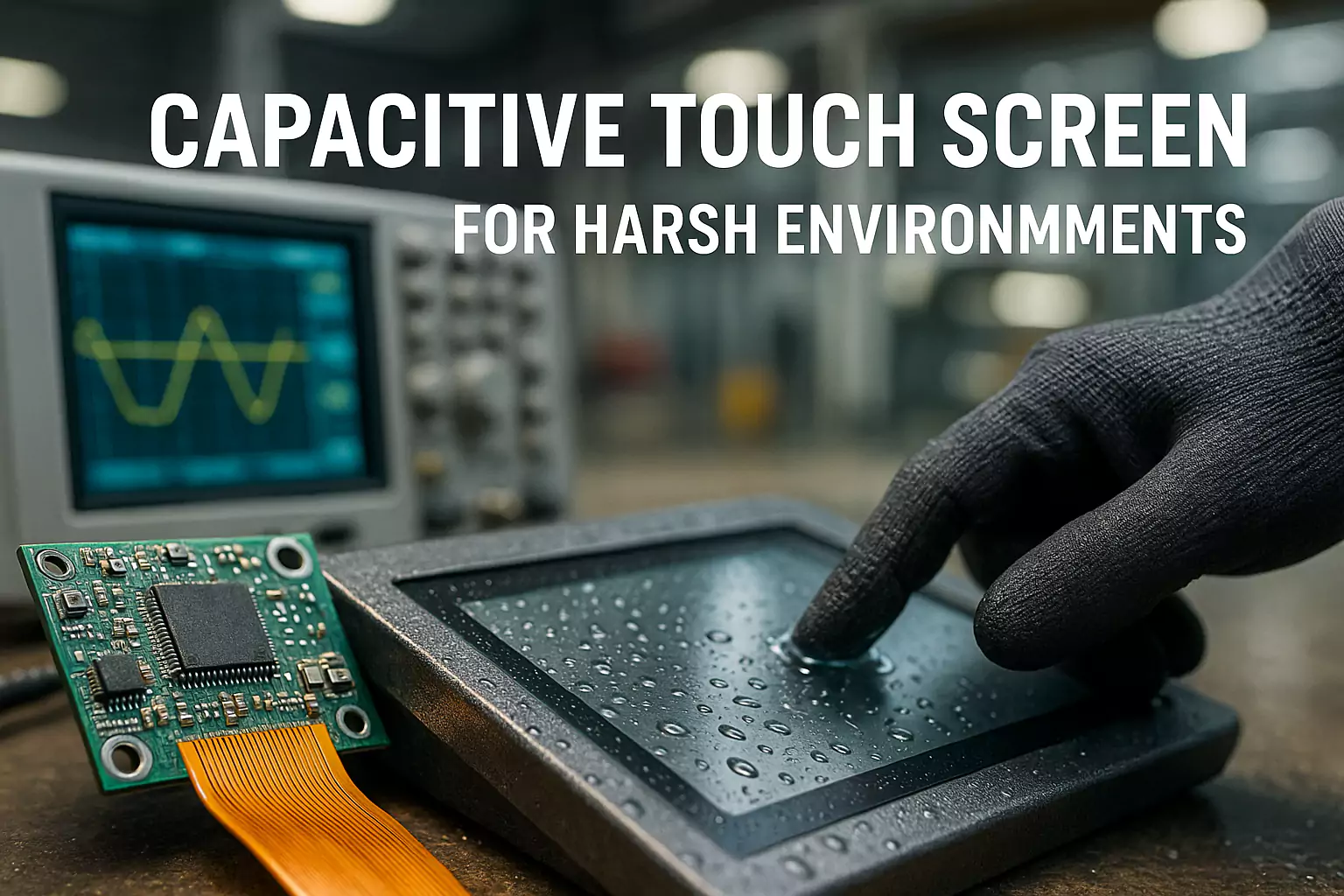
PCAP Touch Screen Guide: Gloves, Water and EMC
PCAP means projected capacitive. For industrial equipment, touch performance depends on the sensor, cover glass, controller, grounding and nearby electronics working together. Glove and liquid operation should be validated with the selected configuration in the final enclosure.
Use this guide to plan environmental checks. For component sourcing, compare our custom PCAP touch panels. For controller, sensor and FPC decisions, read the PCAP design guide.
Selection Basics
Size, resolution, aspect ratio, and viewing angle affect readability and enclosure design. Outdoor projects often need 1000–1500 nits to fight glare. Use a tight spec table to lock decisions early.
Choose brightness by environment, not by habit. A semi-outdoor location can look acceptable at 800 nits with AR coating, while a south-facing station may demand 1500 nits plus optical bonding.
Touch Technology
PCAP dominates for modern UX, but resistive still works for very noisy or gloved environments with limited gestures.
For PCAP, favor controllers with glove and water modes, and allow tuning windows during proto. Document latency and palm rejection with video proof.
| If you are still choosing between resistive and capacitive technologies, our industrial touch screen buyer’s guide compares PCAP with other options for real industrial use cases. |
Durability & Protection
IP65 protects against dust and water jets. IK rating correlates with cover glass thickness and frame design.
Balance vandal resistance with weight; specify glass thickness, coating, and bezel overlap to avoid chipping.
Optical Bonding
Bonding removes the air gap, reducing internal reflections and parallax. It also stiffens the stack, improving shock resistance.
OCA is clean and repeatable; LOCA can fill uneven surfaces. Consider rework and repair paths before mass production.
Interfaces & EMC
Plan HDMI/DP lengths, grounding, shielding, and tie-down points early. Long runs and mixed power domains can create noise paths that hurt touch performance.
Document acceptable cable models and maximum lengths in the datasheet to prevent field failures.
For noisy environments with fast UI updates, combine this PCAP checklist with the touch latency (INP) guide to keep both responsiveness and EMC under control.
Thermal & Power
High luminance generates heat. Use heat spreaders and ventilation, or reduce brightness when safe operating limits are reached.
In cold starts, panel response slows; in heat, backlight and adhesives age faster. Validate across the operating range.
Mounting & Enclosure
Pick panel/chassis/open-frame based on service access and sealing. Gasket selection matters for IP and compression set life.
Use anti-loosening hardware and verify spacing for cable bends and glands.
Testing & Certification
IP, IK, and EMC should be tested on the integrated assembly, not parts in isolation.
Keep a checklist with photos, serials, and results to shorten audits and customer onboarding.
Applications
For kiosks, prioritize readability and vandal resistance. For transportation, add vibration tests. For marine, corrosion and salt fog may apply.
Map each application to a short spec template to avoid rework.
Pricing & Lead Time
Separate sample build (with tuning) from mass production. Communicate MOQ, payment terms, and warranty clearly.
Share an early production schedule including bonding, burn-in, and QA gates for predictable launches.
Quick Spec Checklist
| Item | Recommended Range | Notes |
|---|---|---|
| Brightness | 1000–1500 nits (outdoor) | Pair with AR/AG; consider bonding |
| IP Rating | IP65 (front) | Seal design and cable glands |
| Touch | PCAP (glove/wet modes) | Controller tuning window |
| Glass | 3–6 mm | IK rating target by use case |
| Operating Temp | -20~70°C | Thermal design and burn-in |
When you’re ready to turn your PCAP specification into a buildable design, contact us for a custom PCAP touch screen proposal including glass, controller, and cable layout.
PCAP Design & Troubleshooting: engineering decision summary
Quick answer
PCAP performance is a system result: the sensor, cover glass, LCD noise environment, controller, grounding, bezel and firmware settings must be reviewed together. Define the host interface, operating conditions and mechanical stack before treating a configuration as approved.
Inputs to confirm
- Cover-glass thickness, coatings and mechanical stack
- Host interface, controller/OS and grounding plan
- Glove, liquid, noise and enclosure conditions to validate
Evidence boundary
This framework does not mean every controller, cover-glass stack or enclosure will deliver the same result. Final behavior must be validated against the agreed project configuration.
Related engineering guides
- Why Dummy Patterns Matter in PCAP Touch Sensor Design
- PCAP vs Resistive Touch for Industrial Touch Monitors: Which Is Better?
- Best Industrial PCAP Touch Screen: 5 Spec Factors Engineers Should Define
- Capacitive Touch Controller Comparison: EETI vs Ilitek for Industrial Use
Project next step: Review the relevant product or solution scope, the validation evidence boundary, and then send the project inputs for engineering review.

