

Quick Answer
Choosing a rugged industrial touch screen monitor is not only a size or resolution decision. In a factory, outdoor kiosk, EV charging station, cold storage room or machine control cabinet, the display becomes the operator’s main interface with the equipment. If the screen cannot start in cold weather, drifts under heat, reacts poorly to gloves or flickers near motors, the whole system can become unreliable.
Article Map
Key Takeaways
- Rugged Touch Screen Monitor decisions should start from the real installation environment, not only the screen size.
- Confirm touch behavior, visibility, sealing, controller stability and mechanical fit before moving to production.
- For OEM projects, a short requirement checklist reduces redesign risk and long-term service cost.
Choosing a rugged industrial touch screen monitor is not only a size or resolution decision. In a factory, outdoor kiosk, EV charging station, cold storage room or machine control cabinet, the display becomes the operator’s main interface with the equipment. If the screen cannot start in cold weather, drifts under heat, reacts poorly to gloves or flickers near motors, the whole system can become unreliable.
A good industrial monitor should be evaluated as a complete reliability system: LCD, PCAP touch sensor, cover glass, bonding method, housing, sealing, cables, power design, grounding and test validation. This buying guide turns the common procurement concerns from EverGlory’s local engineering materials into a practical checklist for OEM and project buyers.
Start With the Real Operating Environment
The most common mistake is asking for an "industrial grade" monitor without defining the field conditions. A monitor installed in a dry indoor cabinet has very different risks from one used outdoors in winter or near high-temperature equipment.
Before selecting a product, confirm:
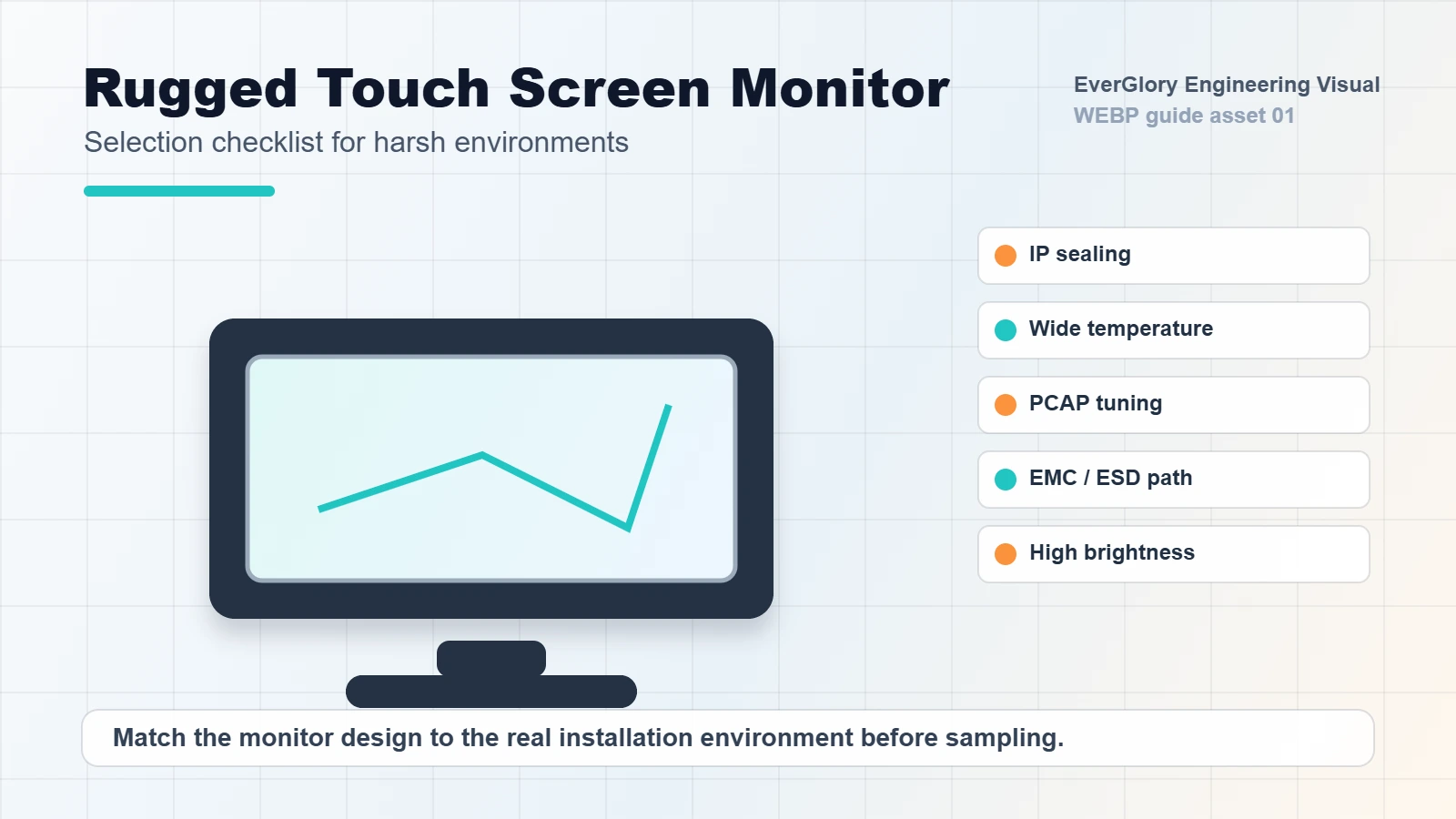
- Minimum and maximum operating temperature
- Whether low-temperature startup is required
- Front-panel or full-enclosure IP rating
- Exposure to water, condensation, oil, dust or cleaning agents
- Glove type and glove thickness
- Nearby motors, inverters, welding machines or high-power equipment
- Mounting style, cable direction and service access
- Brightness requirement and direct sunlight exposure
These points decide whether the project needs a standard industrial monitor, a wide-temperature design, optical bonding, IP65 front sealing, higher touch sensitivity, EMC reinforcement or a custom mechanical structure.
Key Specification Checklist
| Item | What to Check | Why It Matters |
|---|---|---|
| Temperature range | Operating temperature, not only storage temperature | Prevents slow response, black screen, drift and startup failure |
| IP rating | Front panel IP65 or higher when needed | Protects against dust, splashing water and moisture |
| Touch tuning | Glove touch, wet touch and false-touch rejection | Keeps operation stable in real work conditions |
| EMC/ESD design | Shielding, filtering, grounding and test reports | Reduces ghost touch, flicker and system resets |
| Brightness | Indoor, semi-outdoor or sunlight-readable level | Ensures the HMI remains readable |
| Bonding | Air bonding or optical bonding | Affects reflection, fogging, vibration resistance and cost |
| Installation | Panel mount, open frame, VESA or custom bracket | Prevents mechanical mismatch and cable stress |
Temperature and Wide-Range Reliability
Industrial screens often face high and low temperature cycles. In low temperature, LCD response can slow down, cables can become stiff and touch IC behavior may become unstable. In high temperature, brightness can drop, bonding materials can age faster and touch coordinates may drift.
For harsh sites, ask the supplier to separate operating temperature from storage temperature. A product may survive transportation at a low temperature but still fail when powered on at that temperature. For extreme cold, a heating film or low-temperature startup design may be needed. For heat-generating cabinets or steel workshop environments, thermal dissipation, metal housing and high-temperature aging validation become more important than headline brightness alone.
Glove, Wet Touch and False Touch Control
Many industrial users operate with work gloves, rubber gloves, insulated gloves or winter gloves. A normal commercial capacitive touch screen can lose sensitivity or create false touches when water is present.
A rugged monitor should be tuned around the actual use case. If the site has moisture, water droplets, oil or cleaning processes, sensitivity alone is not enough. The controller algorithm, grounding, cover glass thickness, surface coating and firmware thresholds need to work together. For food processing, self-service terminals, outdoor equipment and cold storage, test the monitor with real gloves and real water conditions before mass production.
EMC, ESD and Factory Stability
Factories are electrically noisy. Inverters, motors, relays, power supplies and long cables can cause ghost touches, flickering, communication errors or system resets. For automation equipment, EMC and ESD are not optional technical extras; they are part of normal reliability.
Buyers should ask whether the monitor design includes shielded touch signal routing, metal enclosure grounding, EMI filtering and ESD discharge paths. For project acceptance, a clear test report or validation plan is better than a general promise of "anti-interference".
Internal Links
- Industrial touch screen monitor category
- Industrial application solutions
- IP65 waterproof touch screen monitor
- Contact EverGlory
FAQ
What makes a touch monitor rugged?
Rugged performance comes from the full design: touch sensor, cover glass, sealing, housing, thermal design, EMC protection, grounding and validation testing.
Is IP65 enough for outdoor use?
IP65 front-panel protection is useful for splash and dust, but outdoor use may also require UV resistance, condensation control, connector protection and wide-temperature design.
Can a PCAP touch monitor work with gloves?
Yes, when the sensor, controller and firmware are tuned for the actual glove type and thickness. Real glove testing is recommended before mass production.
When should optical bonding be considered?
Optical bonding is valuable when the project needs better sunlight readability, lower reflection, stronger structure, less internal fogging or better vibration resistance.
Need a Project-Specific Recommendation?
EverGlory supports OEM and industrial display projects with PCAP touch panels, open-frame touch monitors, waterproof front designs, optical bonding, high-brightness LCDs and interface customization. Share the installation environment, target size, interface and protection needs, and the engineering team can help narrow the specification before sampling.

