
Quick Answer
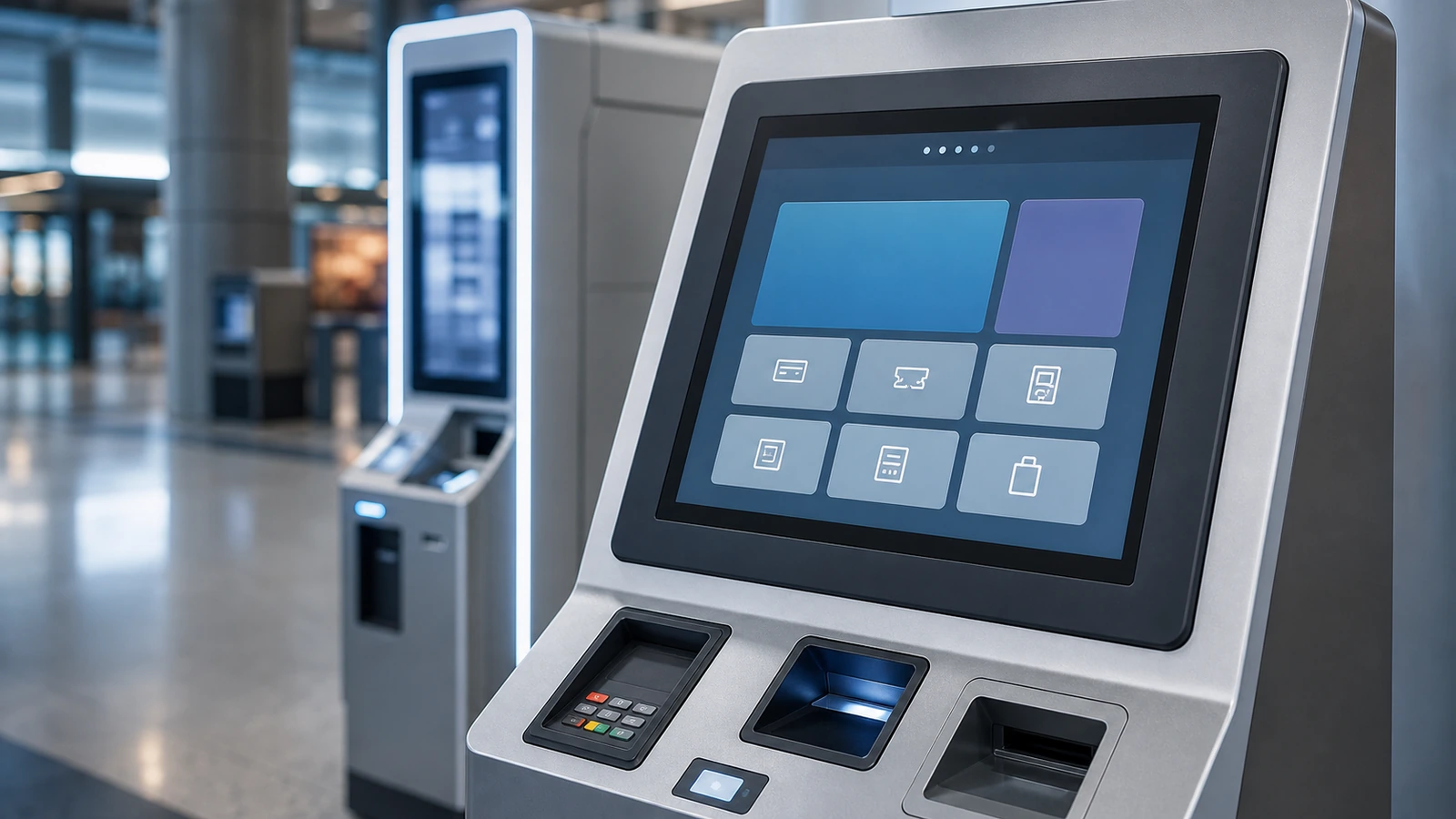
A touch screen kiosk display has to do more than look good in a product photo. In restaurants, supermarkets, vending machines, outdoor payment terminals and public self-service systems, the display is touched by many users every day. It may face wet hands, fingerprints, dust, sunlight, cleaning chemicals, long working hours and rough installation conditions.
Article Map
Key Takeaways
- Touch Screen Kiosk Display Solutions for Self-Service Terminals decisions should start from the real installation environment, not only the screen size.
- Confirm touch behavior, visibility, sealing, controller stability and mechanical fit before moving to production.
- For OEM projects, a short requirement checklist reduces redesign risk and long-term service cost.
A touch screen kiosk display has to do more than look good in a product photo. In restaurants, supermarkets, vending machines, outdoor payment terminals and public self-service systems, the display is touched by many users every day. It may face wet hands, fingerprints, dust, sunlight, cleaning chemicals, long working hours and rough installation conditions.
For OEM kiosk builders, the right display choice affects user experience, maintenance cost and long-term terminal reliability. This guide upgrades the original self-service and outdoor smart terminal materials into a practical selection framework for commercial and industrial kiosk projects.
What a Kiosk Display Must Handle
Self-service terminals are different from office touch monitors. A kiosk display is usually built into a cabinet, operated by non-technical users and expected to run for long hours with little maintenance.
Typical requirements include:
- Fast and stable touch response
- Clear visibility under store lighting or outdoor brightness
- Durable front glass for repeated public use
- Anti-fingerprint or easy-clean surface options
- Front sealing for water splash or cleaning
- Stable operation with longer cables and embedded controllers
- Mechanical fit for cabinet cutouts
- Interfaces that match the kiosk computer or controller board
For QSR ordering machines and supermarket self-checkout, speed and user comfort matter. For vending machines and outdoor terminals, durability, water resistance and sunlight readability often become more important.
Key Selection Table
| Kiosk Scenario | Main Risk | Recommended Display Design |
|---|---|---|
| QSR ordering kiosk | Fingerprints, fast public interaction | PCAP touch, easy-clean glass, stable 10-point touch |
| Supermarket self-checkout | Wet hands, cleaning, heavy use | IP65 front panel, anti-fingerprint coating, rugged housing |
| Vending machine | Outdoor/semi-outdoor exposure | High brightness, sealed front, wide-temperature parts |
| Payment terminal | Long daily operation and security | Durable glass, stable controller, reliable grounding |
| Outdoor smart terminal | Rain, sunlight, dust, temperature | Sunlight-readable LCD, optical bonding, IP design |
Touch Technology for Kiosk Use
PCAP touch is commonly used in modern kiosks because it supports a flat front glass design, multi-touch, good durability and a clean appearance. However, kiosk projects should not only ask for "capacitive touch". They should confirm cover glass thickness, controller type, glove or wet touch behavior and anti-interference performance.
For public-use terminals, false touches can be just as harmful as missed touches. Water droplets, palm contact, dirt and poor grounding can create unstable operation. Good firmware tuning and proper grounding should be part of the integration plan.
Visibility, Glass and Surface Treatment
A kiosk display must remain readable in its real environment. Indoor retail kiosks may need moderate brightness and anti-fingerprint glass. Outdoor kiosks or bright-window locations may require higher brightness, AG glass, AR coating or optical bonding.
Surface options should be selected according to use:
- AG glass reduces glare.
- AF coating helps reduce fingerprints.
- AR coating improves light transmission.
- Tempered cover glass improves front durability.
- Optical bonding helps outdoor readability and reduces internal reflection.
The best design is not always the most expensive design. For indoor QSR ordering, a clean front surface and reliable PCAP touch may be enough. For outdoor vending, brightness, sealing and temperature range deserve more budget.
Mechanical and Integration Details
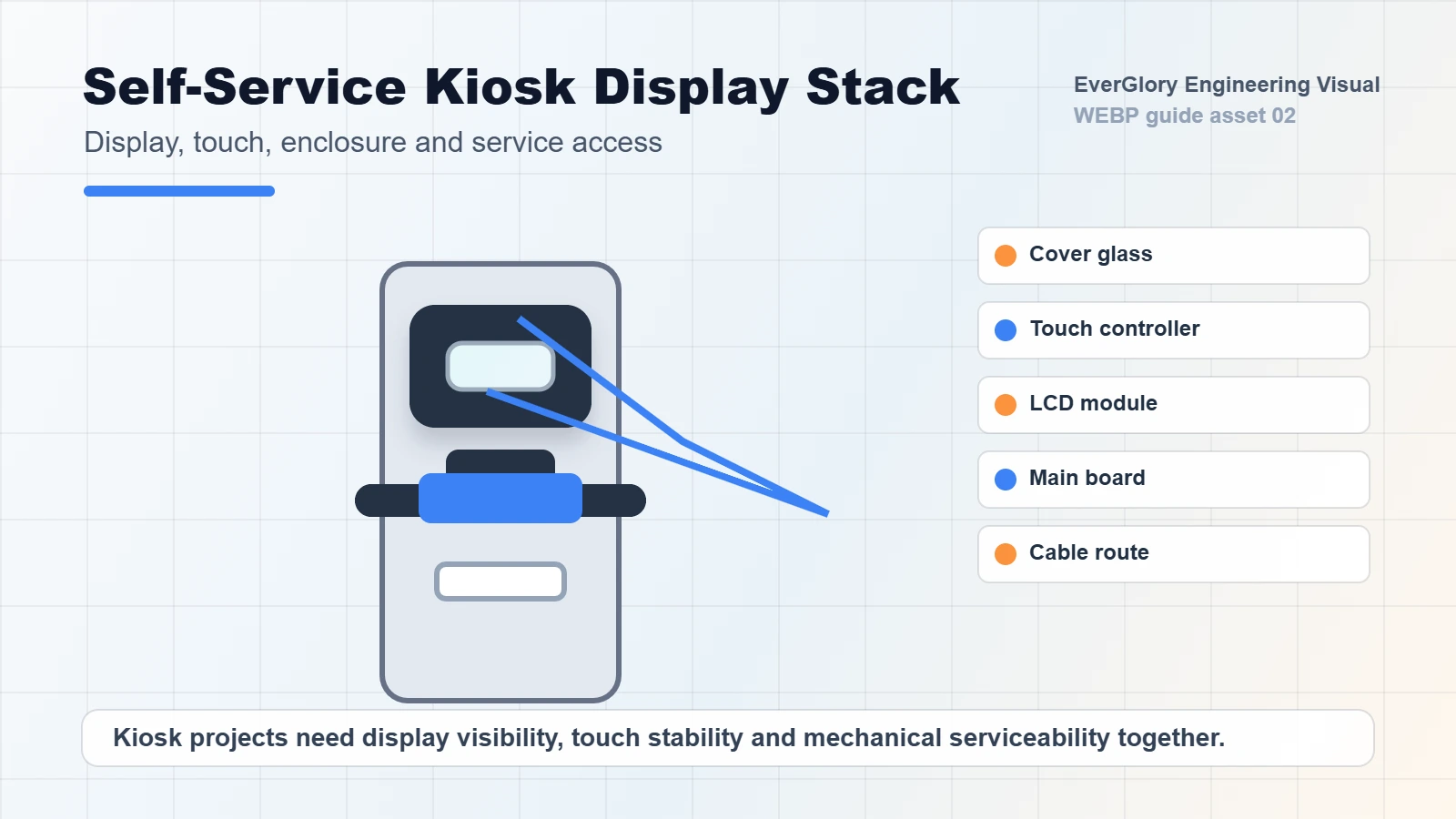
Many kiosk problems come from integration rather than the display itself. The display must fit the cabinet, cable path and service process.
Check these points before production:
- Mounting style and screw position
- Bezel or open-frame structure
- Cable outlet direction
- USB, HDMI, LVDS, eDP or other interface needs
- Distance between touch controller and host PC
- Heat dissipation inside the cabinet
- Access for replacement or field maintenance
For outdoor kiosks, connector protection and drainage design should be reviewed together with the display supplier and cabinet supplier.
Internal Links
- Self-service terminal solutions
- Touch screen monitor category
- Touch display module category
- Contact EverGlory
FAQ
What size touch screen kiosk display is common?
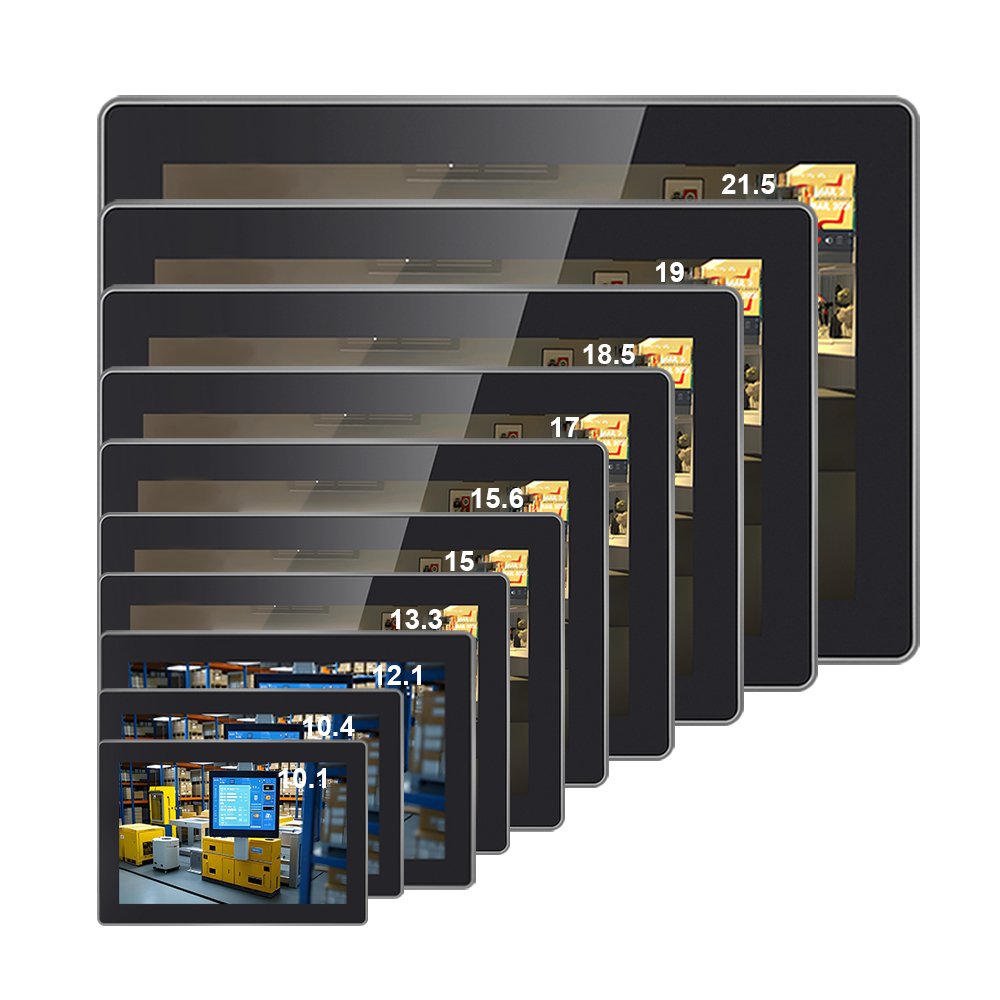
Common sizes include 10.1, 15.6, 21.5, 27 and 32 inches, but the right size depends on cabinet structure, user distance, software layout and mounting method.
Should a kiosk display use PCAP touch?
PCAP is a strong choice for most modern kiosks because it supports flat glass, multi-touch and durable public interaction. Special use cases may require different touch structures.
Does every kiosk need IP65?
Not every kiosk needs IP65, but food retail, washdown, outdoor and semi-outdoor terminals often benefit from at least sealed front-panel design.
What should I send for a kiosk display quotation?
Share size, brightness, touch type, interface, mounting drawing, environment, front protection requirement and expected order quantity.
Need a Project-Specific Recommendation?
EverGlory supports OEM and industrial display projects with PCAP touch panels, open-frame touch monitors, waterproof front designs, optical bonding, high-brightness LCDs and interface customization. Share the installation environment, target size, interface and protection needs, and the engineering team can help narrow the specification before sampling.

