

Quick Answer
A medical touch screen monitor design guide should be careful, specific and engineering-focused. Medical equipment touch interfaces often face repeated cleaning, glove operation, liquid exposure, strict reliability expectations and sensitive electronic environments. The goal is not only to make a display work, but to help the final device remain stable, readable and easy to operate.
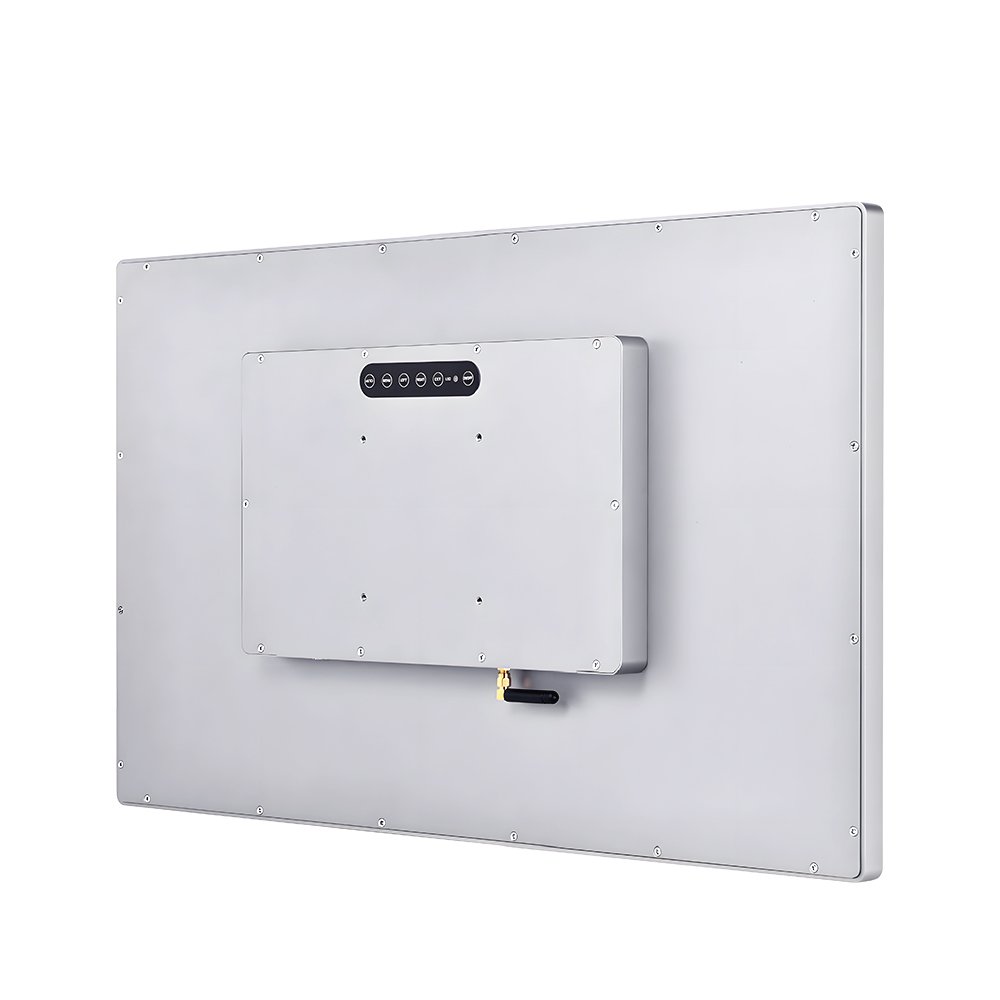
For medical equipment that needs embedded computing, compare Ever Glory’s industrial touch panel PC options; for display-only interfaces, see the industrial touch screen monitor options.
Article Map
Key Takeaways
- Medical Touch Screen Monitor Design decisions should start from the real installation environment, not only the screen size.
- Confirm touch behavior, visibility, sealing, controller stability and mechanical fit before moving to production.
- For OEM projects, a short requirement checklist reduces redesign risk and long-term service cost.
A medical touch screen monitor design guide should be careful, specific and engineering-focused. Medical equipment touch interfaces often face repeated cleaning, glove operation, liquid exposure, strict reliability expectations and sensitive electronic environments. The goal is not only to make a display work, but to help the final device remain stable, readable and easy to operate.
This upgraded article combines local materials about antimicrobial coating, medical glove and liquid touch, EMC/ESD, Gamma and color adjustment, IVD equipment and optical bonding in medical displays. It avoids unsupported certification claims and focuses on design considerations buyers can verify.
Medical Touch Interfaces Have Different Risks
Compared with ordinary commercial touch screens, medical displays may need to handle:
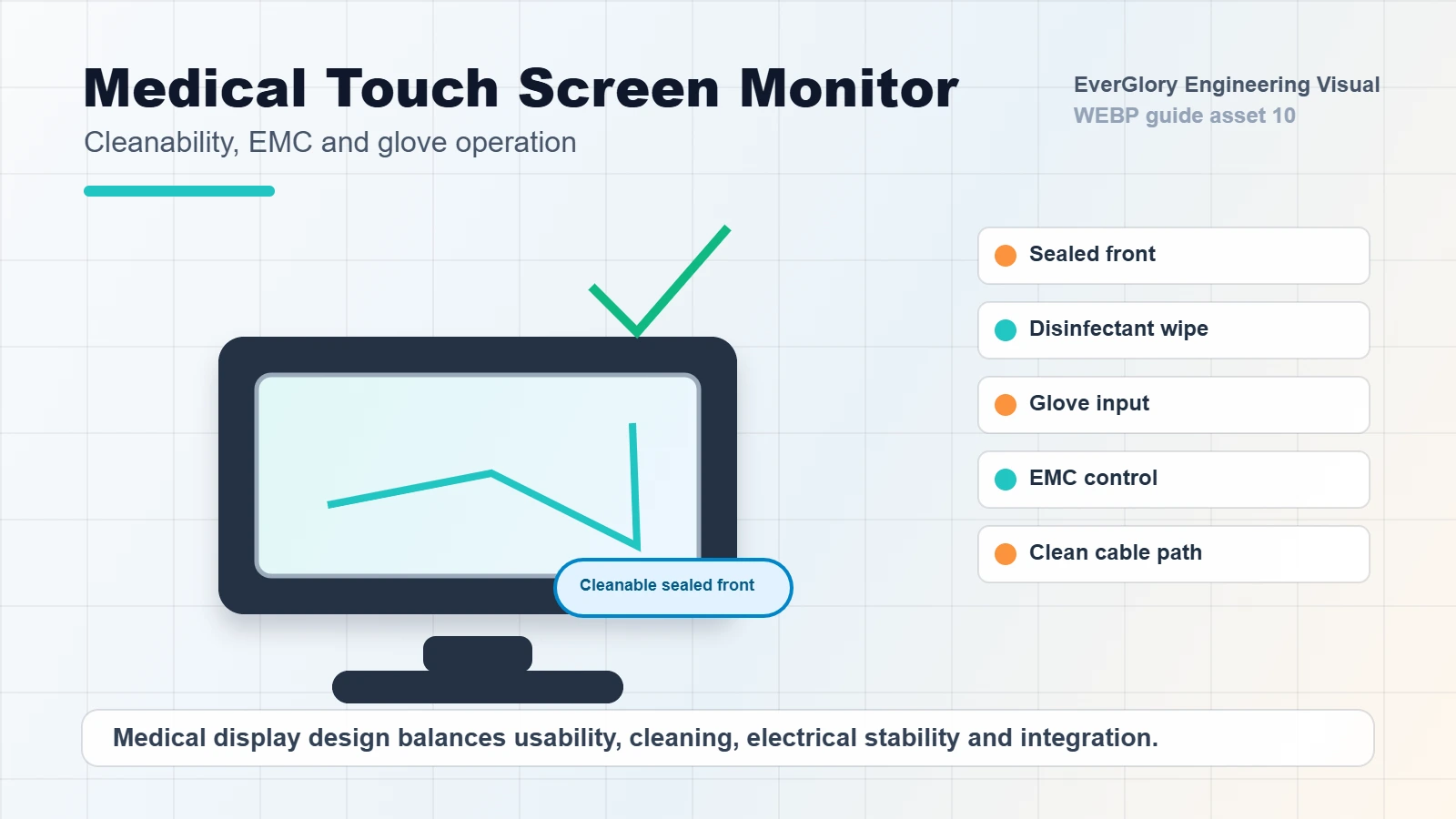
- Frequent cleaning and disinfectant contact
- Operators wearing medical gloves
- Liquid droplets on the screen
- Stable touch response during long shifts
- Display clarity for observation or control
- EMC/ESD behavior near sensitive equipment
- Fanless or low-noise integration
- Long-term product support and repeatable production
The design should be evaluated around the final device and cleaning process, not only around the touch panel specification.
Design Checklist
| Design Area | What to Review | Why It Matters |
|---|---|---|
| Cover glass | Strength, coating and cleanability | Supports repeated wipe-down and front durability |
| Touch tuning | Medical glove and liquid touch | Prevents missed input and false touch |
| EMC/ESD | Grounding, shielding and test planning | Reduces interference and static-related failures |
| Optical stack | Bonding, visibility and fogging risk | Improves readability and structure |
| Display tuning | Brightness, color and Gamma options | Supports consistent visual output |
| Mechanical integration | Sealing, mounting and cable routing | Reduces field assembly and service risk |
Glove Touch and Liquid Control
Medical users often operate touch screens with gloves. The screen may also be cleaned frequently or exposed to droplets. The touch system should be tuned to recognize intended touch while rejecting accidental water or palm contact.
For PCAP touch, this means selecting the right controller, sensor, cover glass thickness and grounding structure. The final device should be tested with the actual gloves and cleaning process used in the target environment.
EMC, ESD and System Stability
Medical touch displays are often integrated into electronic systems where stability matters. EMC and ESD design should be considered early, not added after problems appear. Poor design may cause touch drift, display flicker, temporary freezes or communication errors.
Buyers should ask for a validation plan that fits their device environment. The supplier should be able to discuss grounding, shielding, power filtering and cable routing in practical terms.
Display Quality and Optical Bonding
Some medical displays need consistent brightness, color and viewing angle. For imaging-adjacent or observation-related interfaces, Gamma and color adjustment may be part of the project discussion. Optical bonding can help improve readability, reduce internal reflection and strengthen the module, especially when the front surface is cleaned frequently.
However, every claim should be verified against project requirements. A touch display supplier should not make unsupported medical certification promises without the required test scope.
Internal Links
- Medical touch screen solutions
- Touch display module category
- Capacitive touch panel category
- Contact EverGlory
FAQ
What matters most in a medical touch display?
Cleanability, glove touch, liquid rejection, EMC/ESD stability, readability and reliable integration are all important.
Can PCAP touch screens work with medical gloves?
Yes, when controller tuning, glass thickness and grounding are designed for the actual glove type and use condition.
Is antimicrobial coating always required?
Not always. It depends on device use, cleaning process and project requirements. Coating claims should be verified carefully.
Why is EMC important for medical touch monitors?
Poor EMC design can lead to touch instability, flicker, communication problems or system-level reliability issues.
Need a Project-Specific Recommendation?
EverGlory supports OEM and industrial display projects with PCAP touch panels, open-frame touch monitors, waterproof front designs, optical bonding, high-brightness LCDs and interface customization. Share the installation environment, target size, interface and protection needs, and the engineering team can help narrow the specification before sampling.

