
Kiosk Touch Screen Selection
Self-service kiosks are used for ordering, ticketing, payment, parking, vending, ATM service, parcel pickup and public information. In each case, the touch screen is the user’s first contact with the machine. If the touch response is slow, the display is unreadable, or the glass fails after months of public use, the whole system feels unreliable.
This guide converts common product feature claims into practical engineering selection points for kiosk manufacturers, integrators and buyers.
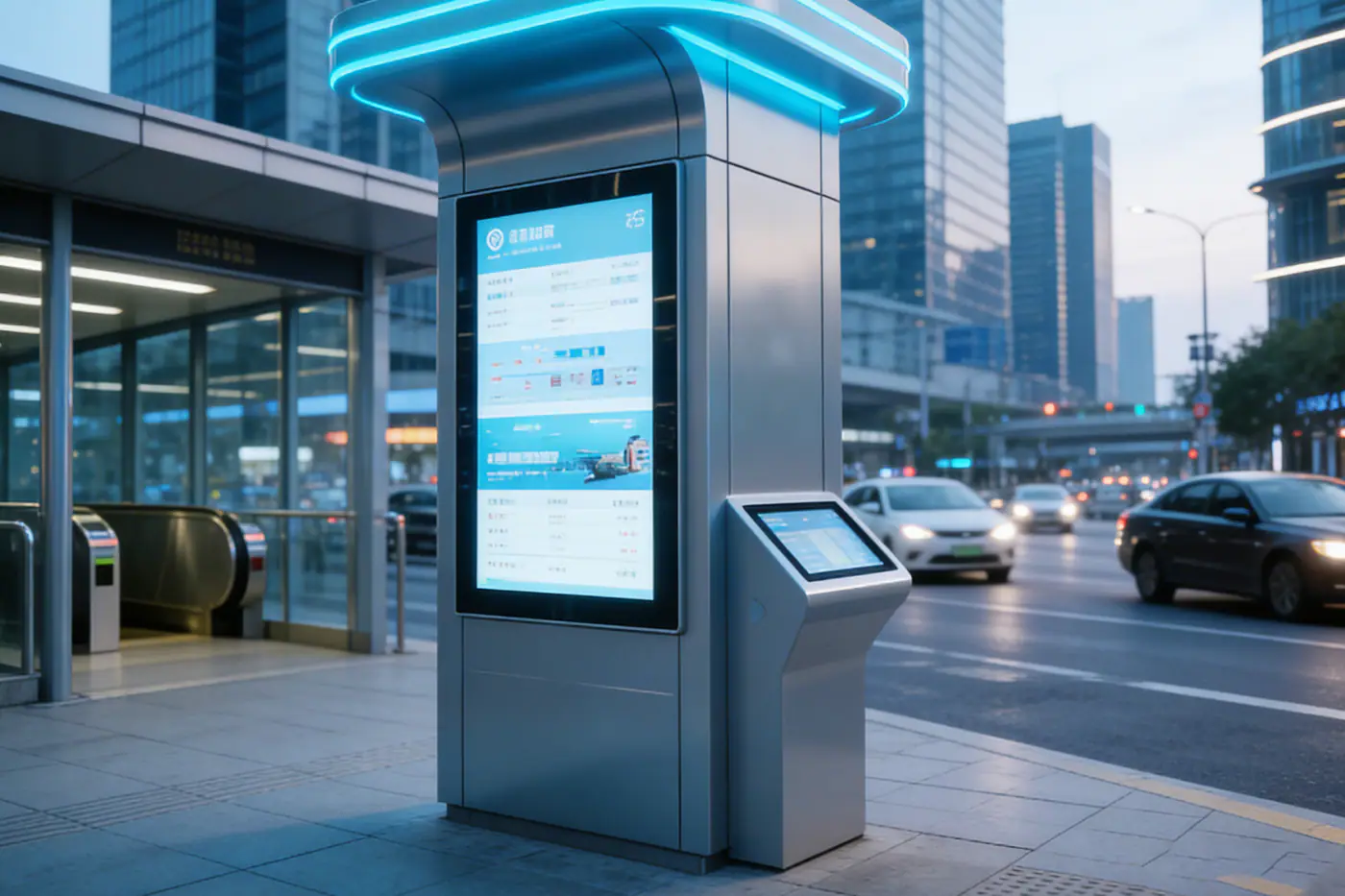
1. Touch Sensitivity Should Match Real Users
Kiosk users expect the screen to respond immediately. They may be in a hurry, holding a phone, wearing gloves, standing in bright light, or using the machine for the first time. A good kiosk touch screen should detect intentional touches accurately without creating false input from water, noise or accidental contact.
- For indoor ordering and ticketing, fast bare-finger response and stable multi-touch are important.
- For outdoor payment and transit kiosks, wet-touch and glove-touch tuning may be needed.
- For thick cover glass or vandal-resistant fronts, controller tuning becomes more important.
2. Interference Resistance Prevents Field Complaints
Self-service equipment often combines displays, power supplies, printers, barcode scanners, payment terminals, motors, cameras and network modules. These components can introduce electrical noise. Outdoor installations add more risk from long cables, grounding differences, EV charging power electronics and unstable power environments.
Interference resistance should be checked through the final system, not only the touch panel sample. The most useful questions are: Does the touch remain stable when the printer starts? Does it drift when the charging system is active? Does rain on the surface create false touches? Does the controller recover after ESD events?
3. Durability Is More Than Glass Hardness
Durability includes cover glass, bonding, edge support, enclosure stiffness, cable strain relief and long-term touch performance. A kiosk installed in a shopping mall has different risks from a parking payment terminal, street vending machine or outdoor ticketing kiosk.
| Feature | What to Check | Why It Matters |
|---|---|---|
| Cover glass | Thickness, strengthening method, edge processing and impact requirement | Protects the display and reduces public-use damage. |
| Surface treatment | AG, AR, AF, anti-scratch and cleaning compatibility | Improves readability and reduces visible wear. |
| Bonding | Air bonding or optical bonding based on sunlight and mechanical needs | Affects reflection, durability and service strategy. |
| Cable design | FPC route, connector locking and strain relief | Prevents assembly and maintenance failures. |
4. Brightness and Contrast Decide Whether Users Can Finish the Task
Outdoor kiosks and semi-outdoor terminals need displays that remain readable in strong ambient light. Brightness alone is not the full answer. A glossy front surface can make a bright display difficult to read, while a well-treated cover glass and optical bonding can improve contrast without simply increasing backlight power.
For outdoor kiosks, define the brightness target together with installation angle, expected sunlight, thermal path and UI color contrast. A screen that looks excellent indoors may fail in a parking lot at noon.
5. Multi-Touch Should Serve the Interface
Multi-touch is useful when the software uses gestures, map navigation, image zooming or smartphone-like interactions. For payment, ticketing and vending workflows, simple stable single-touch may be more important than high touch-point count. The best choice depends on the user interface, not the highest specification printed on a datasheet.
6. Match the Touch Screen to the Kiosk Type
| Kiosk Type | Priority Features | Recommended Direction |
|---|---|---|
| Food ordering kiosk | Fast response, fingerprint control, easy cleaning | PCAP touch, AF surface option, durable cover glass |
| Ticket vending machine | High traffic, fast selection, anti-glare readability | Responsive PCAP, AG/AR glass, reinforced front |
| Parking payment terminal | Outdoor light, rain, payment reliability | High brightness, wet-touch tuning, IP-rated front |
| ATM or financial terminal | Security, public impact, long-term stability | Strong cover glass, stable EMI design, controlled serviceability |
| Outdoor vending machine | Cost balance, sunlight, water, repeated use | Sunlight-readable display, sealed front, practical durability |
7. Questions to Ask Before Ordering Samples
- Will the kiosk be indoor, semi-outdoor or fully outdoor?
- What screen size, aspect ratio and mounting method are required?
- Does the user need glove-touch, wet-touch or stylus support?
- Will the screen face direct sunlight or only bright ambient light?
- What interface is needed: USB, I2C, HDMI, LVDS, eDP or a custom cable?
- What cleaning chemicals or operating environment will the front glass face?
- What service life and spare-part availability are expected?
Specify a Kiosk Touch Screen with Less Guesswork
EverGlory can help match PCAP touch panels, touch display modules or industrial touch monitors to your kiosk environment, software workflow, enclosure and production plan.
FAQ
What touch technology is best for self-service kiosks?
PCAP touch is widely used because it supports a clean glass front, fast response and multi-touch. The final choice should consider cover glass thickness, wet-touch needs, glove operation and cost.
Do all kiosks need high-brightness displays?
No. Indoor kiosks may not need high brightness. Outdoor and semi-outdoor kiosks usually need higher brightness, better contrast and anti-glare treatment for readability.
How can a kiosk touch screen avoid false touches?
False touches can be reduced through controller firmware tuning, stable grounding, wet-touch filtering, good cable routing and testing with the final enclosure.
Is optical bonding required for kiosk displays?
Optical bonding is useful for outdoor readability and stronger front-stack performance, but it is not mandatory for every kiosk. It should be chosen based on sunlight, durability and service requirements.
Related links: custom PCAP touch panels, touch display modules, self-service terminal solutions.

