
Engineering-led industrial product selection
Industrial Touch Screens for HMI and Automation
Select the correct integration level before prototype build, then control the mechanical stack, touch behavior, display, interfaces and verification plan through one OEM engineering workflow.
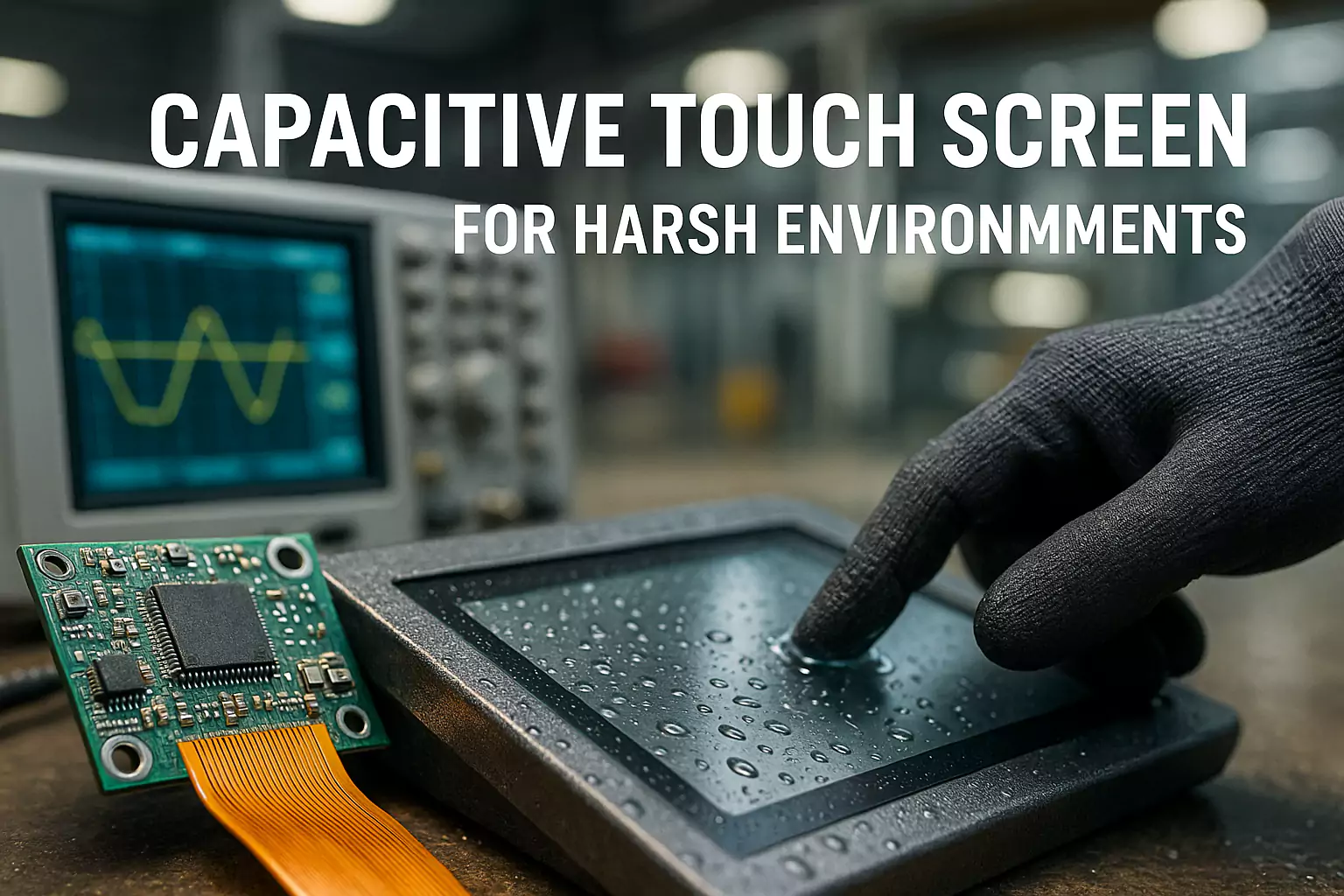
Choose the integration boundary
Four product paths for industrial equipment
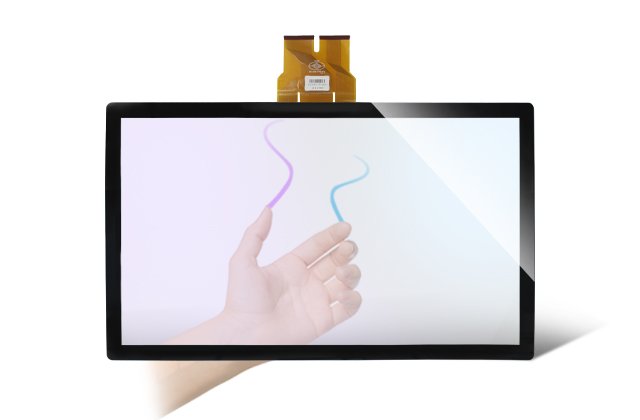
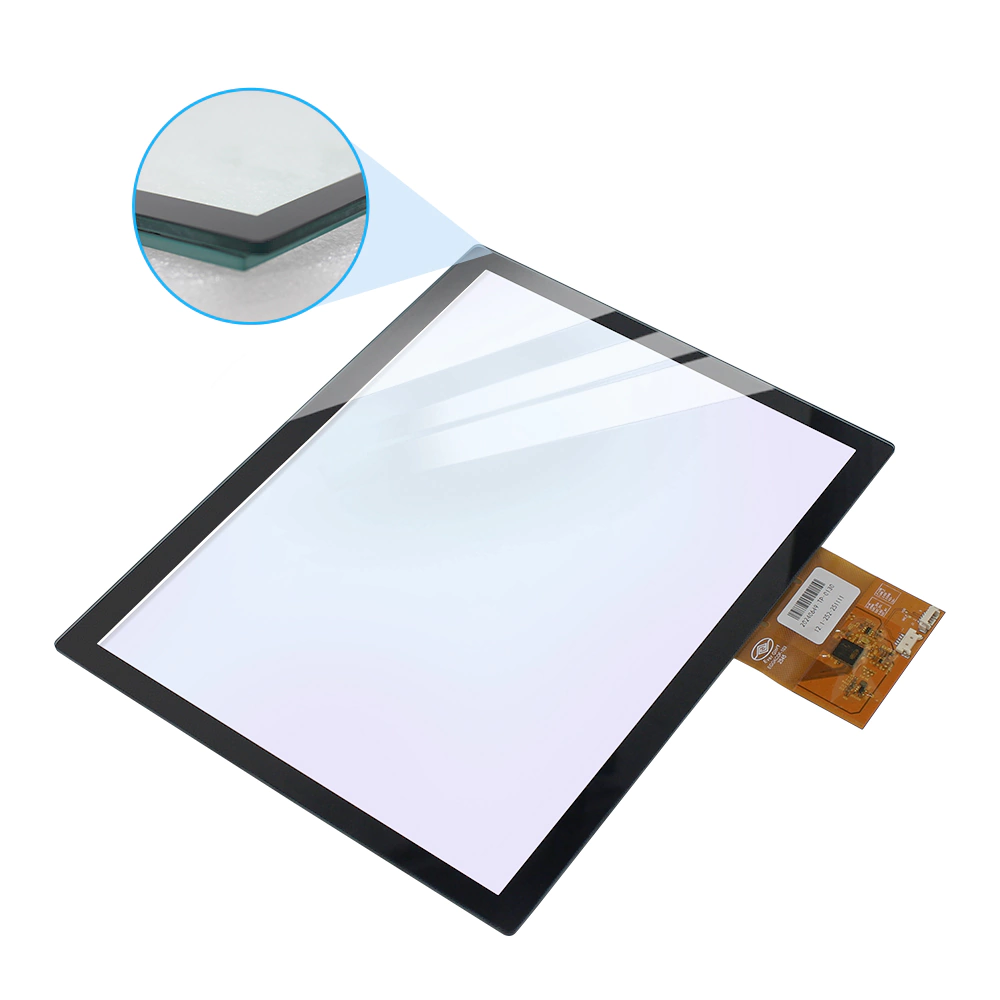
Custom PCAP touch panel
For OEMs that control the LCD, enclosure and system electronics and need a defined cover-glass, sensor, FPC and controller solution.
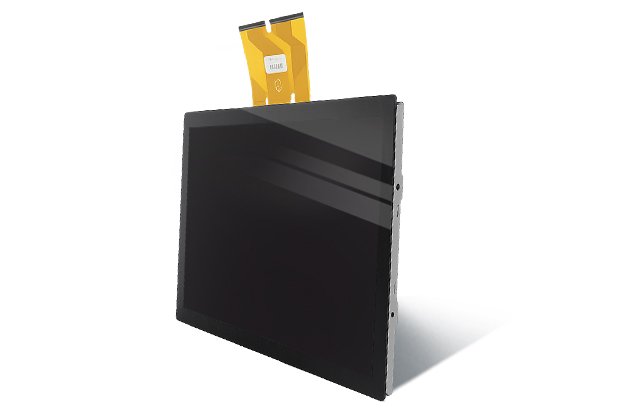
Touch display module
For projects that need an LCD and PCAP touch stack with a controlled mechanical and optical interface.
Industrial touch monitor
For equipment using video and touch interfaces with project-defined mounting, front treatment, brightness and enclosure requirements.
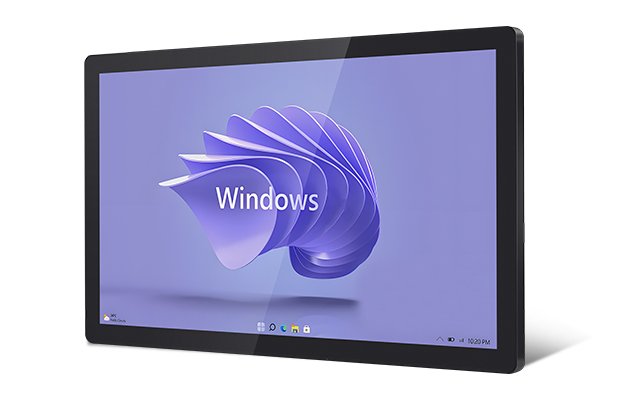
Industrial panel PC
For HMI terminals that combine display, touch, computing, I/O and enclosure decisions in one configured system.
Design inputs
Define conditions before choosing specifications
- Viewing area, active area, outline and mounting datum
- Cover-glass material, thickness, edge and surface treatment
- LCD size, resolution, brightness, viewing angle and interface
- Touch interface, controller, FPC or cable route and grounding
- Glove, wet-touch, stylus and user-interaction requirements
- Temperature, humidity, vibration, cleaning and electrical-noise environment
- Target compliance market and required evidence package
Engineering rule: options such as glove touch, wet touch, high brightness, front sealing and wide temperature are configuration-dependent. They are not automatic properties of every model.
Validation loop
From requirement review to controlled production
Requirements
Collect drawing, interface, environment and acceptance targets.
DFM
Review stack-up, tolerances, cable exit, mounting and service needs.
Definition
Freeze the proposed display, touch, controller and mechanical configuration.
Prototype
Build an identified sample revision and record settings.
Validation
Evaluate the sample under agreed conditions and close findings.
Handover
Release drawing, BOM, control plan, inspection items and change process.
Evidence-led sourcing
Documents procurement should request
| Document | Purpose | Acceptance gate |
|---|---|---|
| Approved specification and drawing | Defines the commercial and technical baseline. | Revision agreed before sample or order. |
| Prototype verification record | Links observations to sample configuration and conditions. | Issues assigned and closed before the next build. |
| Compliance applicability matrix | Maps requested standards to available documents. | Model and report scope confirmed. |
| Production control and traceability plan | Defines incoming, in-process, outgoing and change controls. | Released before pilot or mass-production discussion. |
Common engineering questions
Frequently asked questions
Which product level should an industrial HMI project start with?
Start with the integration boundary. Choose a PCAP touch panel when the customer controls the LCD and mechanics, a touch display module when a combined LCD and touch stack is needed, a monitor for standard video and touch interfaces, or a panel PC when computing is included.
Can wet or glove touch be guaranteed from a generic product statement?
No. The glove material and thickness, water condition, cover-glass stack, grounding, controller and installed system must be defined and evaluated together.
How is EMC risk handled?
EverGlory can review grounding, cable routing, controller configuration and installed-system behavior. A compliance statement requires the applicable record or third-party report for the defined configuration.
What should be sent for an engineering quotation?
Send the drawing, active area, display requirement, interfaces, installation, environment, touch conditions, required standards and estimated sample or production stage.
Choose the correct industrial integration level
Send the application, drawing, display requirement, interfaces, installation, operating environment and project stage. EverGlory will recommend the appropriate panel, module, monitor or panel-PC path.
Supplier-qualification evidence
Evidence available for an industrial HMI RFQ
The evidence package is built around the selected product level and exact electrical and mechanical configuration.
PCAP touch panel
- CE EMC attestation AOC2502T60408E-02
- RoHS report 2502T60409E
- WI-QC-015-001 production control route
Touch-display module
- CE EMC attestation AOC2502T60410E-02
- RoHS 2502W60411E and REACH DG3240326-15563E
- Optical-bonding control route where applicable
Industrial monitor or panel PC
- Monitor FCC report 2502Z30476E-00
- Monitor and panel-PC CE/REACH files
- Installed-system validation defined by the final configuration
Authority signal: ISO 9001, ISO 14001 and IATF 16949 management-system evidence is supported by a Dongguan register snapshot of 32 active granted patent records. Neither the certificates nor the patents replace model-specific test evidence.
Related evidence
Engineering evidence for industrial HMI projects
Move from application requirements to a model-specific product, validation plan and controlled evidence package.
Industrial HMI engineering example
Review mechanical, touch and electrical integration decisions.
Quality and testing
Define conditions, acceptance limits and evidence type.
Certifications and compliance
Check product, model, scope and document status.
OEM and ODM workflow
Plan drawings, samples, validation gates and production release.
Related products
Product routes for this application
Use these product families as engineering starting points. The quoted model, interface, optical stack, enclosure and validation plan remain project-specific.
Projected capacitive touch panel
A PCAP route for enclosure-level HMI integration.
18.5-inch touch display module
A display-module route for embedded industrial equipment.
21.5-inch embedded touch monitor
A monitor route for panel and equipment integration.
IP67 industrial panel PC
A computing route for sealed industrial installations.