
Industrial display series
YW02 SeriesIndustrial Touchscreen Monitors
Compare nine YW02 capacitive touchscreen monitors from 13.3 to 32 inches, then confirm the model, power input and mounting requirements.
External computer required · HDMI/VGA video · USB touch · DC 12 V on 13.3–27-inch models; AC 220 V on 32-inch model

Find your configuration
One series. Your screen size.
Select a size to see its exact model and key specifications.
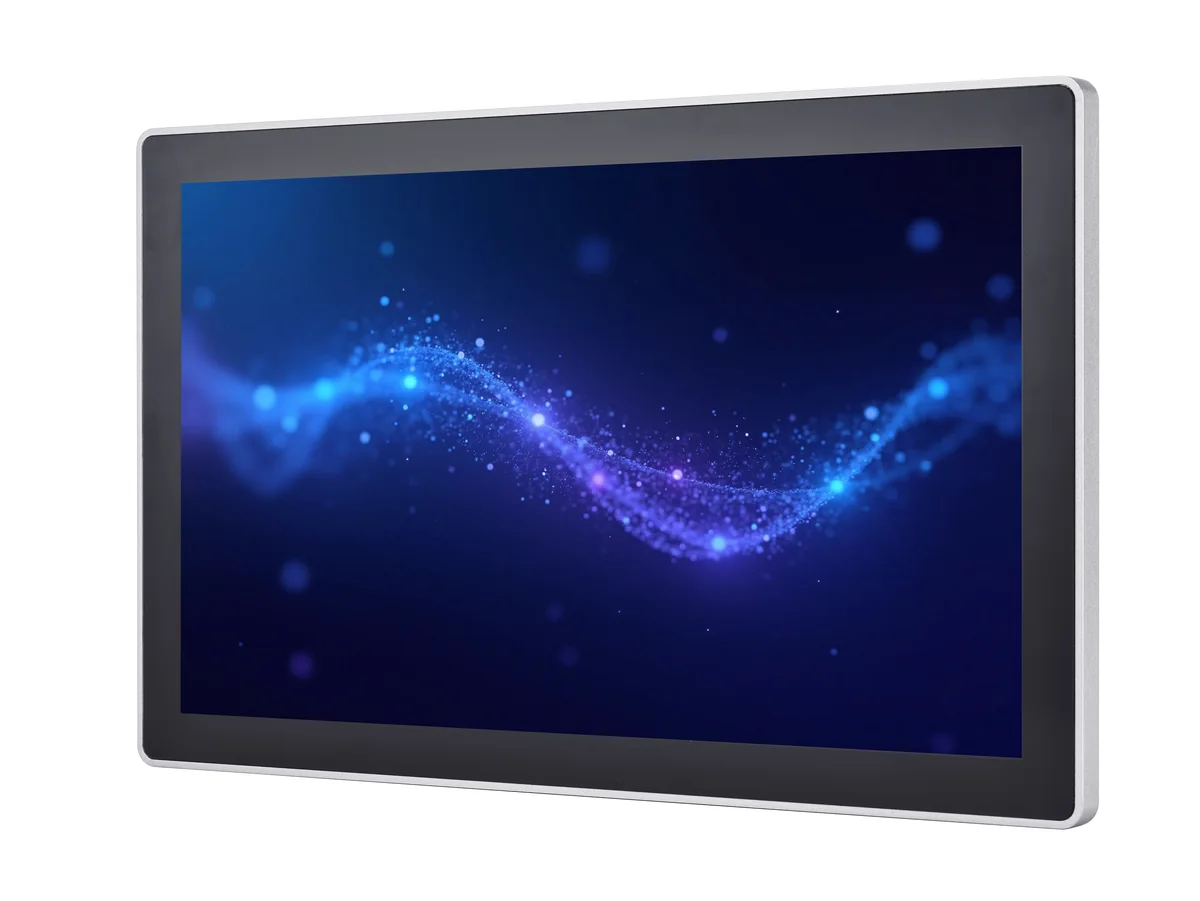
YL-GZYW02Q215TC-V1
21.5-inch touchscreen monitor
16:9 · 1920 × 1080 · Capacitive touch
- Resolution
- 1920 × 1080
- Brightness
- 500 cd/m²
- Operating temperature
- 0 to 50 °C
- Video inputs
- HDMI + VGA
- Power input
- DC 12 V · DC 5521
- VESA mounting
- 100 × 100 mm
Overall dimensions: request the model-specific released drawing.
Series lineup
The details that decide the fit.
Compare nine documented YW02 monitor models. Brightness, temperature, power and supply values apply to the model in each column.
| Choose your size | 13.3″16:9 | 15.6″16:9 | 17″5:4 | 18.5″16:9 | 19″5:4 | 21.5″16:9 | 23.8″16:9 | 27″16:9 | 32″16:9 |
|---|---|---|---|---|---|---|---|---|---|
| Part number | YL-GZYW02Q133TC-V1 | YL-GZYW02Q156TC-V1 | YL-GZYW02Q170TC-V1 | YL-GZYW02Q185TC-V1 | YL-GZYW02Q190TC-V1 | YL-GZYW02Q215TC-V1 | YL-GZYW02Q238TC-V1 | YL-GZYW02Q270TC-V1† | YL-GZYW02Q320TC-V1 |
| Resolution (pixels) | 1920 × 1080 | 1920 × 1080 | 1280 × 1024 | 1920 × 1080 | 1280 × 1024 | 1920 × 1080 | 1920 × 1080 | 1920 × 1080 | 1920 × 1080 |
| Brightness | 280 cd/m² | 280 cd/m² | 250 cd/m² | 350 cd/m² | 250 cd/m² | 500 cd/m² | 250 cd/m² | 300 cd/m² | 250 cd/m² |
| Operating temperature | -10 to 50 °C | 0 to 50 °C | -5 to 60 °C | -20 to 70 °C | 0 to 50 °C | 0 to 50 °C | 0 to 50 °C | 0 to 50 °C | 0 to 50 °C |
| Operating power | Pmax=15W | Pmax=20W | Pmax=20W | Pmax=30W | Pmax=25W | Pmax=30W | Pmax=25W | Pmax=30W | Pmax=60W |
| Power input | DC 12 V · DC 5521 | DC 12 V · DC 5521 | DC 12 V · DC 5521 | DC 12 V · DC 5521 | DC 12 V · DC 5521 | DC 12 V · DC 5521 | DC 12 V · DC 5521 | DC 12 V · DC 5521 | AC 220 V |
| Overall dimensions | Request drawing | Request drawing | Request drawing | Request drawing | Request drawing | Request drawing | Request drawing | Request drawing | Request drawing |
| Model details |
Scroll horizontally to compare every size. The supplied model specifications state capacitive touch, USB touch communication, HDMI + VGA and VESA 100 × 100 mm. The 32-inch model uses AC 220 V; the other eight list DC 12 V.
Additional display and environmental specifications
| Specification | 13.3″16:9 | 15.6″16:9 | 17″5:4 | 18.5″16:9 | 19″5:4 | 21.5″16:9 | 23.8″16:9 | 27″16:9 | 32″16:9 |
|---|---|---|---|---|---|---|---|---|---|
| Contrast ratio | 800:1 | 800:1 | 1000:1 | 1000:1 | 1000:1 | 1000:1 | 1000:1 | 1000:1 | 1000:1 |
| LCD response time | 30 ms | 25 ms | 20 ms | 14 ms | 14 ms | 14 ms | 14 ms | 14 ms | 14 ms |
| MTBF (specified) | 30000 h | 30000 h | 30000 h | 50000 h | 30000 h | 30000 h | 30000 h | 30000 h | 30000 h |
| Storage temperature | -10 to 60 °C | -10 to 60 °C | -20 to 60 °C | -20 to 70 °C | -20 to 60 °C | -20 to 60 °C | -20 to 60 °C | -20 to 60 °C | -20 to 60 °C |
The supplied model specifications state touch response ≤ 5 ms, Mohs 7 surface hardness and 10–90% RH. Display color, viewing angle, response time and MTBF vary by model; MTBF is a specification value, not a warranty period.
Technical basis: nine model-specific YW02 touchscreen-monitor specifications. English compilation prepared 28 September 2026. View the technical datasheet.
Integration, considered
A familiar connection.
A size that fits.
Choose the monitor to suit your external computer, user interface layout, and available installation space.
Application fit
One monitor platform. Multiple interface environments.
YW02 touchscreen monitors combine PCAP touch, HDMI/VGA video input, USB touch communication and multiple screen sizes for integration with an external host computer. Select the model according to screen size, installation space, operating environment and system requirements.
Industrial Control Displays
For machine interfaces, production equipment, control stations and industrial visualization systems that use an external industrial PC, controller or host computer.
HMI & Human-Machine Interfaces
For operator terminals, equipment control interfaces and interactive systems that require PCAP touch with standard HDMI/VGA video and USB touch connectivity.
Medical Equipment Interfaces
For integration into medical-equipment user interfaces where the selected display configuration is evaluated and validated as part of the complete equipment system.
Medical certification and regulatory compliance are system- and project-specific and are not implied by the YW02 monitor specification alone.
Commercial Interactive Displays
For information terminals, service counters, indoor kiosks and other commercial interactive systems requiring an external-host touchscreen interface.
Application suitability depends on the selected YW02 model, operating environment, host system, mounting method and project-specific compliance requirements.
Connect your existing host
Use HDMI or VGA for video and USB for touch. The YW02 TC products on this page are monitors designed to work with an external computer.
Need computing built in? Explore touch panel PCs.
Plan around standard mounting
Every listed model specifies a 100 × 100 mm VESA pattern. Match the bracket, fasteners, cable clearance and mounting surface to your selected monitor.
Aluminum profile and sheet-metal construction.
Match your interface format
Choose 5:4 at 1280 × 1024 for 17 and 19 inches. The 13.3-, 15.6-, 18.5-, 21.5-, 23.8-, 27- and 32-inch models use 16:9 at 1920 × 1080.
Check software layout and native resolution before selecting a size.
Three connections, clearly defined
Video. Touch. Power.
A functional connection guide for all nine documented TC monitor models.
Check host compatibility before the sample build.
The model specifications describe USB touch as driver-free. Share the host operating system and version, video output, required touch behavior and installation orientation for a configuration review.
OS-specific validation, simultaneous touch-point count and net weight are not specified in the supplied TC documents. Any driver or tuning utility must match the fitted controller.
Mechanical fit
Start with the enclosure dimensions.
Released enclosure dimensions are not established for publication. Request the approved drawing before fixing an installation, bracket or panel cutout.
Request a mechanical drawing| Size | Mechanical information |
|---|---|
| 13.3″ | Request dimensions and approved drawing |
| 15.6″ | Request dimensions and approved drawing |
| 17″ | Request dimensions and approved drawing |
| 18.5″ | Request dimensions and approved drawing |
| 19″ | Request dimensions and approved drawing |
| 21.5″ | Request dimensions and approved drawing |
| 23.8″ | Request dimensions and approved drawing |
| 27″ | Request dimensions and approved drawing |
| 32″ | Request dimensions and approved drawing |
All sizes: request the model-specific released drawing. VESA spacing is not a panel cutout.
The supplied YW02 model specifications do not state an IP protection rating. Share the actual water, dust, temperature and ambient-light conditions so the correct series and configuration can be reviewed.
Quality & testing
See the process.
Define the evidence.
EverGlory’s published factory material shows powered aging and ESD engineering checks. Plan YW02 validation around the exact sample and your operating conditions.

These images and videos document company capabilities. They do not establish a YW02 test pass or certification. Request the applicable report, model coverage and test conditions for your selected configuration.
Explore quality & testingIdentify the sample
Confirm the exact part number, hardware revision, host, cables, mounting and grounding arrangement.
Agree the checks
Define display and touch checks, environmental conditions, aging duration and any EMC work required by the application.
Review the record
Match the report’s sample identity, method, acceptance criteria and observations to the configuration you intend to order.
Production quality & traceability
Connect the approved build
to the delivered product.
For a YW02 project, agree the released configuration, inspection records and identification requirements before pilot production.
- Release the configurationConfirm the drawing, parts configuration and revision to be used for the build.
- Check the first article & processAgree first-article inspection (FAI) and in-process quality control (IPQC) checkpoints.
- Review outgoing qualityDefine outgoing quality control (OQC), identification and required shipment records.
- Control changes & packingDocument approved changes, effective dates, product identification and packaging requirements.
Published change-control example
Revision control you can inspect.
ECN-20260703-002 records an approved traceability-label material change from thermal paper to PET, released 3 July and effective 10 July 2026. It demonstrates approval and effective-date control at company level.
This example is not a YW02 batch record. Project-specific inspection and traceability records are agreed with the order.
Engineering resources
Specifications you can
take to your team.
The English compilation includes a series comparison, nine model specification pages, an integration guide, and source-boundary notes.
Prepared for DongGuan Ever Glory Photoelectric co., Ltd
evergloryltd.com
YW02 Series
Technical Datasheet
13.3″ · 15.6″ · 17″ · 18.5″ · 19″ · 21.5″ · 23.8″ · 27″ · 32″
Download series datasheet Request applicable test documentationModel document register
Find the page.
Confirm the revision.
Nine model-specific source specifications, organized into one English compilation. Confirm the released part number and drawing with the quotation.
| Size | Exact part number | English specification | Mechanical information |
|---|---|---|---|
| 13.3″ | YL-GZYW02Q133TC-V1Source revision V1 | Open page 2 ↗ | Request dimensions and approved drawing |
| 15.6″ | YL-GZYW02Q156TC-V1Source revision V1 | Open page 3 ↗ | Request dimensions and approved drawing |
| 17″ | YL-GZYW02Q170TC-V1Source revision V1 | Open page 4 ↗ | Request dimensions and approved drawing |
| 18.5″ | YL-GZYW02Q185TC-V1Source revision V1 | Open page 5 ↗ | Request dimensions and approved drawing |
| 19″ | YL-GZYW02Q190TC-V1Source revision V1 | Open page 6 ↗ | Request dimensions and approved drawing |
| 21.5″ | YL-GZYW02Q215TC-V1Source revision V1 | Open page 7 ↗ | Request dimensions and approved drawing |
| 23.8″ | YL-GZYW02Q238TC-V1Source revision V1 | Open page 8 ↗ | Request dimensions and approved drawing |
| 27″ | YL-GZYW02Q270TC-V1†Source revision V1 | Open page 9 ↗ | Request dimensions and approved drawing |
| 32″ | YL-GZYW02Q320TC-V1Source revision V1 | Open page 10 ↗ | Request dimensions and approved drawing |
Reference dimensions & released drawings
The supplied 27-inch source states enclosure dimensions but contains a TC/AC part-number conflict. Request an approved YW02 TC drawing for every exact part number before fixing mounting details or a panel cutout.
Configuration-specific support files
Request the installation drawing, applicable test reports and any host-specific touch support with your part number. Available project files and their release status are confirmed during technical review.
Document basis: nine YW02 touchscreen-monitor source specifications. English compilation EN1, 28 September 2026, prepared for DongGuan Ever Glory Photoelectric co., Ltd. This compilation does not establish a new hardware revision, certification or engineering approval.
Request the files for my modelFrom evaluation to support
A clear next step
at each stage.
Use the model number and your application requirements to keep technical, purchasing and service conversations aligned.
Review the application
Share size, host, interface, mounting space, operating conditions and expected quantity. Request the model drawing and any configuration-specific checks you need.
Agree the sample & order
Confirm the configuration, sample availability, quotation, delivery schedule and applicable service terms. Validate the agreed sample before approving a production build.
Give support useful evidence
Provide the model and order reference, installation details and a short video of the issue. Support can review connections and grounding, request relevant diagnostics and verify the result with you.
Lead time, warranty coverage and any return or repair arrangement are confirmed for the specific quotation or service case.
Contact EverGlory supportBefore you specify
Questions that help
you choose.
For wider selection, compare our 15.6-inch monitor series or 21.5-inch monitor series.
Can YW02 touchscreen monitors be used in industrial, HMI, medical-equipment and commercial systems?
YW02 monitors can be integrated into industrial-control, HMI, medical-equipment and commercial interactive systems when the selected model matches the host, mounting, environmental and project requirements. Application-specific certification or regulatory compliance must be evaluated at the complete-system level.
Is YW02 a monitor or an all-in-one computer?
This page covers the YW02 TC touchscreen monitors. They receive video from an external host through HDMI or VGA and use USB for touch communication. YW02 Android all-in-one configurations use separate AC part numbers and belong to a different product selection.
Do all nine sizes use the same resolution?
No. The 17- and 19-inch models are 1280 × 1024 in 5:4 format. The other seven sizes are 1920 × 1080 in 16:9 format.
Do brightness, temperature and power stay the same?
No. Listed brightness ranges from 250 to 500 cd/m², operating temperature varies by model, and the 32-inch monitor uses AC 220 V while the other sizes list DC 12 V. Use the comparison and source page for the selected model.
Is the YW02 series IP67 waterproof?
No IP67 rating is stated in the supplied YW02 model specifications. Tell us the exposure conditions if the project needs front-panel or full-enclosure ingress protection, then request configuration-specific evidence.
What comes with the monitor?
The 13.3- to 27-inch source specifications list one monitor, power adapter, 1.8 m power cable, 1.5 m HDMI cable and 1.5 m USB cable. The 32-inch source omits the adapter and lists AC 220 V input. Confirm the final packing list and plug type with the quotation.
What should I send for a model recommendation?
Share your preferred screen size, host video connection, mounting arrangement, operating environment and expected quantity. If the size is undecided, tell us the installation space and interface requirements.
Does USB driver-free mean every operating system is validated?
The source specifications state USB driver-free touch, but do not list tested operating-system versions or simultaneous touch-point counts. Provide your host and OS version so the selected controller and required touch behavior can be reviewed.
Do the factory videos certify the YW02 series?
They show EverGlory company processes on filmed samples. For a YW02 compliance requirement, request a report whose model scope, configuration and test conditions cover your selected product. Management-system certificates also have their own stated scopes.
What should I keep for delivery checks and repeat orders?
Check the model identification, package condition and agreed accessories on receipt, and retain the order and product references. For a repeat order, confirm the same released configuration or review any agreed changes before the next build.
How are warranty or return requests handled?
Confirm coverage with the quotation for your exact configuration. If an issue occurs, send the model and order reference, installation details and a short video. Diagnostic guidance and any return or repair arrangement follow review of the case.
Discuss your project
Bring us your requirements.
We’ll help narrow the choice.
From the first evaluation unit to your planned production quantity, start with the details you already know.
- Review the model and installation requirements
- Request dimensions and supporting documents
- Discuss sample availability and a quotation