
15.6 Inch PB03
Touchscreen Monitor
YL-GZPB03Q156TC-V1
Five Full HD sizes for your equipment interface. Compare model-specific brightness and temperature ranges for integration with an external host.
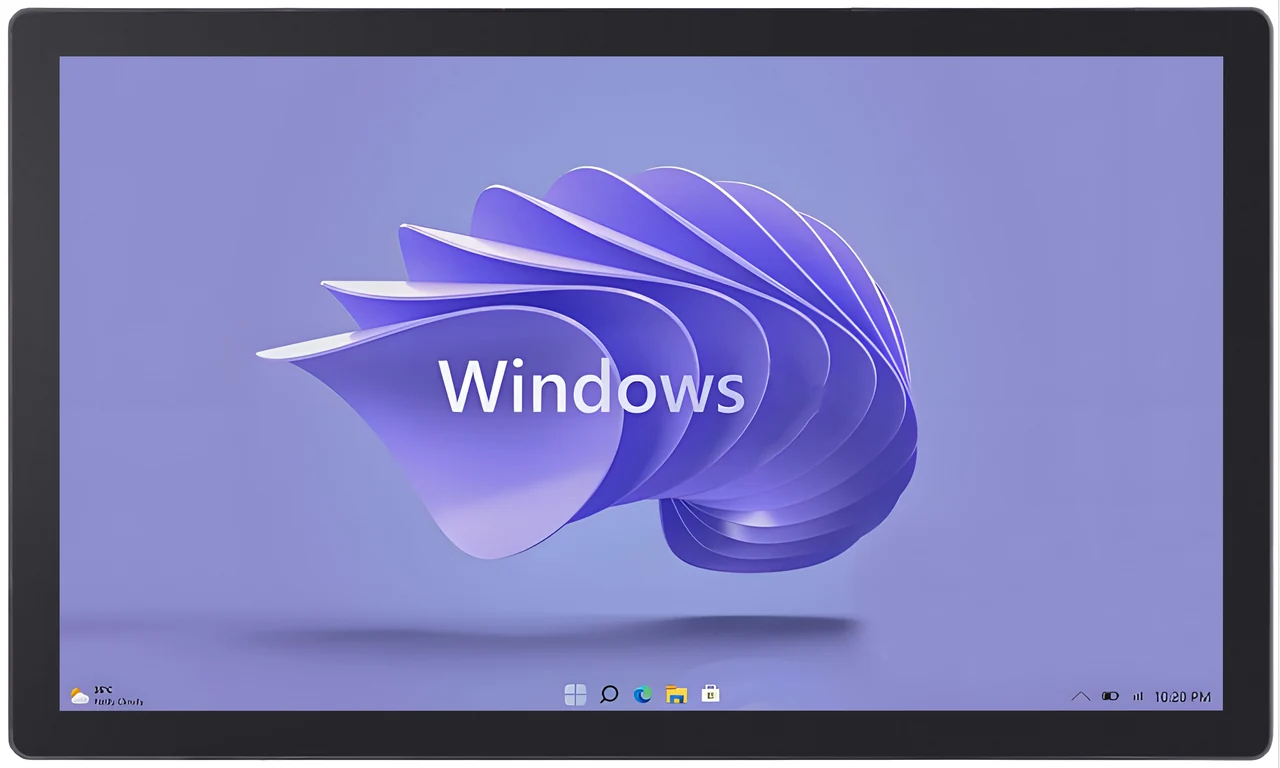
PB03 SERIES OVERVIEW
PB03 is a five-model family of 15.6, 18.5, 21.5, 23.8 and 27-inch Full HD industrial touchscreen monitors for equipment interfaces using an external computer or controller. The TC configurations combine an LCD display, PCAP capacitive touch, HDMI/VGA video input, USB touch communication and DC 12 V power. Model-specific brightness and operating-temperature values support comparison for HMI, kiosk and OEM integration. Select the display around the viewing task, then confirm the released mechanical drawing, protection requirements and installation conditions for the exact configuration.
01 / MODEL SELECTION
Start with the operator’s viewing area, then compare luminance, operating temperature and the available mechanical reference.
SELECTED MODEL
V1 dimensional reference; confirm released TC drawing
View model specification ↗All five models use an external host. Confirm the exact configuration, released mechanical drawing and availability with your quotation.
These notes compare documented model characteristics; they do not replace final configuration verification or complete-system testing.
02 / APPLICATION FIT
Define the interface, host and enclosure together. These application routes help turn a display requirement into a reviewable specification.
PB03 provides a separate touchscreen display interface for machine controls and operator stations using an external industrial PC or controller. Match the viewing task and host interfaces to the selected monitor.
For indoor or otherwise appropriately protected terminals, PB03 connects a Full HD touch interface to an external host for instructions, navigation and user interaction. Compare screen size against viewing distance and reach.
Integrate an LCD and PCAP touch interface into an OEM equipment panel. Coordinate the panel opening, mounting structure and cable routing with the released model drawing and project-specific protection requirements.
IP67 is referenced in the current PB03 V1 product materials. The protected area, installation requirements and applicability to the selected TC configuration must be confirmed against the released technical documentation. Do not assume protection of the rear housing, connectors, cable exits or complete installed machine.
03 / MECHANICAL INTEGRATION
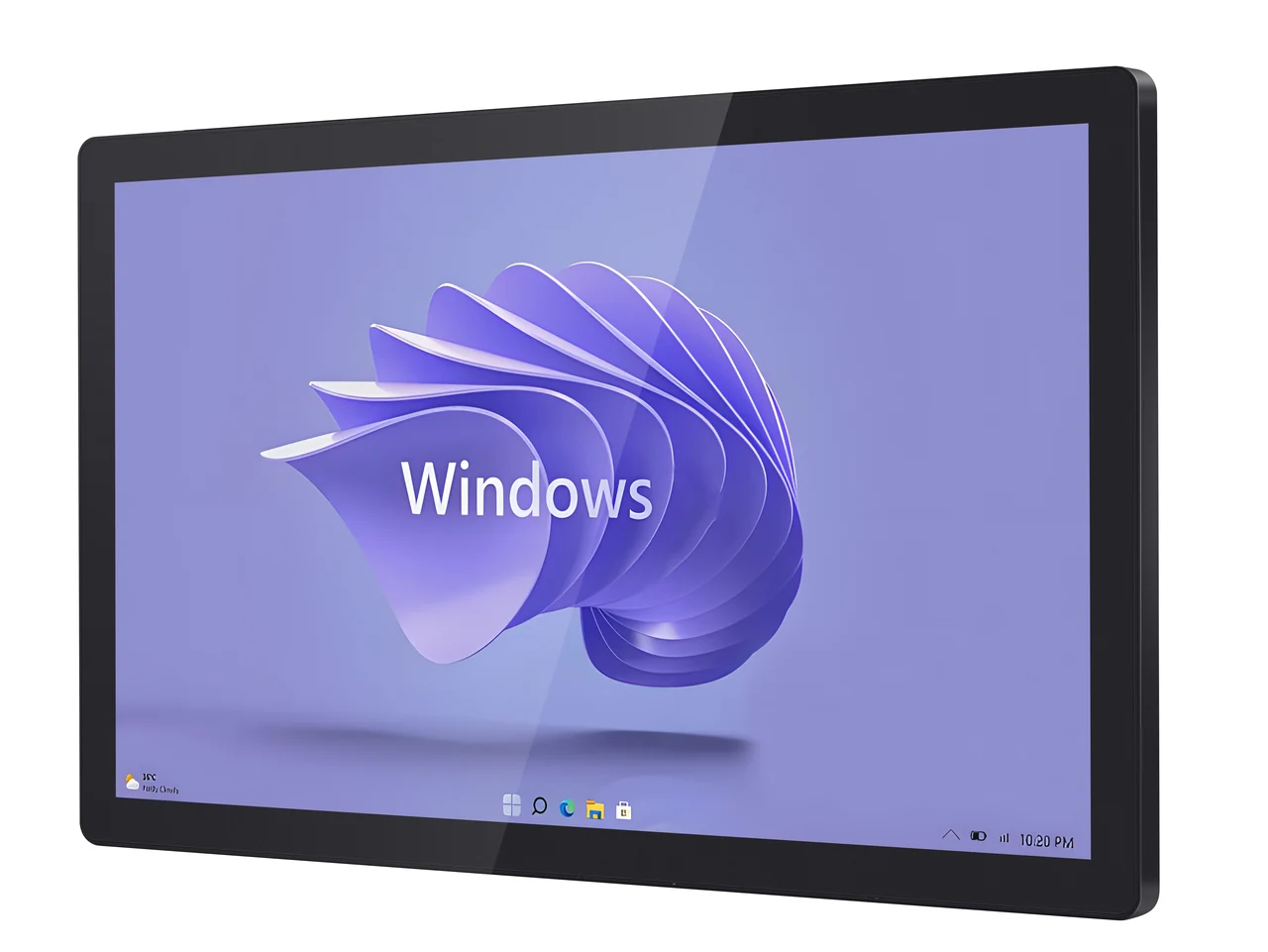
All-aluminum profile construction, with the viewing area, mounting pattern and enclosure seal reviewed as one assembly.
The 21.5-inch V1 text gives 517.74 × 309.21 × 56.15 mm — V1 textual reference only. The available drawing references an AC configuration. A released PB03 TC mechanical drawing is required before cutout design, mounting-hole placement or enclosure fabrication. Other sizes refer to the actual model drawing. VESA spacing is not a cutout size: agree front-panel overlap, fasteners, cable bend radius and rear ventilation before releasing your enclosure.
Review the 21.5-inch dimensional reference ↗HOST CONNECTION
Run the application on your computer or controller. PB03 TC provides the display and capacitive touch interface.
DC 5521 power connector. Confirm the intended operating system, cable routing and any application-specific touch requirements. Need built-in computing instead of an external host? Explore the separate PB03 Android panel PC.
04 / TECHNICAL COMPARISON
Compare the five complete-unit PB03 TC V1 specifications. Values belong to the identified monitor model, not an interchangeable LCD component.
| Specification | 15.6″YL-GZPB03Q156TC-V1 | 18.5″YL-GZPB03Q185TC-V1 | 21.5″YL-GZPB03Q215TC-V1 | 23.8″YL-GZPB03Q238TC-V1 | 27″YL-GZPB03Q270TC-V1 |
|---|---|---|---|---|---|
| Resolution | 1920 × 1080 | 1920 × 1080 | 1920 × 1080 | 1920 × 1080 | 1920 × 1080 |
| Luminance | 450 cd/m² | 350 cd/m² | 500 cd/m² | 250 cd/m² | 300 cd/m² |
| Contrast ratio | 800:1 | 1000:1 | 1000:1 | 1000:1 | 1000:1 |
| Viewing angle¹ | 85 / 85 / 85 / 85° | 89 / 89 / 89 / 89° | 89 / 89 / 89 / 89° | 89 / 89 / 89 / 89° | 89 / 89 / 89 / 89° |
| Display colors | 16.2 million | 16.7 million | 16.7 million | 16.7 million | 16.7 million |
| Display response time | 25 ms | 14 ms | 14 ms | 14 ms | 14 ms |
| Touch response time | ≤5 ms | ≤5 ms | ≤5 ms | ≤5 ms | ≤5 ms |
| Operating temperature | −30 to 80°C | −20 to 70°C | 0 to 50°C | 0 to 50°C | 0 to 50°C |
| Storage temperature | −40 to 90°C | −20 to 70°C | −20 to 60°C | −20 to 60°C | −20 to 60°C |
| LCD MTBF² | 50,000 h | 50,000 h | 30,000 h | 30,000 h | 30,000 h |
| Operating power | <30 W | <30 W | 30 W maximum | <25 W | <30 W |
| VESA hole spacing | 100 × 100 mm | 100 × 100 mm | 100 × 100 mm | 100 × 100 mm | 100 × 100 mm |
| Cover-glass thickness | Confirm cover-glass thickness | 1.1 mm | 1.1 mm | 1.1 mm | Confirm cover-glass thickness |
| Overall dimensions, W × H × D | Refer to the released model drawing | Refer to the released model drawing | 517.74 × 309.21 × 56.15 mm— V1 textual reference onlyThe available drawing references an AC configuration. A released PB03 TC mechanical drawing is required before cutout design, mounting-hole placement or enclosure fabrication. | Refer to the released model drawing | Refer to the released model drawing |
| Mechanical reference | Model drawing required for enclosure design | Model drawing required for enclosure design | V1 dimensional reference; confirm released TC drawing | Model drawing required for enclosure design | Model drawing required for enclosure design |
¹ Four directional viewing angles are listed in the source; their directional order is not identified.
² LCD MTBF is a specification value, not a warranty period or complete-system service-life promise.
Cover-glass thickness is stated as 1.1 mm for 18.5, 21.5 and 23.8 inches; confirm it for 15.6 and 27 inches.
The 21.5-inch dimensions are a V1 text reference; the source drawing carries an AC designation. Confirm the correct TC drawing before fabrication. Net weight is not specified in V1.
1 monitor · 1 power adapter · 1.8 m power cable · 1.5 m HDMI cable
A 1.5 m USB cable is explicitly listed for the 21.5-inch model. Confirm the USB cable, plug type and mounting accessories for the selected order.
05 / QUALITY & TECHNICAL EVIDENCE
Connect the selected model and revision with your project’s drawing, inspection and documentation requirements.
Review EverGlory’s quality and testing information, then agree the checks and supporting records required for your PB03 application.
Explore quality & testing ↗Review the production quality and traceability approach. Align the model, supplied configuration and inspection records with your purchasing requirements.
Explore production traceability ↗The TC V1 specifications list EN55032 Class A for radiated emissions and ESD levels of ±4 kV contact / ±8 kV air, criterion B. Request the applicable test report and released mechanical drawing for the exact hardware revision. Specification entries and company process information do not establish a model-specific certification or application approval.
Review compliance documentation requirements ↗ Company-level guidance; request applicable evidence for the selected PB03 configuration.
06 / ENGINEERING DOWNLOAD
Use the English PB03 technical reference to compare models, plan host connections and review the qualified 21.5-inch textual dimensions.
Compiled by DongGuan Ever Glory Photoelectric co., Ltd. Technical source: model-specific TC V1 documents. English compilation: EN2, October 2026. The compilation revision is distinct from the source specification revision.
15.6 · 18.5 · 21.5 · 23.8 · 27 inches
Model data, mounting reference and integration notes
07 / SELECTION QUESTIONS
Practical answers for model selection, front-panel protection and host integration.
PB03 is a five-size family of industrial touchscreen monitors for equipment interfaces, control cabinets and integrated terminals. The TC models combine a Full HD display with capacitive touch, HDMI/VGA video input, USB touch communication and DC 12 V power. Select the size by the viewing task, then match the model-specific brightness, temperature range and mechanical drawing to your installation.
This collection covers PB03 TC touchscreen monitors for an external computer or controller. It does not include an integrated Android or Windows computer. Images showing a desktop are display-content examples and do not indicate an included operating system. The PB03 Android panel PC is a separate product configuration.
IP67 is referenced in the current PB03 V1 product materials. The protected area, installation requirements and applicability to the selected TC configuration must be confirmed against the released technical documentation. The available reference does not establish verified front-panel or complete-enclosure protection. Do not infer protection of the rear housing, connectors, cable exits or installed machine, or suitability for immersion, high-pressure washdown or exposed outdoor use.
The TC V1 specifications list 450 cd/m² for 15.6 inches, 350 cd/m² for 18.5 inches, 500 cd/m² for 21.5 inches, 250 cd/m² for 23.8 inches and 300 cd/m² for 27 inches. These are separate model values. Select brightness for the actual ambient light and viewing conditions; an IP reference alone does not establish direct-sunlight readability.
No. The 15.6-inch model is specified from −30 to 80°C, the 18.5-inch model from −20 to 70°C, and the 21.5, 23.8 and 27-inch models from 0 to 50°C. Use the selected model’s limits and assess the temperature inside the installed enclosure, including heat from the host and other components.
The specifications list 100 × 100 mm VESA hole spacing. This is a mounting-hole pattern, not the enclosure cutout or overall monitor size. Review the model drawing for front-panel overlap, mounting method, fasteners, seal contact, rear clearance and cable access before releasing the enclosure.
The 21.5-inch TC V1 text gives 517.74 × 309.21 × 56.15 mm — V1 textual reference only. The available drawing references an AC configuration. A released PB03 TC mechanical drawing is required before cutout design, mounting-hole placement or enclosure fabrication. The 15.6, 18.5, 23.8 and 27-inch specifications direct the reader to the actual model drawing rather than providing a complete numeric outline. Request the released drawing for the selected model before finalizing cutouts or tooling.
Connect HDMI or VGA for video, USB for touch communication and DC 12 V through the DC 5521 power connector. The specifications describe capacitive touch with driver-free USB communication. Confirm compatibility with the intended host operating system and application, and allow separate routing for video, touch and power.
The TC documents specify capacitive touch and a touch response time of 5 ms or less. They do not establish wet-touch behavior, glove compatibility or a simultaneous touch-point count. Include the required gloves, moisture conditions and application behavior in the project review; front-panel sealing is a separate requirement from touch operation.
Send the preferred model or size, quantity, enclosure or cutout drawing, lighting and temperature conditions, host and operating system, touch requirements and project schedule. The V1 packing lists include a monitor, power adapter, 1.8 m power cable and 1.5 m HDMI cable. A 1.5 m USB cable is explicitly listed for the 21.5-inch model; confirm the final USB cable set and mounting accessories for your order. Model availability, delivery schedule and commercial terms are confirmed in the quotation.
08 / PROJECT INQUIRY
Share your display requirements to request model guidance, the applicable mechanical drawing and a quotation.
Model availability, drawing release, supplied configuration, lead time and commercial terms are confirmed with the quotation.
Contact the EverGlory team ↗DongGuan Ever Glory Photoelectric co., Ltd
admin@evergloryltd.com · evergloryltd.com
Review mode: this form prepares a local project brief. It does not send a request or connect to a server.