
Quick Answer
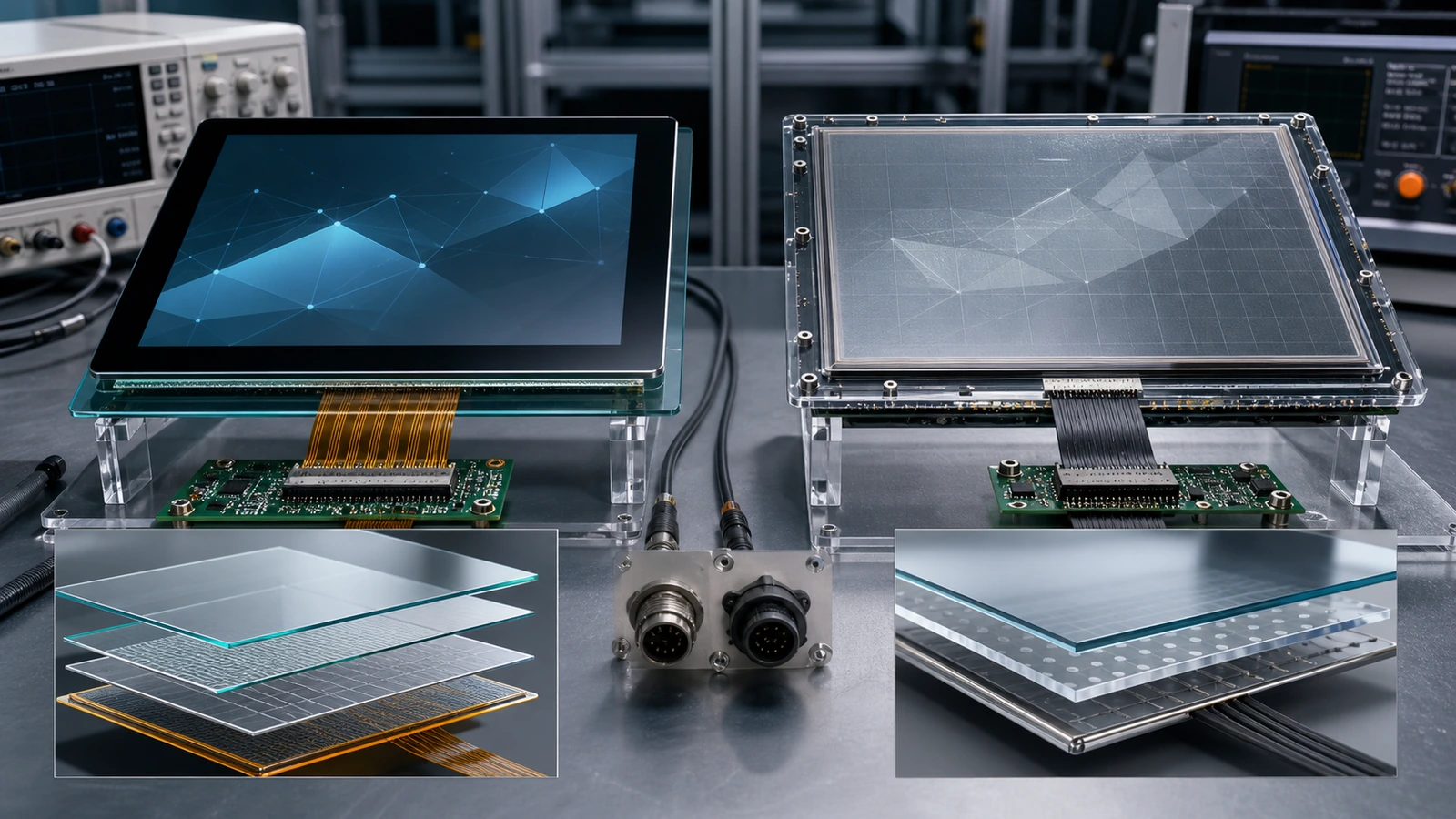
The comparison between capacitive vs resistive touch screen for industrial applications is not a simple question of old technology versus new technology. Both technologies can work well when they match the environment, user behavior and equipment design. The better question is: which touch structure gives the most reliable interaction for the specific industrial use case?

Article Map
Key Takeaways
- Capacitive vs Resistive Touch Screens for Industrial Applications decisions should start from the real installation environment, not only the screen size.
- Confirm touch behavior, visibility, sealing, controller stability and mechanical fit before moving to production.
- For OEM projects, a short requirement checklist reduces redesign risk and long-term service cost.
The comparison between capacitive vs resistive touch screen for industrial applications is not a simple question of old technology versus new technology. Both technologies can work well when they match the environment, user behavior and equipment design. The better question is: which touch structure gives the most reliable interaction for the specific industrial use case?
This guide upgrades the original capacitive, resistive and PCAP materials into a practical decision framework for automation equipment, outdoor terminals, medical devices, kiosks and industrial control panels.
How the Two Technologies Work
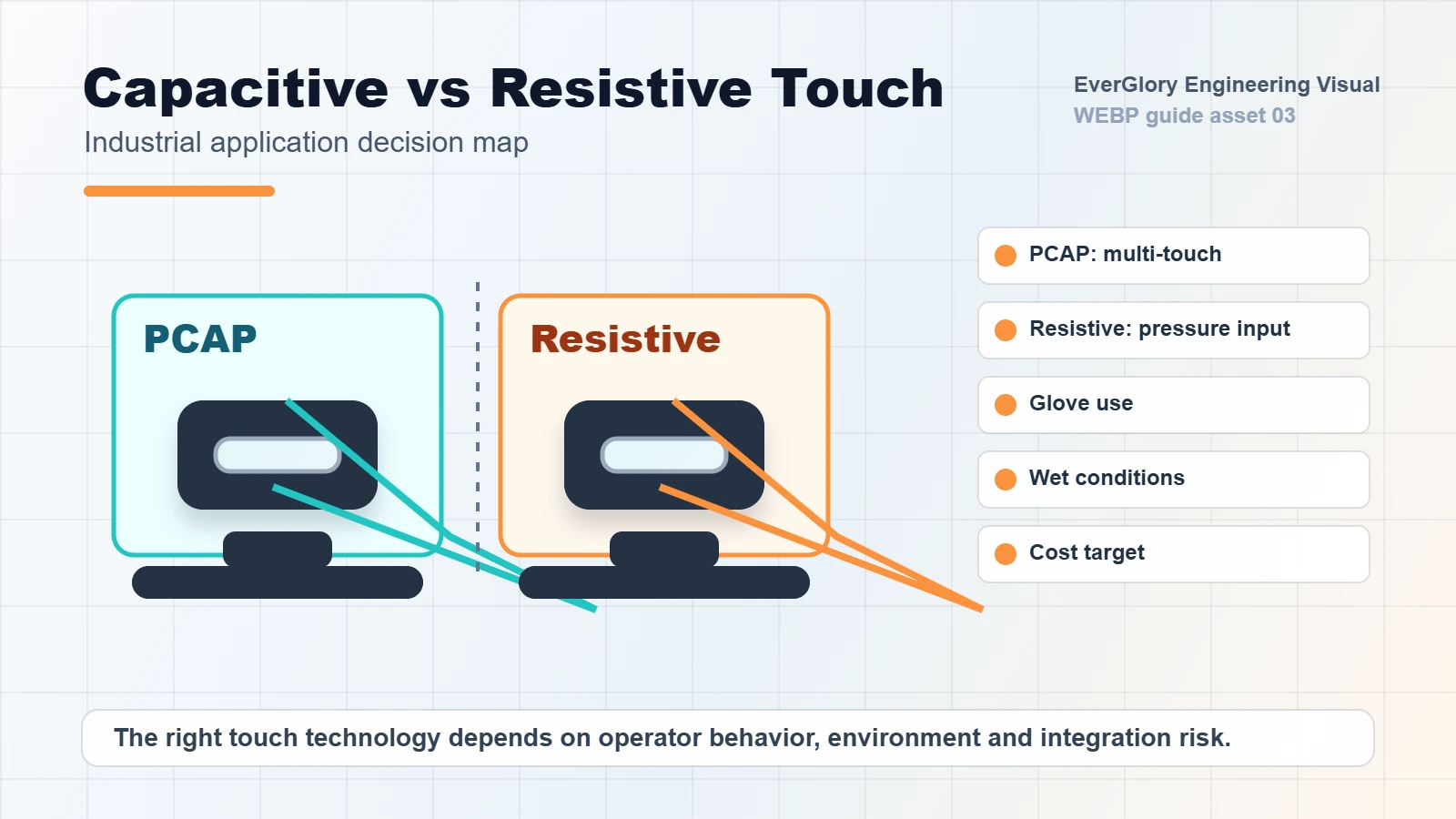
A resistive touch screen uses pressure. When the user presses the surface, the top layer contacts the lower conductive layer and the controller calculates the position. This makes resistive touch usable with fingers, gloves, stylus or other tools. It is often cost-effective and simple to integrate.
A projected capacitive touch screen, often called PCAP, senses changes in the electric field. It supports multi-touch, a flat glass front, good optical clarity and a more modern user experience. PCAP is now widely used in industrial HMI, kiosks and outdoor equipment, but it requires proper controller tuning for water, gloves and electromagnetic noise.
Comparison Table
| Factor | Resistive Touch | PCAP / Capacitive Touch |
|---|---|---|
| Input method | Finger, glove, stylus, tool | Finger, tuned glove touch, wet touch options |
| Optical clarity | Lower due to layers | Higher with glass front |
| Durability | Top film can wear | Strong cover glass options |
| Multi-touch | Limited | Strong multi-touch support |
| Wet environment | Can work with pressure | Needs water rejection tuning |
| Industrial appearance | Functional | More modern and flat-front |
| Cost | Usually lower | Higher but often better long-term UX |
| EMI sensitivity | Generally simpler | Needs grounding and controller design |
When Resistive Touch Still Makes Sense
Resistive touch can still be useful where operators use thick gloves, tools or stylus input and where the interface is simple. It may also fit cost-sensitive equipment that does not need multi-touch or a glass-front design.
However, buyers should consider long-term wear. The flexible top layer may be less suitable for public-use kiosks, high-frequency operation or harsh cleaning processes. If the equipment needs a premium appearance, strong front glass or better visibility, PCAP usually has an advantage.
When PCAP Is the Better Choice
PCAP is usually preferred for modern industrial touch displays because it supports flat tempered glass, multi-touch, higher optical clarity and a cleaner structure. For EverGlory’s product scope, PCAP is especially relevant for:
- Industrial HMI panels
- Outdoor kiosks
- EV charging stations
- Touch screen monitors
- Medical and laboratory touch interfaces
- Custom touch display modules
The key is engineering tuning. PCAP should be validated for glove use, water on the glass, EMI, grounding, cable length and final enclosure design.
Avoid the Most Common Selection Mistake
Do not choose PCAP only because it sounds more advanced, and do not choose resistive only because it seems easier for gloves. Industrial projects need scenario testing. If the operator wears gloves, test the actual glove. If the screen is used outdoors, test water droplets and sunlight. If the monitor is installed near motors or inverters, test EMI stability and grounding.
Internal Links
FAQ
Is PCAP always better than resistive touch?
No. PCAP is often better for modern glass-front, multi-touch and high-clarity designs, but resistive touch can still fit simple, pressure-based industrial controls.
Can PCAP work with gloves?
Yes, when the sensor, cover glass and controller firmware are tuned for the required glove type and thickness.
Which touch type is better for wet environments?
Both can be used, but PCAP requires proper water rejection and grounding. For wet public-use equipment, validation with real water conditions is important.
Which one should OEMs choose?
OEMs should choose based on environment, input method, expected service life, display clarity, appearance and integration cost.
Need a Project-Specific Recommendation?
EverGlory supports OEM and industrial display projects with PCAP touch panels, open-frame touch monitors, waterproof front designs, optical bonding, high-brightness LCDs and interface customization. Share the installation environment, target size, interface and protection needs, and the engineering team can help narrow the specification before sampling.

