
Anonymized HMI integration workflow
Industrial HMI Touch Display Engineering Example
See how a custom HMI touch-display requirement becomes a reviewable stack-up, prototype plan and controlled engineering handover. The example focuses on transferable engineering decisions without exposing customer identity or proprietary drawings.
Integration brief
The engineering question was larger than screen size
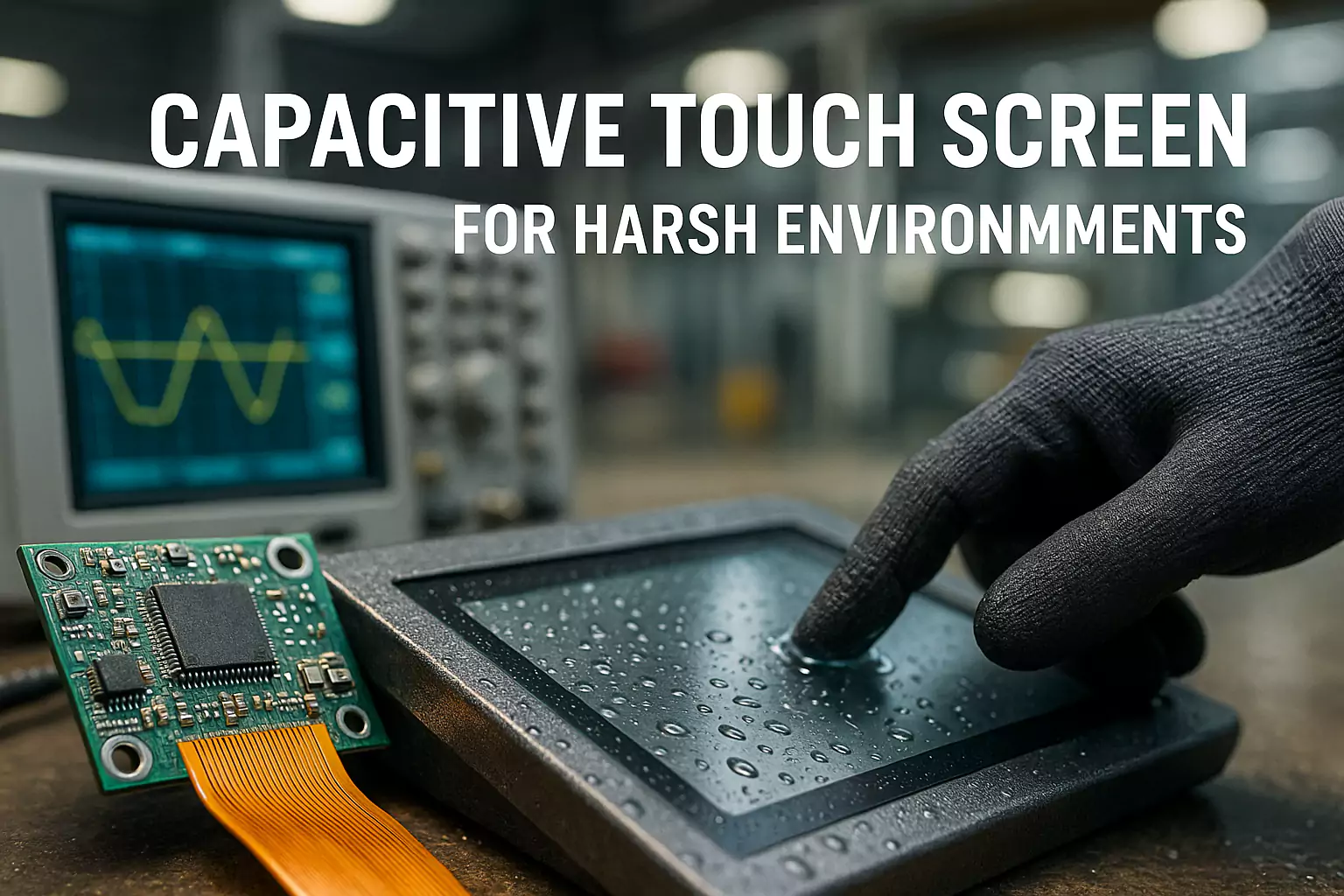
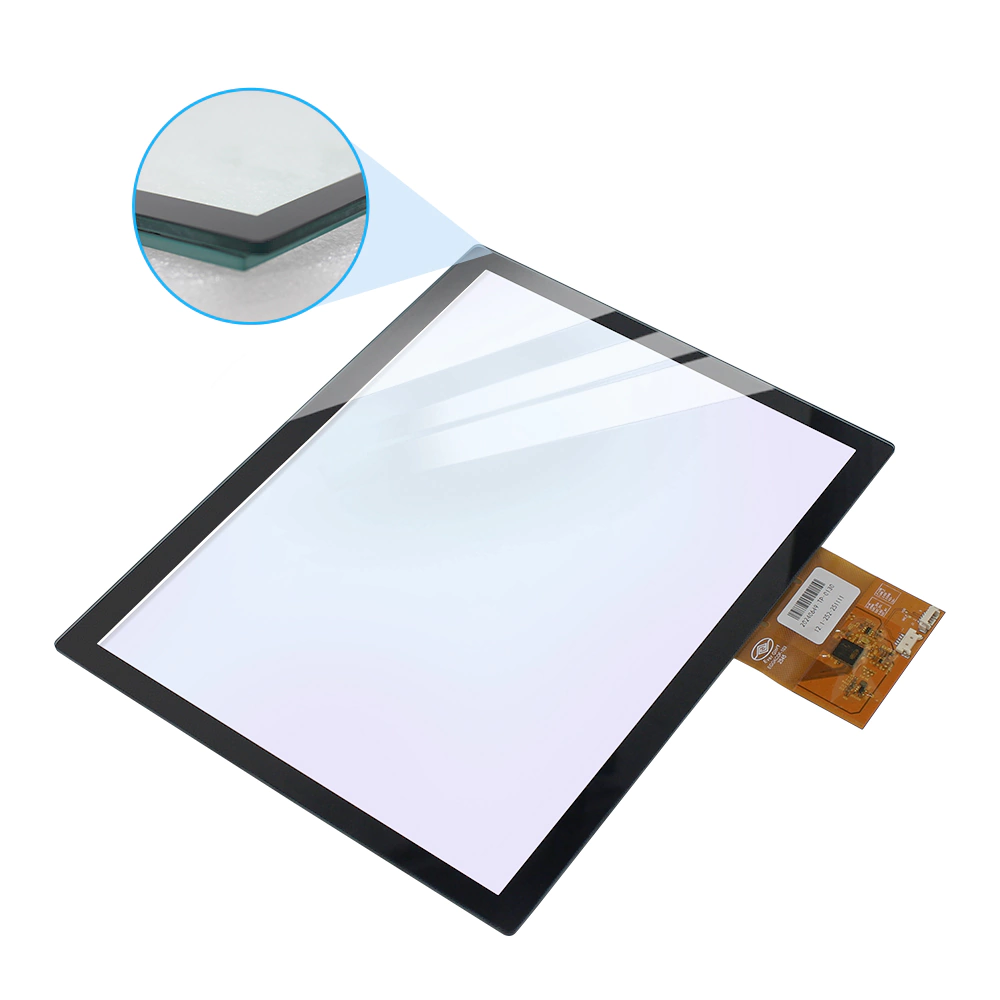
The HMI required the cover glass, sensor, display, controller and host system to work as one assembly. The project team therefore organized the requirement around the installed stack rather than treating the touch panel as an isolated component.
Mechanical interface
Active area, viewing area, outline, mounting datum, edge clearance and cable exit were aligned against the customer installation.
Touch conditions
The target glove type, surface moisture scenario, cover-glass thickness and grounding condition were defined before controller tuning.
Electrical environment
Touch interface, LCD interface, cable length, grounding, nearby power electronics and signal routing were reviewed together.
Engineering action
Turn installation risks into defined verification items
- Freeze the mechanical reference drawing before sample build.
- Record controller firmware and tuning parameters by sample revision.
- Check the actual cable path and grounding condition in the installed system.
- Separate internal engineering checks from third-party product reports.
- Release drawings, BOM and inspection items only after issue closure.
Project status: this evidence supports an engineering-sample narrative. It does not claim customer mass-production approval or a performance result beyond the available project records.
Controlled path
From requirement capture to a reviewable sample
Inputs
Collect drawing, interface, environment and touch conditions.
Stack-up
Define cover glass, sensor, bonding, LCD and cable architecture.
DFM
Review tolerances, mounting, FPC exit and service constraints.
Prototype
Build a controlled revision with identified materials and firmware.
Installed check
Evaluate touch and display behavior in the actual host system.
Handover
Release the agreed drawing, BOM, settings and acceptance items.
Purchasing value
What an OEM buyer receives from this process
| Deliverable | Why it matters to engineering | Why it matters to purchasing |
|---|---|---|
| Controlled drawing | Defines the installation and tolerance baseline. | Reduces ambiguity between quotation, sample and order. |
| Configuration record | Links panel, controller, firmware, cable and display revision. | Supports change control and supplier comparison. |
| Verification plan | States conditions and acceptance criteria before testing. | Prevents capability language from being mistaken for a pass result. |
| Issue-closure record | Tracks findings and corrective actions by revision. | Creates a clear gate before pilot or production discussion. |
Project value: a controlled configuration reduces quotation ambiguity, makes sample findings easier to close and gives purchasing a clearer release gate before pilot discussion.
Common engineering questions
Frequently asked questions
Is this a named customer case?
No. The integration path is anonymized so that engineering decisions can be explained without exposing customer identity or customer-proprietary drawings.
Does the page claim that every HMI configuration is validated?
No. It describes a prototype and integration workflow. Each product revision requires its own drawing, controller, cable, grounding and acceptance record.
What information is needed for a comparable HMI project?
Provide the active area, outline drawing, cover-glass design, LCD interface, touch interface, cable path, grounding concept, glove or wet-touch conditions and project stage.
Send your HMI drawing for an integration review
Include the active area, outline, mounting datum, LCD and touch interfaces, cable path, grounding concept and glove or wet-touch conditions. EverGlory will organize the open integration items.
Related evidence
Continue the industrial engineering review
Use the application example together with product selection, testing and compliance scope.
Industrial solutions
Compare the four product paths for HMI and automation.
Industrial touch monitors
Review monitor formats for embedded and panel-mount equipment.
Quality and testing
Turn risks into defined checks and records.
Compliance evidence
Verify identifiers, product scope and document status.