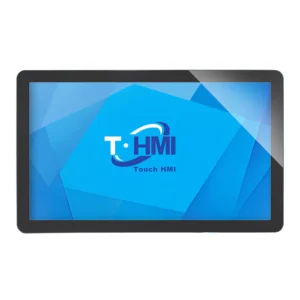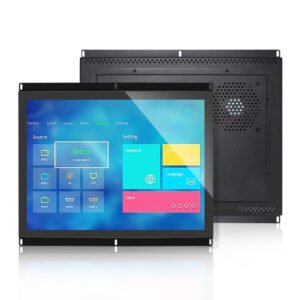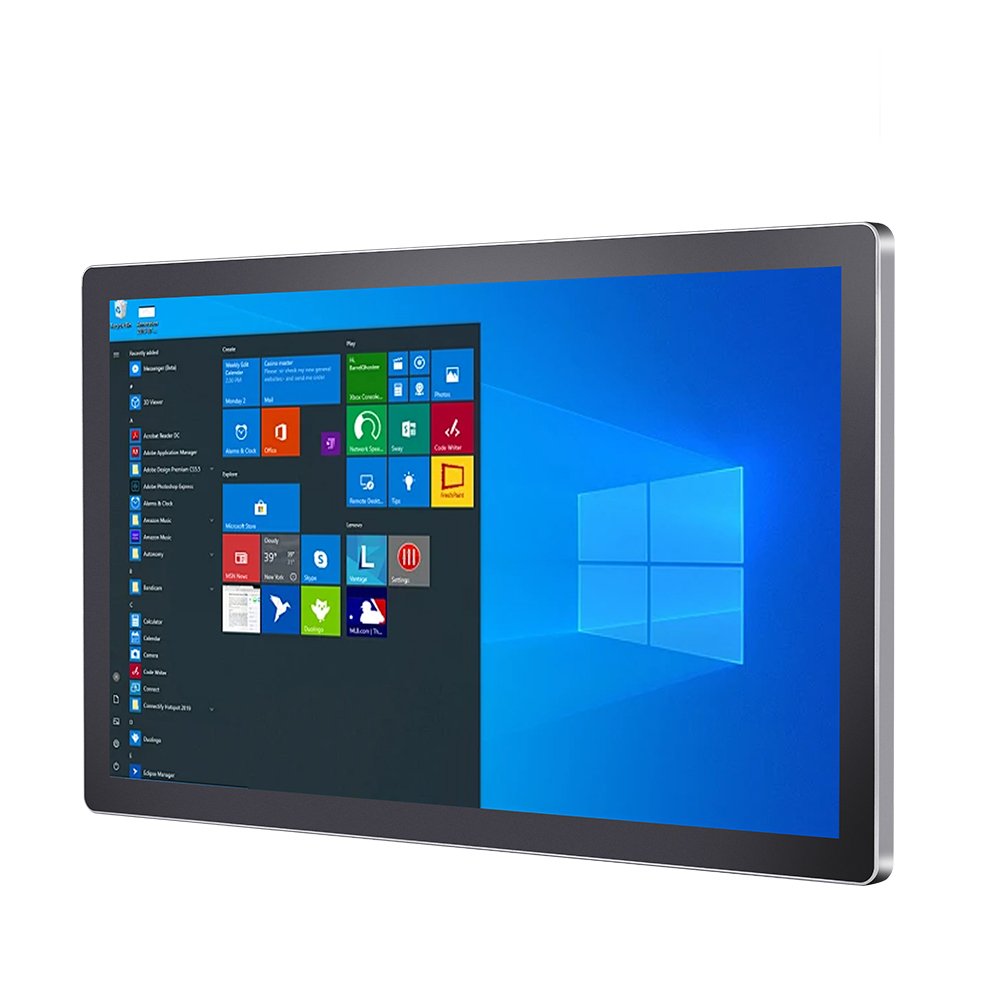
Factory HMI
Integrated touch computers for machine control, production lines and test systems.
Browse integrated touch panel PCs for machine HMI, factory automation, self-service terminals and OEM equipment. Choose by screen size, operating system, processor platform, mounting, I/O ports and enclosure protection before sending project requirements.
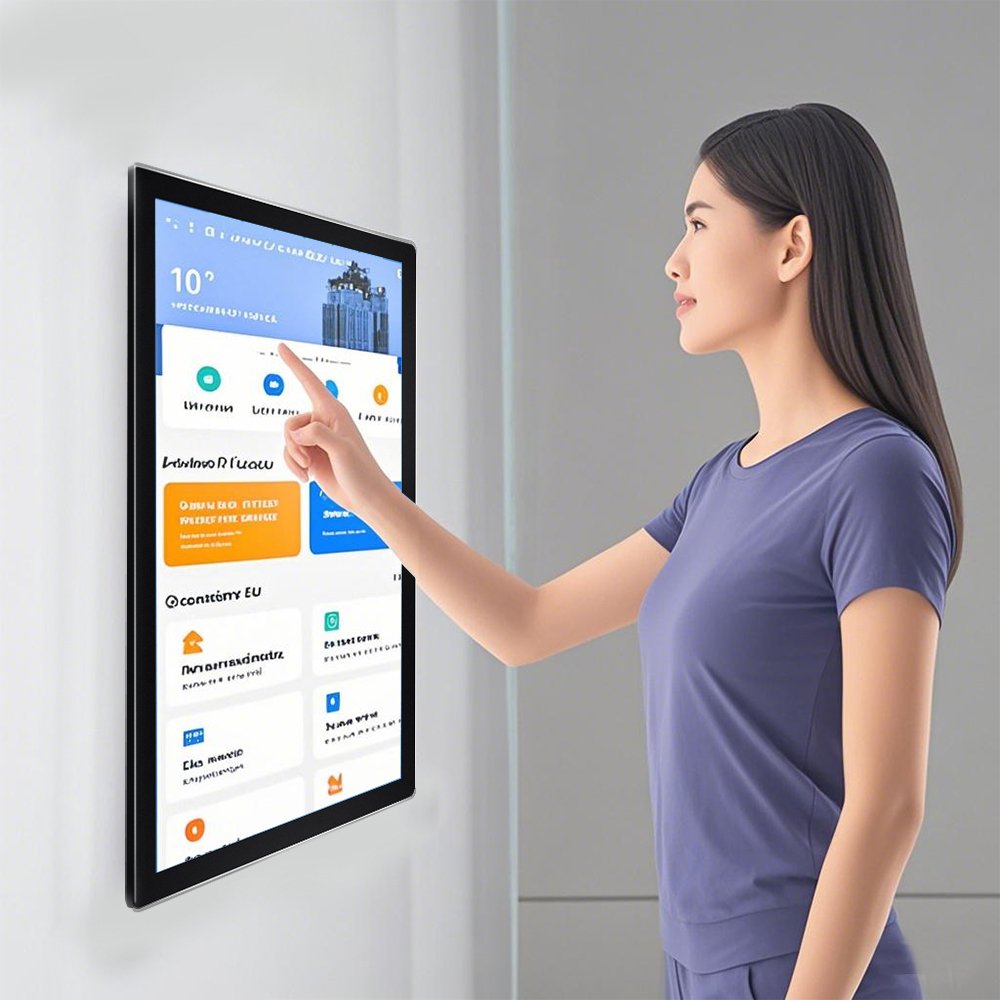
Select the route that matches your equipment structure, software platform and installation environment before requesting samples or drawings.
For equipment control panels that need local processing, touch input and I/O ports.
Washdown useFor stainless steel all-in-one terminals in food, kiosk, medical and industrial areas.
Display onlyCompare touch screen monitors when computing hardware is handled by a separate controller.
Custom OEMFor projects that need a specific CPU board, port layout, mounting bracket or OS image.
Start with current panel PC models, then confirm screen size, operating system, processor, port layout and enclosure details for your final OEM configuration.
Dongguan Ever Glory Photoelectric Co., Ltd. supplies integrated touch panel PCs from Dongguan, China, for equipment manufacturers and system integrators. The product combines a touch display, processor board and enclosure so an operator station can run its application locally. Our range includes Android panel PC configurations, PB03 industrial terminals and stainless steel enclosure options.
For OEM projects, review the display, touch glass, enclosure, mounting and computing configuration together. Company information, the OEM and ODM workflow, and quality and testing information provide the starting points for supplier evaluation.
| Product route | Published configuration | Selection focus |
|---|---|---|
| PB03 industrial Android panel PC | 15.6–27-inch series; RK3568 or RK3288 versions; PCAP touch; die-cast housing | Board and Android image, RAM/storage, enclosure sealing, I/O and mounting |
| Stainless steel Android panel PC | 15.6–27-inch series; Android computing and PCAP touch with stainless steel housing | Cleaning method, required protection, cable entry, brightness and software configuration |
| YW03 industrial all-in-one | Integrated display, touch and computing route for industrial terminals | Exact model, screen format, processor board, power and peripheral connections |
| OEM touch panel PC configuration | Project-specific computing, display, touch and enclosure review | Application software, required operating system, mechanical drawing and I/O list |
CPU, operating system, protection and interface options belong to the selected model and revision. PB03 has RK3568 or RK3288 board configurations with a die-cast housing; the stainless steel Android panel PC is a separate series. Confirm the board, OS image, material and sealing scope in the quotation.
A panel PC includes local computing. A touch screen monitor connects to an external host. Choose the architecture around your application software, peripheral connections and maintenance plan. For web interfaces, see the web HMI hardware guide; for an existing installation, see the HMI replacement guide.
Send a panel PC specification for review with the screen size, application, CPU/OS requirements, quantity, I/O list, mounting drawing and installation environment.
For browser-based HMI projects, select a panel PC only when the local application host, maintenance plan and I/O path should sit inside the operator station. If another IPC, controller-side computer or embedded host already runs the interface, review an open frame touch screen monitor as the display and touch layer, and use the Web HMI hardware guide to compare the architecture.
You may not need a panel PC when the machine already has a suitable host computer, software updates are managed on that host, and the display only needs video input plus touch output. In that case, confirm mounting, cable route, grounding, touch controller communication and validation before sample approval.
Emergency-stop and enabling-switch functions remain part of the final machine safety architecture and compliance assessment. They should be reviewed with the machine builder's safety design instead of treated as a display product certification claim.
Finished touch computer for equipment makers that need display, touch, system board and enclosure in one unit.
Read more
Confirm the selected RK3568 or RK3288 board, Android image, enclosure sealing and I/O against the PB03 quotation.
Read more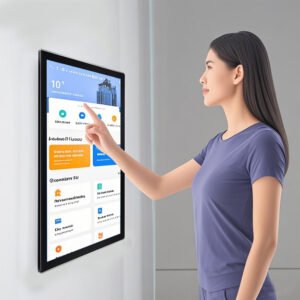
All-in-one industrial terminal for washdown areas, self-service equipment and embedded HMI projects.
Read more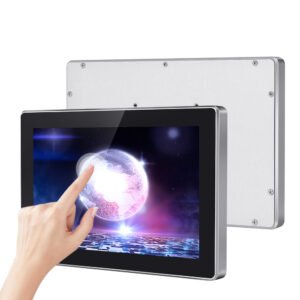
Integrated touch computer route for HMI terminals, automation equipment and custom control panels.
Read moreDefine the system requirements early so the display, touch controller, embedded computer and enclosure can be matched before sampling.
| Project requirement | Recommended option | Why it matters |
|---|---|---|
| Machine HMI | Industrial panel PC with stable OS image, PCAP touch and required I/O ports | Reduces cabinet wiring, keeps operator control local and supports 24/7 machine operation. |
| Food, medical or washdown area | Stainless steel Android panel PC with sealed front and easy-clean glass | Improves enclosure durability where cleaning, moisture and public touch are common. |
| Kiosk or access terminal | All-in-one touch computer with LAN, USB, COM and mounting review | Keeps service access, cable routing and software deployment predictable inside the enclosure. |
| Long lifecycle OEM equipment | Processor, memory, storage, power input and enclosure plan confirmed before sampling | Prevents redesign when software, thermal behavior, mounting or supply continuity changes. |
Touch panel PCs combine operator interface and embedded computing for equipment that needs local control, data access or software deployment.
Integrated touch computers for machine control, production lines and test systems.
All-in-one panel PCs for ticketing, vending, payment and access control terminals.
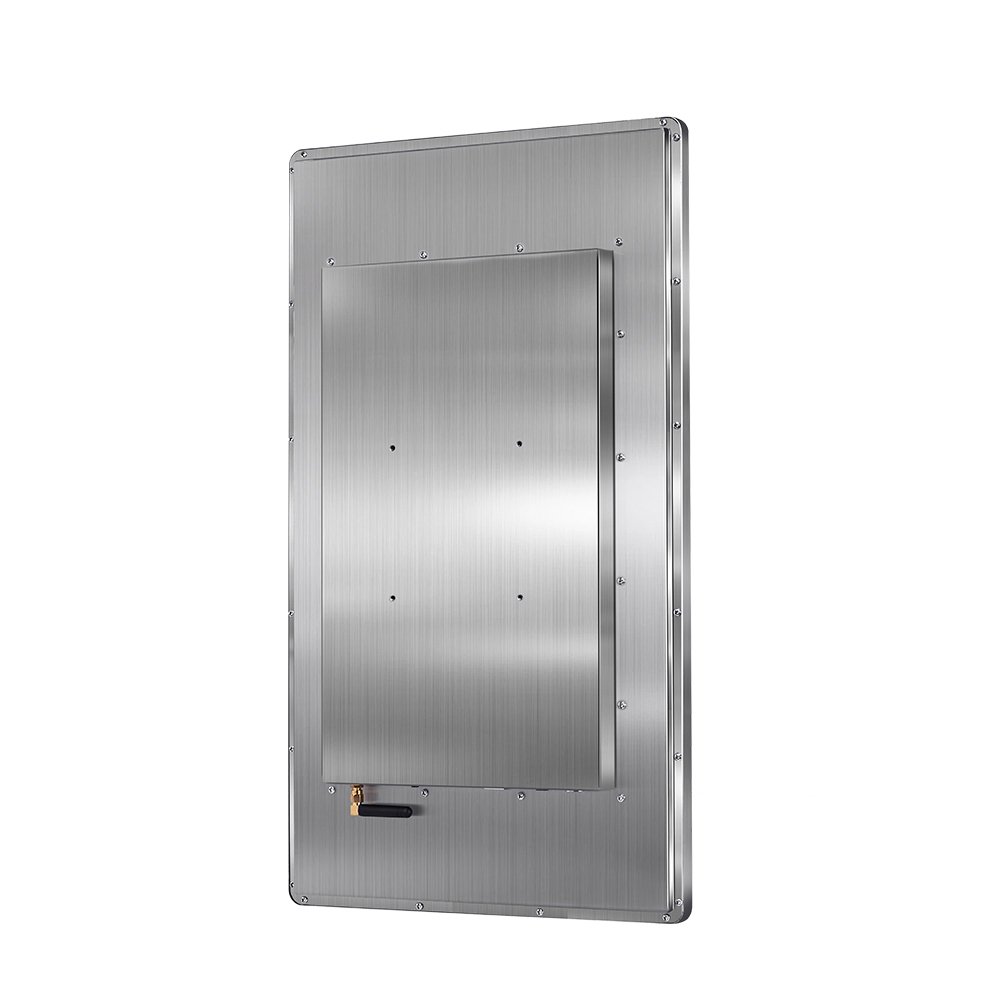
Bright display, sealed front and rugged enclosure options for exposed environments.
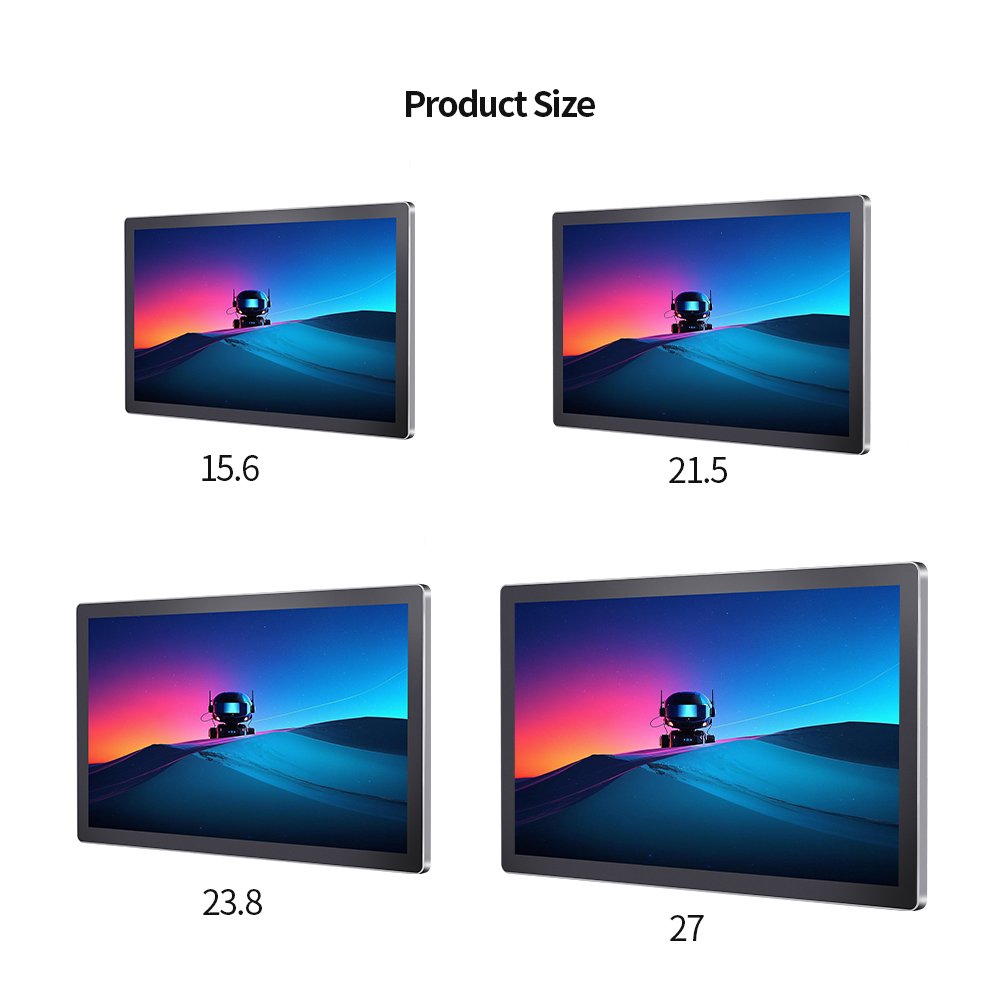
Flat front glass, easy cleaning and embedded computing for device interfaces.
For touch panel PC projects, quotation accuracy depends on display size, computing platform, operating system, I/O layout, thermal design and enclosure requirements.
Send RFQ detailsAnswers to common engineering and procurement questions before choosing a standard model or custom OEM build.
A touch screen monitor is mainly a display and touch input device. A touch panel PC adds embedded computing hardware, operating system support, storage, memory and I/O ports for local control.
Yes. Screen size, brightness, touch glass, enclosure structure, mounting method, interface ports, computing platform and application requirements can be reviewed for OEM projects.
Android is often used for kiosk-style apps and simple terminals. Windows or Linux is better when the equipment software, drivers, database, PLC communication or local control stack requires it.
Common applications include factory automation, machine HMI, kiosks, EV charging equipment, access control terminals, medical devices and outdoor industrial control systems.