Open Frame Touch Screen Monitor
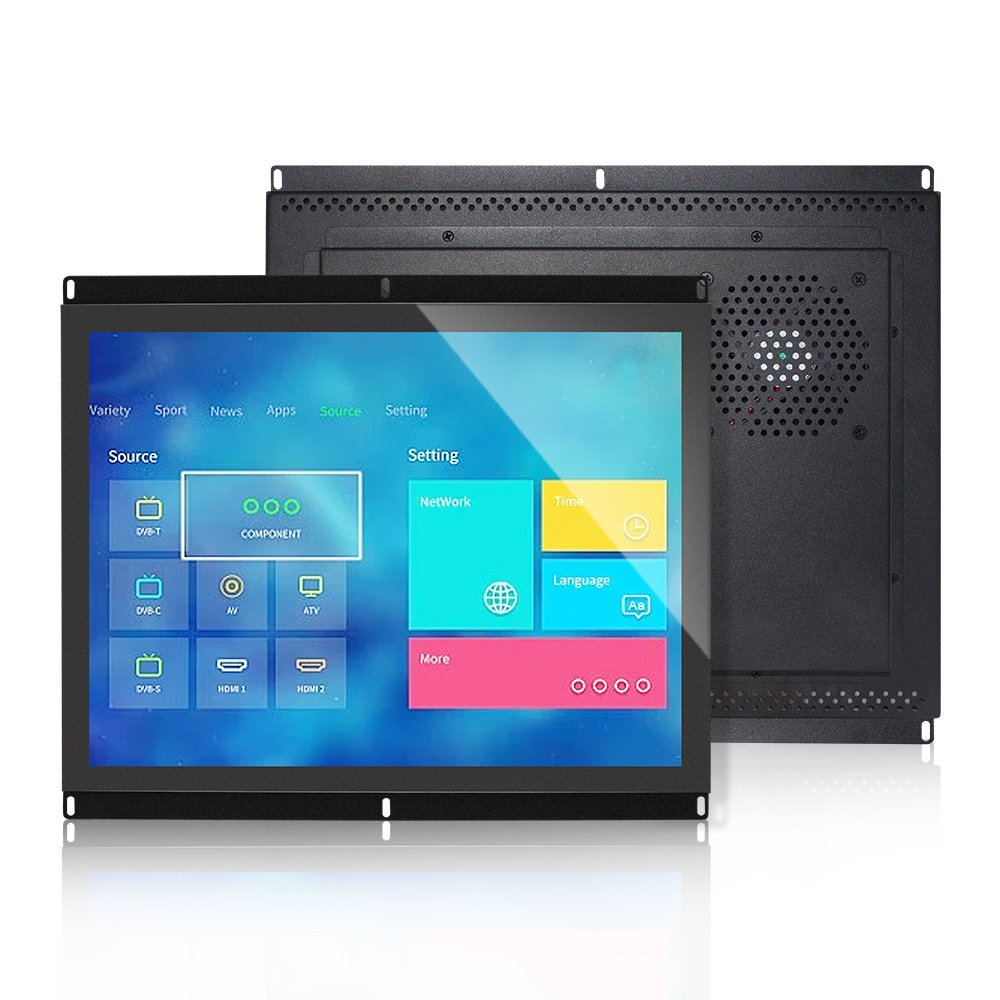
An open frame touch screen monitor designed for OEM equipment, industrial HMI, kiosk, vending machine, self-service terminal, and embedded control systems. With a frameless integration structure, capacitive multi-touch support, and flexible interface options, it is suitable for projects that need a touch display built directly into a machine, cabinet, or enclosure.
Open frame touch monitor
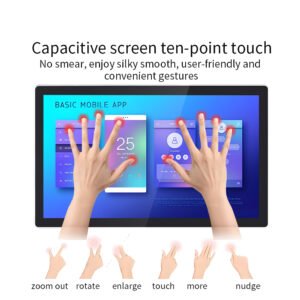
10-point PCAP touch
Embedded OEM equipment
HDMI / VGA / USB touch direction
Multiple size options
Windows / Android / Linux direction
An Embedded Touch Display for OEM Equipment and Machine Integration
An open frame touch screen monitor is built for integration into another system. Instead of using a finished desktop-style enclosure, the open frame structure allows the display to be mounted inside kiosks, machines, cabinets, vending equipment, industrial panels, and other custom-built products.
This product format is especially useful when the equipment manufacturer needs control over the final housing, front bezel, service access, cable routing, and mechanical appearance. It allows the touch monitor to become part of the equipment rather than a separate external display.
Open Frame Touch Screen Monitor Assembly
Key Features
Open Frame Integration
Designed for embedded installation inside kiosks, industrial machines, vending equipment, and OEM enclosures.
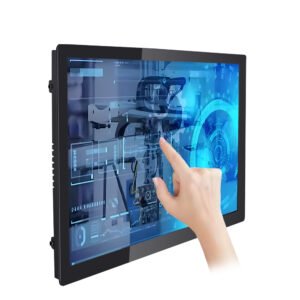
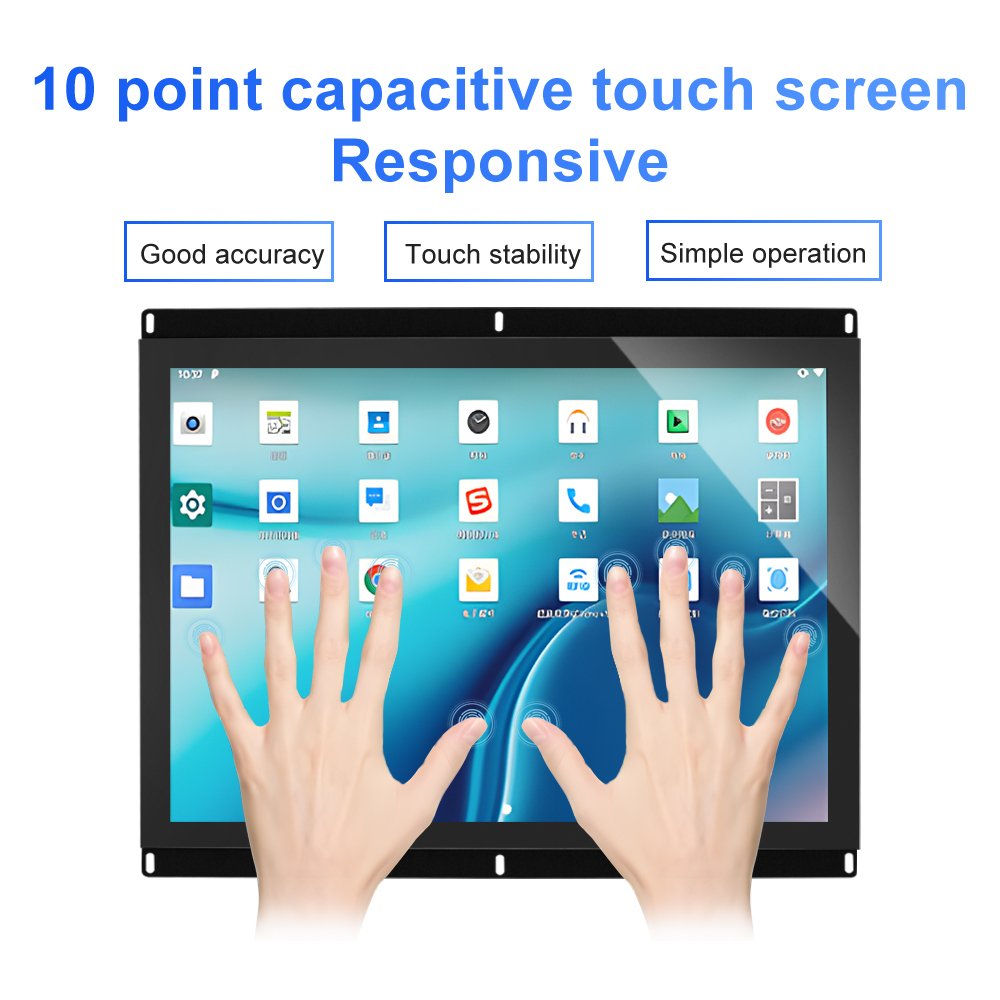
10-Point Capacitive Touch
Supports responsive projected capacitive touch interaction for modern HMI and self-service interfaces.
Multi-Interface Direction
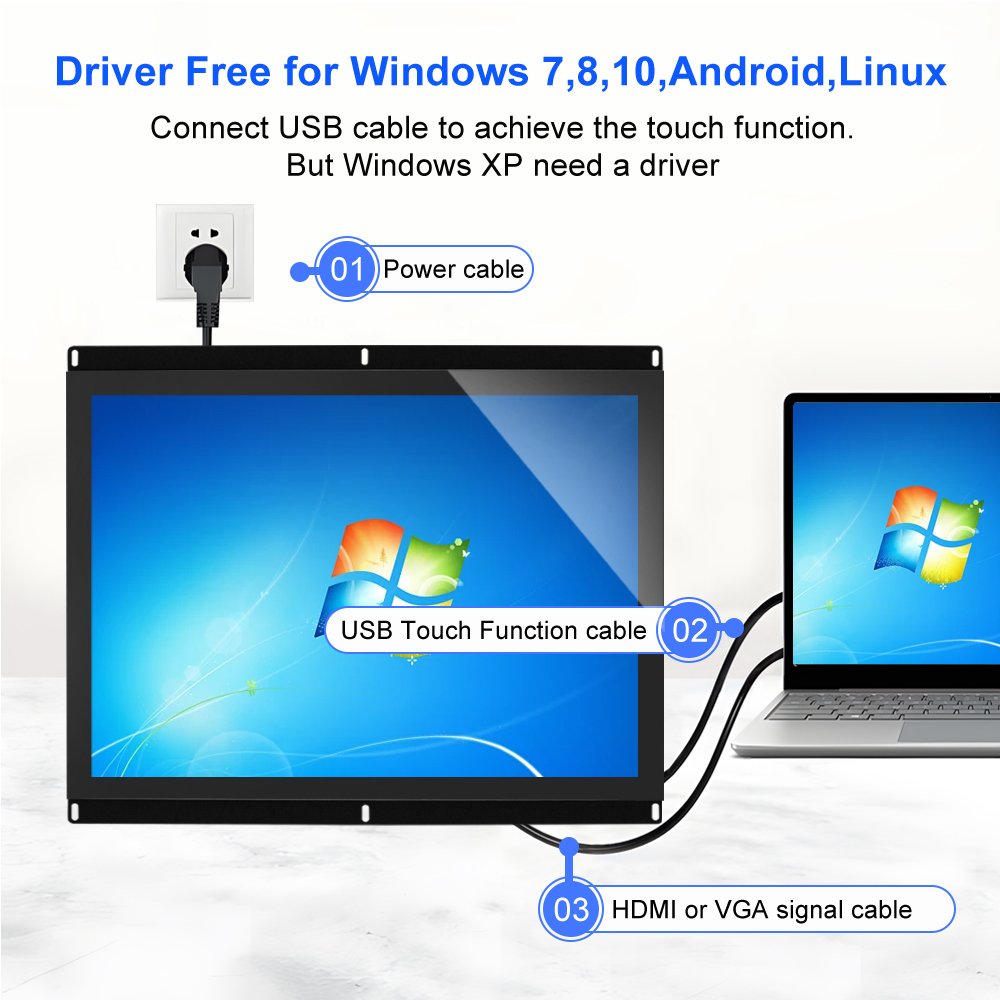
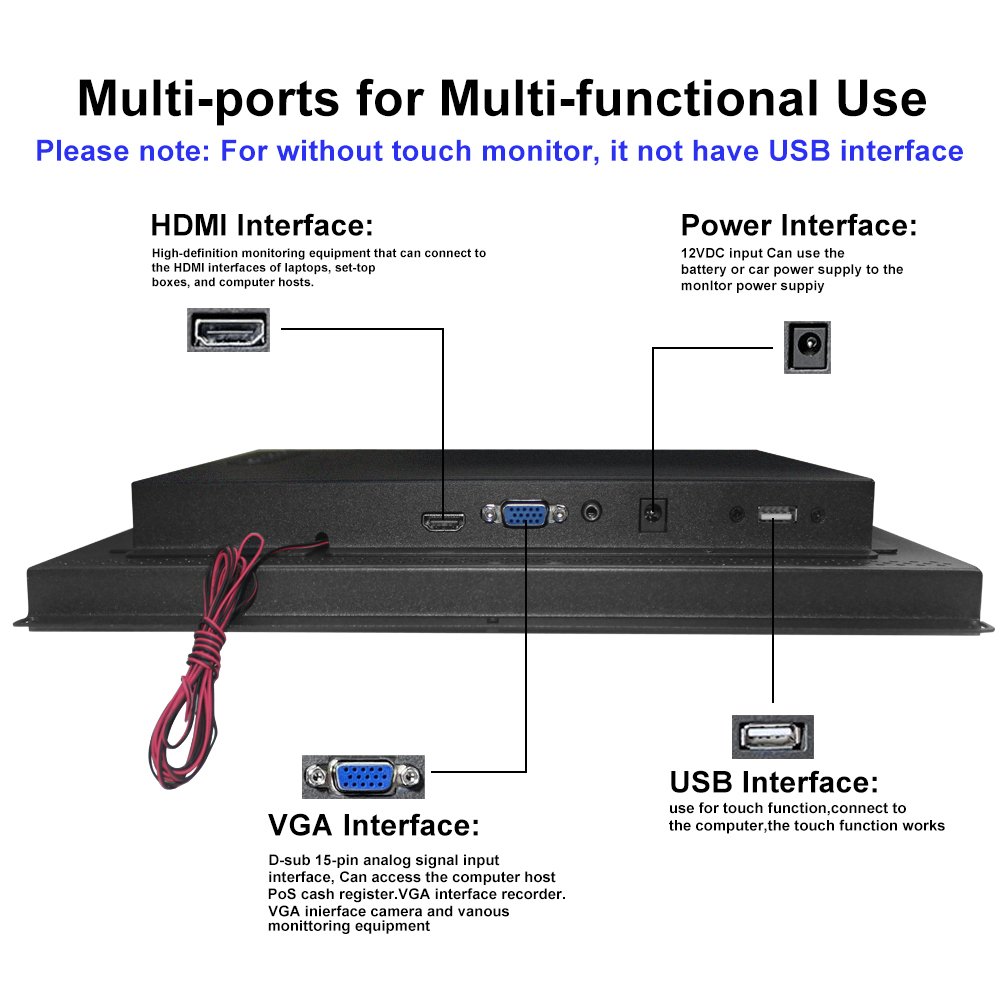
Common project directions include HDMI or VGA signal input, power input, and USB touch connection for the touch function.
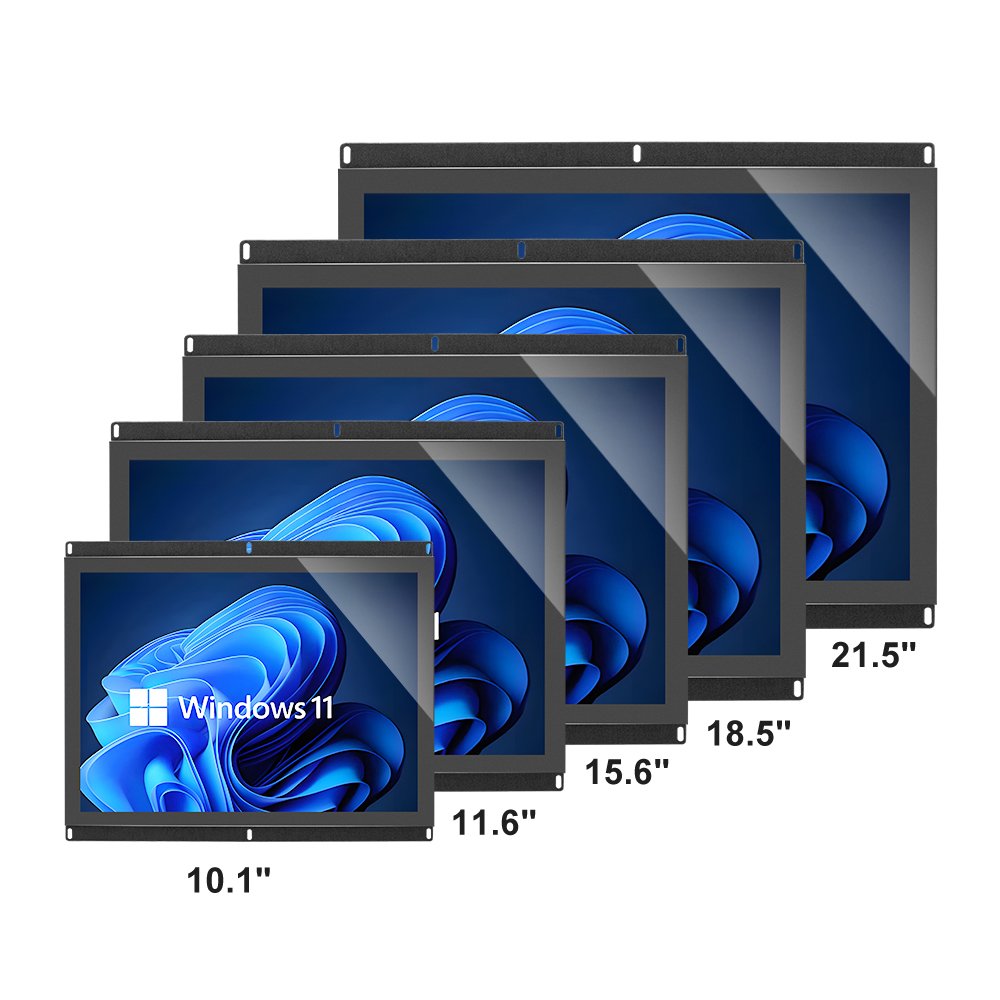
Multiple Size Options
Available in different sizes to support compact control panels, medium kiosks, and larger equipment interfaces.
Driver-Friendly Touch Support
Touch function can be configured for common operating system environments according to project requirements.
OEM / ODM Customization
Mounting ears, cable direction, glass, interface layout, and structure can be customized for embedded equipment design.
Why Open Frame Design Matters
Easier OEM Enclosure Design
The open frame structure gives equipment manufacturers more freedom to design their own front bezel, cabinet, or outer housing.
Better Embedded Installation
It can be installed behind a front panel or integrated into a machine body, making the final product look cleaner and more unified.
More Flexible Service Access
Cable routing, rear access, mounting points, and maintenance space can be planned around the final equipment structure.
Suitable for Scale Production
Once the structure is confirmed, open frame monitors are practical for repeated OEM equipment production and model extension.
Typical Applications
Industrial HMI
Machine control panels, embedded operator interfaces, production equipment, and control cabinet integration.
Self-Service Kiosk
Ticketing machines, check-in terminals, payment kiosks, vending systems, and public service equipment.
Retail and POS Equipment
POS terminals, cashier systems, product selection displays, and customer-facing interactive machines.
OEM Embedded Devices
Custom equipment that needs a touch display integrated behind a front panel or inside a dedicated housing.
Typical Specification Direction
This page describes an open frame monitor product family. The quotation and approved drawing identify the selected LCD, PCAP sensor, driver board, supply voltage, bracket and connector layout. Request a configuration record for the sample, including display size and resolution, touch controller, mounting drawing and cable set. Available family options are confirmed for the selected configuration.
| Item | Typical Direction |
|---|---|
| Product Type | Open frame touch screen monitor |
| Touch Technology | Projected capacitive multi-touch |
| Touch Function | USB touch connection direction for touch-enabled versions |
| Signal Input | HDMI / VGA direction depending on model and project requirement |
| Power Input | Configured according to product design and customer system requirement |
| Size Options | Multiple size options for compact, medium, and larger embedded equipment |
| Mounting Structure | Open frame bracket / mounting ears / embedded installation direction |
| System Support | Common Windows / Android / Linux project directions can be reviewed |
| Front Glass | Cover glass and touch surface can be customized according to application |
| Customization | Size, interface, mounting, cable direction, touch tuning, glass, and branding |
Customization Options
- Screen size and display panel selection
- Open frame bracket and mounting ear design
- HDMI / VGA / USB touch interface direction
- Power input and cable routing configuration
- Front glass thickness and treatment
- Touch tuning and controller configuration
- Operating system compatibility review
- Rear housing and heat dissipation direction
- Logo, silk printing, and cosmetic customization
- OEM / ODM development for embedded equipment
Replacing an Existing Embedded Touch Monitor
When an open frame monitor is used to replace an older embedded display, first confirm whether the old unit was only a display and touch device or whether it also contained computing hardware. If software, operating system or PLC communication must move, compare the replacement plan with the HMI replacement guide before treating the monitor as a drop-in part.
Video Interface vs Touch Interface
Video and touch should be checked separately. HDMI, VGA, LVDS, eDP or MIPI DSI describe display signal paths; USB, I2C or serial connections describe touch-controller communication. A matching interface name is not a compatibility guarantee, especially when connector, pinout, timing, cable length, firmware or host driver requirements differ. Use the industrial display interface guide for the detailed review path.
Mechanical Fit Before Sample
Before sample release, confirm the drawing rather than relying only on screen size. The review should include view area, active area, outer dimension, mounting ears, screw position, front bezel clearance, cable bend radius, FPC protection, metal frame grounding and whether the sensor active area stays clear of conductive edges.
Frequently Asked Questions
What is an open frame touch screen monitor?
Where is an open frame touch monitor commonly used?
Does the touch function require USB connection?
Can the mounting bracket be customized?
Can you provide multiple sizes?
Need an open frame touch screen monitor for your OEM project?
Share your enclosure size, screen size, mounting method, interface requirement, touch function, and operating environment. We can help review the structure and recommend a suitable open frame touch monitor solution.
Open Frame Touch Screen Monitor for OEM HMI Kiosk Integration Engineering Information
Open Frame Touch Screen Monitor for OEM HMI Kiosk Integration is a custom size industrial touch screen monitor for embedded display, OEM equipment, kiosk and HMI integration. It should be reviewed with LCD model, touch interface, video input, backlight, bonding and mechanical mounting so Ever Glory can confirm integration risk before sampling or quotation.
- Product Category
- Touch Screen Monitor
- Product Role
- industrial touch screen monitor
- Size / Format
- custom size
- Best Fit
- embedded display, OEM equipment, kiosk and HMI integration
- Review Focus
- LCD model, touch interface, video input, backlight, bonding and mechanical mounting
- Customization
- Cover glass, touch tuning, mounting structure, interface configuration, branding, bonding and enclosure fit
Information Needed for Review
- Mechanical drawing, target installation space and custom size display or housing requirement.
- LCD model, touch interface, video input, backlight, bonding and mechanical mounting.
- Operating environment, brightness, temperature, IP rating, vibration, cleaning or glove-touch expectations.
- Target quantity, certification needs, cable direction, connector position and production schedule.
Typical Applications
OEM equipment, kiosks, self-service terminals, medical devices, POS systems and industrial control interfaces.
Suitable for projects where display integration, touch stability and mechanical fit require confirmation before production.
Compare related Ever Glory products in the Touch Screen Monitor category for similar integration requirements.
Common Engineering Questions
Is this industrial touch screen monitor ready for direct installation?
It depends on the final enclosure, interface, power, mounting and software environment. Ever Glory reviews the drawings and application before confirming a production-ready solution.
What information helps confirm feasibility faster?
Send LCD model, touch interface, video input, backlight, bonding and mechanical mounting, mechanical drawings, operating environment, target quantity and any branding or certification requirements.
Can Ever Glory customize this product?
Yes. Common customization includes cover glass, touch controller tuning, bonding, brightness, interface, housing, cable direction, logo printing and mounting structure.
For an accurate quotation, send drawings and application details instead of only screen size.
Related products
- Touch Screen Monitor
Monitor Touchscreen – Durable and Responsive Display Solution for Industrial Use