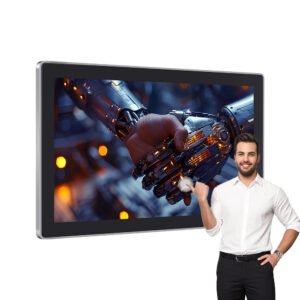
Wall Mount Touch Screen Monitor
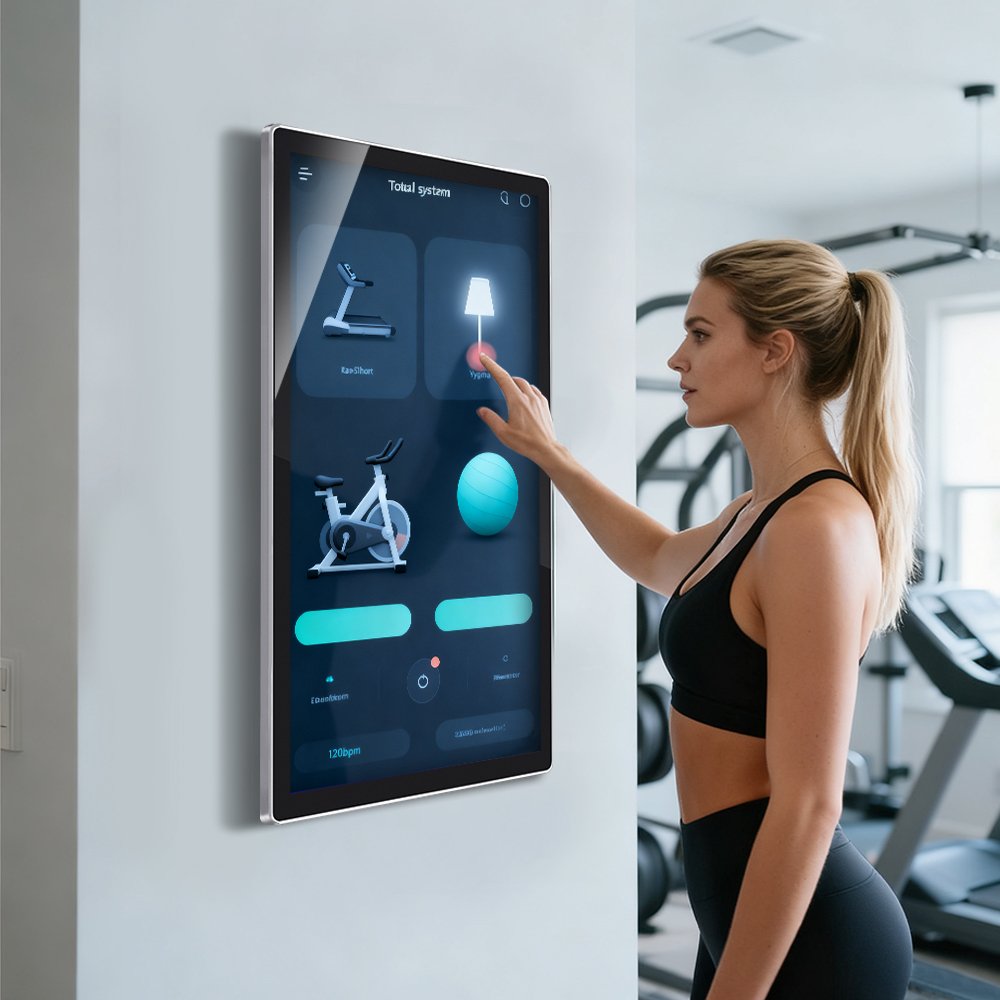
A wall mount touch screen monitor designed for industrial HMI, building automation, fitness control systems, self-service terminals, medical interfaces, and commercial interactive displays. With a slim front design, capacitive touch support, and flexible system configuration, it is suitable for projects that need a clean wall-mounted interactive interface instead of a desktop display.
Wall mount / VESA-style direction
PCAP multi-touch
HMI, fitness, kiosk, automation
Flat, clean, equipment-facing interface
Touch monitor or touch all-in-one
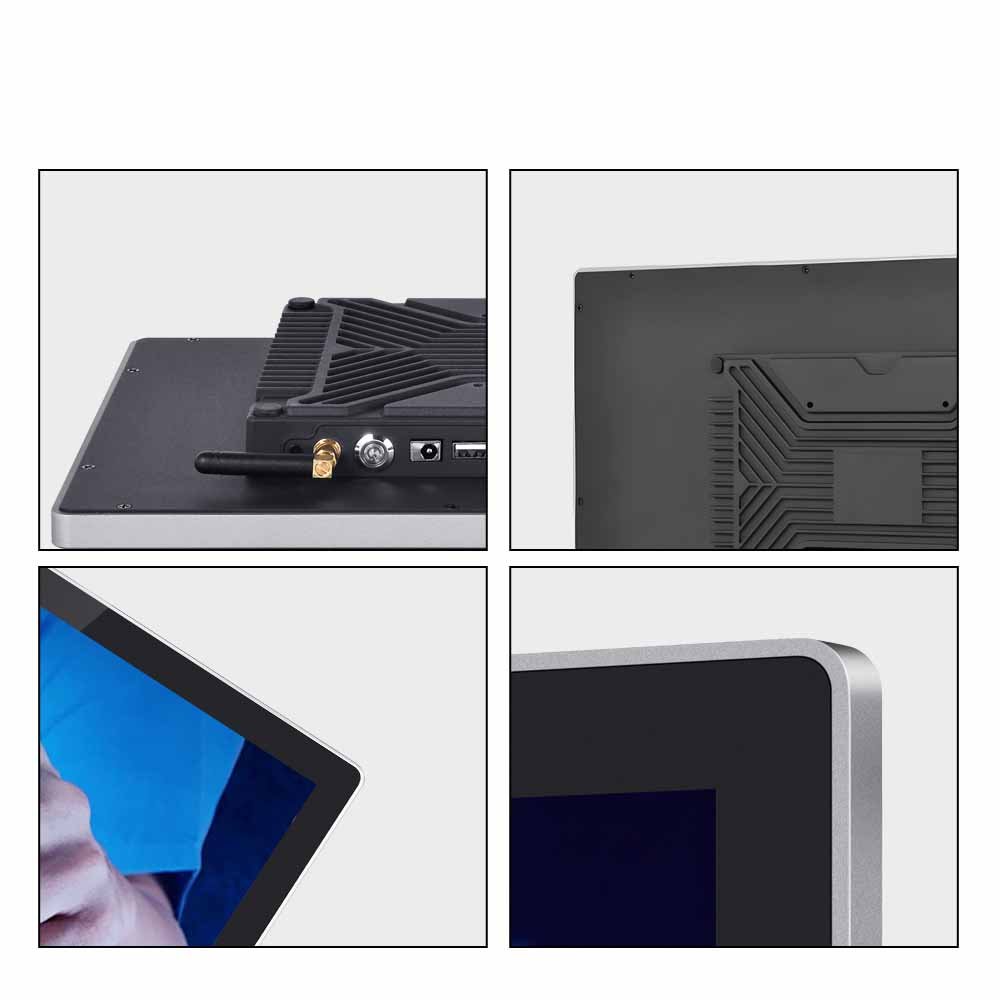
Glass, interface, housing, OS, branding
A Clean Wall-Mounted Interactive Display for Equipment and Public Spaces
A wall mount touch screen monitor is selected when the interface needs to be fixed on a wall, column, cabinet, or equipment surface while remaining easy for users to access. It helps create a cleaner installation than desktop monitors and gives OEMs and system integrators more freedom when designing smart control systems or interactive terminals.
This product direction is suitable for projects that need a stable touch display in fixed-position use cases, such as building control panels, gym equipment interfaces, factory dashboards, service terminals, and medical or commercial operator screens.
Product Image Direction

Key Features
Wall-Mounted Installation
Designed for fixed-position installation on walls, equipment surfaces, columns, cabinets, or terminal structures.
Capacitive Multi-Touch
Supports smooth projected capacitive touch interaction for control, service, and commercial interface applications.
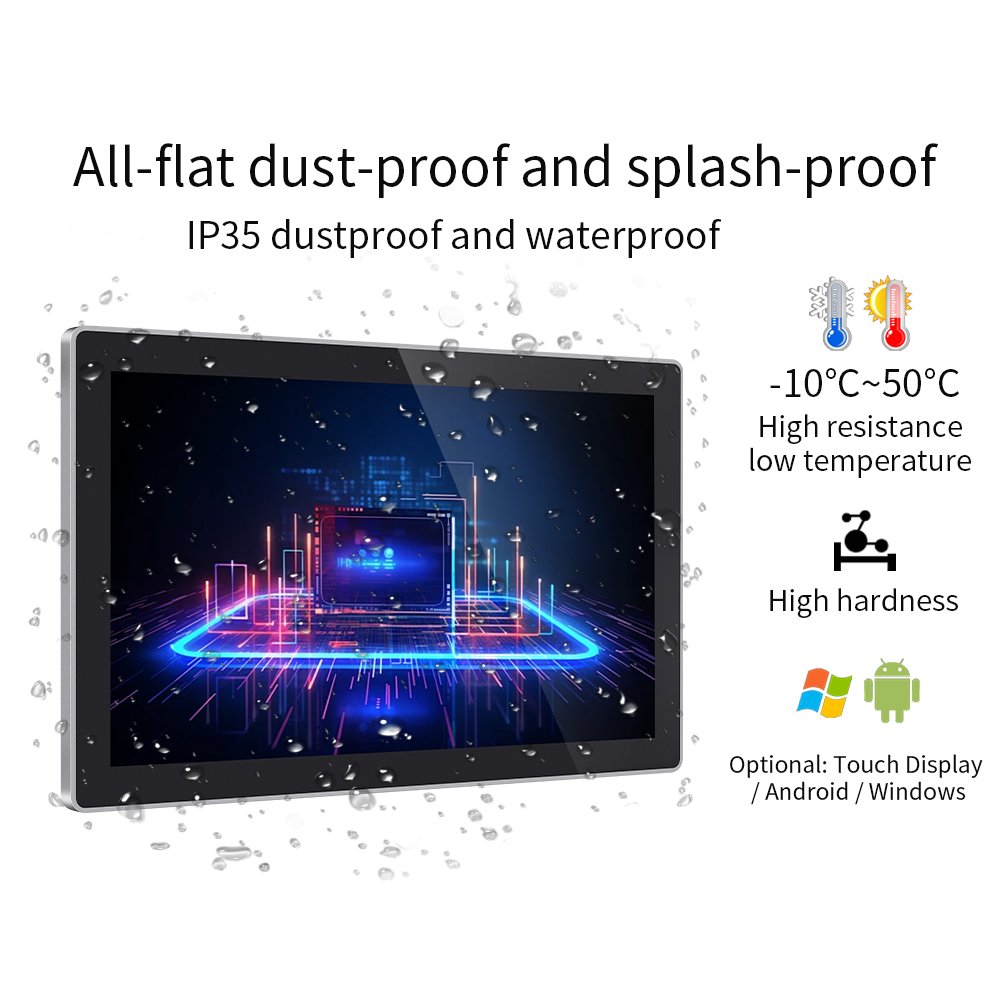
Flat Front Surface
A clean front design helps reduce dust accumulation and makes the surface easier to wipe in daily use.
Touch Monitor or All-in-One Option
Can be developed as a touch display or touch all-in-one system depending on the project architecture.
System and Interface Flexibility
Interface, operating platform, and board-level configuration can be reviewed according to the application need.
OEM / ODM Customization
Housing, cover glass, branding, mounting structure, and front-surface options can be customized for equipment projects.
Why Wall Mount Design Matters
Saves Desktop and Equipment Space
Wall mounting keeps the interface accessible without occupying workbench, kiosk counter, or machine-side surface space.
Improves Fixed-Position Operation
The touch interface can be placed at an ergonomic position for operators, visitors, patients, or end users.
Creates a Cleaner System Appearance
A wall-mounted design helps equipment manufacturers and integrators create a more professional and integrated installation.
Supports Multiple System Roles
The same product direction can support interactive dashboards, control panels, fitness equipment interfaces, and self-service terminals.
Typical Applications
Fitness and Smart Gym Systems
Wall-mounted fitness control panels, training dashboards, and interactive equipment interfaces.
Building Automation
Lighting, HVAC, access control, room management, and smart facility control interfaces.
Industrial Dashboards
Factory monitoring screens, status terminals, and machine-side operator displays.
Medical and Commercial Terminals
Clinical operator panels, patient check-in terminals, service screens, and public interactive displays.
Typical Specification Direction
Final specifications depend on the selected size, display panel, housing direction, system configuration, and installation requirement. The table below is intended as a product-family overview.
| Item | Typical Direction |
|---|---|
| Product Type | Wall mount touch screen monitor / wall mount touch all-in-one option |
| Touch Technology | Projected capacitive multi-touch |
| Mounting Direction | Wall mount / VESA-style / fixed equipment-facing installation |
| Front Structure | Flat front surface for cleaner appearance and easier wiping |
| System Options | Touch monitor configuration or touch all-in-one configuration by project |
| Interface Options | Configured according to display, control board, and system requirement |
| Front Protection | Splash-resistant or dust-resistant direction can be reviewed according to target rating |
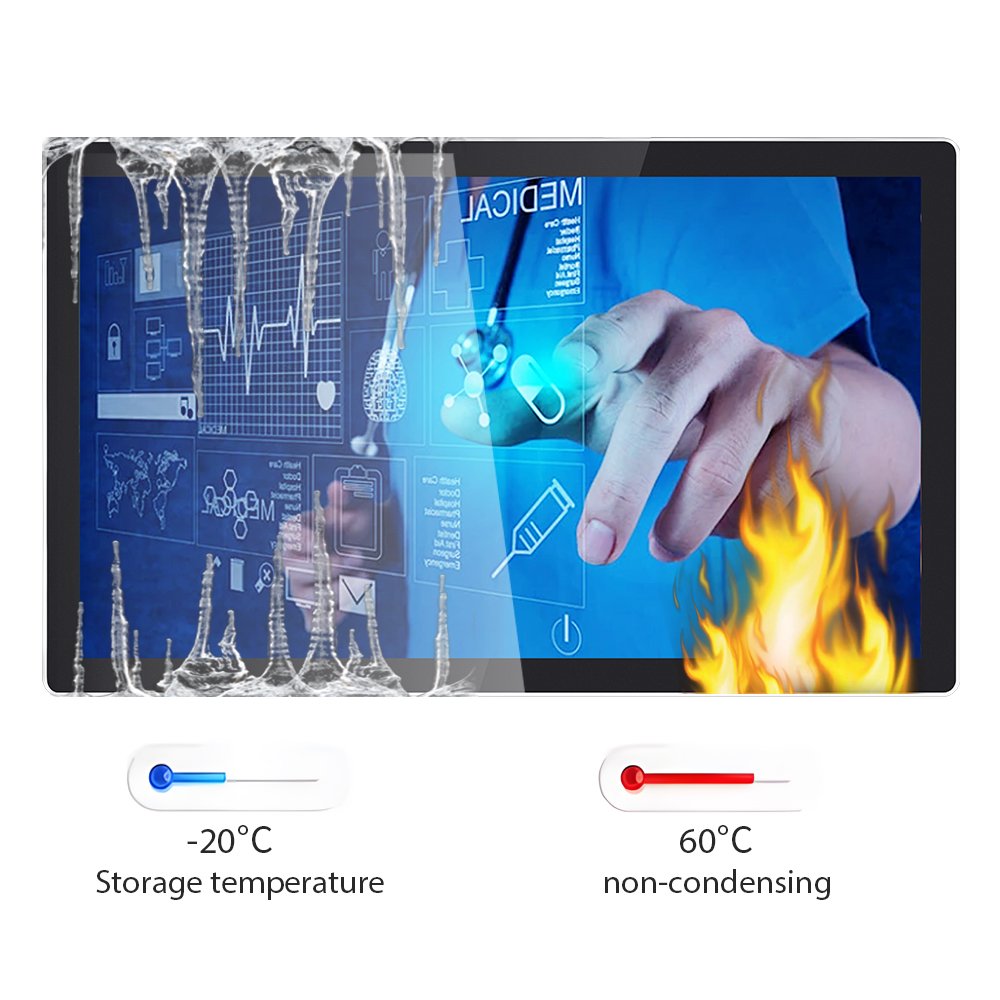
| Temperature Direction | Project-based operating or storage range depending on selected platform and structure |
| Operating System Direction | Android / Windows / board-level options can be discussed for all-in-one projects |
| Customization | Housing, glass, system platform, interfaces, branding, and mounting details |
Customization Options
- Wall mount or VESA-style structure direction
- Housing thickness and rear cover design
- Flat front glass and edge treatment
- Touch tuning and multi-touch configuration
- Interface and system platform configuration
- Android or Windows all-in-one direction
- LAN, USB, HDMI, Wi-Fi, and other interface planning
- Branding, logo, and cosmetic customization
- Front protection and sealing review
- OEM / ODM structure development for fixed installation
Frequently Asked Questions
What is a wall mount touch screen monitor used for?
Can this product be supplied as a touch all-in-one system?
Does it support Android or Windows?
Can the housing and mounting structure be customized?
Is it waterproof and dustproof?
Need a wall mount touch screen monitor for your project?
Share your application, installation method, screen size, system platform, interface requirement, and front protection target. We can help review the structure and recommend a suitable wall mount touch monitor solution.
Wall Mount Touch Screen Monitor for Industrial Commercial Use Engineering Information
Wall Mount Touch Screen Monitor for Industrial Commercial Use is a custom size industrial touch screen monitor for industrial HMI, kiosk, POS, medical, control and commercial equipment projects. It should be reviewed with display input, touch interface, mounting, enclosure, power and operating environment so Ever Glory can confirm integration risk before sampling or quotation.
- Product Category
- Touch Screen Monitor
- Product Role
- industrial touch screen monitor
- Size / Format
- custom size
- Best Fit
- industrial HMI, kiosk, POS, medical, control and commercial equipment projects
- Review Focus
- display input, touch interface, mounting, enclosure, power and operating environment
- Customization
- Cover glass, touch tuning, mounting structure, interface configuration, branding, bonding and enclosure fit
Information Needed for Review
- Mechanical drawing, target installation space and custom size display or housing requirement.
- display input, touch interface, mounting, enclosure, power and operating environment.
- Operating environment, brightness, temperature, IP rating, vibration, cleaning or glove-touch expectations.
- Target quantity, certification needs, cable direction, connector position and production schedule.
Typical Applications
OEM equipment, kiosks, self-service terminals, medical devices, POS systems and industrial control interfaces.
Suitable for projects that need stronger enclosure design, stable touch performance and long-term field reliability.
Compare related Ever Glory products in the Touch Screen Monitor category for similar integration requirements.
Common Engineering Questions
Is this industrial touch screen monitor ready for direct installation?
It depends on the final enclosure, interface, power, mounting and software environment. Ever Glory reviews the drawings and application before confirming a production-ready solution.
What information helps confirm feasibility faster?
Send display input, touch interface, mounting, enclosure, power and operating environment, mechanical drawings, operating environment, target quantity and any branding or certification requirements.
Can Ever Glory customize this product?
Yes. Common customization includes cover glass, touch controller tuning, bonding, brightness, interface, housing, cable direction, logo printing and mounting structure.
For an accurate quotation, send drawings and application details instead of only screen size.