Industrial Touch NW01 Series (PCAP Touch Screen Monitor) for HMI & Terminals
NW01 is a deployment-oriented monitor series designed for stable operation in real environments. This industrial touch screen monitor series targets OEM and system integrators building HMIs, kiosks, control stations and public terminals—where field stability matters more than “lab specs”.
- Best for: industrial HMI cabinets, kiosks & terminals, control rooms, operator stations
- Key options: high brightness, glare control (AG/AR/AF), optical bonding, front sealing strategy (project-based) for an industrial touch screen monitor series.
- Engineering focus: mounting stress control, grounding reference, cable routing validation after assembly
Request a Spec Review — share target size, brightness, and enclosure constraints.
Key highlights
Stable PCAP touch for real deployment
Designed to reduce common field issues such as ghost touch and drift by focusing on integration constraints and post-assembly validation. The industrial series ensures stable PCAP touch functionality.
Readability strategy
For bright environments, combine brightness target with glare control and (optional) optical bonding to improve contrast and reduce reflections.
OEM/Integrator friendly
Configuration options across size, mounting, interfaces, and sealing strategy help shorten iteration cycles and reduce integration risk within the monitor series.
What you can configure
Size & resolution
Select size by viewing distance and UI density. Confirm resolution to match your UI layout and content.
Brightness & surface
Standard/high brightness options. AG/AR/AF surface treatment (project-based) for glare, contrast, and cleanability.
Touch tuning
Multi-touch points and glove/wet behavior (project-based). Validate with real gloves/water film in the final enclosure to tune the industrial touch screen monitor series.
Front sealing strategy
IP performance is a system outcome (glass + gasket + bezel + assembly). Define cleaning and exposure early.
Interfaces & mounting
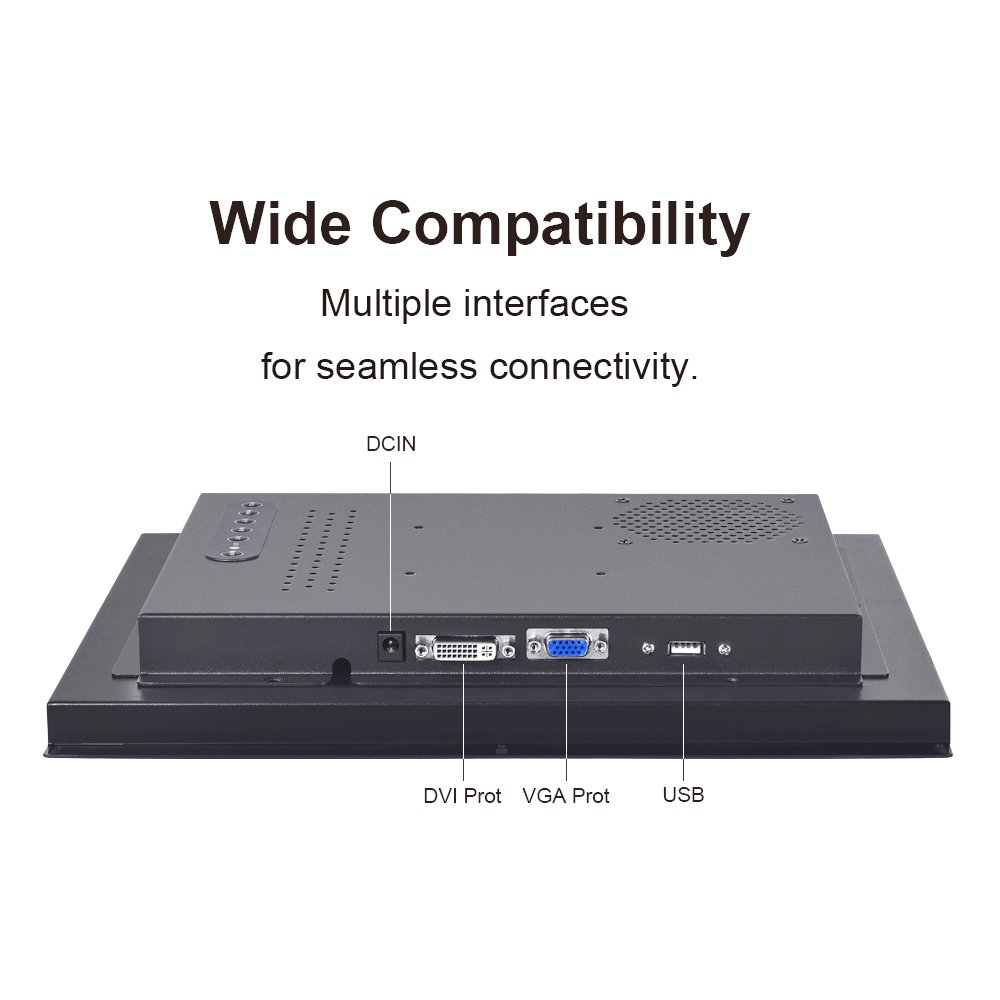
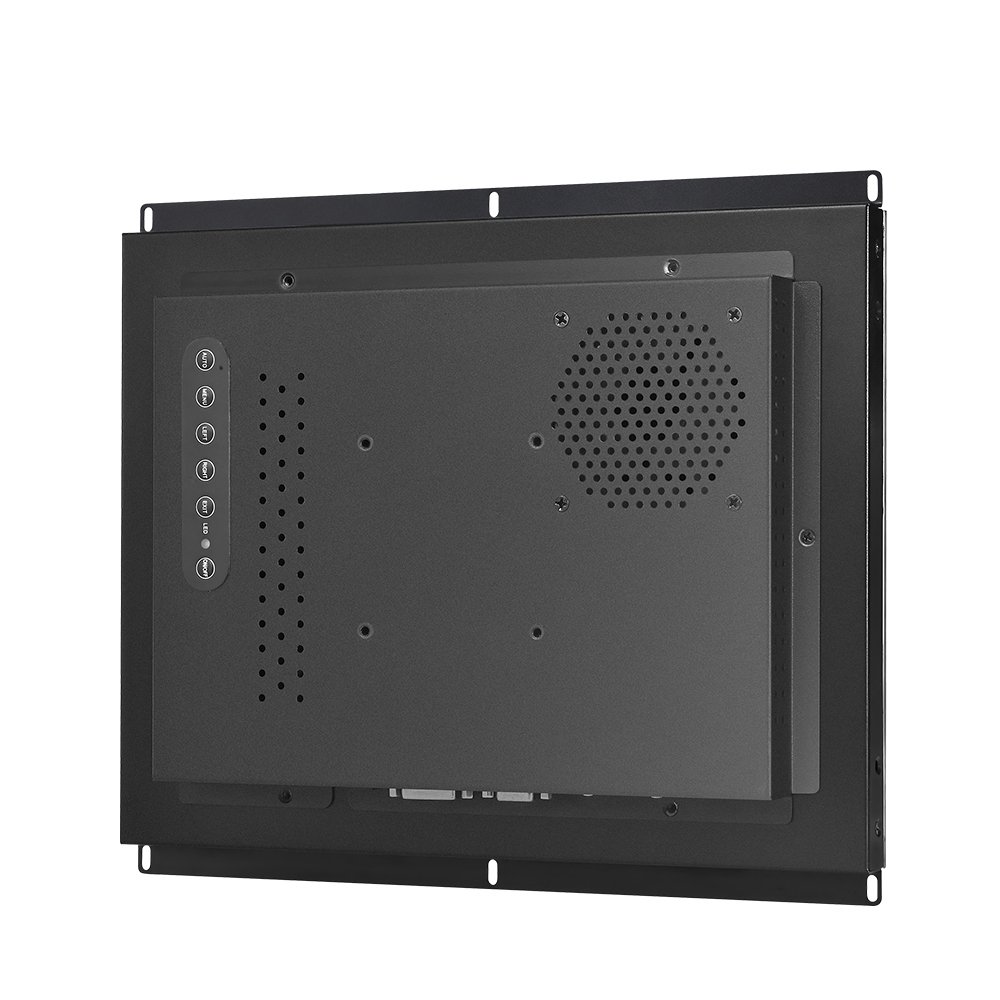
Video + USB touch, mounting method (VESA/panel mount/open-frame) and cable routing constraints.
Optical bonding (optional)
Recommended for bright scenes and reflective installations to improve contrast and reduce reflection in the series.
Browse monitor hub pages:
PCAP Touch Screen Monitor Series |
Touch Screen Monitor Category
Typical configuration table (fill with your real parameters)
| Item | Typical | Options |
|---|---|---|
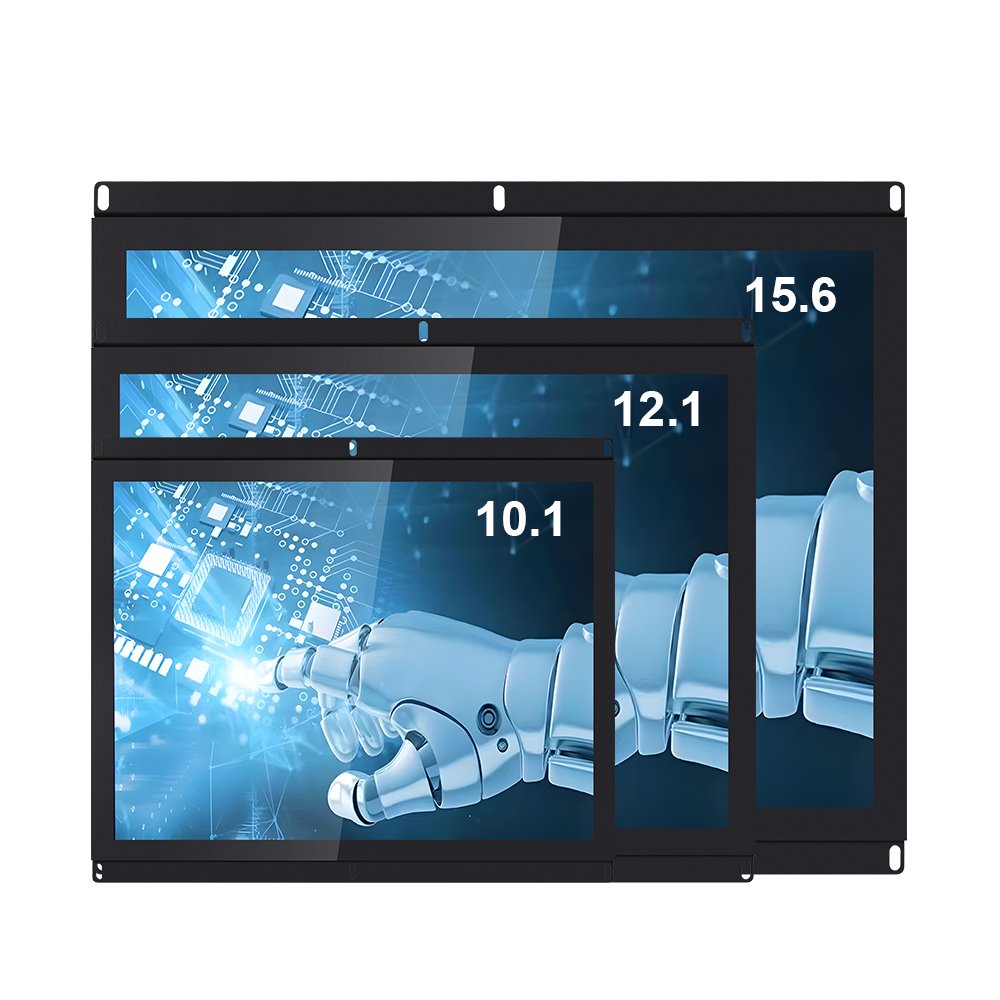
| Size | 10.1/15.6/21.5/27/32 | project-based |
| Resolution | FHD / 1024×768 / other | project-based |
| Brightness | standard | high brightness option |
| Touch | PCAP multi-touch | glove/wet tuning (project-based) |
| Interfaces | HDMI/DP/VGA + USB | by model |
| Mounting | VESA / panel mount | open-frame option |
| Front sealing | optional | by design & assembly |
Integration notes (field stability)
Mechanical stress control
Edge dead zones and drift often appear after mounting. Use uniform support points and controlled torque to avoid uneven bezel pressure.
Grounding & cable routing
Most ghost touch issues trace to EMI noise and grounding reference changes after assembly. Re-test in the final enclosure for the monitor series.
Outdoor/public terminals
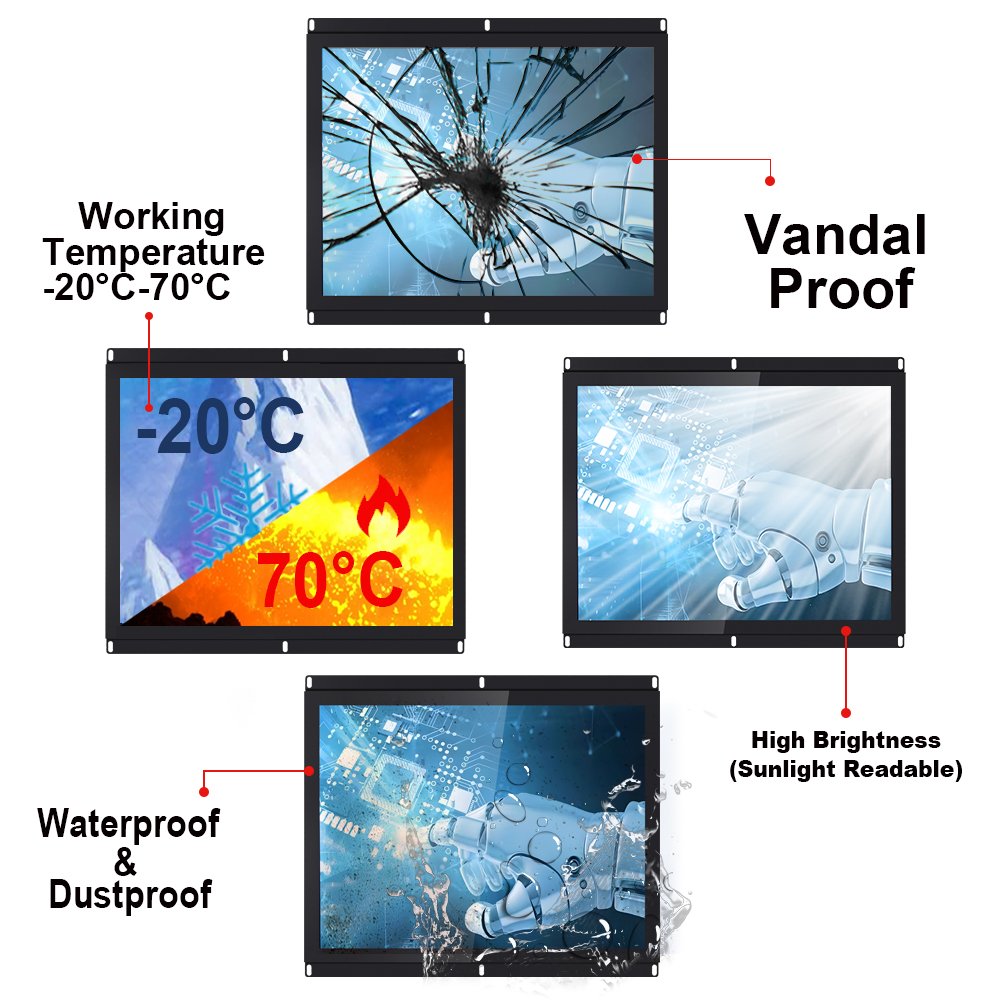
Plan sealing and readability together. Validate wet touch behavior under water film if required for the industrial touch screen monitor series.
Solutions by application:
Industrial Touch Screen Solutions
QA before deployment
We recommend two-stage validation: (1) baseline test on bench, then (2) re-test after enclosure integration.
This prevents “works in lab, fails on site.”
FAQ
Is NW01 a single model or a series?
NW01 is positioned as a series. Final configuration depends on size, brightness, interfaces, sealing target, and mounting constraints.
Can it work with gloves or water on the surface?
PCAP can be tuned for glove and wet touch (project-based). Final validation should be performed in the final enclosure with real gloves and water film for this monitor series.
What do you need for a fast quotation?
Target size, resolution, brightness target, interfaces, environment (dust/water/temperature), and enclosure drawing.
Industrial Touch NW01 Series | Rugged Capacitive Touchscreen Monitor for Industrial Use Engineering Information
Industrial Touch NW01 Series | Rugged Capacitive Touchscreen Monitor for Industrial Use is a custom size industrial touch screen monitor for industrial HMI, kiosk, POS, medical, control and commercial equipment projects. It should be reviewed with display input, touch interface, mounting, enclosure, power and operating environment so Ever Glory can confirm integration risk before sampling or quotation.
- Product Category
- Touch Screen Monitor
- Product Role
- industrial touch screen monitor
- Size / Format
- custom size
- Best Fit
- industrial HMI, kiosk, POS, medical, control and commercial equipment projects
- Review Focus
- display input, touch interface, mounting, enclosure, power and operating environment
- Customization
- Cover glass, touch tuning, mounting structure, interface configuration, branding, bonding and enclosure fit
Information Needed for Review
- Mechanical drawing, target installation space and custom size display or housing requirement.
- display input, touch interface, mounting, enclosure, power and operating environment.
- Operating environment, brightness, temperature, IP rating, vibration, cleaning or glove-touch expectations.
- Target quantity, certification needs, cable direction, connector position and production schedule.
Typical Applications
OEM equipment, kiosks, self-service terminals, medical devices, POS systems and industrial control interfaces.
Suitable for projects that need stronger enclosure design, stable touch performance and long-term field reliability.
Compare related Ever Glory products in the Touch Screen Monitor category for similar integration requirements.
Common Engineering Questions
Is this industrial touch screen monitor ready for direct installation?
It depends on the final enclosure, interface, power, mounting and software environment. Ever Glory reviews the drawings and application before confirming a production-ready solution.
What information helps confirm feasibility faster?
Send display input, touch interface, mounting, enclosure, power and operating environment, mechanical drawings, operating environment, target quantity and any branding or certification requirements.
Can Ever Glory customize this product?
Yes. Common customization includes cover glass, touch controller tuning, bonding, brightness, interface, housing, cable direction, logo printing and mounting structure.
Related Ever Glory Products
For an accurate quotation, send drawings and application details instead of only screen size.