
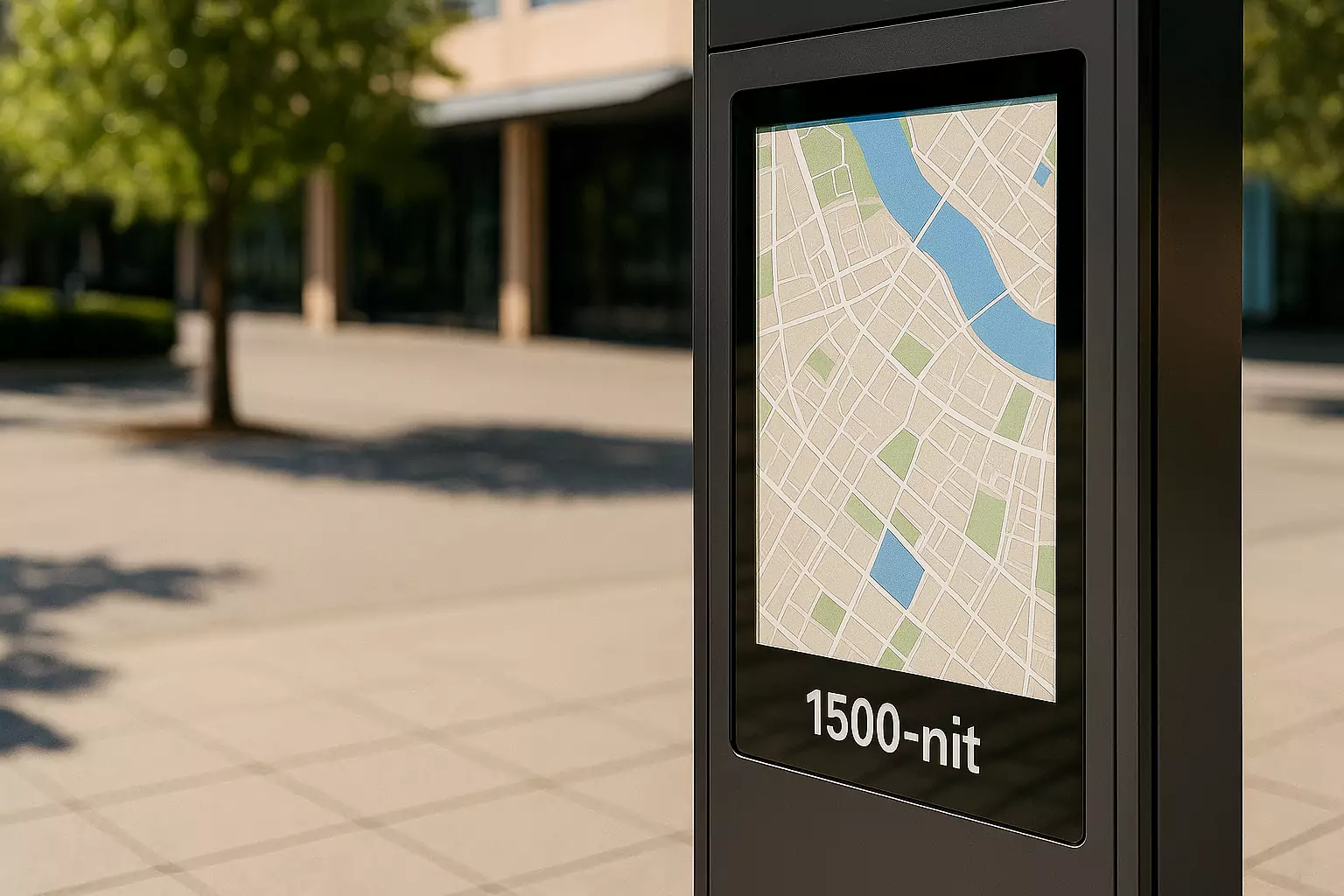
A 1,000-nit screen can be usable in sunlight when reflections and viewing conditions are controlled. It is not a universal direct-sun threshold. For an outdoor kiosk, EV charger or industrial HMI, compare sustained brightness through the complete cover and touch stack.
Start with the 500-, 1,000- and 1,500-nit candidate comparison, identify the strongest reflection and heating conditions, then use the test record to decide whether the actual interface meets your reading and touch requirements.
Is 500, 1,000 or 1,500 nits enough for sunlight?
These are nominal comparison candidates, not validated sunlight thresholds. First identify your exposure and optical construction; the required output is the one that meets the agreed interface task in the completed equipment.
| Nominal brightness | Where to evaluate it | Main limitation to check |
|---|---|---|
| Around 500 nits | Covered equipment or a well-shaded location with controlled reflections. | Direct sun or a bright reflected sky can overwhelm the image. Do not assume indoor readability carries outdoors. |
| Around 1,000 nits | Compare with lower and higher output using the same cover stack, interface and viewing conditions. | Readability still depends on reflection, text size, viewing angle and actual sustained luminance. |
| Around 1,500 nits | Evaluate where a lower-output candidate fails the task after reflection and installation checks. | More brightness adds power and thermal demands; reflected sunlight may remain the limiting factor. |
| Above 1,500 nits | Projects where a tested lower-brightness configuration does not meet the viewing requirement. | Confirm model availability, finished-display output and thermal behavior. A higher number alone does not resolve glare. |
For an equipment project, compare sunlight readable monitors by both their optical configuration and their electrical and mechanical fit. Select a model only after its specifications are confirmed for your application.
What does a nit measure?
One nit equals one candela per square meter (cd/m²), a measure of luminance: how bright a surface appears in a particular direction. Konica Minolta Sensing explains this unit equivalence. Display specifications commonly state the luminance of a white image under defined measurement conditions.
Check where that value was measured. A bare LCD panel’s rating is not necessarily the luminance available through the touch sensor, adhesive, cover glass and coatings of a complete monitor. Ask for the finished assembly’s brightness, its measurement conditions and whether the figure is typical or a guaranteed minimum.
Sunlight is often described in lux, which measures illumination falling on a surface. The NIST SI unit tables distinguish luminance (cd/m²) from illuminance (lux). You cannot convert outdoor lux into a required screen brightness without knowing the display’s optical properties and the viewing conditions.
Shade, direct sun and behind-glass installation
Under a canopy or in partial shade
A canopy can reduce direct illumination and solar heating, but the screen may still reflect bright surroundings. Check the user position throughout the day: an installation shaded at noon can receive low-angle sun in the morning or evening.
In direct sunlight
Evaluate the brightest expected conditions and the angles from which people actually operate the device. A hood, revised mounting angle or better reflection control can be as relevant as additional backlight output. Also test with polarized sunglasses if they are likely to be worn.
Behind an extra protective window
An additional window changes light transmission, reflections and heat flow. Testing a monitor on a bench without that window misses part of the real optical path. Specify the complete front assembly, including any air gap, and test it as installed. For application-specific integration, see the outdoor kiosk and EV charging display guide.
Why reflections can matter as much as nits
Ambient light reflected toward the viewer makes dark areas look brighter and reduces the visible difference between text and its background. This is why a display with strong contrast indoors can appear washed out outdoors.
Optical bonding replaces a selected internal air gap with a transparent bonding material, reducing reflections at those interfaces. Anti-reflective (AR) treatments reduce reflection at treated surfaces; anti-glare (AG) textures spread reflected light. Their results depend on the design, and an aggressive AG texture can affect image clarity. None is a universal substitute for adequate brightness.
Review optical bonding and reflection control when comparing cover glass and touch display constructions.
Peak brightness and sustained brightness are different
A short-duration peak, or a value measured on a small bright area, does not establish the brightness available continuously across your interface. Ask whether the quoted luminance can be maintained with the intended image, operating hours, power supply and temperature.
The enclosure receives heat from the backlight, electronics and sunlight. Some systems reduce brightness when temperature rises. A room-temperature demonstration can therefore look different from equipment operating outdoors for hours. Confirm temperature-related dimming behavior and test after temperatures stabilize.
Automatic brightness adjustment can support daytime visibility and reduce excessive brightness at night. Position the ambient-light sensor carefully and verify its response in the final housing; a shaded or obstructed sensor may not represent the light reaching the screen.
What to test before selecting an outdoor display
- Define the viewing task. Specify reading distance, smallest essential text, control sizes and expected viewing angles.
- Document the location. Record orientation, shade, direct-sun periods, protective windows and expected ambient temperatures.
- Set acceptance criteria. Agree which information users must read and which actions they must complete under the defined conditions.
- Compare complete assemblies. Use the intended touch sensor, bonding, cover glass, enclosure and production interface.
- Check continuous operation. Record luminance, relevant component temperatures and any dimming after the system stabilizes.
Use the complete outdoor display selection guide to extend this brightness check to touch performance, sealing, interfaces and mounting.
Use the same record for every brightness candidate
Copy this blank record for each candidate. Agree acceptance criteria before testing and use the actual enclosure, front window and interface. Record any changed condition so the comparison stays meaningful.
Candidate model / revision / date: To complete
LCD + touch + bonding + cover/window construction: To complete
Quoted nits / measurement object / typical or minimum: To complete
Brightness setting / displayed interface / operating load: To complete
Location / shade or sun / orientation / viewing angle: To complete
Ambient illuminance / instrument / measurement position: To complete
Ambient and relevant component temperatures / measurement points: To complete
Stabilization criterion and operating time: To complete
Finished-display luminance / instrument / image pattern: To complete
Any dimming or brightness variation: To complete
Smallest essential text / reading distance / required touch task: To complete
Observed result against agreed acceptance criteria: To complete
Photo reference / fixed exposure settings / next action: To complete
Choose the next change from the observed limitation
- A bright reflection obscures text at one viewing position: compare angle, shade and the relevant optical surface before increasing output.
- Readability changes as the equipment warms: record temperature and dimming together, then review sustained-output limits.
- The task remains difficult under matched conditions: compare another brightness candidate or revise interface contrast and text size.
These are selection steps, not recorded test outcomes. For the wider purchase decision, use the outdoor display RFQ worksheet.
Frequently asked questions
Is 1,000 nits enough to see a screen in the sun?
It can be sufficient in some installations, particularly with controlled reflections and suitable viewing angles. It is not a universal direct-sun threshold. Test the finished display at the expected ambient light and operating temperature.
Does an anti-glare screen remove the need for high brightness?
No. Anti-glare treatment changes how reflections are distributed; it does not generate additional display light. Choose the surface treatment and brightness together.
Can I put a bright indoor monitor outdoors?
Brightness alone does not establish outdoor suitability. The monitor and enclosure also need appropriate temperature limits, moisture protection, materials and thermal management for the installation.
Does sunlight readable mean waterproof?
No. Sunlight readability describes visibility. Water protection is a separate requirement, and any specified protection may apply only to the front face when installed as directed.
Sources and applicability
- NIST Guide to the SI, Chapter 4, Tables 2 and 3. Defines luminance in cd/m² and illuminance in lux; these are different photometric quantities.
- Konica Minolta Sensing: Luminance vs. Illuminance. Explains luminance, illuminance and the equivalence of one nit to one cd/m². It does not set a universal outdoor nit requirement.
- EIZO: EIZO Optical Bonding. Explains internal air-gap reflections and their effect on visibility in bright surroundings.
- Ever Glory YL-GZNW01Q121TC-V1 specification, page 1. Source of the listed 300–1000 cd/m² luminance range. This is a specification reference, not the result of a sunlight readability test.
The brightness table compares candidate specifications. This article does not report a new outdoor brightness experiment, and the cited sources do not establish a universal nit threshold.
For a model specification or source-document clarification, contact EverGlory with the model or record identifier.
Choose brightness for your actual installation
Send your completed candidate record or known installation requirements. Include screen size, interface, operating hours and a drawing or photograph of the front window and enclosure.

